

What Are HDMI Cables Used For? Your Complete Guide
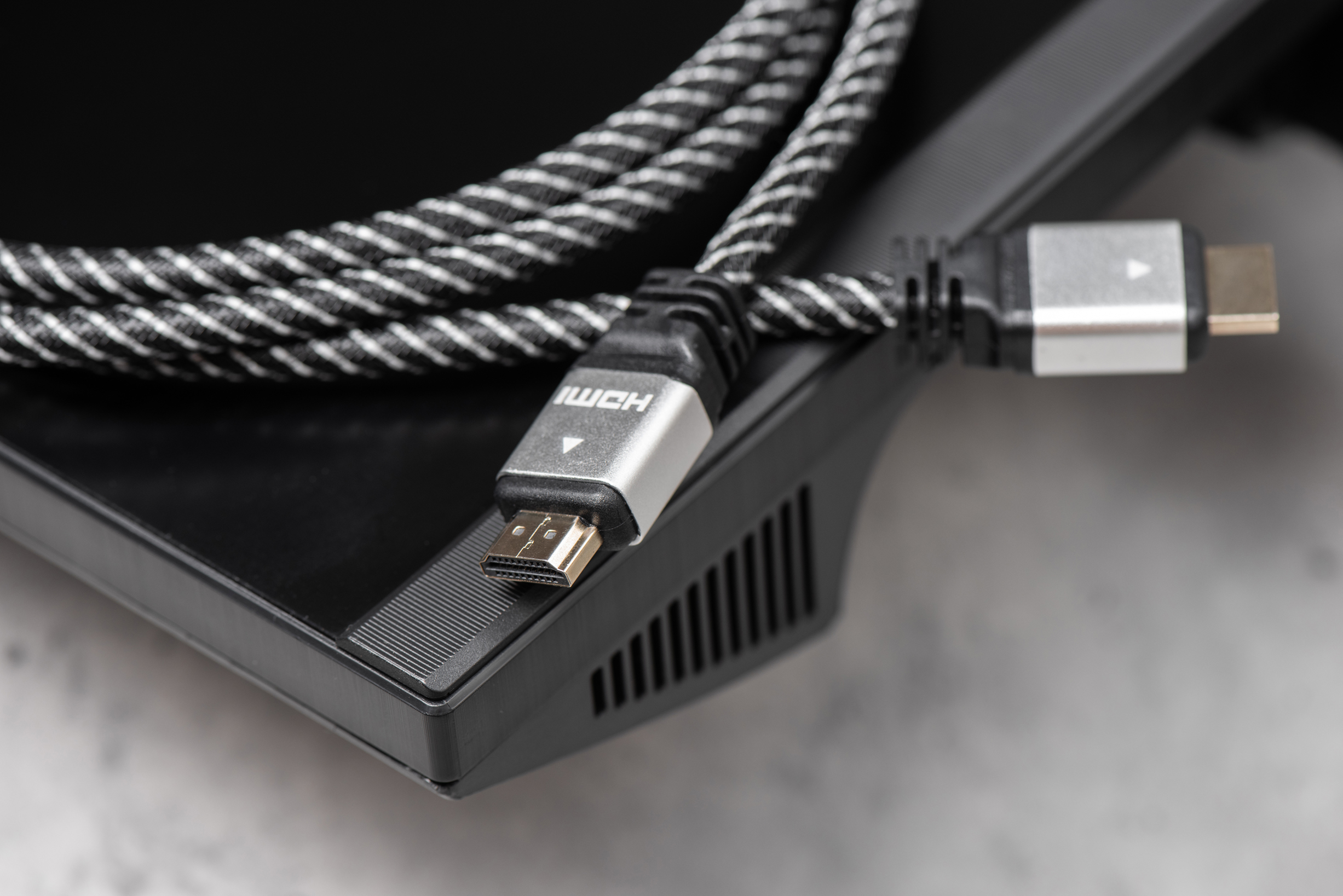
What Are HDMI Cords Used For? A Complete Guide to Understanding HDMI Cables
So, HDMI cables. You have probably plugged one in without thinking too much about it -- grabbed whatever was in the drawer, connected your TV or monitor, and moved on. Fair enough. But if you are trying to set up a home theater, a gaming station, a conference room, or even just figure out why your picture looks off, it actually helps to understand what these cables do and why it matters which one you pick. This guide breaks it all down in plain terms, from what HDMI cables are used for to what you should look for before buying one.
What Is an HDMI Cable and How Does It Work?
HDMI stands for High-Definition Multimedia Interface. It is a standardized connection format that transmits both high-definition video and audio signals through a single cable. Before HDMI came along, you needed separate cables for audio and video -- a tangle of component cables, RCA connectors, and optical lines just to get a clean signal from point A to point B. HDMI simplified all of that. The cable carries an uncompressed digital signal, which means the data is transmitted as-is, with no quality loss during the transfer. Inside the cable are 19 pins handling different signal channels including video, audio, and a data channel called the HDMI Ethernet Channel, which some setups use for network connectivity. It works by sending digital data packets from a source device to a display device, and the handshake process between both ends -- handled by HDCP, the content protection protocol -- confirms compatibility and allows the signal to pass through cleanly.
What Devices Use HDMI Cables?
This is actually a longer list than most people expect. HDMI is used across a wide range of consumer electronics and professional AV equipment. Some of the most common use cases include:
- Televisions and computer monitors
- Gaming consoles like PlayStation, Xbox, and Nintendo Switch
- Blu-ray and streaming media players
- Laptops and desktop computers
- Projectors and presentation displays
- AV receivers and soundbars
- Security systems and surveillance monitors
- Digital cameras and camcorders
- Set-top boxes and cable receivers
- Commercial displays and digital signage
In short, if a device outputs or displays video, there is a good chance it has an HDMI port somewhere on it. The port itself can vary -- full-size HDMI, Mini HDMI, and Micro HDMI are the three physical connector types -- but they all carry the same type of signal. Adapters and cables with different ends on each side are widely available for situations where the source and display use different port sizes.
HDMI Cable Versions Explained: Which One Do You Actually Need?
Here is where things get a little technical, but it is worth knowing. HDMI has gone through several specification versions over the years, and each one introduced new capabilities. HDMI 1.4 supports 1080p and basic 4K at limited frame rates, along with 3D video and the Ethernet channel. HDMI 2.0 bumped 4K support up to 60 frames per second and expanded audio channel support. HDMI 2.1 is the current high-performance standard, supporting up to 10K resolution, 4K at 120Hz, 8K at 60Hz, variable refresh rate (VRR), and enhanced audio return channel (eARC). If you have a newer gaming console or a high-refresh-rate TV, HDMI 2.1 is what you want. The cable you choose should match or exceed the demands of the devices on both ends of the connection. A cable rated for HDMI 2.0 is not going to unlock the full potential of a device that supports HDMI 2.1 features.
Key Advantages of Using HDMI Cables
There are several solid reasons why HDMI became and remains the dominant standard for AV connectivity. The most practical advantages are worth laying out clearly:
- Single cable for audio and video, reducing cable clutter significantly
- Uncompressed digital signal with no generational quality loss
- Plug-and-play compatibility across most modern devices
- Support for advanced features like HDR, Dolby Atmos, and DTS:X
- ARC and eARC support for two-way audio between TVs and soundbars
- Broad compatibility across consumer and professional equipment
- Supports very high resolutions including 4K, 8K, and beyond
For anyone managing an AV installation -- whether at home or in a commercial setting -- these advantages add up quickly. Fewer cables mean cleaner racks, simpler troubleshooting, and less signal chain complexity overall.
Common Drawbacks and Limitations of HDMI Cables
HDMI is excellent, but it is not without its limitations. The most significant one is cable length. Standard passive HDMI cables start to degrade signal quality beyond about 25 feet, and at longer runs you can see flickering, dropped frames, or no signal at all. For longer installations, active HDMI cables, fiber optic HDMI cables, or HDMI extenders over Cat6 are better solutions. Another limitation is that HDMI is directional -- the source end and the display end are not interchangeable in all cable types, particularly active cables. Compatibility between HDMI versions can also cause confusion. A display that supports HDMI 2.1 will not break if you connect it with an older cable, but you will not get the full feature set. And while HDMI handles most residential and commercial needs well, some professional AV and broadcast environments still rely on SDI connections for longer runs and more robust signal reliability.
HDMI vs. DisplayPort, USB-C, and Other Alternatives
It is fair to wonder how HDMI stacks up against other connection types you might encounter. DisplayPort is commonly found on computer monitors and graphics cards, and it can handle very high refresh rates and resolutions -- often preferred in PC gaming setups. USB-C with Thunderbolt or DisplayPort Alt Mode is increasingly common on laptops and tablets, offering video output alongside data and power delivery in a single compact connector. HDMI, however, has a wider footprint in consumer entertainment devices, AV receivers, and televisions. For most living room, conference room, and home theater setups, HDMI is the go-to standard simply because it is universally supported. The right choice depends on what devices you are working with and what performance you need -- there is no single winner, just the right tool for the job.
Practical Tips for Choosing and Using HDMI Cables
A few things are worth keeping in mind when you are shopping for or using HDMI cables. Match the cable specification to your actual use case rather than always defaulting to the most expensive option -- if you are connecting a standard 1080p display, an HDMI 2.0 cable is more than sufficient. For 4K HDR setups, look for cables rated as Premium High Speed HDMI, which are certified to handle the necessary bandwidth. For 8K or HDMI 2.1 features, look for Ultra High Speed HDMI certification. Do not bend cables at sharp angles or run them through areas with significant electromagnetic interference without proper shielding. Label your cables in complex setups -- it saves a lot of time during troubleshooting. And always check both the source and display device specifications before assuming a cable upgrade will improve your picture quality, because the limiting factor may be the devices themselves.
Understanding HDMI Audio Return Channel (ARC) and eARC
ARC and eARC are features that a lot of people overlook, but they make a meaningful difference in how you set up audio in a home theater or living room environment. Audio Return Channel, introduced in HDMI 1.4, allows a television to send audio back down the HDMI cable to a connected AV receiver or soundbar, eliminating the need for a separate optical or analog audio cable. Enhanced Audio Return Channel, introduced with HDMI 2.1, significantly expands that bandwidth to support lossless audio formats like Dolby TrueHD and DTS-HD Master Audio, as well as object-based formats like Dolby Atmos and DTS:X. To use eARC, both the TV and the connected audio device need to support it, and the cable connecting them needs to be rated for it. It is one of the more useful quality-of-life features in modern AV setups and worth verifying before finalizing any home theater configuration.
Why Monoprice Is the Smart Choice for HDMI Cables
When you are ready to invest in HDMI cables that actually deliver on their specs without overcharging you for branding, Monoprice is the kind of source that makes sense. The product lineup covers everything from standard High Speed cables for everyday home use to certified Premium High Speed and Ultra High Speed options built for 4K HDR, 8K, and HDMI 2.1 applications. Monoprice cables are built with quality materials, tested for real-world performance, and priced in a way that makes outfitting an entire AV rack or home theater system genuinely affordable -- not just technically possible. Whether you are a homeowner upgrading a TV setup or an AV integrator speccing out a commercial installation, there is a cable in the lineup designed for your exact situation. You can explore the full range of high-performance HDMI cables for home theater and professional AV setups directly and find options that match your resolution requirements, run length, and budget without compromise. This is what value-driven performance looks like when a company actually understands what its customers need.
Frequently Asked Questions About HDMI Cables
What are HDMI cables used for?
HDMI cables are used to transmit high-definition digital video and audio signals between devices such as televisions, monitors, gaming consoles, projectors, Blu-ray players, laptops, and AV receivers -- all through a single cable connection.
Does the quality of an HDMI cable affect picture quality?
For digital signals over short distances, cable quality has minimal effect on picture quality as long as the cable meets the required specification for your resolution and bandwidth. Where cable quality matters more is in longer runs, where a poorly shielded or lower-rated cable can cause signal degradation or dropped frames.
What is the difference between HDMI 2.0 and HDMI 2.1?
HDMI 2.0 supports 4K resolution at up to 60Hz with HDR. HDMI 2.1 expands that to support 4K at 120Hz, 8K at 60Hz, variable refresh rate, enhanced audio return channel, and significantly higher overall bandwidth of 48Gbps compared to 18Gbps for HDMI 2.0.
How long can an HDMI cable be before signal quality drops?
Passive HDMI cables reliably carry signals up to about 25 feet. Beyond that, signal degradation can occur. For longer runs, active HDMI cables, fiber optic HDMI cables, or HDMI extenders using Cat6 cabling are recommended to maintain signal integrity.
What does ARC mean on an HDMI port?
ARC stands for Audio Return Channel. It allows a TV to send audio signals back through the same HDMI cable to a connected soundbar or AV receiver, removing the need for a separate audio cable. eARC is the enhanced version that supports higher-quality lossless audio formats.
Can I use any HDMI cable for 4K?
Not all HDMI cables are rated for 4K performance, especially 4K at 60Hz with HDR. You should use a cable labeled as Premium High Speed HDMI, which is certified to handle the 18Gbps bandwidth required for that level of performance. For 4K at 120Hz or 8K, you need an Ultra High Speed HDMI cable rated for 48Gbps.
Are HDMI cables backwards compatible?
Yes, HDMI is backwards compatible. A newer HDMI cable connected to older devices will work, but the connection will operate at the capability level of the lowest-spec device or cable in the chain. You will not get HDMI 2.1 features from a device that only supports HDMI 2.0.
What is the difference between full-size, Mini, and Micro HDMI connectors?
Full-size HDMI is the standard connector found on most TVs, monitors, and consoles. Mini HDMI is a smaller version used on some cameras and tablets. Micro HDMI is the smallest and appears on compact devices like smartphones and action cameras. All three carry the same signal type.
Do expensive HDMI cables perform better than budget options?
For most home and professional applications, a properly rated and well-constructed budget HDMI cable will perform identically to a high-priced one over typical cable lengths. The key is ensuring the cable is certified to the correct specification for your use case rather than paying a premium for brand name alone.
Can HDMI cables carry audio without a separate audio cable?
Yes, this is one of the primary advantages of HDMI. The cable carries both video and multi-channel audio simultaneously, supporting formats like stereo, 5.1 surround, 7.1 surround, Dolby Atmos, and DTS:X depending on the cable version and connected device capabilities.


