

Mini DisplayPort Explained: Uses, Benefits, and Adapters
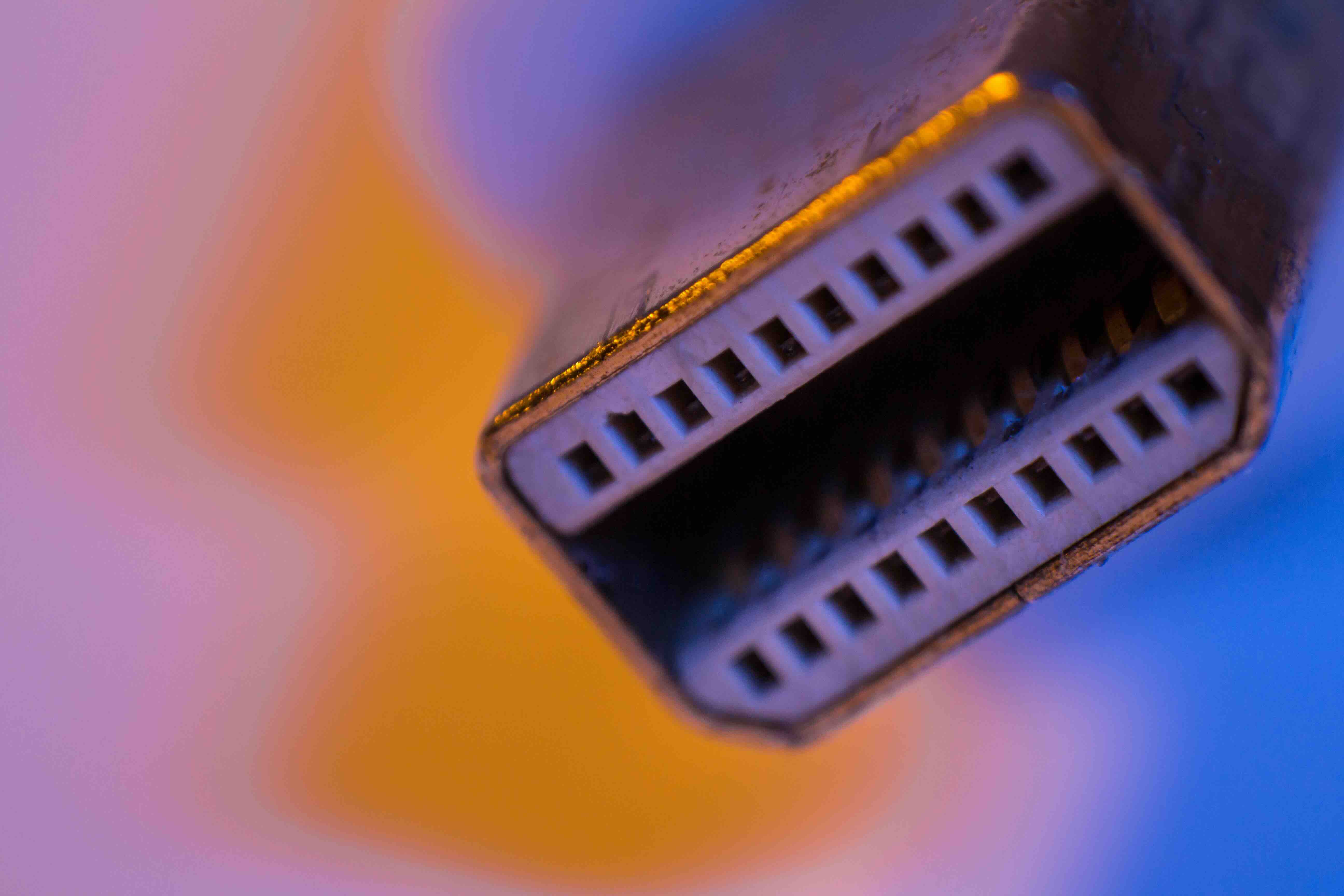
What Is a Mini DisplayPort and Why Does It Still Matter?
So you found a small, rectangular port on the side of your laptop or monitor and you are not entirely sure what it is. Happens more than you would think. That little connector is almost certainly a Mini DisplayPort, and understanding what it does, how it compares to other video output standards, and when you actually need one is worth a few minutes of your time. It is a smarter connector than most people give it credit for, and depending on your setup, it might be exactly what you need to push high-quality video to an external display.
The Origins of Mini DisplayPort: Where Did It Come From?
Mini DisplayPort, often abbreviated as mDP, was developed by Apple in collaboration with VESA and introduced back in 2008. Apple originally designed it to replace the older DVI and VGA connectors on its MacBook line, opting for something physically smaller but technically capable of handling significantly higher bandwidth. VESA, the Video Electronics Standards Association, then standardized it and opened it up for broader industry adoption. From there, it found its way into PCs, workstations, graphics cards, and professional monitors. So while Apple kicked things off, the technology quickly became a cross-platform standard used across the industry. Microsoft Surface devices, for instance, relied on Mini DisplayPort for years as their primary video output. It is one of those connectors that quietly does a lot without getting much attention.
How Mini DisplayPort Actually Works
At its core, Mini DisplayPort uses the DisplayPort protocol, which is a packetized data transmission standard, somewhat similar in concept to how data moves over a network but designed specifically for audio and video signals. Unlike HDMI, which was originally designed with consumer home theater in mind, DisplayPort was built for the PC and professional display market from the ground up. The Mini version is simply a scaled-down physical form factor that carries the exact same signal. It supports High Bit Rate 2, or HBR2, transmission across four lanes, which gives it substantial bandwidth for high-resolution and high-refresh-rate content. One of its more technically interesting features is Multi-Stream Transport, or MST, which allows a single Mini DisplayPort connection to drive multiple monitors in a daisy-chain configuration when paired with compatible displays or adapters. That is not something every connector can claim to do natively.
What Can Mini DisplayPort Actually Handle?
This is where things get practical. A standard Mini DisplayPort 1.2 connection, which is the most commonly found version, supports the following output capabilities:
- Up to 4K resolution at 60Hz
- 1080p and 1440p at high refresh rates including 120Hz and 144Hz
- Multi-monitor daisy chaining via MST technology
- 8-channel audio output
- 3D video signal output for compatible displays
If your setup involves a high-resolution monitor or a multi-display workstation, Mini DisplayPort 1.2 handles it well. Earlier versions like 1.1 top out at 1080p at 60Hz, so it is worth checking what version your specific device supports before assuming full 4K capability. The version number is usually listed in your device's spec sheet or GPU documentation.
Mini DisplayPort vs. Other Connectors: How Does It Compare?
Comparison shopping for ports is genuinely useful. Here is how Mini DisplayPort stacks up against the connectors you are most likely to encounter on modern devices. Against HDMI, Mini DisplayPort generally offers higher bandwidth and is better suited for professional and multi-monitor applications, though HDMI is more universally supported in consumer TVs and projectors. Against Thunderbolt, it is important to note that Thunderbolt ports often share the same physical connector as Mini DisplayPort and are backward compatible with it, meaning a Mini DisplayPort cable will work in a Thunderbolt port. Against USB-C and full-size DisplayPort, Mini DisplayPort loses some ground in versatility, since USB-C can carry power, data, and video simultaneously, and full-size DisplayPort is increasingly standard on desktop monitors and graphics cards. Mini DisplayPort is best understood as a compact, high-performance video output that was ahead of its time and remains functional and reliable in contexts where a smaller footprint matters.
Key Advantages of Using Mini DisplayPort
There are real, practical reasons Mini DisplayPort remains in use. It is not just legacy support keeping it alive. These are the advantages that actually hold up:
- Compact physical footprint, ideal for thin laptops and compact workstations
- Full DisplayPort bandwidth and protocol support without size compromise
- Daisy-chain monitor support via MST on compatible displays
- Broad adapter compatibility, including passive adapters for HDMI, DVI, and VGA
- Thunderbolt port backward compatibility for added flexibility
- No licensing fees for manufacturers, which helps keep product costs reasonable
That last point matters more than people realize. HDMI charges royalties per device, which adds up at scale. DisplayPort and by extension Mini DisplayPort does not carry that cost, which is part of why it became popular in professional and enterprise hardware.
Common Drawbacks and Limitations to Know
Honest assessment matters here. Mini DisplayPort is not perfect for every situation. The connector is small enough that some cables and adapters can feel a bit fragile over time, especially with frequent connect and disconnect cycles. It does not carry power delivery natively the way USB-C does, so you cannot charge your laptop through a Mini DisplayPort cable. Consumer displays and TVs rarely include a Mini DisplayPort input, which means adapters are almost always necessary when connecting to a television or basic monitor. And while the format is still in active use, the broader industry has been shifting toward USB-C with DisplayPort Alt Mode as the go-to slim-connector video standard. Mini DisplayPort is not disappearing overnight, but it is worth knowing that newer device generations are gradually moving away from it as USB-C adoption accelerates.
Practical Tips for Getting the Most Out of Your Mini DisplayPort Setup
If you are working with Mini DisplayPort regularly, a few habits make the experience significantly better. Always verify the version of the port, 1.1, 1.2, or higher, before purchasing cables or adapters, since resolution and refresh rate support varies. Use active adapters rather than passive ones when converting to HDMI at 4K resolution, as passive adapters can struggle with signal integrity at higher resolutions. If you are daisy-chaining monitors, ensure your displays explicitly support MST, because not all monitors do even if they have DisplayPort inputs. And invest in quality cables from a reputable source because cheap cables with poor shielding introduce signal noise that causes flickering, dropped resolutions, and intermittent disconnects. The cable is not a place to cut corners when you are running a precision display setup.
Why Monoprice Is the Right Source for Your Mini DisplayPort Cables and Adapters
When you are building out a reliable display setup around Mini DisplayPort, the cables and adapters you choose matter as much as the hardware itself. Monoprice has spent years engineering connectivity products that deliver professional performance without the inflated price tag that other brands charge. Whether you need a Mini DisplayPort to HDMI adapter for a conference room setup, a high-quality mDP cable for a creative workstation, or a multi-stream hub for a daisy-chain monitor configuration, Monoprice offers precisely built options across every use case. The build quality is consistent, the specs are accurate, and the pricing is straightforward. If you are searching for reliable Mini DisplayPort cables and display adapters built for real-world professional use, Monoprice Mini DisplayPort cables and display connectivity solutions deliver the performance and value that both individual users and enterprise buyers depend on every day. It is the kind of source you can spec into a project with confidence and not second-guess later.
Frequently Asked Questions About Mini DisplayPort
What is a Mini DisplayPort used for?
Mini DisplayPort is used to transmit high-quality video and audio signals from a computer or device to an external display, monitor, or projector. It supports high resolutions and is commonly found on laptops, workstations, and graphics cards.
Is Mini DisplayPort the same as Thunderbolt?
Not exactly, but they share the same physical connector. Thunderbolt ports are backward compatible with Mini DisplayPort, so a Mini DisplayPort cable will function in a Thunderbolt port, but a Thunderbolt cable does not add Thunderbolt functionality to a standard Mini DisplayPort device.
Can Mini DisplayPort support 4K resolution?
Yes, Mini DisplayPort 1.2 supports 4K resolution at 60Hz. Earlier versions such as 1.1 are limited to 1080p at 60Hz, so confirming the version on your specific device before purchasing cables or adapters is important.
Does Mini DisplayPort carry audio?
Yes. Mini DisplayPort supports up to 8-channel audio transmission, so it can carry both video and audio signals through a single cable to a compatible display or adapter.
Can I connect a Mini DisplayPort to an HDMI monitor?
Yes, using a Mini DisplayPort to HDMI adapter or cable. For standard 1080p output, passive adapters work well. For 4K output, an active adapter is recommended to maintain signal quality and resolution integrity.
What devices commonly use Mini DisplayPort?
Mini DisplayPort is commonly found on older and mid-generation Apple MacBooks, Microsoft Surface devices, Lenovo ThinkPads, and various AMD and NVIDIA discrete graphics cards. It has also appeared on professional monitors as an input option.
Is Mini DisplayPort being phased out?
Gradually, yes. The broader industry is shifting toward USB-C with DisplayPort Alt Mode as the preferred slim-connector video standard. However, Mini DisplayPort remains in active use on many devices and is fully supported with cables and adapters still widely available.
Can Mini DisplayPort run multiple monitors?
Yes. Mini DisplayPort 1.2 supports Multi-Stream Transport, which allows multiple monitors to be connected in a daisy-chain configuration when using MST-compatible displays or hubs.
What is the difference between DisplayPort and Mini DisplayPort?
The signal and protocol are identical. The only difference is the physical size of the connector. Mini DisplayPort is a smaller form factor designed for compact devices, while full-size DisplayPort is standard on desktop monitors and graphics cards.
Do I need a special cable for Mini DisplayPort?
You need a cable with a Mini DisplayPort connector on the device end. Depending on your display, the other end may be a full-size DisplayPort, HDMI, DVI, or another connection type. Always match the cable version to the resolution and refresh rate you intend to run.


