

Will USB 3 Work in a USB 2 Port? Yes, But Read This
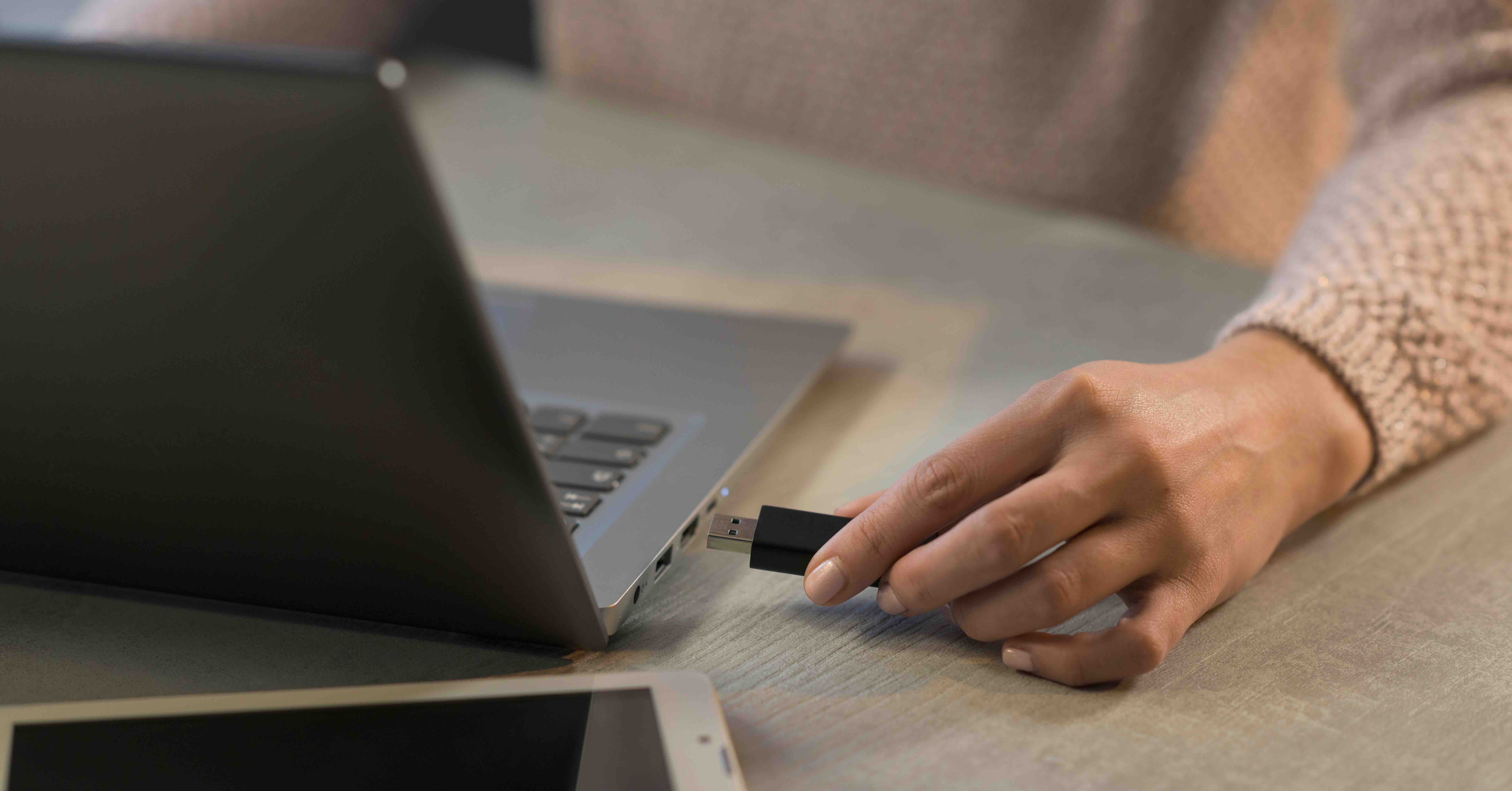
Will USB 3 Work in a USB 2 Port? Here Is What You Need to Know
So you just got a new USB 3 device or cable and you are looking at your laptop or desktop wondering if the ports are going to cooperate. It is a fair question and honestly one that comes up constantly. The short answer is yes, USB 3 is backward compatible with USB 2 ports. But the longer answer involves some real trade-offs that are worth understanding before you assume everything is going to work exactly the way you want it to. Let's break this down properly so you actually know what you are dealing with.
Understanding the Basics of USB Compatibility
USB, which stands for Universal Serial Bus, was designed from early on with backward compatibility in mind. That has always been one of the smarter decisions the USB Implementers Forum made, because it means newer devices do not immediately strand users with older hardware. USB 3.0 introduced a dramatically faster data transfer standard when it launched, topping out at 5 Gbps compared to USB 2.0's 480 Mbps ceiling. That is a significant jump. But even with that performance gap, the physical connector design for standard Type-A USB 3 was made to fit into a USB 2 port. So yes, you can plug a USB 3 device into a USB 2 port and it will function. Just not at USB 3 speeds.
How USB 3 in a USB 2 Port Actually Works
Here is where things get interesting from a technical standpoint. USB 3 connectors include additional pins that enable the higher-speed SuperSpeed data channel. When you plug a USB 3 device into a USB 2 port, those extra pins simply do not make contact or are not recognized by the host. The device then falls back to communicating over the USB 2 data lines, which are fully present and supported. The host controller negotiates the connection at USB 2 speeds, and the device operates within that bandwidth. It is kind of elegant, actually. The device is not broken, the port is not broken, and both sides just agree to speak the slower protocol. No error messages, no drama.
The Speed Difference Is Real and It Matters
Now, being compatible and being optimal are two very different things. If you are connecting a USB 3 flash drive to a USB 2 port and trying to transfer a 4K video file or a large batch of RAW images, you are going to feel that bottleneck. USB 2.0 has a theoretical max of 480 Mbps, but real-world sustained throughput is typically closer to 25 to 40 MB/s. USB 3.0 can realistically hit 300 to 400 MB/s under good conditions. That is a massive performance delta. For simple tasks like charging a device, syncing a handful of documents, or using a basic peripheral like a keyboard or mouse, the speed difference is effectively irrelevant. But for data-heavy workflows, the slowdown is noticeable.
What Types of Devices Are Most Affected
Not every USB 3 device is going to suffer equally when plugged into a USB 2 port. The impact really depends on what the device needs to do. Some use cases where the speed limitation will be very apparent include transferring large video files from an external SSD or hard drive, backing up a full system image to a USB 3 enclosure, reading and writing to high-speed flash storage, and running a USB 3 docking station with multiple connected peripherals. On the other hand, devices where USB 2 speeds are perfectly fine include wired mice and keyboards, basic USB headsets, USB webcams at standard resolutions, and charging smartphones or tablets when the charger supports it.
How to Identify USB 3 Ports on Your Device
If you want to make sure you are using the right port for the right device, identification is easy once you know what to look for. Most USB 3 ports are color-coded blue on the interior plastic of the port. Some manufacturers label them with "SS" which stands for SuperSpeed. On laptops and newer desktops, USB-C ports are almost always USB 3.1 or higher. If you are not sure, check your system documentation or look up your device model specs. It takes two minutes and saves a lot of confusion later. Also worth noting: USB 3 cables connected to USB 2 ports do not magically unlock faster speeds. The port is the limiting factor, not the cable.
Common Misconceptions About USB Compatibility
There are a few things people get wrong about this topic on a regular basis. One is that plugging a USB 3 device into a USB 2 port will damage either the device or the port. That is simply not true. The electrical standards are compatible and the devices are designed to handle this without issue. Another misconception is that USB 3 cables are interchangeable with USB 2 cables for all purposes. Standard Type-A cables look the same, but USB 3 Micro-B connectors look very different from their USB 2 counterparts. Always check before assuming. And finally, some people believe that having a USB 3 port guarantees maximum performance. The cable quality, the device's internal controller, and the host system all factor in as well.
Tips for Getting the Most Out of Your USB Setup
If performance matters for your workflow, a few practical decisions can make a real difference. First, always connect bandwidth-demanding devices to USB 3 ports when they are available. Second, use quality cables rated for the USB standard you are targeting because cable quality does affect signal integrity. Third, avoid using unpowered USB hubs for high-demand peripherals, especially external drives. Fourth, check your operating system's device manager or system report to confirm whether a device is connecting at USB 3 or USB 2 speeds. It is information that is actually right there if you look for it. These small habits stack up and keep your setup performing the way it should.
USB 3 Generations and What They Mean for You
It is worth knowing that USB 3 itself has evolved considerably. What started as USB 3.0 at 5 Gbps has expanded into USB 3.1 Gen 2 at 10 Gbps and USB 3.2 at up to 20 Gbps over dual-lane configurations. USB4, which builds on the Thunderbolt 3 architecture, pushes into 40 Gbps territory. All of these newer standards remain backward compatible with USB 2.0 when using the appropriate connectors. The ecosystem is layered but manageable once you understand the hierarchy. The core principle holds across all of them: faster USB devices will work in slower ports, but they will not perform at their rated speeds. Compatibility is guaranteed; performance is not.
Why Monoprice Is a Smart Choice for USB Cables and Accessories
When you are building out a workspace, a production setup, or even just upgrading the peripherals at your desk, cable quality and reliability matter more than people often realize. Monoprice has been delivering high-performance, rigorously tested USB cables and accessories for years, serving both individual consumers and B2B buyers who need dependable infrastructure without inflated costs. Whether you need USB 3.0 cables, USB-C adapters, hubs, or extension solutions, the lineup is deep and priced to actually make sense. If you are looking for high-quality USB 3 cables and connectivity solutions built to perform across compatible devices and ports, Monoprice has the inventory and the expertise to support whatever your setup demands. Trusted by integrators, IT professionals, and everyday users alike, Monoprice USB cables and connectivity accessories deliver the kind of value that makes it hard to justify paying more elsewhere. That is not a marketing position. That is just what the product line consistently proves.
Frequently Asked Questions About USB 3 and USB 2 Compatibility
Will a USB 3 device work in a USB 2 port?
Yes. USB 3 devices are backward compatible with USB 2 ports. The device will function normally but will be limited to USB 2 data transfer speeds, which top out at around 480 Mbps theoretically and much lower in real-world conditions.
Does using USB 3 in a USB 2 port damage the device or port?
No. There is no damage risk. The electrical standards are designed to be compatible, and both the device and port will safely negotiate a USB 2 connection without any hardware risk.
How much slower is USB 2 compared to USB 3?
USB 2.0 has a theoretical maximum of 480 Mbps while USB 3.0 can reach up to 5 Gbps. In practical use, USB 3.0 transfers files roughly 10 times faster than USB 2.0 under similar conditions.
How can I tell if my computer has USB 3 ports?
USB 3 ports are typically color-coded blue inside the port housing. Some are labeled with "SS" for SuperSpeed. You can also check your device specifications or system settings to confirm which USB standard each port supports.
Does using a USB 3 cable in a USB 2 port improve speed?
No. The port is the limiting factor. A USB 3 cable used in a USB 2 port will not increase transfer speeds beyond what the USB 2 standard allows. The cable quality matters for signal integrity, but it cannot override the port limitation.
Will a USB 2 cable limit the speed of a USB 3 device in a USB 3 port?
Yes. If you connect a USB 3 device to a USB 3 port but use a USB 2 cable, the connection will be negotiated at USB 2 speeds. For full USB 3 performance, both the cable and port must support the USB 3 standard.
Are USB-C ports always USB 3?
Not always. While most USB-C ports support USB 3.1 or higher, some budget devices ship with USB-C ports that only support USB 2.0 speeds. Always verify the USB version supported by a USB-C port in your device specifications.
Can I use a USB 3 hub in a USB 2 port?
Yes, a USB 3 hub will work when connected to a USB 2 port, but all devices connected through that hub will be limited to USB 2 speeds. The hub itself will function, just not at its rated performance level.
Does backward compatibility apply to all USB 3 connector types?
Standard USB Type-A connectors are backward compatible between USB 2 and USB 3. However, USB 3 Micro-B connectors have a different physical shape and are not directly interchangeable with USB 2 Micro-B connectors without an adapter.
Is it worth upgrading to USB 3 ports if I only use basic peripherals?
For basic peripherals like keyboards, mice, and standard webcams, USB 2 speeds are more than sufficient. However, if you work with external storage, video production, or data-intensive peripherals, upgrading to USB 3 ports will deliver a meaningful and noticeable performance improvement.


