

What Is a USB Adapter and Why Your Setup Needs One
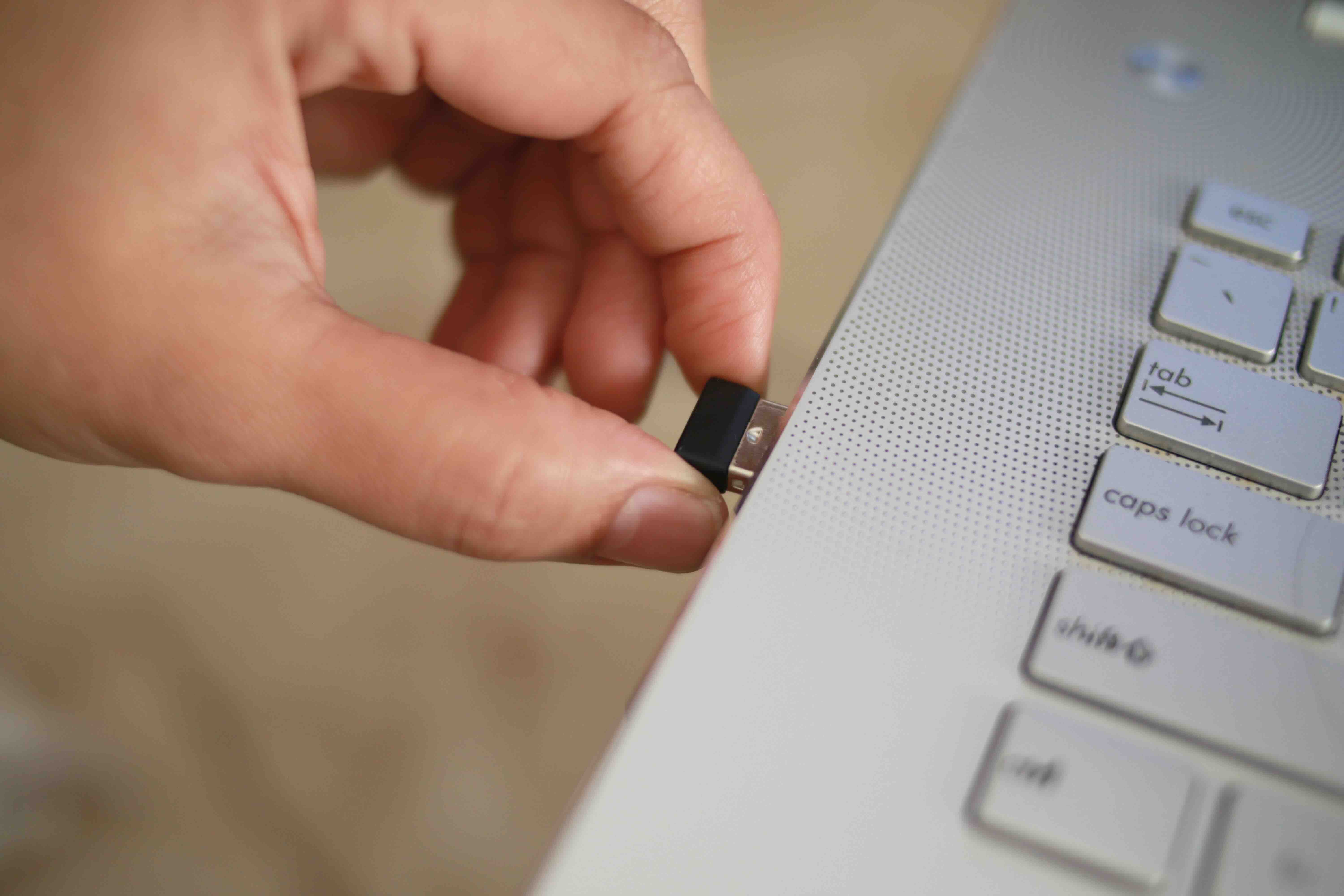
What Is a USB Adapter and Why Does It Matter?
If you have ever stared at a port on your laptop and realized your cable simply does not fit, you already understand the core problem a USB adapter solves. A USB adapter is a small, often compact device that converts one type of USB connection to another, or bridges the gap between USB and an entirely different interface standard. It is one of those things that seems minor until you need one and do not have it. Then it becomes the most important piece of tech on your desk. These little connectors sit at the intersection of legacy hardware, modern devices, and constantly shifting port standards, and they have become genuinely essential for anyone working with computers, peripherals, mobile devices, or AV equipment.
How USB Adapters Actually Work
At its core, a USB adapter facilitates signal or power conversion between two different connector types. Some adapters are purely passive, meaning they simply change the physical shape of the connection without altering the underlying signal. A USB-A to USB-C adapter is a common example of this. Others are active, incorporating circuitry that translates protocols or adjusts signal integrity, especially when bridging across different generations of USB technology like USB 2.0 to USB 3.2, or when converting USB to DisplayPort, HDMI, or Ethernet. The adapter reads the input from one interface and outputs it in a format the receiving device can understand. It sounds simple, and in many cases it is. But the quality of the internal components and the engineering behind that translation process makes a significant difference in performance and reliability.
The Different Types of USB Adapters
The USB ecosystem has expanded considerably over the years, and that means adapters come in quite a few varieties. Understanding what is available helps you pick the right one without overcomplicating the decision.
- USB-A to USB-C: Among the most commonly needed adapters today, used when connecting older cables or devices to newer ports
- USB-C to USB-A: The reverse direction, useful for connecting legacy peripherals to modern laptops with only USB-C ports
- USB-C to HDMI: Converts a USB-C or Thunderbolt 3/4 port to an HDMI output for monitors, projectors, or displays
- USB-C to DisplayPort: Similar function, often preferred in professional AV and multi-monitor setups
- USB to Ethernet: Adds wired network connectivity to devices that lack a built-in LAN port
- USB-C to SD Card or MicroSD: Common in photography and media production workflows
- USB OTG (On-The-Go): Allows mobile devices to connect to USB peripherals like keyboards, flash drives, or mice
Each type serves a specific function, and pairing the wrong adapter to the wrong task is a real possibility if you are not paying attention to the specs.
Key Advantages of Using USB Adapters
There is a reason USB adapters show up in just about every tech setup, from home offices to professional AV racks. The advantages are practical and immediate. First, they extend the life of existing equipment. Instead of replacing a perfectly functional peripheral just because it uses an older connector, an adapter bridges the gap cleanly and affordably. Second, they increase the flexibility of devices that ship with limited port selections. Many ultrabooks and modern laptops have cut down to one or two USB-C ports, and an adapter instantly expands what those machines can connect to. Third, adapters support productivity in mobile and travel environments where you cannot always predict what ports a conference room display or hotel workstation will have available. Finally, high-quality adapters support the full bandwidth and power delivery specifications of their respective USB standards, meaning you are not sacrificing performance to maintain compatibility.
Common Drawbacks Worth Knowing About
USB adapters are not without their limitations, and being upfront about that matters. Passive adapters cannot upgrade the underlying performance of a connection. If you connect a USB 2.0 device through an adapter to a USB 3.2 port, you are still limited to USB 2.0 speeds. That is not a flaw in the adapter; it is just physics. Signal degradation is another concern, particularly with longer cable runs combined with adapters. Active adapters mitigate this but add cost. Compatibility across devices can also vary, especially with USB-C, which supports multiple protocols depending on the host device. Not every USB-C port supports video output or high-speed data, and a video adapter connected to a data-only port simply will not function as expected. Cheap, low-quality adapters can introduce connection instability, heat issues, or outright failures, which is why sourcing from a reputable manufacturer with verified specs matters more than it might seem at first glance.
USB Adapter Standards and Specifications Explained
USB has gone through several generations, and the naming conventions have not always been the most intuitive. USB 2.0 tops out at 480 Mbps. USB 3.2 Gen 1 delivers up to 5 Gbps. USB 3.2 Gen 2 reaches 10 Gbps. USB 3.2 Gen 2x2 pushes 20 Gbps. USB4, which draws from Thunderbolt 3 architecture, can reach 40 Gbps on compatible hardware. When shopping for adapters, it is important to match the adapter's rated speed to the task at hand. For file transfers, video output, or power delivery, the spec printed on the packaging tells you whether the adapter is built to handle the workload or just designed to make a physical connection. Power delivery ratings matter too, especially for USB-C adapters used in charging scenarios. An adapter rated for 60W behaves very differently from one rated at 100W when connected to a laptop that demands fast charging.
Practical Tips for Choosing the Right USB Adapter
A few straightforward considerations go a long way when selecting an adapter. Start by identifying both the source port on your device and the destination port or connector you need to reach. Check the USB generation of each device involved and make sure the adapter supports at least the minimum standard you need. If video output is involved, confirm that your host device's USB-C or Thunderbolt port supports DisplayPort Alt Mode or HDMI Alt Mode, because the adapter cannot create that capability if it is not there natively. For charging use cases, look for Power Delivery certification and a wattage rating that meets your device's requirements. And when durability and consistent performance matter, stick with adapters from manufacturers who publish clear specifications rather than vague marketing claims.
Where USB Adapters Fit in Professional and Business Environments
In enterprise IT, AV integration, and professional production environments, USB adapters are not just convenient accessories. They are infrastructure components. An integrator deploying a fleet of laptops may need USB-C to Ethernet adapters to ensure reliable wired connectivity across an entire organization. A presenter moving between conference rooms across different facilities cannot afford to arrive without the right display adapter. Media production teams rely on USB card readers and adapters that maintain the read speeds necessary for efficient file workflows. In these contexts, reliability and spec accuracy are not optional. The cost of a failed connection during a live presentation or a slow file transfer during a production deadline is far higher than the cost of buying a properly rated adapter upfront.
Why Monoprice Is a Smart Choice for USB Adapters
When it comes to sourcing USB adapters and connectivity accessories that actually perform to spec, Monoprice has built a well-earned reputation for delivering high-quality hardware at prices that make sense for both individual buyers and large-scale procurement teams. The product lineup covers the full range of USB adapter types, from everyday USB-A to USB-C conversions to high-bandwidth USB-C to HDMI and DisplayPort solutions designed for professional AV deployments. Every adapter is backed by clear specifications, so you know exactly what you are getting before it arrives. For IT managers, integrators, and tech-savvy consumers who are tired of paying inflated prices for branded accessories that offer no real performance advantage, shop USB adapters and connectivity solutions at Monoprice to find reliable, spec-accurate options that stretch your budget without compromising your setup. The combination of rigorous product standards and honest pricing is what has made Monoprice a go-to resource for professionals and enthusiasts who understand that smarter buying starts with knowing what you actually need.
Frequently Asked Questions About USB Adapters
What is a USB adapter used for?
A USB adapter is used to convert one type of USB connector to another, or to bridge USB to a different interface standard such as HDMI, DisplayPort, or Ethernet. It allows devices with incompatible ports to connect and communicate with each other.
Is there a difference between a USB adapter and a USB hub?
Yes. A USB adapter converts between connector types or interfaces, typically one-to-one. A USB hub expands a single port into multiple ports, allowing several devices to connect simultaneously. Some hubs incorporate adapter functionality, but they serve distinct primary purposes.
Will a USB-C to HDMI adapter work on any USB-C port?
Not necessarily. The host device's USB-C port must support DisplayPort Alt Mode for a USB-C to HDMI adapter to output video. Data-only USB-C ports will not pass a video signal regardless of the adapter used.
Do USB adapters reduce data transfer speeds?
A passive adapter does not reduce speed beyond what the connected devices and cables support natively. However, if the adapter bridges two different USB generations, the connection will operate at the speed of the slower standard in the chain.
Can a USB adapter support Power Delivery for charging laptops?
Yes, but only if the adapter is specifically rated for Power Delivery and its wattage rating meets or exceeds the charging requirements of the device. Always verify the PD wattage spec before using an adapter for laptop charging.
What is USB OTG and how does it work?
USB On-The-Go allows a mobile device such as a smartphone or tablet to act as a USB host, enabling it to connect to peripherals like keyboards, mice, or flash drives. An OTG adapter converts the device's micro-USB or USB-C port to a standard USB-A female port for this purpose.
Are all USB-C adapters compatible with Thunderbolt ports?
USB-C adapters are physically compatible with Thunderbolt 3 and Thunderbolt 4 ports since they share the same connector shape. However, a standard USB-C adapter will not unlock Thunderbolt-specific bandwidth or features. You need a Thunderbolt-certified accessory to take full advantage of those capabilities.
How do I know if a USB adapter is high quality?
Look for clearly published specifications including USB generation support, maximum data transfer rate, and power delivery ratings if applicable. Certifications, manufacturing standards, and warranties from the seller are also reliable indicators of quality and reliability.
Can I use a USB adapter with a gaming console or smart TV?
It depends on the device and the adapter type. Many smart TVs and some consoles include USB ports primarily for media playback or charging, and their compatibility with adapters varies. Check the device's documentation to confirm what protocols its USB ports support before purchasing an adapter for that use case.
What is the difference between a USB 3.0 and USB 3.2 adapter?
USB 3.0 is an older designation that corresponds to what is now called USB 3.2 Gen 1, with a maximum throughput of 5 Gbps. USB 3.2 encompasses multiple speed tiers up to 20 Gbps. When selecting an adapter, matching the generation to your actual use case ensures you are not bottlenecking your connection unnecessarily.


