

What Is a Patch Cable Ethernet and Why It Matters Today
What Is a Patch Cable Ethernet and Why Does It Matter for Your Network?
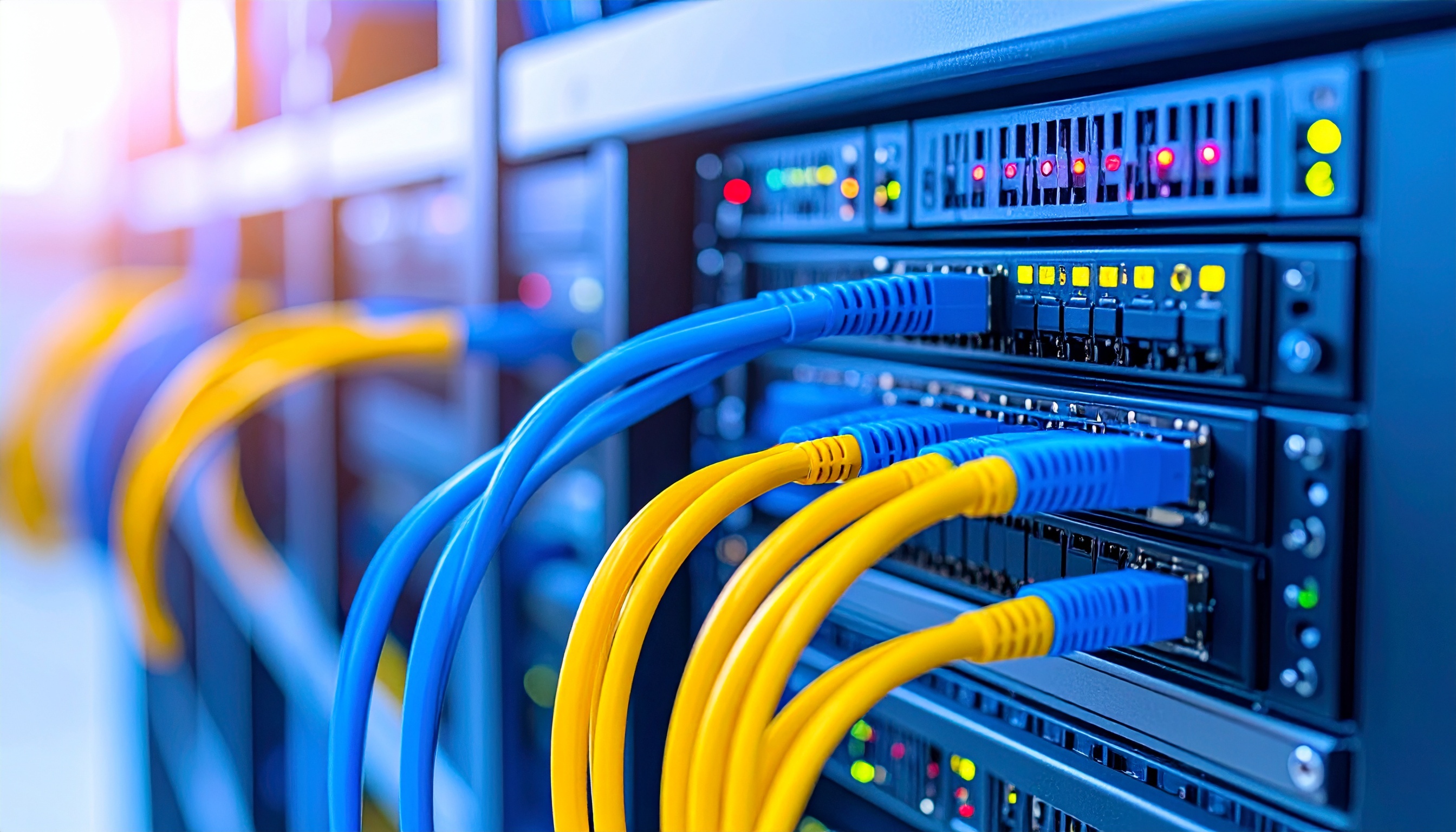
So, if you have ever looked at the back of your router or network switch and noticed those short, flexible cables running from port to port -- those are patch cables. Specifically, Ethernet patch cables. And honestly, they are one of those things that quietly hold everything together in a network setup, whether you are in a home office or managing a full-scale data center. A patch cable is a length of Ethernet cable with connectors on both ends -- typically RJ45 connectors -- used to link two network devices together. Simple concept, but the performance implications? Not simple at all. Getting the right one actually matters more than most people realize.
How an Ethernet Patch Cable Actually Works
At its core, a patch cable carries electrical signals between two points in a network. The cable contains twisted pairs of copper wire inside, and those twists are not random -- they reduce electromagnetic interference and crosstalk, which are basically the signal distortions that slow your connection down or cause packet loss. The RJ45 connectors at each end plug into Ethernet ports on devices like routers, switches, computers, gaming consoles, and IP cameras. Once connected, data travels across the cable at whatever speed the cable category supports. The cable does not think, it does not process -- it just transmits, reliably and fast when it is the right cable for the job.
Patch Cable vs. Ethernet Cable: Are They the Same Thing?
This trips people up constantly, and honestly it is a fair question. All patch cables are Ethernet cables, but not all Ethernet cables are patch cables. The difference comes down to length, flexibility, and intended use. Patch cables are typically short -- anywhere from one foot to around fifteen feet -- and designed for flexible, repeated connections. Bulk Ethernet cable, on the other hand, is used for permanent in-wall or structured cabling runs and is usually stiffer, not meant to be bent repeatedly. Patch cables use stranded copper conductors inside, which makes them more flexible and durable under repeated movement. Bulk runs typically use solid copper conductors, which are better for long distances but not ideal for short, movable connections.
Ethernet Patch Cable Categories Explained
Not all patch cables are built the same. The category rating determines how much data the cable can carry and at what speed over what distance. Here is what the most common categories actually mean in practical terms:
- Cat5e -- Supports up to 1 Gbps at 100 MHz, still widely used in homes and small offices, solid baseline performance
- Cat6 -- Supports up to 10 Gbps at shorter distances, 250 MHz bandwidth, better crosstalk reduction, common in professional setups
- Cat6A -- Full 10 Gbps up to 100 meters, 500 MHz bandwidth, augmented shielding, preferred in data centers and high-demand environments
- Cat8 -- Designed for 25 to 40 Gbps, primarily used in server rooms and dense enterprise infrastructure
For most home users, Cat6 hits the sweet spot. It is affordable, widely available, and future-resistant enough to handle what residential networks throw at it for the next several years. For business environments, Cat6A starts to make real sense, especially if you are running PoE devices or high-bandwidth applications across the floor.
Key Advantages of Using Ethernet Patch Cables
There is a reason wired connections have not disappeared even though Wi-Fi has gotten significantly better. Ethernet patch cables offer a consistent, low-latency connection that wireless just cannot replicate in environments where reliability is non-negotiable. Here is why they remain essential:
- Consistent speeds without interference from competing wireless signals
- Lower latency, which matters enormously for gaming, VoIP, and video conferencing
- More secure connections since the signal does not broadcast through the air
- Easy to replace or swap out without rewiring anything permanent
- Scalable across patch panels in structured cabling environments
In a home setup, plugging a gaming console or streaming device directly into a switch via patch cable rather than relying on Wi-Fi can make a measurable difference. In offices and data centers, it is simply not a question -- patch cables are the backbone of how everything communicates.
Common Drawbacks to Keep in Mind
Patch cables are not without limitations. Length is probably the biggest practical constraint -- the longer the run, the more signal degradation you introduce. Standard Ethernet supports up to 100 meters for a single run, but patch cables specifically are meant to be short. Running a fifteen-foot patch cable across a room is fine; using it to replace a proper in-wall structured cable run is not the right call. There is also the clutter factor. In a rack or even on a desk, poor cable management with patch cables becomes messy fast and can actually impact airflow in rack environments. Shielded patch cables -- ones with foil or braided shielding -- cost more than unshielded options, though they are worth the investment in electrically noisy environments. The bottom line is that patch cables are highly effective when used correctly within their intended purpose.
Shielded vs. Unshielded Patch Cables: Which Should You Choose?
Shielded patch cables, sometimes labeled STP or FTP depending on construction, include a layer of metallic shielding around the twisted pairs or the entire cable jacket. Unshielded twisted pair cables, or UTP, skip that layer and are lighter, more flexible, and less expensive. For most home environments and standard office deployments away from heavy electrical equipment, UTP Cat6 patch cables work perfectly well. If you are running cables near fluorescent lighting, motors, HVAC systems, or other sources of electromagnetic interference, shielded options provide meaningful protection. Industrial environments and structured cabling in hospitals, manufacturing floors, or broadcast facilities typically call for shielded cable across the board. Knowing your environment before you buy saves both money and troubleshooting time later.
Practical Tips for Buying and Using Ethernet Patch Cables
Buying patch cables does not need to be complicated, but a few considerations go a long way toward making the right choice. Match the category to your switch and router capabilities -- there is no benefit to running Cat8 patch cables to a switch that only supports 1 Gbps. Buy cables in the lengths you actually need, not longer -- excess cable creates clutter and can technically introduce minor signal issues in tight spaces. Color-coding cables by function is a habit that pays off during troubleshooting. And always buy from a reputable source that provides real specs, because the market has no shortage of cables that claim higher performance than the actual construction supports. Verify that the connectors are properly crimped and that the cable passed flammability ratings if it is going inside walls or racks where code compliance matters.
Why Monoprice Is the Right Source for Your Ethernet Patch Cable Needs
When you are specifying networking cable for a home setup, office infrastructure, or a full data center deployment, quality and consistency are not optional -- they are the baseline. Monoprice has built a well-earned reputation for delivering exactly that without inflating the price tag to do it. The Monoprice Cat6 and Cat6A Ethernet patch cable lineup is engineered for real-world performance, built with precision conductors, quality RJ45 connectors, and construction that holds up whether you are routing cables in a tight patch panel or running them across a conference room floor. For anyone serious about getting reliable, high-speed wired connections without overpaying for the brand name on the box, shop high-performance Ethernet patch cables at Monoprice and see exactly how far your networking budget actually goes. The combination of verified specs, smart pricing, and broad selection -- from Cat5e all the way through Cat8 -- makes Monoprice a practical, trustworthy choice for professionals and everyday users alike.
Frequently Asked Questions About Ethernet Patch Cables
What is the difference between a patch cable and a regular Ethernet cable?
A patch cable is a type of Ethernet cable specifically designed for short, flexible connections between network devices. It uses stranded copper conductors for durability under repeated bending. Regular bulk Ethernet cable uses solid conductors and is designed for permanent in-wall or long-run structured cabling installations.
How long can an Ethernet patch cable be before performance degrades?
The maximum recommended length for an Ethernet cable run, including patch cables, is 100 meters or approximately 328 feet. For patch cables specifically, lengths are typically kept under 15 feet to maintain clean signal integrity between connected devices in a rack or local setup.
Is Cat6 or Cat6A better for home use?
Cat6 is generally sufficient for home networks and supports speeds up to 10 Gbps at shorter distances with 250 MHz bandwidth. Cat6A provides full 10 Gbps performance up to 100 meters and is a better choice if you want additional headroom or are running Power over Ethernet devices.
Can I use a patch cable for gaming?
Yes, and it is highly recommended. A wired Ethernet patch cable connection delivers lower latency and more consistent speeds than Wi-Fi, both of which directly improve online gaming performance by reducing lag and dropped connections.
Do Ethernet patch cables work with any router or switch?
Yes, as long as both devices have standard RJ45 Ethernet ports, patch cables are universally compatible. The cable category determines the maximum supported speed, but any Ethernet patch cable will physically connect to any RJ45-equipped device.
What does shielded mean on an Ethernet patch cable?
Shielded Ethernet patch cables include a metallic foil or braided layer around the internal conductors to block electromagnetic interference from external sources. They are recommended in environments near heavy electrical equipment, fluorescent lighting, or other sources of signal noise.
Is there a visible quality difference between cheap and premium patch cables?
Sometimes, but not always. The real differences are often internal -- conductor gauge, twist consistency, connector quality, and jacket material. Low-quality cables may perform fine at lower speeds but fail to maintain rated performance under load or over time, particularly at higher Cat6A or Cat8 specifications.
Can I plug a patch cable into a wall Ethernet port?
Yes. Wall Ethernet ports are typically keystone jacks that connect to structured cabling behind the wall. Plugging a patch cable from a wall port to a computer or device is the standard and correct way to connect to a wired network in most office and home structured cabling setups.
What color should I choose for my Ethernet patch cables?
Color does not affect performance in any way. Color selection is purely organizational. Many network administrators use color-coding systems -- for example, blue for data, red for critical servers, yellow for VoIP -- to make troubleshooting and cable management faster and more intuitive.
How do I know if my Ethernet patch cable is bad?
Signs of a faulty patch cable include intermittent connectivity, significantly slower-than-expected speeds, a link light that does not illuminate on the switch or router port, or visible physical damage to the cable or connectors. A cable tester can confirm whether the cable is passing signal correctly across all conductors.


