

USB-C Wire Colors Explained: What Each One Actually Does
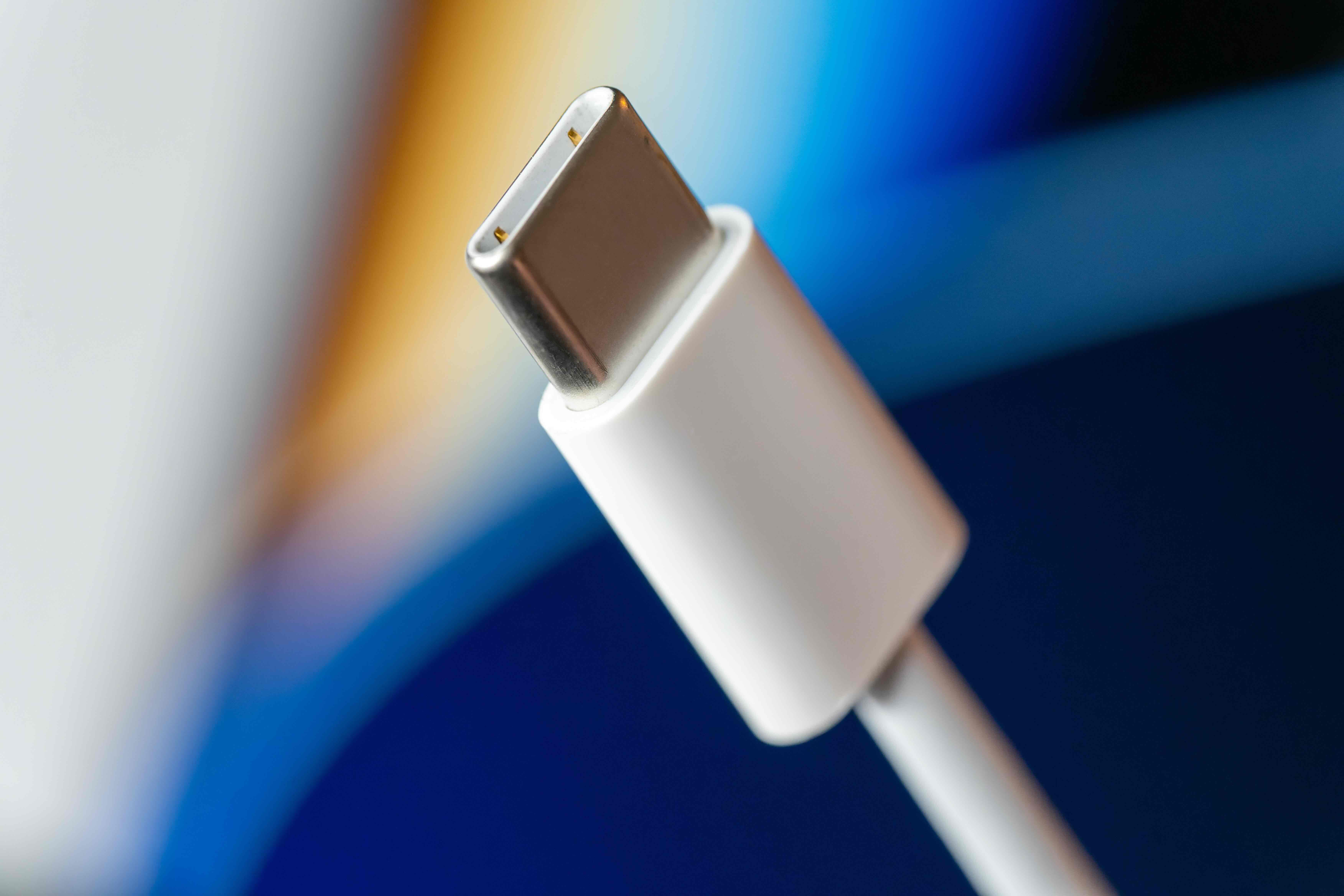
What Are USB-C Wire Colors and Why Do They Actually Matter?
If you have ever cracked open a USB-C cable or looked up a wiring diagram, you probably noticed there are quite a few colored wires packed into that slim connector. It is easy to gloss over them. But understanding what each color does -- and why it is placed where it is -- can genuinely change how you shop for cables, troubleshoot devices, or spec out infrastructure for a workspace or AV installation. USB-C is everywhere now. Laptops, phones, monitors, docking stations, audio gear -- the connector has become the standard across consumer and professional environments alike. So knowing what is happening inside that cable is more useful than it sounds.
A Quick Overview of the USB-C Standard Before We Get Into the Wires
USB-C, formally known as USB Type-C, is a 24-pin connector specification developed by the USB Implementers Forum. It was designed to replace the fragmented cable landscape that existed before it -- Micro-USB, Mini-USB, USB-A, the whole scattered lineup. The connector is reversible, which is probably its most immediately appreciated feature, and it supports a wide range of protocols including USB 2.0, USB 3.2, USB4, Thunderbolt 3 and 4, DisplayPort Alt Mode, and USB Power Delivery. That versatility is impressive, but it also means the internal wiring is more complex than older cable types. There are wires handling data, power, sideband communication, and configuration detection -- all working together inside a cable that can be thinner than a pen.
Breaking Down the USB-C Wire Colors and What Each One Does
This is where things get specific and genuinely useful. The internal wiring of a USB-C cable follows a defined color coding system, though some variation exists depending on the manufacturer and the cable tier. Here is a breakdown of the standard wire colors and their assigned functions:
- Red -- VBUS (power supply voltage, typically 5V but extendable via USB Power Delivery)
- Black -- GND (ground, return path for power)
- White -- D+ (USB 2.0 positive data line)
- Green -- D- (USB 2.0 negative data line)
- Blue -- SSTXp1 (SuperSpeed transmit positive, lane 1)
- Yellow -- SSTXn1 (SuperSpeed transmit negative, lane 1)
- Orange -- SSRXp1 (SuperSpeed receive positive, lane 1)
- Purple -- SSRXn1 (SuperSpeed receive negative, lane 1)
- Additional pairs in higher-spec cables handle the second SuperSpeed lane, sideband use (SBU) lines, and the CC (Configuration Channel) lines used for device detection and power negotiation
That is a lot packed into a cable you carry in a jacket pocket. The CC lines alone are responsible for determining cable orientation, negotiating USB Power Delivery contracts, and enabling Alternate Modes like DisplayPort. Without them functioning correctly, a cable might charge your device but fail to push a video signal -- which explains why not all USB-C cables are created equal, even if they fit the same port.
Full-Featured vs. Passive vs. Active USB-C Cables: The Wire Count Difference
Not every USB-C cable contains every wire. This is a point that trips up a lot of buyers. A basic USB-C charging cable might only carry the VBUS, GND, D+, D-, and CC lines -- enough for power and USB 2.0 data speeds, nothing more. A full-featured USB-C cable includes all SuperSpeed pairs, both SBU lines, and correctly wired CC channels, which enables the cable to support USB 3.2, video output, and high-wattage Power Delivery simultaneously. Active cables, which incorporate signal conditioning chips, extend the capable transmission distance while maintaining signal integrity -- particularly important for longer cable runs in professional AV and IT environments. If you are installing infrastructure or outfitting a conference room, this distinction matters a great deal.
Key Advantages of Understanding USB-C Internal Wiring
There is real, practical value in knowing how USB-C cables are constructed. Here is why it pays to be informed:
- Better purchasing decisions -- You know whether a cable supports the speeds and power output your setup actually requires
- Faster troubleshooting -- If a device is not behaving as expected, the cable's wiring spec is often the first place to look
- Infrastructure planning -- For AV integrators and IT professionals, specifying the right cable tier from the start avoids costly replacements later
- Compatibility assurance -- Matching the cable spec to the port capability ensures you are not leaving performance on the table
- Safety awareness -- Undersized VBUS wiring in cheap cables can pose thermal risks when pushing high wattage through them
Common Drawbacks and Limitations to Be Aware Of
USB-C wiring is not without its complications. The universal connector creates an expectation of universal capability that does not always hold up. A cable that looks identical to a high-performance model might only support USB 2.0 speeds and 15W of charging -- and there is often nothing visible on the outside to tell you otherwise. This has historically been a consumer pain point. The introduction of USB-IF certification and cable labeling standards has helped, but enforcement is inconsistent across the market. Counterfeit and non-compliant cables are still a problem, particularly at the budget end of the spectrum. Additionally, the CC pin wiring in some cheaper cables is incorrectly implemented, which can confuse device power negotiation and cause charging failures or even port damage over time. It is not a reason to avoid USB-C -- the standard is excellent -- but it is a reason to buy from reputable sources.
Practical Tips for Choosing the Right USB-C Cable
Whether you are equipping a home office or sourcing cables for a large-scale deployment, a few guidelines will consistently steer you toward the right choice. Check for USB-IF certification on cables intended for high-power or high-speed applications. Confirm the cable's rated wattage aligns with your charging needs -- 60W, 100W, and 240W ratings correspond to different conductor gauges and specs. For video output, verify that the cable explicitly supports DisplayPort or Thunderbolt Alt Mode, not just USB data. For longer runs, look at active cable options rather than stretching passive cables beyond their reliable distance. And when in doubt, buy from a brand that publishes its specifications clearly and backs its products with a warranty.
How USB-C Wiring Connects to Real-World Performance
Here is a concrete example worth walking through. A content creator running a 4K monitor from a laptop via USB-C needs a cable that carries the DisplayPort Alt Mode signal reliably. That requires correctly wired SBU lines and full SuperSpeed pairs. A cable missing those internal connections will either fail to drive the monitor entirely or default to a lower resolution. Same goes for a docking station setup -- if the cable does not support USB Power Delivery alongside data, the laptop may not charge while connected. The internal wire colors and their correct implementation are directly responsible for whether those scenarios work as intended. Specs on paper are only as good as the cable built to support them.
Why Monoprice Is the Right Source for USB-C Cables Built to Spec
When you understand what goes into a properly built USB-C cable, you start to appreciate why cable quality and sourcing matter. Monoprice has built a well-earned reputation for delivering cables that are engineered to the specifications they advertise -- whether that is a basic charging cable or a full-featured USB-C cable supporting USB4 and 240W Power Delivery. Every specification is documented. Every product tier is distinct and clearly defined. For consumers, integrators, and procurement teams who need to trust what they are installing, that kind of transparency is not optional -- it is the baseline. You can explore the full lineup of high-performance USB-C cables and connectivity solutions from Monoprice and find options that match your exact application, from basic device charging to high-bandwidth AV infrastructure. The pricing is structured to make high-spec cables accessible without compromising on the internal wiring quality that determines real-world performance. That is a combination that is harder to find than it should be.
Frequently Asked Questions About USB-C Wire Colors
What do the wire colors inside a USB-C cable represent?
Each wire color inside a USB-C cable corresponds to a specific electrical function. Red carries power (VBUS), black is ground, white and green handle USB 2.0 data lines, and additional colored pairs manage SuperSpeed data transmission, configuration channel signaling, and sideband communication for features like video output.
Does every USB-C cable have all the same internal wires?
No. Basic USB-C cables may only include power and USB 2.0 data wires. Full-featured cables include all SuperSpeed pairs, CC lines, and SBU lines required for higher data speeds, USB Power Delivery, and Alternate Mode video output. Always verify the cable specification before purchasing.
Why does my USB-C cable charge my device but not output video?
This typically means the cable is not wired to support Alternate Mode. Video output over USB-C requires correctly implemented SBU lines and SuperSpeed data pairs. A cable missing those internal connections will not pass a DisplayPort or HDMI signal even if it handles charging normally.
What is the CC wire in a USB-C cable used for?
The CC (Configuration Channel) wire is responsible for cable orientation detection, USB Power Delivery contract negotiation, and Alternate Mode activation. It is one of the most functionally important lines in the cable and a common point of failure in poorly manufactured products.
Are USB-C wire colors standardized across all manufacturers?
There is a widely followed color coding convention derived from USB-IF specifications, but manufacturers are not universally required to follow it. The functional pin assignments are standardized; the specific wire colors used internally can vary slightly between manufacturers.
Can a bad USB-C cable damage my device?
Yes. A non-compliant USB-C cable with improperly wired CC pins or undersized power conductors can cause incorrect power negotiation, overheating, or port damage over time. This is why USB-IF certification and purchasing from reputable brands is recommended, especially for high-wattage charging applications.
What is the difference between a passive and active USB-C cable?
A passive USB-C cable transmits signals directly through copper conductors without any signal processing. An active cable incorporates chips or signal boosters to extend transmission distance and maintain signal integrity, making it better suited for longer cable runs in professional AV and IT environments.
How many wires are inside a full-featured USB-C cable?
A full-featured USB-C cable can contain up to 18 or more individual conductors, including two SuperSpeed transmit pairs, two SuperSpeed receive pairs, USB 2.0 data lines, two CC lines, two SBU lines, and multiple power and ground conductors depending on the Power Delivery rating.
What USB-C cable do I need for 100W charging?
For 100W USB Power Delivery, you need a cable rated for at least 5A current capacity with properly gauged VBUS conductors and a compliant E-Marker chip embedded in the cable. Not all USB-C cables support this wattage, so checking the rated specification before use is important.
How do I know if a USB-C cable is USB-IF certified?
USB-IF certified cables carry the official USB logo and certification markings on the packaging or cable itself. You can also search the USB-IF certified products database using the cable's product information to verify compliance before making a purchase.


