

USB-C Explained: Speed, Power, and Real-World Benefits
USB-C Explained: What It Is and Why It Actually Matters
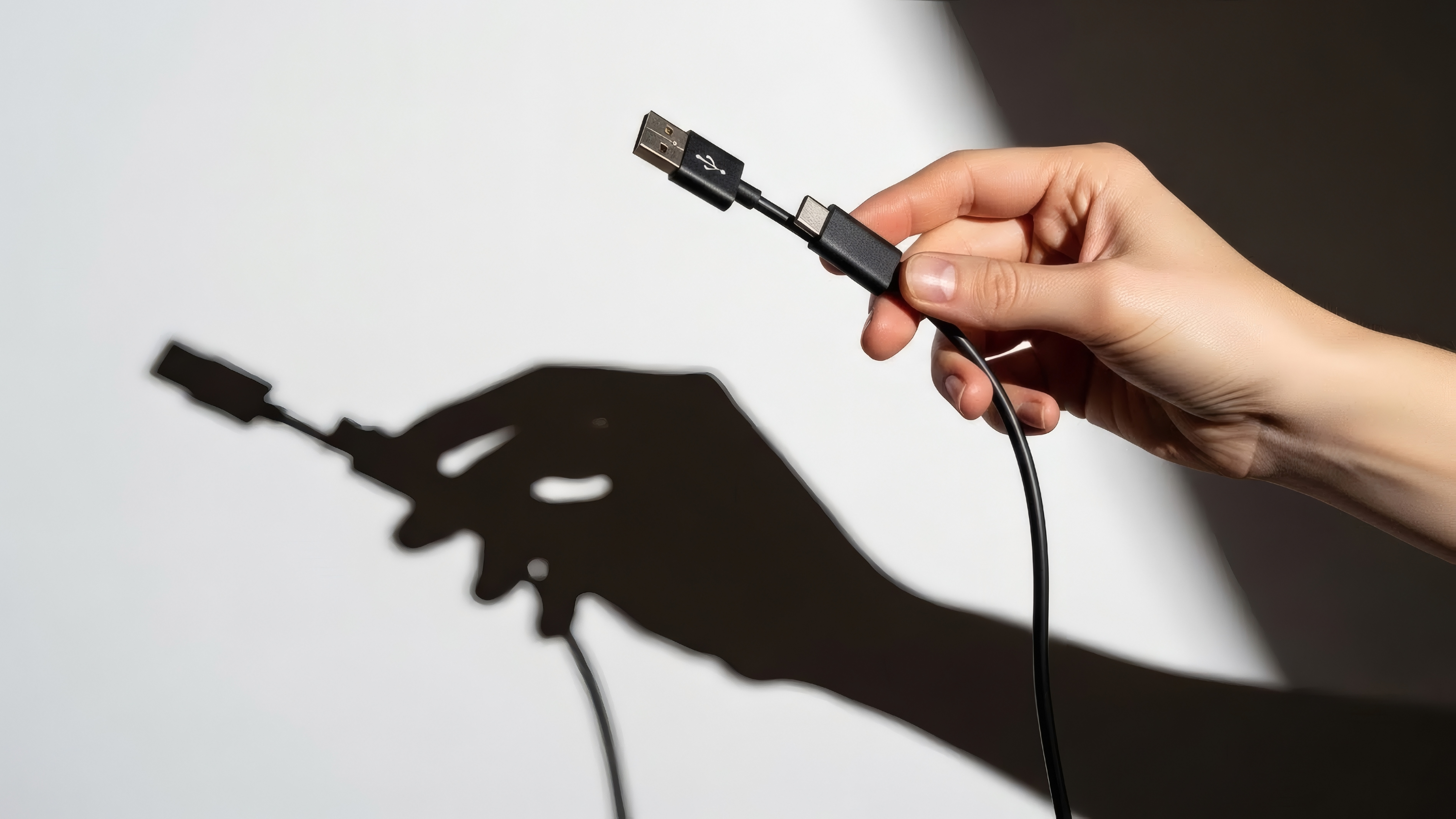
USB-C has become one of those terms that gets thrown around constantly in product listings, laptop reviews, and phone specs -- but not everyone fully understands what it actually means or why it matters. And honestly, that gap causes real problems when people buy the wrong cable, underpowered charger, or a hub that doesn't do what they expected. USB-C is a connector standard. That's the physical shape of the port and plug. What travels through that connector, though -- the speed, the power, the video signal -- that depends entirely on the underlying protocol or specification the cable and device support. That distinction is everything. A cable that looks identical to another cable can perform wildly differently depending on what version of USB or Thunderbolt it supports. Understanding this is the first step to making smarter purchases and getting the most out of modern devices.
The Physical Connector Versus the Protocol: A Critical Distinction
This is where most people get tripped up. USB-C refers to the shape of the connector -- small, oval, reversible, and uniform across devices. The protocol, on the other hand, determines what data speeds, power delivery levels, and display output capabilities are actually supported. USB 2.0 with a USB-C connector is slow. USB 3.2 Gen 2x2 with a USB-C connector is fast. Thunderbolt 4 with a USB-C connector is extremely fast and highly capable. All three look the same from the outside. The confusion this creates is real and widespread. Manufacturers are not always upfront about which version is in use, and consumers often assume the port or cable supports the maximum available performance when it may not. Reading spec sheets and understanding the naming conventions, even at a surface level, makes a measurable difference when choosing cables, docks, or adapters.
USB-C Data Speed Tiers: From USB 2.0 to USB4
Data transfer speeds vary significantly across USB-C versions, and knowing the tiers helps set realistic expectations for real-world use. Here is a breakdown of the primary speed categories you will encounter:
- USB 2.0 via USB-C -- up to 480 Mbps, common in budget cables and chargers
- USB 3.2 Gen 1 -- up to 5 Gbps, solid for external drives and peripherals
- USB 3.2 Gen 2 -- up to 10 Gbps, faster file transfers and better peripheral support
- USB 3.2 Gen 2x2 -- up to 20 Gbps, ideal for high-speed external SSDs
- USB4 Gen 2x2 -- up to 20 Gbps, also supports DisplayPort and Power Delivery
- USB4 Gen 3x2 -- up to 40 Gbps, equivalent to Thunderbolt 3 bandwidth
- Thunderbolt 3 and 4 -- up to 40 Gbps, with daisy chaining and robust video support
Each step up in speed matters depending on what you are doing. Transferring large video files, running virtual machines from an external drive, or connecting high-resolution displays all benefit from higher-bandwidth connections. For basic charging and light data sync, lower-speed cables are adequate, but they should never be mistaken for high-performance options.
USB-C Power Delivery: Charging Smarter Across Devices
USB Power Delivery, commonly called USB PD, is the protocol that allows USB-C to deliver meaningful charging power to laptops, tablets, phones, and other devices. Standard USB connections historically maxed out at 5 watts or so -- enough for a slow phone charge and not much else. USB PD changes that significantly. The specification supports power delivery up to 240 watts under the Extended Power Range revision, which means a single USB-C cable can charge everything from a small smartphone to a power-hungry creative workstation. Devices negotiate the appropriate voltage and current automatically, which is a smart and efficient system. For consumers, this means fewer chargers, fewer adapters, and a streamlined workspace. For IT teams or integrators managing shared workspaces, USB PD simplifies device management and reduces hardware overhead. The catch is that both the charger and the cable must support the required wattage. A cable rated for 60 watts will cap charging at 60 watts regardless of what the charger can output.
DisplayPort Alt Mode and Video Output Over USB-C
One of the more impressive capabilities built into USB-C is Alternate Mode, which allows the connector to carry non-USB signals through the same physical port. DisplayPort Alt Mode is the most commonly used version of this and enables USB-C to output video directly to monitors, projectors, and displays without a dedicated video output port. This is why modern laptops with USB-C or Thunderbolt ports can drive external monitors through a single cable. Thunderbolt 4, in particular, supports up to two 4K displays or one 8K display depending on the configuration and monitor support. HDMI Alt Mode exists as well, though it is less universal. For users building clean, cable-efficient desk setups or deploying multi-monitor configurations, understanding whether a given USB-C port supports Alt Mode is essential before purchasing docks or display adapters.
Common Drawbacks and Frustrations with USB-C
USB-C is not without its complications. The connector's universal appearance is both a strength and a persistent source of frustration. A cable that physically fits may not support the required speed or power level, leading to slow charging, failed data transfers, or displays that simply do not work. Here are the most common issues users run into:
- Cables that look identical but support vastly different speeds
- Chargers that work but do not deliver enough wattage for laptops
- Hubs and docks that work on some devices but not others due to protocol mismatches
- No clear visual indicator on the cable itself to confirm its capabilities
- Devices with USB-C ports that only support USB 2.0 speeds despite the modern connector
The solution to most of these problems is documentation. Reputable manufacturers publish detailed specifications for their cables and accessories. Taking a moment to verify compatibility before purchasing saves time, frustration, and money in the long run.
Thunderbolt 4 vs USB4: What Is the Real Difference
Thunderbolt 4 and USB4 Gen 3x2 both top out at 40 Gbps and use the USB-C connector, which makes them easy to confuse. The difference comes down to certification requirements. Thunderbolt 4 has stricter mandatory requirements -- minimum PCIe bandwidth, support for two 4K displays, wake from sleep, and daisy chaining up to six devices. USB4 at 40 Gbps is capable of similar performance but the actual feature set depends more on the device manufacturer's implementation. Thunderbolt 4 is the more consistent and predictable standard, especially in professional environments. USB4 is more flexible in how manufacturers implement it. For most everyday users, both deliver excellent performance. For IT professionals or content creators who need guaranteed behavior across docking stations, eGPUs, and high-resolution displays, Thunderbolt 4 is the safer specification to standardize on.
Practical Tips for Choosing the Right USB-C Cable or Accessory
There are a few reliable rules that simplify USB-C purchasing decisions. Always check the rated wattage on charging cables if you plan to power a laptop. Look for USB-IF certification, which indicates the cable has been tested against the official specification. For Thunderbolt accessories, look for Intel's Thunderbolt certification. If a product listing does not clearly state the USB version, data speed, or power delivery rating, that is a signal to dig deeper or choose a product from a manufacturer that provides complete specifications. Passive cables handle most use cases well, but longer USB 3.2 or Thunderbolt runs may require active cables to maintain signal integrity. For docks and hubs, confirm that your laptop's USB-C port supports the protocols required by the hub before purchasing. A Thunderbolt dock connected to a USB 3.2 port will not deliver Thunderbolt performance -- it will work within the limits of the connected port.
Why Monoprice Is the Right Choice for USB-C Cables and Accessories
When it comes to building a reliable, high-performance USB-C setup without overspending, the source of your cables and accessories matters more than most people realize. Monoprice has built a reputation as a trusted supplier of performance-verified connectivity products across both consumer and professional environments. Every product is designed with real specifications published clearly, so you know exactly what you are getting before it ships. If you are ready to upgrade your workspace, simplify your charging setup, or spec out a multi-monitor configuration, exploring the full lineup of USB-C cables, docks, and charging accessories from Monoprice is a practical starting point. The catalog covers everything from high-wattage USB PD cables to Thunderbolt 4 certified docks, all at pricing that makes sense for both individual buyers and procurement teams managing larger deployments. Quality does not require a premium markup -- and that is a position Monoprice has held consistently across years of product development and customer trust.
Frequently Asked Questions About USB-C
What is USB-C and how is it different from older USB connectors?
USB-C is a small, oval-shaped, reversible connector standard used across modern laptops, phones, tablets, and accessories. Unlike older USB-A or USB-B connectors, it supports higher data speeds, greater power delivery, and video output through a single port.
Does every USB-C cable support fast charging?
No. USB-C cables vary in their power delivery ratings. A cable must support USB Power Delivery and be rated for the required wattage to enable fast charging. Always check the cable's power rating before using it with a laptop or high-wattage charger.
How do I know what USB version my USB-C port supports?
Check your device's specifications page from the manufacturer. The USB version supported by each port is typically listed there. If a port supports Thunderbolt, it is usually marked with a lightning bolt icon near the port itself.
Can I use any USB-C cable for data transfer?
Not all USB-C cables support meaningful data transfer. Some are designed only for charging and carry USB 2.0 speeds at best. For high-speed file transfers, look for cables rated for USB 3.2 Gen 2 or higher.
What is USB Power Delivery and how does it work?
USB Power Delivery is a charging protocol that allows USB-C connections to negotiate higher voltage and current levels between a charger and a device. This enables charging at up to 240 watts, covering everything from smartphones to power-demanding laptops.
Is Thunderbolt 4 the same as USB-C?
Thunderbolt 4 uses the USB-C connector but is not the same as standard USB-C. It is a separate specification developed by Intel with stricter requirements around data speed, display support, and daisy chaining. All Thunderbolt 4 ports accept USB-C cables, but not all USB-C ports support Thunderbolt.
Can a USB-C port output to a monitor?
Yes, if the port supports DisplayPort Alt Mode or Thunderbolt. These allow the USB-C connection to carry a video signal to an external display. Not all USB-C ports support video output, so confirming Alt Mode compatibility is important before purchasing a display adapter.
Why does my USB-C hub or dock not work properly?
Compatibility issues with USB-C docks often occur when the connected laptop's USB-C port does not support the protocols the dock requires. A Thunderbolt dock connected to a standard USB 3.2 port will not deliver full functionality. Verifying port and dock protocol compatibility before purchase resolves most issues.
What is the maximum data speed available over USB-C today?
The current maximum is 40 Gbps, available through USB4 Gen 3x2 and Thunderbolt 4. Both use the USB-C connector and require certified cables rated for that bandwidth to achieve full performance.
Are more expensive USB-C cables always better?
Not necessarily. Price is not a reliable indicator of performance. A well-specified, mid-range cable from a manufacturer that publishes full specifications will outperform an expensive cable with vague marketing. Focus on verified specs, USB-IF certification, and clearly stated power and speed ratings when evaluating any USB-C cable.


