

Safe Use Tips for Plugging Two Power Strips Into One Outlet
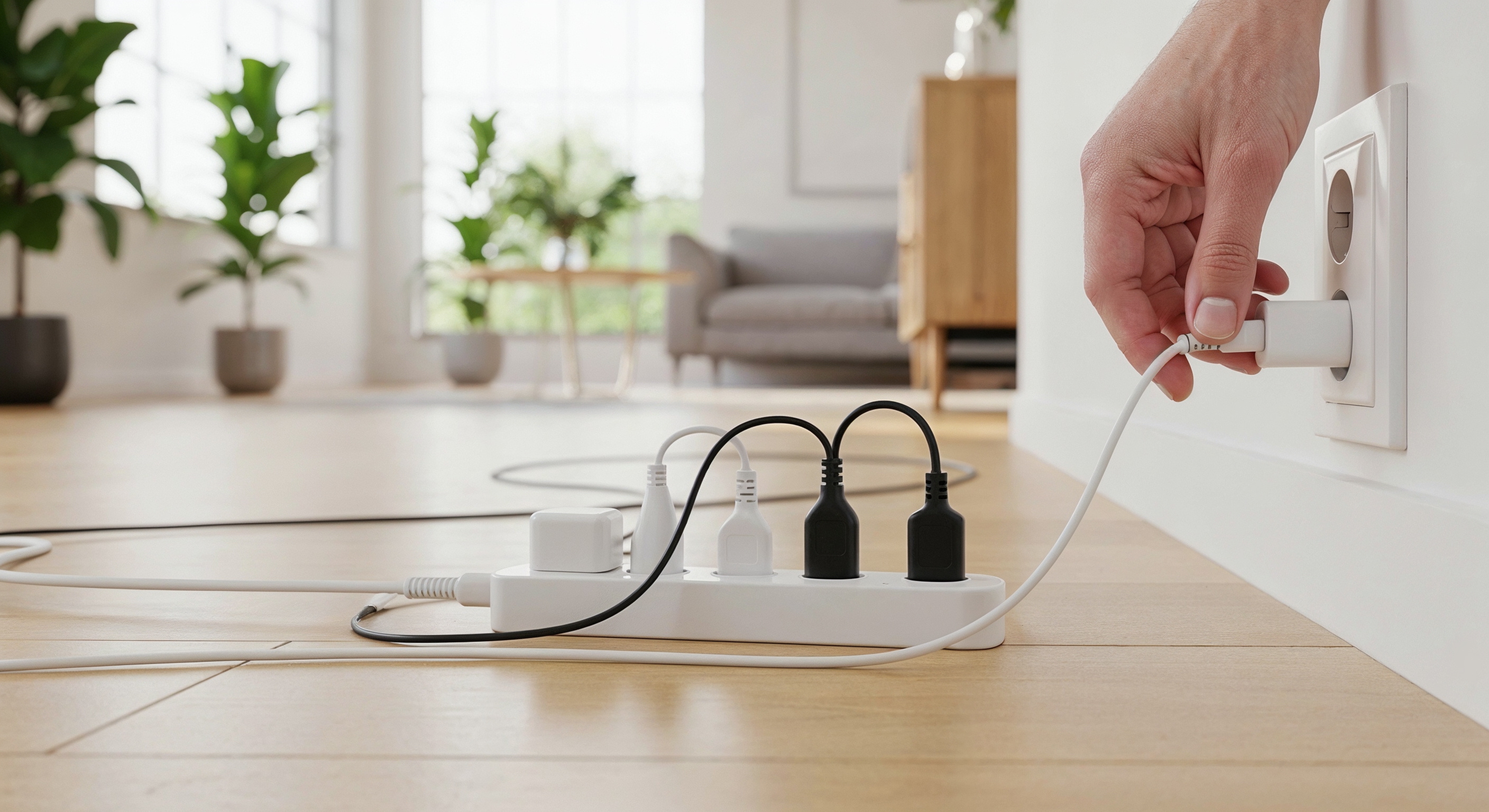
Can You Really Plug Two Power Strips Into One Outlet Safely?
So here is the thing a lot of people do not think twice about -- they need more outlets, they grab another power strip, plug it into the one already running, and move on. It feels like a reasonable fix, especially in a home office or entertainment setup where devices multiply fast. But whether that approach is actually safe depends on a few factors most people never stop to consider. The short answer is: yes, it can be done safely, but only when you understand what your electrical circuit can actually handle and you plan accordingly. This guide walks through exactly that -- the real rules, the real risks, and the right way to manage multiple power strips from a single outlet without running into trouble.
Understanding Your Outlet and Circuit Capacity
Before plugging anything into anything, it helps to know what you are working with. A standard residential outlet in the United States is typically rated for 15 amps at 120 volts -- that translates to a maximum of 1,800 watts per circuit. And here is the detail that trips people up: multiple outlets in the same room are often wired to the same circuit breaker. So even if you are using just one wall outlet, the devices drawing power through it share headroom with other outlets nearby. Overloading a circuit does not always trip a breaker immediately. Sometimes it just runs hot, degrades wiring over time, or causes intermittent issues that are harder to trace. Knowing your circuit capacity is step one -- everything else follows from that number.
What Happens When You Daisy-Chain Power Strips
Daisy-chaining -- plugging one power strip into another -- is technically prohibited by the National Electrical Code when done as a permanent solution, and for good reason. When you stack strips, the cumulative load from every connected device passes through that first connection point. If that first strip is not rated to handle the combined draw, you are looking at heat buildup, potential arc faults, and in worst-case scenarios, electrical fires. Most standard power strips are rated for 15 amps, but that does not mean they are designed to act as the sole distribution hub for two fully loaded strips. The rating tells you the maximum, not the recommended sustained load. This is a distinction worth taking seriously.
The Difference Between Daisy-Chaining and Plugging Two Strips Into One Outlet
There is an important distinction here that often gets blurred. Plugging two separate power strips directly into two sockets of the same outlet -- or one strip into each socket of a duplex outlet -- is not the same as plugging one strip into another. When both strips connect directly to the wall outlet, the load is distributed more evenly and neither strip bears the full burden of the other. This approach is significantly safer, provided the combined wattage of all connected devices stays within the circuit's capacity. The key is going directly to the wall for both strips, not routing one through the other. That single distinction changes the safety profile dramatically.
Smart Load Management: How to Calculate What You Can Actually Use
Load management is not complicated, but it does require a few minutes of actual math. Start by checking the wattage rating on each device you plan to plug in. Add those numbers together for every device on both strips. That total should not exceed 1,440 watts if you want a comfortable safety margin on a standard 15-amp circuit -- that is 80 percent of the 1,800-watt theoretical maximum, which is the industry-recommended safe operating threshold. A few practical categories to account for:
- Gaming consoles and performance desktops under full load can pull 200 to 400 watts each
- Monitors average 20 to 80 watts depending on size and panel type
- Laptop chargers typically draw 45 to 100 watts
- Networking gear like routers and switches usually runs 10 to 30 watts
- Printers spike during operation and can briefly pull 400 to 600 watts
Running that math before you finalize your setup takes maybe five minutes and can prevent a problem that costs much more to fix. The investment is worth it every time.
Choosing the Right Power Strips for a Dual-Strip Setup
Not every power strip is built the same way, and when running two from a single outlet, the quality of both units matters more than it might seem. Look for strips that carry UL listing certification -- that means the product has been independently tested and meets recognized safety standards. You also want robust surge protection rated in joules, ideally 1,000 joules or higher for electronics that are sensitive to voltage spikes. Grounded three-prong strips are non-negotiable in any setup involving computers, audio equipment, or anything with a power supply. Flat plug designs and spaced outlets add practical value too -- they make the physical setup cleaner and reduce strain on the wall connection point. These are not luxury features. They are baseline requirements for a responsible installation.
High-Risk Devices That Should Never Share a Strip
Some devices simply do not belong on a shared power strip, period. Space heaters, air conditioners, refrigerators, microwaves, and other high-draw appliances are designed to run on dedicated circuits for a reason. Plugging them into a power strip -- and especially into a strip that is sharing an outlet with another strip -- almost guarantees you will exceed safe operating limits. These devices often have motors or compressors that create inrush current spikes at startup, which can be two to three times their rated wattage for a brief moment. That spike is enough to trip breakers or stress connections in ways that compound over time. Keep these appliances plugged directly into the wall, on their own outlet, and ideally their own circuit.
Surge Protection and Why It Changes the Equation
Running two power strips from one outlet without surge protection is a risk that shows up quietly and without warning. Power surges from grid fluctuations, nearby lightning strikes, or even large appliances cycling on and off can send voltage spikes through your wiring in fractions of a second. Without surge protection, those spikes reach every device on your strips. A quality surge protector absorbs and dissipates that excess energy before it hits your equipment. When running a dual-strip setup, at minimum the strip directly connected to the wall should have active surge protection. Ideally, both strips should. It is one of the few protections in electrical management that requires no ongoing effort once it is in place -- you simply select the right product at the outset.
Practical Layout Tips for a Cleaner, Safer Dual-Strip Setup
The physical setup matters as much as the electrical math. A few habits that make a real difference:
- Keep both strips in open, ventilated areas -- never under rugs, behind furniture cushions, or in enclosed spaces where heat cannot escape
- Use strips with individual outlet switches to cut power to idle devices without unplugging them
- Label each strip by load group so you always know which devices are on which circuit path
- Inspect cords and connections periodically for signs of heat damage, discoloration, or physical wear
- Avoid coiling power cords tightly during use -- coiled cords trap heat generated by the current running through them
These are simple habits, but they reflect the kind of intentional setup that separates a well-managed workspace from one that is one overload away from a problem.
Why Monoprice Is the Right Starting Point for a Smarter Power Setup
When you are building a setup around multiple devices and limited outlets, the hardware you choose becomes the foundation of everything else. That is where Monoprice stands apart. Monoprice designs power management products with real users in mind -- home office builders, AV integrators, IT professionals, and anyone who needs reliable power delivery without overpaying for it. The product lineup includes surge protectors with high joule ratings, grounded strips built to UL standards, and thoughtful outlet spacing that actually accommodates today's larger adapter blocks. When you need dependable power strips, quality surge protectors, and accessories built for the way people actually work, shop Monoprice power strips and surge protectors for smarter home and office power management to explore a full range of solutions that deliver premium performance at a price that makes sense. Monoprice has spent years earning the trust of both everyday consumers and professional installers -- and that reputation is built entirely on product quality and honest value. For a dual-strip setup done right, starting with reliable hardware is not optional. It is the whole point.
Frequently Asked Questions About Using Two Power Strips in One Outlet
Is it safe to plug two power strips into one outlet?
Yes, it can be safe if both strips are plugged directly into separate sockets on the same wall outlet and the combined wattage of all connected devices does not exceed the circuit's safe capacity, which is typically around 1,440 watts on a standard 15-amp residential circuit.
What is the difference between daisy-chaining and using two strips in one outlet?
Daisy-chaining means plugging one power strip into another, which routes the full load of both strips through a single connection point. Using two strips in one outlet means each strip connects directly to the wall, distributing load more safely and avoiding the compounding risk of a chained connection.
How do I know if my outlet can handle two power strips?
Add up the wattage of every device you plan to connect across both strips. If the total stays below 1,440 watts and the outlet is on its own uncluttered circuit, you are generally within a safe operating range for a standard 15-amp outlet.
Can daisy-chaining power strips cause a fire?
Yes. Daisy-chaining concentrates heat and electrical stress at connection points not designed for sustained high loads. Over time or under peak demand, this can lead to arcing, melted components, or fire. It is prohibited by the National Electrical Code as a permanent wiring solution.
What devices should never be plugged into a power strip?
Space heaters, window air conditioners, refrigerators, microwaves, and other high-draw appliances should always be plugged directly into a dedicated wall outlet. These devices draw too much current and can create dangerous conditions on any shared power strip.
Do both power strips need surge protection in a dual-strip setup?
Ideally, yes. At minimum, the strip connected directly to the wall should have active surge protection to shield all connected devices. Having surge protection on both strips provides an additional layer of defense against voltage spikes that can damage sensitive electronics.
What joule rating should I look for in a surge protector for a dual-strip setup?
For electronics including computers, monitors, and networking gear, look for a surge protector rated at 1,000 joules or higher. Higher joule ratings indicate greater capacity to absorb energy from power surges before the protection wears out.
Can I use a power strip with a USB charging hub alongside a standard power strip in one outlet?
Yes, as long as both are plugged directly into the wall outlet and the combined load of all connected devices stays within safe wattage limits. USB charging hubs generally draw modest power, but any device with an integrated power supply should still be factored into your total load calculation.
How often should I inspect my power strips in a dual-strip setup?
A quick visual inspection every few months is a good habit. Look for discoloration on outlets or plugs, unusual warmth at connection points, frayed cords, or any signs of physical damage. Replace any strip that shows these signs immediately rather than continuing to use it.
Are there power strips specifically designed for handling heavier dual-outlet setups?
Yes. Some power strips are built with higher amp ratings, better thermal management, and individually switched outlets that make them better suited for setups with multiple devices. Choosing UL-listed strips with clearly rated specifications gives you a much more reliable foundation than relying on an unbranded or uncertified product.


