

Network Switches: Expand Your Wired Setup With Confidence
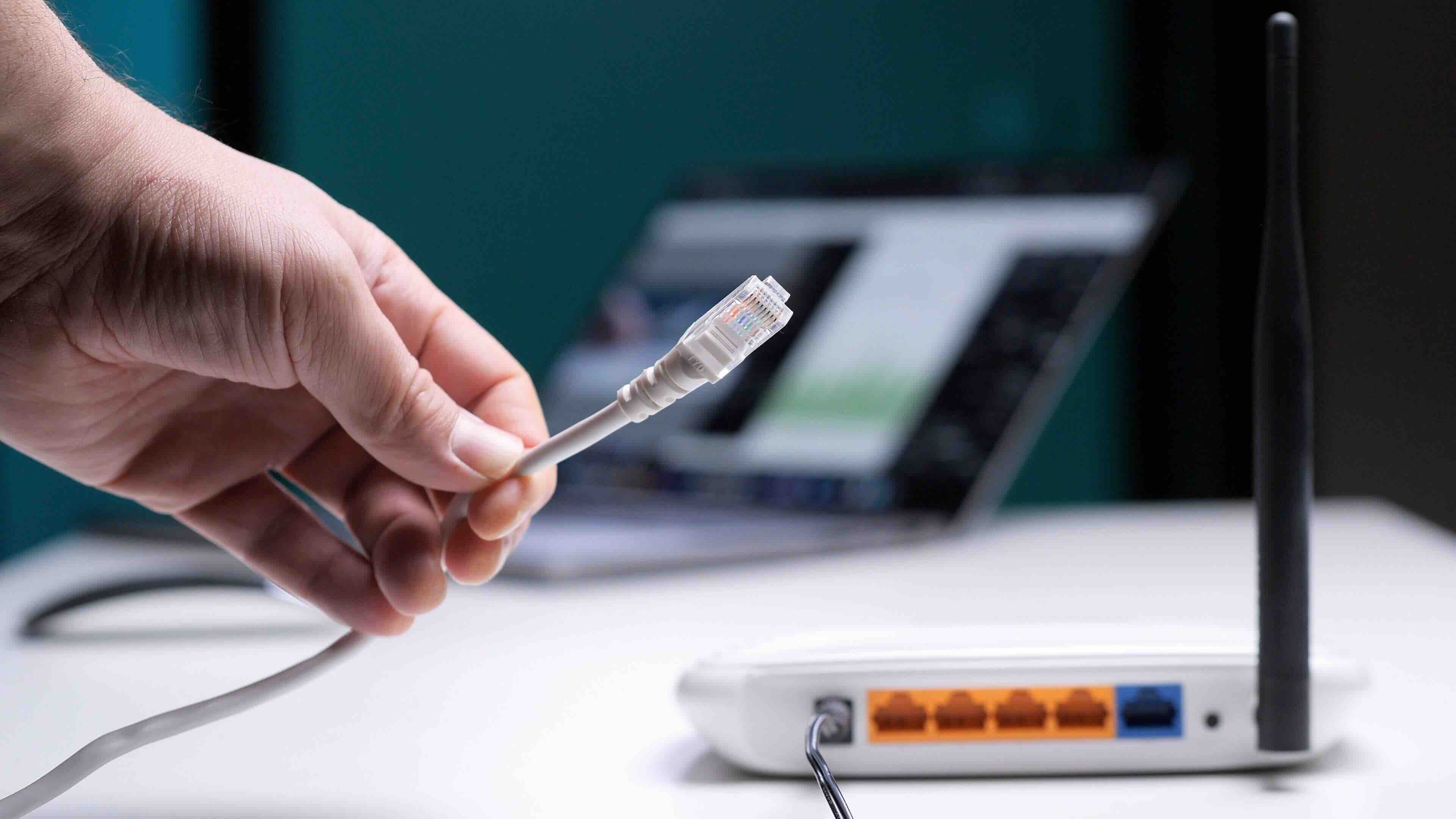
What Is a Network Switch and Why Does It Matter for Your Setup?
If you have more than a handful of wired devices in your home or office, you have probably already run into the problem -- not enough ports on your router. That is where a network switch comes in. A network switch is a hardware device that connects multiple devices on a local area network, or LAN, and manages the flow of data between them. Think of it as a traffic controller for your wired connections. It receives incoming data packets, reads where they need to go, and forwards them to the right device -- efficiently, accurately, and fast. Whether you are setting up a small home office, a retail environment, or a large enterprise infrastructure, understanding how network switches work is genuinely foundational stuff.
How a Network Switch Actually Works
At a basic level, a switch operates at Layer 2 of the OSI model -- that is the data link layer -- using MAC addresses to identify devices and direct traffic. When a device sends data, the switch reads the destination MAC address and forwards the packet to only the intended recipient, not every device on the network. This is a significant efficiency improvement over older technology like network hubs, which broadcast data to every connected device regardless of the intended destination. Some managed switches operate at Layer 3 as well, meaning they can perform basic routing functions using IP addresses. The result is a cleaner, faster, and much more reliable network with noticeably less congestion.
Managed vs. Unmanaged Switches: Which One Do You Need?
This is honestly the question most people get stuck on. Unmanaged switches are plug-and-play -- no configuration required, just connect your devices and go. They work fine for home networks and simple office environments where you do not need granular control. Managed switches, on the other hand, give you full control over network traffic, including VLAN configuration, Quality of Service settings, port mirroring, and SNMP monitoring. They are built for IT administrators and enterprise environments where security, uptime, and performance segmentation matter. There is also a middle-ground category called smart switches or web-managed switches that offer some configuration options without the full complexity of enterprise-grade managed hardware. Which one you need depends entirely on the scale and purpose of your network.
Key Advantages of Using a Network Switch
Once you understand what a network switch does, the advantages become pretty clear. Here is a look at what makes them worth the investment for most setups.
- Expands wired network capacity well beyond what your router alone can provide
- Reduces network congestion by directing data only to its intended recipient
- Supports high-speed Gigabit or even 10-Gigabit connections depending on the model
- Improves security through VLAN segmentation on managed models
- Scales easily as your network grows without requiring a full infrastructure overhaul
- Reliable and consistent -- wired connections simply outperform wireless in stability
For businesses running IP cameras, VoIP phones, network-attached storage, or workstations that demand consistent throughput, a switch is not optional equipment. It is infrastructure.
Common Drawbacks and Limitations to Know About
No piece of hardware is perfect, and network switches have their own set of limitations worth knowing before you buy. Unmanaged switches offer zero visibility into your network -- no logs, no traffic analysis, no way to prioritize one device over another. If something goes wrong, diagnosing the issue requires more effort. Managed switches solve most of those problems but introduce configuration complexity that may require dedicated IT knowledge. They also tend to cost more upfront. Additionally, switches handle wired connections only -- they do not replace your wireless access points or router. And depending on the port count and PoE budget, you could find yourself hitting capacity limits faster than expected in a growing deployment. Plan ahead.
Understanding PoE Switches and Why They Are Increasingly Popular
Power over Ethernet, or PoE, is a feature found on many modern switches that allows the network cable itself to carry electrical power to connected devices. This eliminates the need for separate power adapters on devices like IP cameras, access points, VoIP desk phones, and smart building sensors. PoE switches are rated by their total power budget -- typically expressed in watts -- and the per-port wattage they can deliver. Standard PoE delivers up to 15.4W per port, PoE+ delivers up to 30W, and PoE++ can deliver up to 60W or even 90W depending on the standard. For any deployment involving cameras or wireless access points, PoE capability is a massive practical advantage that simplifies cabling and reduces installation costs significantly.
Port Count, Speed, and Form Factor: What Specs Actually Matter
Choosing the right switch means matching its specs to your actual needs, not just picking the most impressive numbers on the box. Port count is the starting point -- figure out how many wired devices you have now and add room for growth. Common configurations are 5, 8, 16, 24, and 48 ports. Speed matters too; Gigabit Ethernet at 1Gbps is the current standard for most use cases, while 10-Gigabit uplinks are increasingly common for connecting switches to each other or to a server. Form factor is worth thinking about as well. Desktop switches are convenient for small setups, while rackmount switches are standard in server rooms and structured wiring environments. Fanless models are great for quiet office spaces where noise is a real concern.
Practical Tips for Setting Up and Managing Your Network Switch
A few things that actually make a difference in day-to-day use. First, always label your ports -- it sounds basic but saves enormous time when troubleshooting. Second, if you are using a managed switch, set up VLANs to isolate sensitive traffic like security cameras or guest Wi-Fi from your main business network. Third, make sure your switch has enough PoE budget before you start connecting powered devices -- it is easy to overlook total wattage when deploying multiple cameras or access points. Fourth, rack your switch properly if it is in a server room and make sure there is adequate airflow. Overheating is a real performance killer. And finally, check for firmware updates after initial setup. Manufacturers regularly push improvements that improve both stability and security.
Why Monoprice Is a Smart Choice for Network Switches and Wired Infrastructure
When it comes to building out reliable wired network infrastructure without overspending, Monoprice has been a go-to for IT professionals, integrators, and businesses for years. The lineup includes managed and unmanaged Gigabit switches with PoE support, rackmount-ready form factors, and the kind of build quality that holds up in real-world deployments -- not just controlled demo environments. Monoprice is not about flashy branding or inflated retail markup. It is about delivering the performance specs you actually need at pricing that makes budget approvals a lot easier to get. If you are sourcing gear for a structured wiring project, a multi-room office setup, or a growing small business network, finding high-quality affordable network switches and wired networking solutions through Monoprice means you are not compromising on reliability to hit your budget. That combination is genuinely hard to find elsewhere in this product category.
Frequently Asked Questions About Network Switches
What is the difference between a network switch and a router?
A router connects your local network to the internet and manages traffic between networks. A switch connects multiple wired devices within the same local network and manages traffic between them. Most home setups need both.
Can I use a network switch without a router?
Yes, but only for local device-to-device communication. Without a router, connected devices will not have access to the internet. A switch expands your wired ports but does not replace routing functionality.
Does adding a network switch slow down my internet speed?
No. A properly configured switch does not reduce internet speeds. It manages local traffic efficiently and only becomes a bottleneck if it is underpowered for the workload or has a faulty uplink connection.
What is a PoE switch and what devices does it support?
A PoE switch delivers electrical power through Ethernet cables to compatible devices. Common supported devices include IP cameras, wireless access points, VoIP phones, and smart building sensors.
How many ports do I need on a network switch?
Count the number of wired devices in your current setup and add at least 25 to 30 percent extra capacity for future growth. Common options include 8, 16, 24, and 48-port configurations.
What is a VLAN and why would I need one on my switch?
A VLAN, or Virtual Local Area Network, segments your network into separate logical groups. This improves security by isolating traffic between departments, devices, or use cases without requiring separate physical hardware.
What is the difference between a Gigabit switch and a 10-Gigabit switch?
A Gigabit switch supports speeds up to 1Gbps per port. A 10-Gigabit switch supports up to 10Gbps and is typically used for high-throughput server connections or switch-to-switch uplinks in larger deployments.
Do I need a managed or unmanaged switch for a small office?
For most small offices without complex security or traffic management requirements, an unmanaged or smart switch is sufficient. Managed switches are recommended when you need VLANs, QoS, or detailed network monitoring.
What is the PoE budget on a switch and why does it matter?
The PoE budget is the total wattage a switch can distribute across all its PoE ports. If the combined power draw of connected devices exceeds the budget, some devices may not receive adequate power or may fail to operate correctly.
Can I daisy-chain multiple network switches together?
Yes, switches can be connected to one another to expand port availability. For best performance, use a dedicated uplink port and avoid creating network loops. Managed switches with spanning tree protocol support handle multi-switch environments most reliably.


