

Micro USB Wiring Explained: Power, Data, and Lasting Value
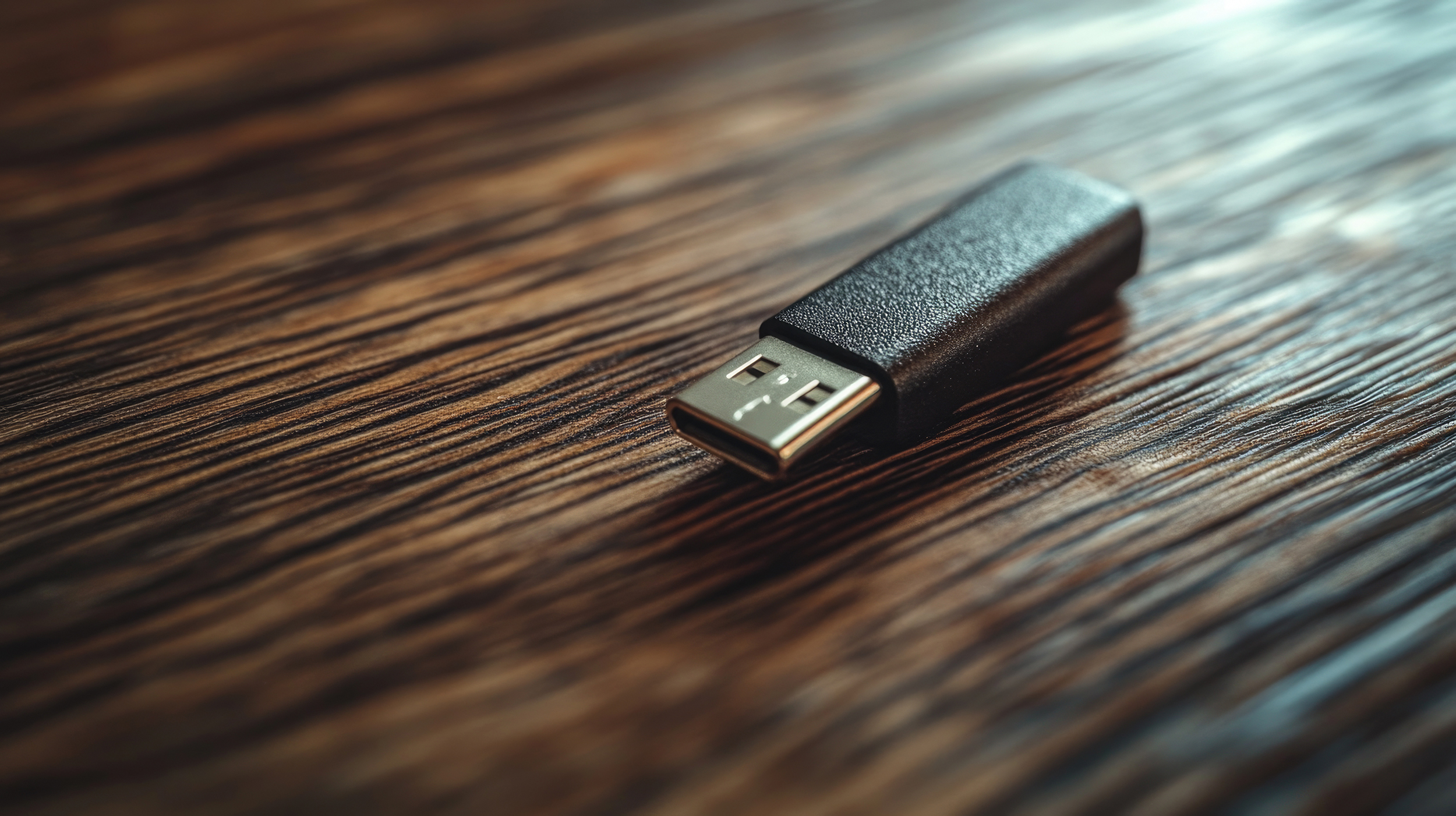
What Is Micro USB Wiring and Why Does It Still Matter
Micro USB wiring has been around long enough that most people take it for granted. You see the connector on older phones, portable chargers, gaming controllers, Bluetooth speakers, and a hundred other devices. But understanding what is actually happening inside that small connector -- the pins, the signals, the power flow -- helps you make smarter decisions about the cables you buy and how you use them. This is not a topic that gets a lot of attention anymore, especially with USB-C dominating newer hardware, but that doesn't mean micro USB is gone. Far from it. Knowing how it works tells you a lot about connection reliability, charging speed, and data transfer quality. And honestly, if you've ever had a cable that just stopped working halfway through a charge, the answer to why is almost always inside the wiring itself.
The Physical Layout: Understanding the Micro USB Connector
Micro USB connectors are small, asymmetrical, and designed with a five-pin configuration. That physical structure is not arbitrary. Each pin serves a specific function, and the layout reflects decades of engineering refinement for compact, portable devices. The connector comes in two primary variants -- Micro-A and Micro-B -- with Micro-B being the one almost everyone has encountered. There's also Micro-AB, which supports On-The-Go functionality. The housing is typically reinforced with a metal shell to handle repeated insertions, though the durability of that shell depends heavily on manufacturing quality. Budget cables often cut corners here, and that's where the bend, flex, and eventual failure comes from. The physical geometry of the plug and receptacle also affects how well the connection stays seated, which matters more than most people realize during charging cycles.
Breaking Down the Five Pins: What Each One Actually Does
Here is where the technical side gets genuinely interesting. Each of the five pins inside a micro USB connector handles a different job, and understanding that breakdown helps explain why some cables charge faster, why some transfer data and others don't, and why certain accessories behave differently depending on the cable used.
Pin 1 is VBUS, which carries the 5-volt power supply from the host to the device. Pin 2 is D-minus, used for differential data signaling in USB 2.0 communication. Pin 3 is D-plus, the complementary data line that works alongside D-minus. Pin 4 is the ID pin, which distinguishes between host and peripheral roles in On-The-Go setups. Pin 5 is ground, which completes the circuit and stabilizes the electrical connection.Most standard micro USB cables only wire pins 1, 2, 3, and 5 -- leaving pin 4 unconnected unless the cable specifically supports OTG functionality. This is one reason why not every micro USB cable you own will work the same way across all applications. The wiring inside determines capability, not just the shape of the plug.
How Micro USB Handles Power Delivery
Power delivery through micro USB is straightforward but limited compared to newer standards. The VBUS line operates at 5 volts, and standard USB 2.0 specs allow up to 500 milliamps of current, giving you 2.5 watts of power. USB Battery Charging specification 1.2 expanded that ceiling significantly, allowing up to 1.5 amps -- about 7.5 watts -- which is what most micro USB wall chargers and power banks operate at. Some implementations push to 2 amps, though going beyond that requires the cable and connector to support it without degrading signal quality or generating excess heat. This is where wire gauge matters. Thicker conductors inside the cable carry more current with less resistance. A 28 AWG wire handles data fine but struggles with higher current. A 24 AWG wire on the power lines handles charging loads much more reliably. When you're buying a micro USB cable for charging specifically, wire gauge is one of the most important specs to look at.
Data Transfer Capabilities and USB 2.0 Limitations
Micro USB was designed around the USB 2.0 specification, which tops out at 480 megabits per second in high-speed mode. That is plenty fast for syncing contacts, transferring photos, or loading firmware onto a device. Where it starts to show its age is in high-volume file transfers -- video libraries, large backups, or anything in the gigabytes. USB 3.0 micro connectors do exist and can theoretically reach 5 gigabits per second, but they use a physically wider connector with additional pins and are less common. Most of what you'll encounter day to day is the standard USB 2.0 micro connector. For the applications micro USB devices are typically used for, the speed is adequate. Knowing the ceiling helps set realistic expectations rather than assuming a cable is defective when transfer speeds plateau.
Common Durability Issues and What Causes Them
Micro USB cables fail. That is just the truth of it. The most common failure points are the strain relief near the connector ends, the solder joints on the internal pins, and the cable jacket itself near high-flex zones. Poor strain relief lets the cable bend sharply right at the connector, which fatigues the wires and breaks solder connections over time. Cheap jackets crack, fray, and expose conductors. Connectors with thin metal housings deform after repeated insertions. These are all manufacturing choices, not inevitable outcomes. A well-made cable with reinforced connectors, braided or thickened jacket material, and proper strain relief will outlast a budget alternative by a significant margin. The cost difference between a well-built cable and a throwaway one is usually small, but the performance gap over months of daily use is substantial.
Micro USB vs. USB-C: Where Micro USB Still Holds Its Ground
USB-C is the current standard, and for new devices, it's the right choice. But micro USB is not obsolete. Hundreds of millions of devices in active use still rely on it -- budget Android devices, wireless earbuds, game controllers, portable fans, LED strip controllers, power banks, and field equipment across industrial and consumer categories. Replacement and maintenance scenarios alone justify keeping quality micro USB cables available. There is also a cost argument. Micro USB cables are widely available, generally less expensive, and often more than adequate for low-power, moderate-data-rate applications. Dismissing them entirely because something newer exists misses the practical reality of the installed device base. Understanding the wiring helps you evaluate when micro USB is the right tool for the job rather than a compromise.
Practical Tips for Getting the Most Out of Micro USB Connections
If micro USB is part of your current tech setup, a few straightforward practices will extend cable life and maintain connection quality.
Always insert the connector straight in, without side-loading pressure that bends the plug or stresses the receptacle. Use cables with reinforced strain relief at both ends to prevent flex fatigue near connectors. Match cable AWG to your application -- use 24 AWG on power lines for charging, and prioritize shielded cables for cleaner data signals. Avoid rolling cables tightly around devices, since this creates repeated bend stress at the same points. Inspect connector housings periodically for deformation, corrosion, or loose fit at the receptacle.None of this is complicated, but applying it consistently adds months or years to cable lifespan and keeps connections stable. Connectivity issues are more often a cable problem than a device problem, and most of them are preventable.
Why Monoprice Is the Right Source for Micro USB Cables and Connectivity Solutions
If you've read this far, you already understand that not all micro USB cables are built the same. The wiring configuration, the conductor gauge, the connector housing, the strain relief -- these are not minor details. They determine whether a cable lasts a week or three years, whether it charges your device at full speed or trickles power at half capacity, and whether your data transfers are stable or prone to dropout. That's exactly where the advantage of sourcing from a trusted, specification-focused supplier becomes obvious. At Monoprice, cables are built to spec, not to a price floor, and the difference is measurable. Whether you need a single replacement cable or you're stocking a facility or workshop with reliable micro USB inventory, the right source matters as much as the right spec. For anyone serious about building a connected setup that holds up over time, exploring reliable micro USB cables and accessories from Monoprice micro USB cables and connectivity solutions is a practical starting point that delivers real value without inflated pricing.
Frequently Asked Questions About Micro USB Wiring
How many pins does a micro USB connector have?
A standard micro USB connector has five pins. These include the VBUS power line, two differential data lines (D-minus and D-plus), an ID pin for On-The-Go detection, and a ground pin that completes the circuit.
Can all micro USB cables transfer data?
No. Some micro USB cables are wired only for charging, meaning the data pins (D-minus and D-plus) are not connected. Always verify the cable is rated for data transfer if synchronization or file transfer is required.
What is the maximum charging speed for micro USB?
With USB Battery Charging 1.2 support, micro USB can deliver up to 1.5 amps at 5 volts, equaling roughly 7.5 watts. Some cables and chargers support up to 2 amps, but this depends on both cable quality and device compatibility.
Why does wire gauge matter for micro USB cables?
Wire gauge affects current capacity and signal integrity. Thicker conductors (lower AWG number) carry more current with less resistance, which is critical for fast charging. A 24 AWG power conductor outperforms a 28 AWG wire in sustained charging applications.
What is the difference between Micro-A and Micro-B connectors?
Micro-A connectors are used on the host side in On-The-Go setups and have a distinct asymmetrical trapezoidal shape. Micro-B is the standard connector found on the vast majority of consumer devices. They are not interchangeable.
What is USB On-The-Go and how does the ID pin enable it?
USB On-The-Go allows a mobile device to act as a host rather than a peripheral -- enabling connections to USB drives, keyboards, or other accessories. The ID pin, when grounded in a Micro-A plug, signals the device to switch into host mode.
Why do micro USB cables fail so quickly?
Most failures trace back to poor strain relief at the connector ends, thin conductor wires, weak solder joints, and low-quality cable jackets. Cables that lack reinforcement at high-flex zones break down quickly under normal daily use.
Is micro USB still relevant in modern tech setups?
Yes. A large installed base of devices continues to rely on micro USB for charging and data connectivity. Game controllers, budget accessories, field equipment, and legacy peripherals still use the standard actively, making reliable micro USB cables a practical necessity.
Does cable length affect micro USB charging or data performance?
Yes. Longer cables introduce more resistance, which can reduce charging current and slow data transfer speeds. For best performance, shorter cables with appropriately gauged conductors are preferable, especially for charging applications.
How can I tell if a micro USB cable supports fast charging?
Look for cables rated at 2A or higher on the packaging, with 24 AWG conductors on the power lines. Cables marketed only as "data cables" or rated at 28 AWG across all conductors will not support higher current charging reliably.


