

Micro Pendrive: Compact Storage Built for Modern Life
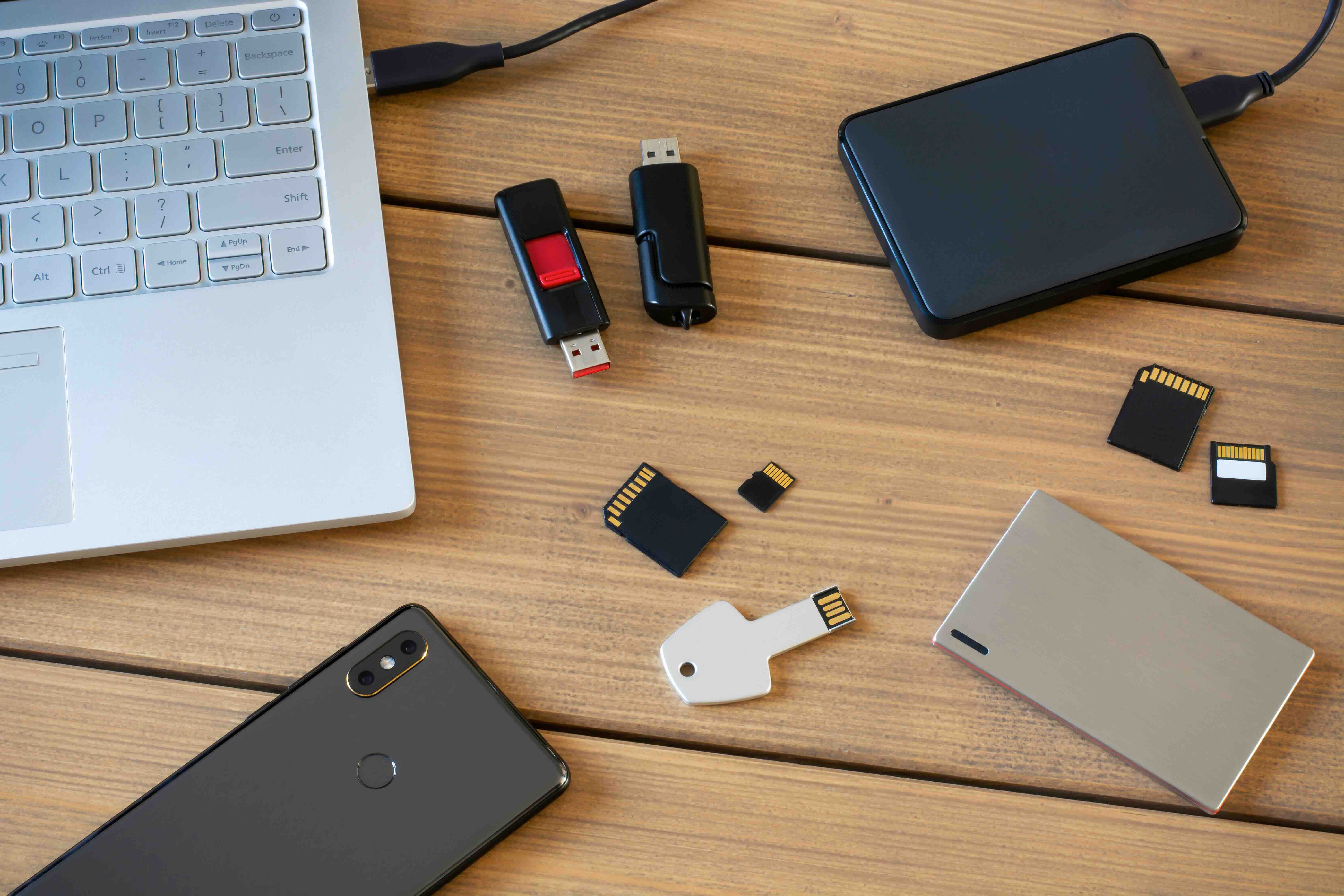
What Is a Micro Pendrive and Why Does It Matter in 2025
So you have probably seen them -- those tiny little flash drives that look almost comically small compared to the original USB sticks from the early 2000s. A micro pendrive, sometimes called a micro USB flash drive or nano flash drive depending on who you ask, is essentially a miniaturized portable storage device designed to plug into a USB port with almost no physical footprint beyond the port itself. We are talking about drives so compact they barely extend past the edge of your laptop. And honestly, that is kind of the whole point. As devices have gotten slimmer and workflows have gotten more mobile, the need for storage that does not get in the way has become a real priority. Micro pendrives deliver exactly that -- portability without bulk, and storage without sacrifice.
How a Micro Pendrive Actually Works
At the core, a micro pendrive operates on the same fundamental technology as any standard USB flash drive. It uses NAND flash memory -- a type of non-volatile storage that retains data even when power is removed. When you plug one into a USB-A or USB-C port, your operating system recognizes it as an external storage device and you can immediately begin transferring files. The difference with a micro form factor is largely physical engineering: manufacturers pack the same memory chips, controller circuitry, and interface components into a housing that is often just a few millimeters thick. Some models include a small cap or loop for a keychain, while others go completely flush with the port to avoid snagging on anything. The interface speeds vary -- USB 2.0 models are still around and functional for basic tasks, but USB 3.0 and USB 3.1 micro pendrives offer substantially faster read and write performance, which matters when you are moving large files or working with media.
Key Advantages of Using a Micro Pendrive
There are several reasons people gravitate toward micro pendrives over standard-sized drives, and they are not all obvious at first glance. Here is a breakdown of the practical advantages that make them worth considering:
- Ultra-compact design that leaves neighboring ports completely unobstructed
- Stays plugged in without risk of accidental disconnection from a bump or snag
- Ideal for laptops, ultrabooks, and mini PCs with limited port clearance
- Lightweight enough to forget it is even there, which is useful in always-on scenarios
- Available in capacities ranging from 16GB to 256GB and beyond, depending on the brand
- Works seamlessly across Windows, macOS, Linux, and most smart TV platforms
That last point is worth pausing on. Compatibility is something people overlook until it is a problem. A quality micro pendrive should just work, across devices and operating systems, without needing drivers or special software. That plug-and-play simplicity is genuinely useful, especially in professional or educational environments where you are moving between systems constantly.
Common Drawbacks You Should Know Before Buying
Alright, so nothing is perfect. Micro pendrives have some real limitations and it is better to know them upfront. The most significant one is physical: because they are so small, they are easier to lose. Seriously, that is not a joke. These things can disappear into a laptop bag or couch cushion with very little effort. Beyond that, some ultra-compact models sacrifice thermal management, meaning sustained heavy read and write operations can cause the drive to heat up more than a standard-sized alternative. Write speeds on budget micro pendrives can also be noticeably slower than their read speeds, which affects how long it takes to load content onto the drive initially. And while capacities have improved dramatically, you are still not looking at the raw performance ceiling of an external SSD. For archiving a few hundred gigabytes of documents, presentations, or media files, micro pendrives are excellent. For running applications directly off the drive or editing high-bitrate video files in real time, you might want something with more headroom.
Micro Pendrive vs Standard Flash Drive: Which One Should You Choose
This is the question that comes up a lot, and the answer depends almost entirely on your use case. Standard flash drives typically offer better thermal performance, larger physical form factors that are easier to grab and identify, and in some cases faster sustained write speeds because there is more room for controller chips and heat dissipation. A micro pendrive wins on portability, discretion, and convenience in environments where you want the drive to stay connected for extended periods without getting in the way. Think about how you actually use a flash drive day to day. If you are constantly swapping it between machines, a standard drive with a visible body and cap might be more practical. If you want something that lives in your laptop indefinitely and acts almost like a storage expansion slot, a micro pendrive is the smarter choice.
Storage Capacity and Speed: What the Numbers Actually Mean
Capacity is measured in gigabytes and is fairly self-explanatory -- more gigabytes means more files. But speed ratings are where things get a little technical and worth decoding. USB 2.0 drives max out at around 480 Mbps theoretical, with real-world read speeds often landing between 20 and 40 MB/s. USB 3.0 drives jump that ceiling significantly, with real-world reads frequently exceeding 100 MB/s. For most everyday tasks -- moving documents, storing photos, carrying a presentation -- USB 2.0 is functional but noticeably slower when transferring anything over a few gigabytes. USB 3.0 is the sweet spot for most users in 2025. If the device you are buying does not specify the USB generation, check the specs sheet or product listing carefully. That single detail will have more impact on your day-to-day experience than nearly any other spec.
Practical Tips for Getting the Most Out of Your Micro Pendrive
Using a micro pendrive well is about more than just plugging it in and copying files. A few habits make a meaningful difference in how reliable and long-lasting the drive will be:
- Always eject the drive properly through your operating system before removing it physically
- Avoid storing the drive somewhere it will be exposed to extreme heat or moisture
- Periodically back up the contents to a secondary location -- flash memory is not infallible
- Format the drive in the file system most compatible with your primary device: exFAT is generally the safest choice for cross-platform use
- Check the drive for errors occasionally using your OS built-in disk utility tools
- Label the drive digitally with a custom volume name so you can identify it quickly when multiple drives are connected
Small habits like these extend the functional life of a micro pendrive significantly. Flash memory has a finite number of write cycles, and while modern drives are rated for millions of operations, abrupt removal and poor storage practices accelerate wear in ways that are hard to detect until the drive fails.
Who Uses Micro Pendrives and Where They Excel
Micro pendrives have found a comfortable home in a surprisingly wide range of professional and personal contexts. Students use them to carry coursework between campus computers without fumbling for a drive every time. IT professionals use them for running lightweight diagnostic tools or portable operating systems. Photographers and videographers keep them loaded with client deliverables for quick handoff. Business travelers appreciate a drive that stays in the laptop throughout an entire trip without protruding or getting clipped on anything inside a bag. Even home users running Plex servers or smart TVs with USB media playback rely on compact drives for libraries of locally stored content. The micro pendrive does not try to be everything -- it tries to be exactly the right thing for people who need storage that moves with them effortlessly.
Why Monoprice Is a Smart Choice for Micro Pendrive Storage Solutions
When you are shopping for a micro pendrive, the brand matters more than people realize. Build quality, controller reliability, and accurate speed ratings separate drives that perform consistently from ones that fail without warning. Monoprice has built a reputation in the technology space for delivering high-performance products at pricing that does not require a second thought at checkout. If you are looking for reliable micro pendrive and USB flash storage solutions at competitive prices, Monoprice is a brand worth keeping at the top of your list. The focus has always been on giving buyers real value without cutting corners on the components that matter. Whether you are outfitting a single workstation or sourcing drives for an entire team, that combination of performance and cost-effectiveness is genuinely hard to beat in today's market.
Frequently Asked Questions About Micro Pendrives
What is the difference between a micro pendrive and a regular USB flash drive?
A micro pendrive is a miniaturized version of a standard USB flash drive, engineered to have a significantly smaller physical footprint. It typically sits nearly flush with the USB port, whereas a standard flash drive extends several centimeters outward. Both use NAND flash memory and function identically in terms of data storage and file transfer.
Can I leave a micro pendrive plugged into my laptop all the time?
Yes, micro pendrives are specifically designed for this use case. Their low-profile design minimizes the risk of physical damage from bumps or bag compression. However, continuous use can generate heat, so choosing a drive with a quality controller helps manage thermal performance over time.
What file system should I use to format a micro pendrive?
exFAT is generally the best choice for most users because it is compatible with Windows, macOS, and Linux without requiring additional drivers. FAT32 works across platforms as well but limits individual file sizes to 4GB. NTFS is Windows-optimized and may require configuration for full read and write access on macOS.
How much storage capacity do I actually need on a micro pendrive?
For document storage, presentations, and basic file transfers, 32GB to 64GB is typically sufficient for most users. If you plan to store large media files, software installers, or portable operating systems, 128GB or 256GB provides more comfortable headroom without hitting capacity limits.
Are micro pendrives as fast as standard USB flash drives?
Speed depends more on the USB generation and internal controller than the physical size. A USB 3.0 micro pendrive can match or exceed the performance of a USB 2.0 standard flash drive. Always check the specific read and write speed ratings listed by the manufacturer before purchasing.
What causes a micro pendrive to fail?
The most common causes include abrupt removal without proper ejection, physical damage from being left in a port during drops or impacts, exposure to moisture or extreme heat, and natural wear from exceeding the flash memory write cycle limit. Proper handling and periodic backups significantly reduce failure risk.
Can I run an operating system from a micro pendrive?
Yes, many users run lightweight Linux distributions or Windows To Go environments from USB flash drives, including micro pendrives. For this use case, prioritize a drive with high sustained write speeds and a USB 3.0 or higher interface to ensure a usable performance level.
Is a micro pendrive safe for storing sensitive or confidential data?
A standard micro pendrive offers no built-in encryption, so sensitive data stored without additional protection is at risk if the drive is lost. Using software-based encryption tools or selecting a drive with hardware encryption support is strongly recommended for any confidential files.
Will a micro pendrive work with smart TVs and media players?
Most modern smart TVs and media players support USB mass storage devices, which includes micro pendrives. Formatting the drive in FAT32 or exFAT ensures the broadest compatibility with these devices. Check your TV or player documentation for any file system or file format restrictions specific to that model.
How long does a micro pendrive typically last?
With normal use and proper handling, a quality micro pendrive can last five to ten years or longer. Flash memory is rated by write cycles rather than time, and under typical conditions most users will not approach that limit. Storing the drive properly and avoiding abrupt removal extends its operational life considerably.


