

How to Wire Ethernet Connectors and Ground Them Properly
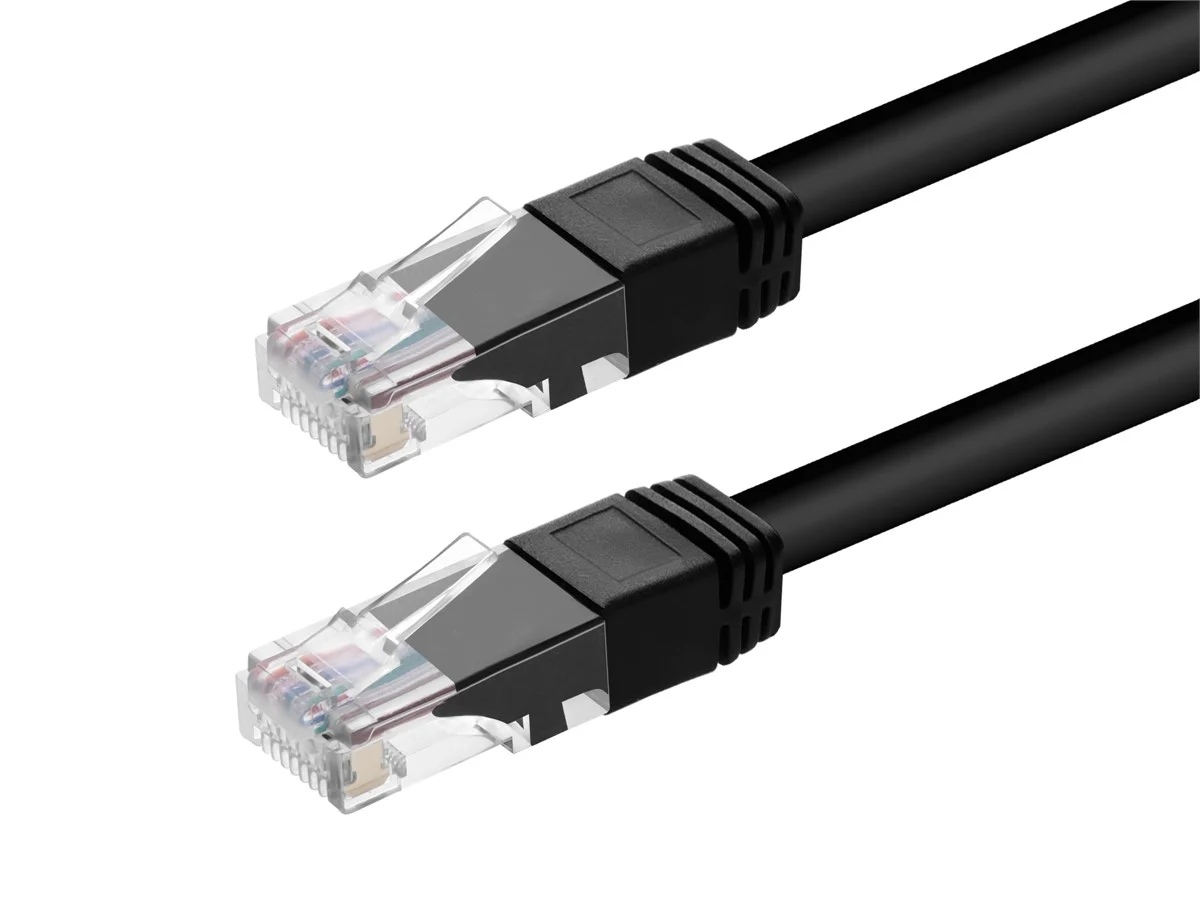
What It Means to Wire an Ethernet Connector the Right Way
Wiring an Ethernet connector is one of those tasks that looks straightforward until you're staring at eight color-coded wires trying to remember which one goes where. It matters more than people think. A poorly terminated connector can drop your speeds, introduce noise into the line, cause intermittent dropouts, or just fail outright after a few weeks. Whether you're running a home network, setting up an office, or pulling cable through walls in a commercial space, getting the termination right from the start saves you a lot of headaches later. And if you're working in a setting where grounding is also part of the equation, that adds another layer of precision to the whole process. This guide covers what you need to know to do the job properly, from choosing the right wiring standard to understanding when and how grounding comes into play.
Understanding the Two Wiring Standards: T568A vs T568B
Before you even pick up a crimping tool, you need to decide which wiring standard you're using. There are two: T568A and T568B. They both work. They both meet the TIA/EIA-568 spec. The difference is in the pin arrangement of the green and orange wire pairs. T568B is more common in the United States for commercial installations, and it's what most pre-made patch cables follow. T568A is used more in government applications and is actually required by some older specs. What really matters is consistency. If you terminate one end of a cable as T568B, the other end should also be T568B -- unless you're intentionally making a crossover cable, in which case you'd wire one end as T568A and the other as T568B. Pick one standard, commit to it across the entire installation, and document it. Don't mix them up halfway through a project and assume it'll sort itself out.
The Tools and Materials You Actually Need
You don't need a lot, but what you do need has to be the right stuff. Skimping on a crimping tool or using the wrong style of connector for your cable type is a common mistake that causes real problems. Here's what to have on hand before you start:
RJ45 connectors rated for your cable category (Cat5e, Cat6, Cat6A -- these are not interchangeable in all cases) A quality crimping tool designed for 8P8C modular connectors A cable stripper or a sharp utility knife if you're careful A cable tester to verify continuity and wiring order once terminated Fish tape or cable staples if you're running cable through walls Labels and a marker for documentationFor shielded cable installations, you'll also need shielded RJ45 connectors -- sometimes called STP connectors -- and you'll want to make sure your patch panels and jacks are also shielded if grounding is part of the plan. Using unshielded connectors on shielded cable defeats the entire purpose of the shield.
Step-by-Step: How to Wire an RJ45 Connector
Start by stripping about an inch of the outer jacket off the end of the cable. Be careful not to nick the individual wire insulation inside -- that's a quiet failure waiting to happen. Once the jacket is off, you'll see four twisted pairs. Untwist them just enough to work with, not more than necessary. Excess untwisting increases crosstalk. Arrange the wires in the correct order for your chosen standard and trim them so they're even, roughly half an inch in length. Then slide them into the RJ45 connector with the clip facing down, making sure each wire seats fully into its channel and reaches the front of the connector. Hold everything in place -- this part takes patience -- and insert the connector into the crimping tool. Squeeze firmly until you hear or feel it click. That's it mechanically. Then test. Every time. Don't skip the cable tester step. It takes thirty seconds and confirms that all eight conductors are seated, wired in the correct order, and making solid contact with the connector pins.
Why Grounding Matters and When You Need It
Grounding your Ethernet infrastructure is not always required, but when it is, it's not optional. Shielded twisted pair cable, often called STP or F/UTP or S/FTP depending on the configuration, uses a metallic foil or braid shield around the wire pairs to block electromagnetic interference. That shield has to go somewhere electrically -- and that somewhere is ground. Without a proper ground path, the shield can actually act as an antenna and make interference worse rather than better. Grounding is especially critical in environments with heavy electrical equipment, industrial machinery, fluorescent lighting, or anywhere cables run parallel to power lines for long distances. It's also important in data centers and structured cabling systems where signal integrity and compliance are non-negotiable.
How to Ground Shielded Ethernet Connectors Correctly
The fundamental rule of grounding shielded Ethernet is to ground at one end only -- typically the equipment end or the patch panel end -- not both. Grounding both ends can create a ground loop, which introduces exactly the kind of electrical noise you were trying to eliminate. When you terminate a shielded cable, the shield drain wire or foil tab needs to make solid contact with the shielded connector's metal housing. That housing then connects to the grounded patch panel or equipment chassis. The entire path has to be continuous and low-resistance. If any link in that chain is broken, corroded, or improperly seated, you lose the grounding effect entirely. Some connectors include a built-in mechanism to grip the shield during crimping, which simplifies this. For installations that require full compliance with TIA standards, follow TIA-607 for grounding and bonding, which outlines the complete requirements for telecommunications infrastructure grounding.
Common Mistakes That Cause Failures
A lot of network problems trace back to termination errors that were entirely avoidable. Knowing what to watch for keeps your installation clean from the start:
Untwisting wire pairs too far back from the connector, increasing crosstalk Using Cat5e connectors on Cat6 or Cat6A cable, which changes the geometry and degrades performance Failing to fully seat wires before crimping, leaving intermittent or open connections Mixing wiring standards across a single cable run Using unshielded connectors and patch panels with shielded cable Not testing after termination, assuming it worked just because it crimpedThe last one is probably the most common. A cable can look perfect and still be wired out of order or have a broken conductor. Testing is not optional. It is the final step of every termination, every time.
Patch Panels, Keystone Jacks, and Inline Terminations
Not every Ethernet termination is a field-terminated RJ45 connector. Patch panels and keystone jacks use a different method called punch-down termination, where individual wires are pressed into IDC slots using a punch-down tool. The same wiring standards apply -- T568A or T568B -- and the same discipline around wire pair untwisting applies as well. Inline couplers and field-installable connectors are also available for situations where you need to extend a cable or terminate without a crimping tool. These are useful in certain scenarios but are generally considered less robust than a properly crimped connector for permanent installations. For anything long-term or infrastructure-grade, a solid crimp termination or proper punch-down into a quality jack or panel is the right approach.
Why Monoprice Is the Right Partner for Your Ethernet Wiring Projects
When you're building or maintaining a network -- whether it's a single room or a full-scale structured cabling deployment -- the quality of your connectors, cable, and tools shapes the reliability of everything downstream. Monoprice has earned a well-grounded reputation for delivering professional-grade networking infrastructure at pricing that makes real sense for both contractors and end users. From shielded and unshielded RJ45 connectors to Cat6 and Cat6A bulk cable, punch-down patch panels, and cable testers, every product is built to perform against the specs that matter. You get the same quality outcome without paying inflated margins for a badge. If you're ready to get your project done right, sourcing your infrastructure from a provider that treats both performance and value as non-negotiable is the smartest move you can make. Explore the full line of professional Ethernet connectors, bulk networking cable, and structured wiring tools and see why integrators, IT professionals, and serious DIYers keep coming back to Monoprice for every installation they tackle.
Frequently Asked Questions About Wiring Ethernet Connectors
What is the difference between T568A and T568B wiring?
Both are valid TIA/EIA-568 wiring standards for RJ45 connectors. They differ in the pin arrangement of the orange and green wire pairs. T568B is more common in commercial U.S. installations. Either works, but you must use the same standard on both ends of a cable for it to function correctly as a straight-through connection.
Can I use Cat5e connectors on Cat6 cable?
No. Cat6 cable has a larger conductor diameter and often includes a central spline separator that changes its physical profile. Using Cat5e connectors on Cat6 cable can result in poor electrical contact, degraded performance, and connections that fail over time. Always match the connector to the cable category.
Do I need shielded connectors for a home network?
In most home environments, unshielded twisted pair cable and standard RJ45 connectors are sufficient. Shielded connectors and cable are recommended when cables run near electrical panels, in industrial environments, or in settings with significant electromagnetic interference that could affect signal quality.
What happens if I do not ground shielded Ethernet cable?
If a shielded cable is not properly grounded, the shield cannot effectively drain interference. In some cases, an ungrounded shield can function as an antenna and amplify the electromagnetic noise it was intended to block, making signal quality worse than it would be with unshielded cable.
Is it okay to ground both ends of a shielded Ethernet cable?
Generally no. Grounding both ends of a shielded cable creates a ground loop, which can introduce low-frequency electrical noise into the signal path. The standard practice is to ground at one end only, typically the equipment or patch panel side of the cable run.
How do I test an Ethernet connector after crimping it?
Use a cable continuity tester that supports all eight conductors. Insert both ends of the cable into the tester and run the test. A good tester will show continuity on each pin in the correct sequence and flag any open connections, shorts, or miswired pairs that need to be re-terminated.
How far can I untwist the wire pairs when terminating an Ethernet connector?
As little as possible. For Cat5e, untwisting should not exceed one inch from the termination point. For Cat6 and Cat6A, keep untwisting to a half inch or less. Excessive untwisting increases crosstalk between pairs and can degrade performance, particularly at higher data rates.
What is the maximum length for a single Ethernet cable run?
The standard maximum for a single horizontal cable run is 100 meters, or approximately 328 feet, for Cat5e, Cat6, and Cat6A under TIA-568 specifications. This includes the patch cable lengths at each end. Runs longer than this require a network switch or other active equipment to extend the connection.
Can I make a crossover cable using T568A and T568B?
Yes. A crossover cable is made by wiring one end to the T568A standard and the other end to T568B. This swaps the transmit and receive pairs, allowing two devices to communicate directly without a switch. Most modern network equipment supports auto-MDI/MDIX, which makes crossover cables largely unnecessary in current installations.
What is the best connector type for outdoor or wet location Ethernet runs?
For outdoor runs, use connectors and cable specifically rated for outdoor or direct burial use. Look for UV-resistant jacket materials, gel-filled or waterproof-rated connectors, and shielded construction if the cable will run near power lines or other sources of interference. Standard indoor-rated connectors and cable are not designed for moisture exposure and will degrade quickly in outdoor conditions.


