

How to Attach an Extension Cord to a Wall Safely
How to Attach an Extension Cord to a Wall: A Practical Guide for Homes and Tech Setups
So you've got an extension cord running across the floor and someone's already tripped over it twice. Yeah, that's the moment most people decide it's time to actually mount the thing properly. Whether you're managing a home office, a small studio, or a more complex AV setup, knowing how to attach an extension cord to a wall is one of those foundational skills that crosses into both safety and smart space management. It's not complicated, but there's a right way and a wrong way to do it -- and getting it right matters more than most people realize.
Why Wall-Mounting an Extension Cord Actually Matters
Before anything else, let's be direct: loose extension cords are a hazard. They're trip risks, they collect dust, they can overheat when coiled or pinched, and in a professional or tech environment, they create cable management chaos that undermines the whole installation. Attaching an extension cord to a wall solves all of that -- it gets the cord off the floor, keeps it organized, and honestly just makes a space look like someone thought it through. For integrators and installers, this kind of detail communicates professionalism. For home users, it's just smart living. Either way, it's worth doing properly.
What You Need Before You Start
Getting the materials together is step one, and it's actually pretty quick. Here's what the job typically calls for:
- Cable clips or adhesive cord clips rated for your cord diameter
- A stud finder if you're anchoring into drywall
- Screws and wall anchors appropriate for the wall type
- A drill or screwdriver
- Cable raceways or conduit channels for a cleaner finish
- Measuring tape and a pencil for marking the path
- A level for runs that need to stay straight across a horizontal span
The specific hardware matters. Cable clips that are too small will pinch the cord, and that creates heat buildup -- which is a real fire risk. Clips that are too large won't hold properly. Match the clip to the cord's outer diameter, and don't just grab whatever's in the junk drawer.
Step-by-Step: How to Attach an Extension Cord to a Wall
This is the part people actually came here for, so let's move through it methodically. Start by planning the cord's route from the outlet to wherever it needs to go. Mark the path lightly with a pencil -- straight lines look far better than meandering ones, and they're safer because they reduce slack. Once the route is mapped, space your cable clips roughly every 12 to 18 inches along the line. That spacing prevents sagging and keeps the cord taut against the wall surface. For each clip, either press the adhesive backing firmly to the wall or pre-drill a pilot hole and drive in a screw with an anchor if the wall requires it. Then simply snap or slide the cord into each clip as you work along the path. Finish by checking that the cord isn't pinched anywhere and that there's no tension pulling at the outlet prongs. Done right, this is a clean, low-profile installation that stays put.
Using Cable Raceways for a Professional-Grade Finish
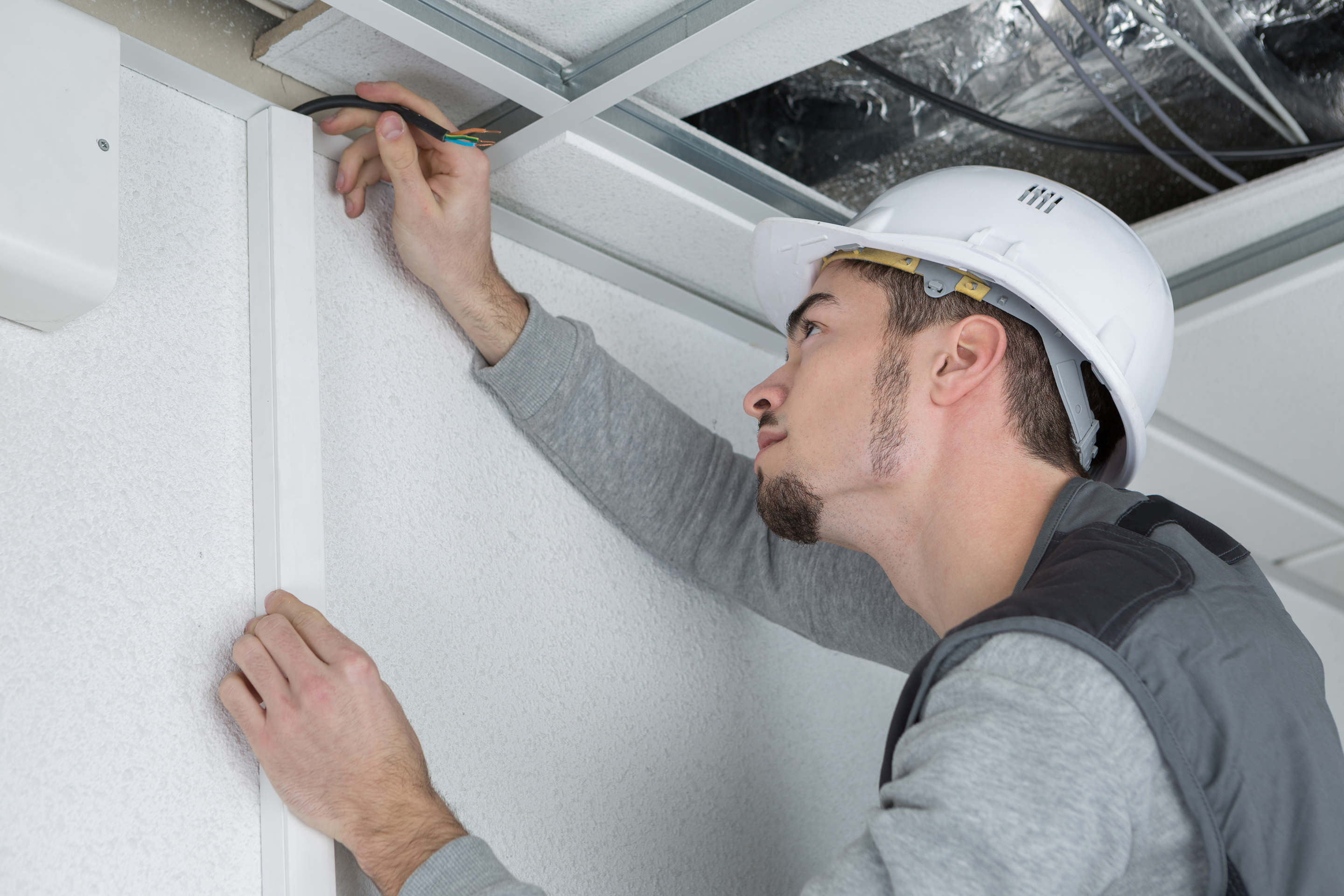
If standard clips feel too minimal for your space -- especially in a tech environment or a client-facing installation -- cable raceways are the upgrade worth considering. These are plastic or metal channels that mount to the wall and fully enclose the cord inside them. They look clean, they protect the cord from physical damage, and they can be painted to match the wall. The installation process is similar: mark the route, mount the raceway base with screws or adhesive, lay the cord inside, and snap the cover on. For anyone managing AV infrastructure, server room edges, or a home theater wall setup, raceways bring the whole thing up to a professional standard without a lot of added complexity or cost.
Grounding and Electrical Safety: What You Cannot Skip
Here's where a lot of people gloss over something that's genuinely important. If you're mounting an extension cord that will serve any tech equipment -- computers, monitors, AV gear, networking hardware -- that cord needs to be a grounded three-prong cord. Not a two-prong workaround, not an adapter that defeats the ground pin. A properly grounded cord. The ground connection is what provides a safe path for fault current to travel away from your equipment and away from you. For sensitive electronics, grounding also reduces electrical noise interference, which can affect signal quality in audio and video setups. When attaching your cord to the wall, verify that the outlet it plugs into is also grounded -- a simple outlet tester will confirm this in seconds. This step isn't optional if you're protecting real equipment.
Common Mistakes to Avoid When Mounting Extension Cords
A few things trip people up consistently, so they're worth naming directly:
- Running extension cords under rugs or through walls, which is a code violation and a fire hazard
- Coiling excess cord length tightly, which generates heat and can damage the insulation over time
- Using staples instead of proper cable clips, which cuts into the insulation
- Overloading the cord beyond its amperage rating, especially in tech setups with multiple devices
- Daisy-chaining extension cords together, which is never a safe practice
- Ignoring cord gauge -- thinner gauge cords have higher resistance and are not appropriate for high-draw equipment
The amperage rating point is worth pausing on. Every extension cord has a rated capacity. Running equipment that collectively exceeds that rating causes the cord to heat up. In a wall-mounted setup where the cord is enclosed or clipped close to a surface, that heat has fewer places to go. Always check the total load against the cord's specification before finalizing the installation.
When a Surge Protector Power Strip Is the Smarter Solution
Depending on what the extension cord is actually powering, there's a solid argument for replacing a standard extension cord with a quality surge protector power strip mounted along the wall instead. A surge protector gives you grounding by default, adds protection for connected electronics against voltage spikes, and usually offers multiple outlets at once -- which reduces the need for multiple cords running from a single wall outlet. For any setup involving computers, AV receivers, displays, or networking gear, a surge protector isn't a luxury. It's basic infrastructure. Mounting the strip to the wall with appropriate brackets or adhesive mounts achieves the same clean result as clipping an extension cord, but with meaningfully better protection for the equipment connected to it.
Tips for Keeping Your Cable Management Organized Long Term
Mounting a cord once is one thing. Keeping the whole setup organized as equipment changes over time is another. Label cords at both ends -- especially in multi-outlet setups where tracing a cable later becomes genuinely annoying. Use hook-and-loop cable ties rather than zip ties if you think you'll ever need to reroute things. And revisit the installation every six months or so to check for wear, fraying near clips, or any signs that a cord is running warm. In tech environments, this kind of routine check is just part of responsible infrastructure maintenance. It takes ten minutes and prevents problems that can take a lot longer to deal with.
Why Monoprice Is the Right Source for Extension Cords and Cable Management Gear
When you're sourcing extension cords, cable clips, raceways, and surge protectors for any kind of installation -- home, office, AV, or otherwise -- the quality of the components directly affects the quality and safety of the result. Monoprice has built a well-earned reputation for delivering high-performance electrical and cable management products at pricing that makes sense, whether you're outfitting one room or an entire facility. From heavy-duty grounded extension cords to clean cable management solutions, the product range is built for people who take their setups seriously. If you're ready to do this right, explore the full selection of grounded extension cords and cable management solutions for home and professional installations and find exactly what the job calls for without overpaying or compromising on safety.
Frequently Asked Questions
Is it safe to mount an extension cord directly to a wall?
Yes, it is safe when done correctly using appropriate cable clips or raceways, ensuring the cord is not pinched, and verifying it is rated for the load it will carry. Never use staples, nails, or fasteners that pierce the cord's insulation.
What type of extension cord should I use for electronics and tech equipment?
Always use a three-prong grounded extension cord with an appropriate gauge for the connected load. For computers, AV equipment, and networking gear, a 14-gauge or 12-gauge cord is generally recommended depending on the total draw.
How far apart should cable clips be spaced when mounting an extension cord?
Clips should be spaced approximately every 12 to 18 inches along the cord's path. This prevents sagging, keeps the cord secure against the wall surface, and reduces the risk of the cord pulling free over time.
Can I run an extension cord behind drywall inside a wall?
No. Running extension cords inside walls is against electrical codes in most jurisdictions and presents a serious fire hazard. If you need power routed through a wall, a licensed electrician should install a proper circuit and outlet.
What is the difference between a cable clip and a cable raceway?
A cable clip holds the cord against the wall surface at individual points, leaving the cord exposed between clips. A cable raceway is a continuous channel that fully encloses the cord, providing better protection and a cleaner visual finish.
Do I need to ground an extension cord used for a home office or AV setup?
Yes. A grounded three-prong extension cord is essential for any setup involving electronics. Grounding protects against electrical faults and also helps reduce interference noise that can affect audio and video signal quality.
Can I use adhesive cable clips instead of screw-in clips?
Adhesive clips work well on smooth, clean wall surfaces for lighter cords. For heavier gauge extension cords or high-traffic installations, screw-mounted clips with wall anchors provide a more reliable and durable hold.
Is it okay to coil the extra length of a wall-mounted extension cord?
No. Coiling an extension cord tightly causes heat to build up in the coiled section, which can damage the insulation and create a fire risk. Excess length should be managed by choosing the right cord length for the run or routing carefully along a longer wall path.
How do I know if my wall outlet is grounded before plugging in a grounded extension cord?
Use an inexpensive outlet tester, available at any hardware store. It plugs directly into the outlet and uses indicator lights to confirm whether the outlet is properly grounded, wired correctly, or has a wiring fault.
Should I use a surge protector instead of a standard extension cord for my tech setup?
In most cases, yes. A quality surge protector provides grounding, protects connected equipment from voltage spikes, and offers multiple outlets in a single manageable unit. For computers, displays, AV receivers, and networking hardware, surge protection is a practical and important safeguard.


