

HDMI Versions Explained: What You Need to Know Today
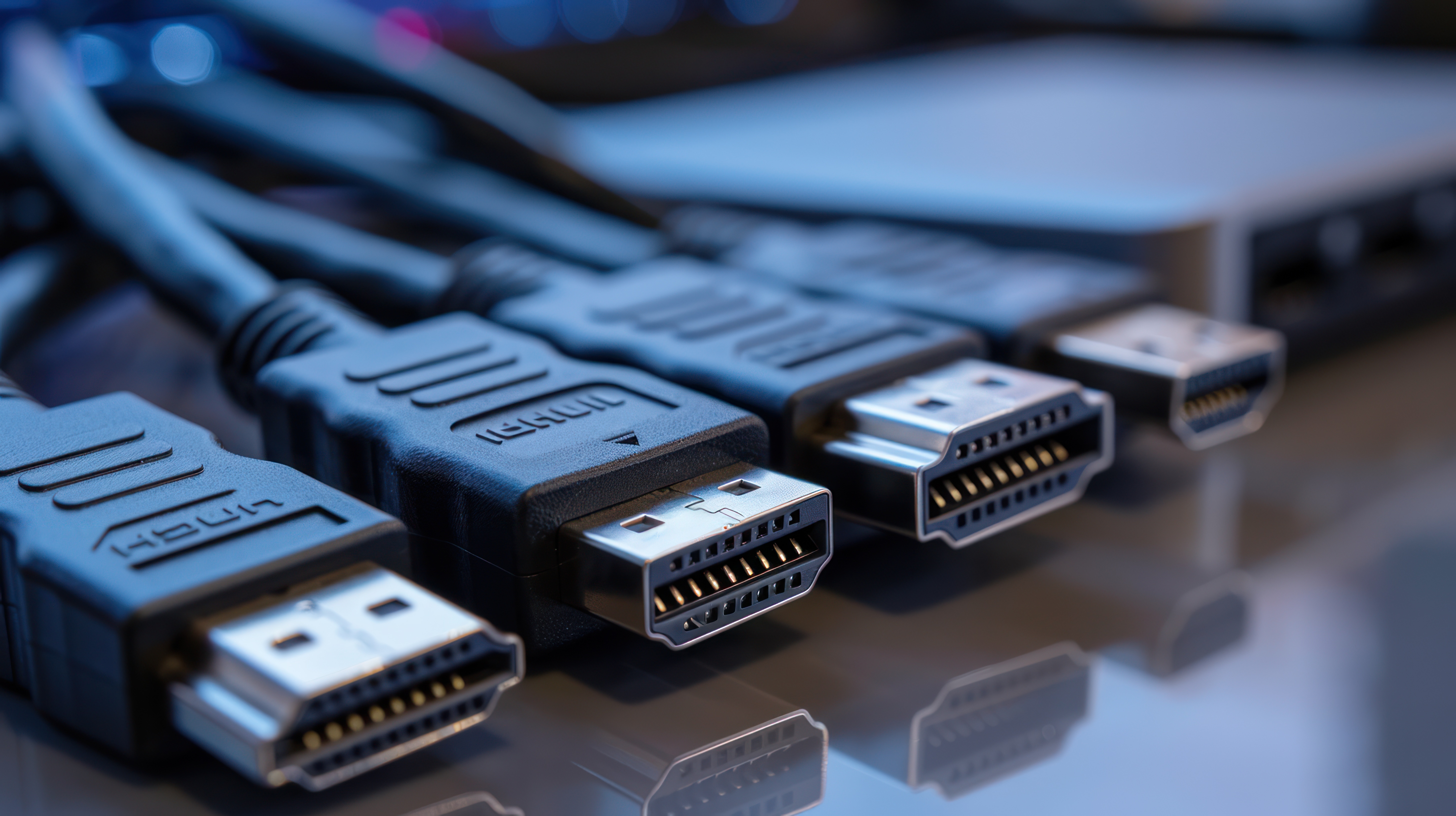
HDMI Versions Explained: What You Need to Know Before You Buy
Somewhere between unboxing a new TV and trying to figure out which cable actually matters, most people hit a wall. HDMI versions -- 1.4, 2.0, 2.1 -- start to blur together, and suddenly a simple setup decision turns into a rabbit hole of specs and fine print. So let's break this down clearly, without the noise. Whether you're building a home theater, setting up a gaming station, or just trying to future-proof your entertainment system, understanding HDMI versions is genuinely one of the most useful things you can do before spending a dollar on any display technology.
What Is HDMI and Why Do Versions Matter
HDMI stands for High-Definition Multimedia Interface. It's the standard connection used to transmit high-quality audio and video between devices -- think televisions, monitors, projectors, gaming consoles, streaming boxes, and laptops. The technology has been around since 2002, and over the years it has gone through significant revisions, each one expanding what the connection can actually handle. The version number on your cable or port isn't just a marketing label. It directly determines what resolutions, refresh rates, color depths, and audio formats your system can support. Plug the wrong version into a high-end setup and you'll cap your performance without even knowing it. That's the part most people miss entirely.
HDMI 1.4: The Old Reliable That Still Shows Up
HDMI 1.4, released back in 2009, was a major step forward at the time. It introduced support for 4K resolution -- technically 4K at 30Hz -- along with 3D video and an Audio Return Channel, or ARC, which allowed audio to travel back through the same cable used for video. It also introduced HDMI Ethernet Channel, which bundled a network connection into the cable. For its era, it was impressive. Today, 1.4 is largely considered the entry-level baseline. If you're running a secondary display, a basic office monitor, or a legacy device, it may still do the job. But anyone pushing for smooth 4K gaming or HDR content will quickly find 1.4 coming up short. The 30Hz cap at 4K means motion isn't fluid -- noticeable the second you put fast-moving content on screen.
HDMI 2.0: The Sweet Spot for Most Setups
HDMI 2.0 launched in 2013 and became the dominant standard for years, and honestly it still covers a massive portion of what consumers need today. The headline upgrade was 4K at 60Hz, which made a real, visible difference for gaming and high-frame-rate video. Bandwidth jumped to 18 Gbps, HDR support was added with the 2.0a and 2.0b sub-revisions, and the audio capabilities expanded to 32 channels. For anyone running a 4K TV, a mid-range gaming console, or a streaming device right now, HDMI 2.0 is likely already doing exactly what you need. The challenge is that 8K content and 4K at 120Hz are now becoming more relevant, and that's where 2.0 starts to show its ceiling. It's not outdated -- but it's not future-proof either.
HDMI 2.1: The High-Performance Standard Built for What Is Coming Next
HDMI 2.1 is the current flagship specification, and the jump from 2.0 is significant. Bandwidth more than doubles -- up to 48 Gbps -- which unlocks 4K at 120Hz, 8K at 60Hz, and even 10K resolution support for specific use cases. For gamers running a PlayStation 5 or Xbox Series X, HDMI 2.1 is essentially required to access the full performance envelope those consoles offer. Variable Refresh Rate, or VRR, is natively supported, which reduces screen tearing without relying on proprietary formats. Enhanced Audio Return Channel, known as eARC, replaces ARC and enables lossless audio formats like Dolby TrueHD and DTS:X to pass through to soundbars and AV receivers. Dynamic HDR, which adjusts metadata frame by frame rather than scene by scene, is also part of the 2.1 package. This is the version to target if you're building or upgrading a system meant to last.
Key Differences at a Glance: Comparing the Major Versions
It helps to see the core specifications side by side to understand exactly where each version draws its limits. Here is a direct comparison across the three primary versions most consumers will encounter today.
- HDMI 1.4 supports up to 4K at 30Hz with 10.2 Gbps bandwidth and includes ARC and basic 3D support
- HDMI 2.0 supports up to 4K at 60Hz with 18 Gbps bandwidth and adds HDR, 32-channel audio, and wider color gamut
- HDMI 2.1 supports up to 10K resolution with 48 Gbps bandwidth and includes VRR, eARC, Dynamic HDR, and 4K at 120Hz
- Cable type matters -- Standard, High Speed, Premium High Speed, and Ultra High Speed cables correspond to specific version capabilities
- Ultra High Speed HDMI cables are required to fully utilize HDMI 2.1 features
Understanding HDMI Cable Types and Why They Are Not All the Same
This is where a lot of people get tripped up. You can have an HDMI 2.1 port on your TV and still not get 2.1 performance if the cable running between your devices isn't up to spec. HDMI cables are categorized into Standard, High Speed, Premium High Speed, and Ultra High Speed. Standard cables handle 720p and 1080i. High Speed cables support up to 4K at 30Hz -- that's your 1.4 territory. Premium High Speed cables are certified for 18 Gbps and cover HDMI 2.0 use cases reliably. Ultra High Speed cables, certified by HDMI Licensing Administrator, are the ones built for 48 Gbps throughput required by HDMI 2.1. If you're investing in a 2.1-capable display and source device, don't let a mismatched cable be the reason you're not getting what you paid for. It's a frustrating and avoidable mistake.
Common Drawbacks and Things People Get Wrong About HDMI
There's a handful of misconceptions that keep circling around HDMI, and it's worth addressing them directly. First, not every port labeled HDMI 2.1 on a television actually supports the full 48 Gbps bandwidth -- some manufacturers implement a limited version of 2.1 that technically qualifies for the label but doesn't deliver the full spec. Always check the documentation for the specific port. Second, backward compatibility is real -- a 2.1 cable works in a 1.4 port -- but the performance will be limited to whatever the port supports, not the cable. Third, cable length can affect signal integrity, especially at higher bandwidths. Longer runs may require active cables or signal extenders to maintain quality. And fourth, ARC and eARC are not interchangeable -- if your soundbar or receiver only supports ARC, connecting it to an eARC port will still work, but you won't get lossless audio. Know what's on both ends of the cable before assuming the setup is performing at its peak.
Practical Tips for Choosing the Right HDMI Version for Your Setup
Getting this right doesn't have to be complicated. A few direct questions will point you to the right version every time. What resolution and refresh rate does your display support? If it's 4K at 60Hz, HDMI 2.0 is the floor. If it's 4K at 120Hz or 8K, start with HDMI 2.1. What is the source device -- a streaming stick, a gaming console, a PC? Consoles like the PS5 and Xbox Series X need 2.1 to reach peak output. Are you connecting a soundbar or AV receiver? Check whether it supports eARC, and make sure the cable and port on your TV match. Are you planning to keep this setup for three or more years? If so, 2.1 is the smarter investment even if your current devices don't fully utilize it yet. The difference in cable cost between Premium High Speed and Ultra High Speed is minimal -- the performance ceiling is not.
Why Monoprice Is the Right Source for HDMI Cables and AV Connectivity
When it comes to HDMI cables and AV connectivity solutions, the brand behind the cable matters more than most people realize. Monoprice has spent years building a reputation as a trusted source for high-performance cables and connectivity products at pricing that doesn't punish consumers for wanting quality. The HDMI lineup from Monoprice covers every version and use case -- from Standard cables for legacy setups to certified Ultra High Speed HDMI cables built for full 2.1 performance. If you are looking for reliable, certified, value-driven options for your home theater or professional AV environment, shop certified Ultra High Speed HDMI cables and AV connectivity solutions at Monoprice and see why integrators, enthusiasts, and everyday consumers continue to trust the brand. Every product is backed by real specs, real certifications, and a commitment to delivering performance that punches well above its price point. That's not a sales pitch -- it's just what the catalog consistently delivers.
Frequently Asked Questions About HDMI Versions
What is the difference between HDMI 2.0 and HDMI 2.1?
HDMI 2.0 supports 4K at 60Hz with up to 18 Gbps of bandwidth. HDMI 2.1 more than doubles that bandwidth to 48 Gbps, enabling 4K at 120Hz, 8K at 60Hz, Variable Refresh Rate, Dynamic HDR, and eARC support. The difference is meaningful for gaming and future-forward home theater setups.
Do I need a special cable for HDMI 2.1?
Yes. To take full advantage of HDMI 2.1 features, you need an Ultra High Speed HDMI cable certified for 48 Gbps throughput. Standard or Premium High Speed cables will not support the full bandwidth HDMI 2.1 requires.
Is HDMI 2.0 still good enough in 2024 and beyond?
For most current 4K content and streaming at 60Hz, HDMI 2.0 remains capable. However, if you own or plan to buy an HDMI 2.1 display or gaming console, upgrading to HDMI 2.1 cables and ports will allow you to access the full performance those devices offer.
Are all HDMI cables backward compatible?
Yes, HDMI cables are backward compatible. An Ultra High Speed HDMI 2.1 cable will work in an HDMI 1.4 port, but performance will be limited to what that port can handle. Compatibility exists; maximum performance does not carry over in the older direction.
What does eARC mean and do I need it?
eARC stands for Enhanced Audio Return Channel. It allows lossless audio formats like Dolby TrueHD and DTS:X to travel from your TV back to a soundbar or AV receiver. If your audio equipment supports these formats, eARC is worth prioritizing. Standard ARC cannot carry lossless audio.
What HDMI version does the PS5 and Xbox Series X use?
Both the PlayStation 5 and Xbox Series X include HDMI 2.1 ports. To achieve 4K at 120Hz output from either console, you need a television or monitor with an HDMI 2.1 port and an Ultra High Speed HDMI cable.
Can a cable affect picture or audio quality?
Yes. If the cable is not rated for the bandwidth your devices require, you may experience signal degradation, dropped frames, or audio dropouts. Using a cable rated below your port's specification is one of the most common and preventable causes of AV performance issues.
Does cable length matter for HDMI performance?
It does, particularly at higher bandwidths. Longer passive HDMI cables can experience signal loss, especially with HDMI 2.1 bandwidth levels. For runs beyond 15 to 20 feet, consider active HDMI cables or signal extenders designed to maintain integrity over distance.
What does VRR mean and why does it matter for gaming?
VRR stands for Variable Refresh Rate. It dynamically adjusts the refresh rate of your display to match the output of your graphics source in real time, which eliminates screen tearing and reduces stuttering during gameplay. It is a native feature of HDMI 2.1 and a significant advantage for gamers.
How do I know which HDMI version my TV or monitor supports?
Check the manufacturer's specification sheet for your specific model. Not all ports on the same device may support the same version -- some televisions have one HDMI 2.1 port and several HDMI 2.0 ports. Always verify the port you plan to use, not just the device's general specifications.


