

HDMI Cable Versions: What They Mean and Why It Matters
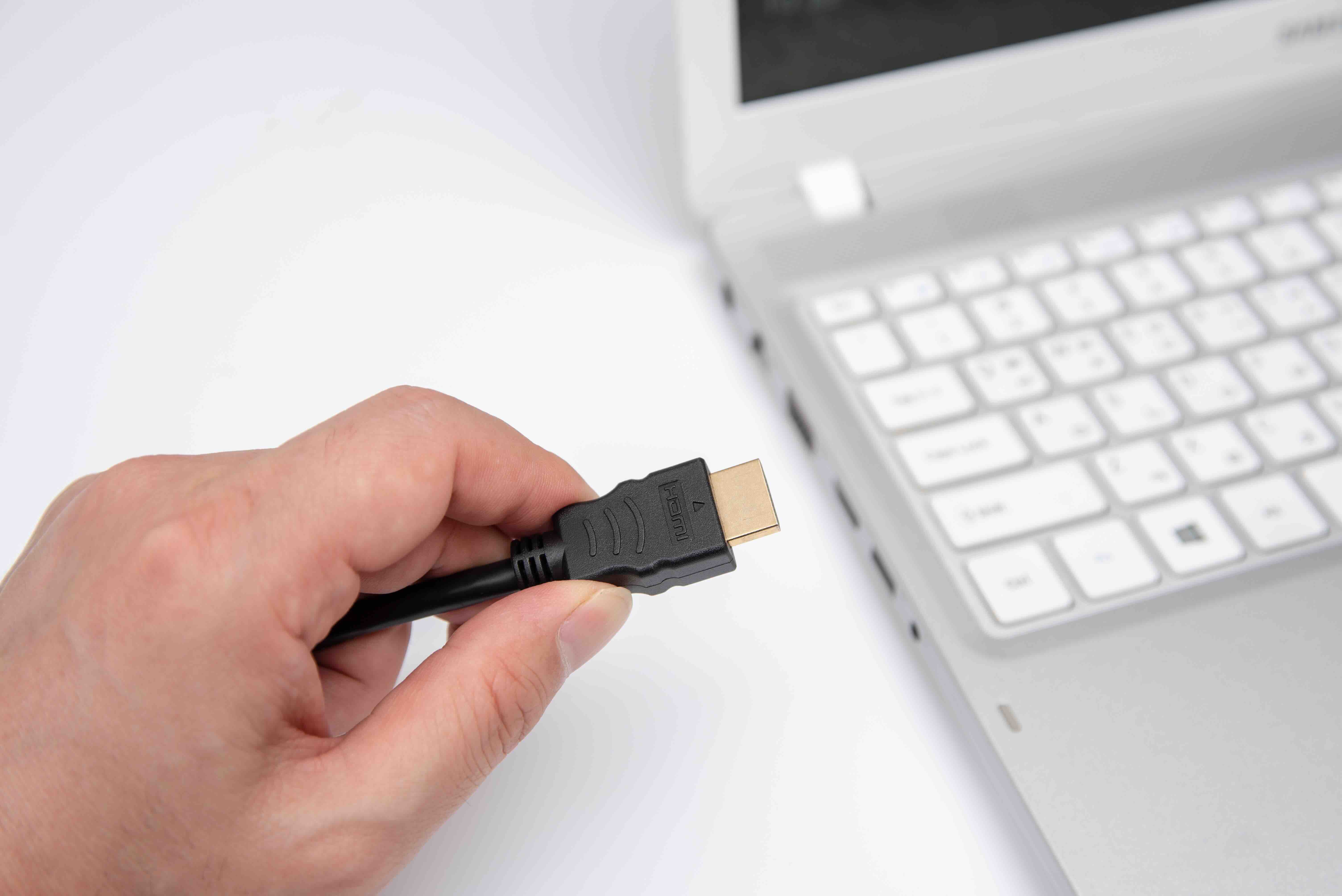
HDMI Cable Versions Explained: What You Need to Know Before You Buy
So you need an HDMI cable. Simple enough, right? Except you get to the product page and suddenly there are version numbers, bandwidth ratings, and resolution specs all competing for your attention. It is easy to get lost in that. The truth is, HDMI cable versions matter a lot more than most people realize, and picking the wrong one can quietly limit the performance of your entire setup. This guide breaks it all down in plain terms so you can buy with confidence, not guesswork.
What Is an HDMI Cable and Why Do Versions Matter
HDMI, which stands for High-Definition Multimedia Interface, is the standard connection used to transmit high-quality audio and video signals between devices. Televisions, monitors, projectors, gaming consoles, laptops, streaming boxes -- they all use it. What makes things interesting is that not all HDMI cables are created equal. The version of an HDMI cable determines how much data it can carry, which directly controls the resolutions, refresh rates, and audio formats it can support. Think of it like a highway. Older versions are two-lane roads. Newer ones are six-lane expressways. The destination is the same, but the amount of traffic they can handle is dramatically different.
A Quick Breakdown of Every Major HDMI Version
There have been several major HDMI revisions over the years, each one expanding what the connection can do. Here is a straightforward look at the key versions and what each one brought to the table.
- HDMI 1.4 -- Supports 4K at 30Hz, 3D video, and Audio Return Channel (ARC). Bandwidth tops out at 10.2 Gbps. Still common in older equipment.
- HDMI 2.0 -- A significant jump. Supports 4K at 60Hz and 18 Gbps of bandwidth. Introduced HDR support and wider color gamuts.
- HDMI 2.0a and 2.0b -- Minor updates to 2.0 that added HDR10 and Hybrid Log-Gamma (HLG) support respectively.
- HDMI 2.1 -- The current gold standard. Supports up to 10K resolution, 4K at 120Hz, 8K at 60Hz, and up to 48 Gbps bandwidth. Introduced Dynamic HDR, enhanced Audio Return Channel (eARC), and Variable Refresh Rate (VRR).
Understanding which version your devices support is the first step to making a smart cable purchase. There is no benefit to running an HDMI 2.1 cable between two HDMI 1.4 ports, but there is plenty of downside to doing the reverse.
HDMI 2.1 -- The Version That Changes Everything
HDMI 2.1 is not just an incremental update. It is a generational shift. With 48 Gbps of bandwidth, it supports the kind of content that next-gen gaming and professional video production demand. If you are running a PlayStation 5, an Xbox Series X, or a high-refresh-rate PC monitor, you need HDMI 2.1 to unlock the full capability of those devices. The 4K at 120Hz experience that modern console games advertise? That requires HDMI 2.1. The 8K display you might be planning for down the road? Also HDMI 2.1. This version also introduced Variable Refresh Rate, which reduces screen tearing, and the enhanced ARC channel that supports lossless audio formats like Dolby TrueHD and DTS:X through your soundbar or AV receiver.
Key Advantages of Upgrading to a Newer HDMI Version
Moving to a current-spec HDMI cable is one of the more impactful and affordable upgrades you can make to any AV or gaming setup. The performance benefits are real and observable.
- Higher resolution support means sharper, more detailed images whether you are gaming, streaming, or working.
- Higher refresh rates at 4K and beyond deliver smoother motion, which matters for both gaming and fast-action content.
- Dynamic HDR allows brightness and contrast to be optimized scene by scene, not just globally across a title.
- eARC enables uncompressed, high-bitrate audio passthrough from your TV back to your sound system.
- VRR eliminates frame tearing without the latency penalty of older sync methods.
For integrators and home theater builders, these are not luxury features. They are specifications that define whether a system truly delivers on its promise.
Common Drawbacks and Limitations to Keep in Mind
Nothing in technology is without trade-offs, and HDMI is no exception. Passive HDMI 2.1 cables start running into signal integrity issues at longer lengths, typically beyond 10 to 15 feet depending on build quality. At those distances, active cables or fiber optic HDMI solutions become worth considering. It is also worth noting that a cable is only as good as the ports it is plugged into. Even the best HDMI 2.1 cable will be capped at the lower version if your display or source device does not natively support 2.1. Always verify the port specifications on both ends of the connection before assuming you are getting the full bandwidth. And despite what some marketing may suggest, there is no meaningful difference in signal quality between a modestly priced certified cable and an overpriced premium one -- provided both meet the same specification and are properly certified.
How Cable Construction and Certification Affect Performance
The physical build of an HDMI cable matters more than most buyers consider. Proper shielding is essential for reducing interference, especially in setups where cables run alongside power lines or through walls. Braided outer jackets add durability and help cables survive repeated bending without signal degradation. Gold-plated connectors resist oxidation and help maintain a reliable contact point over time. Perhaps most importantly, look for cables that carry the HDMI Premium Certified or Ultra High Speed certification marks. These are real certifications from HDMI Licensing Administrator, Inc., and they guarantee tested performance at the claimed specification level. Certification removes the guesswork and ensures the cable will actually do what it says.
Practical Tips for Choosing the Right HDMI Cable Version
Selecting the right cable comes down to matching your equipment and being realistic about where technology is heading. For standard 1080p or older 4K at 30Hz setups, a quality HDMI 2.0 cable covers everything you need. If your setup involves a modern gaming console, a 4K display with 120Hz capability, or an AV receiver with eARC, go directly to HDMI 2.1 -- there is no reason to hold back. For commercial installations, digital signage, or conference room AV, identify the resolution and refresh rate requirements for your endpoints and match the cable version accordingly. Longer cable runs in professional environments should use active HDMI or fiber optic HDMI cables to maintain signal integrity. Always verify certification, not just the packaging claim, before making a final purchasing decision.
HDMI vs. Other Display Connections -- Where HDMI Stands Today
HDMI remains the dominant standard in consumer electronics and a strong contender in professional AV. DisplayPort offers comparable or greater bandwidth in PC and monitor contexts, particularly with DisplayPort 2.1 pushing beyond 80 Gbps. USB-C and Thunderbolt are increasingly used to deliver video signals, especially on laptops and mobile workstations. But for televisions, projectors, streaming devices, gaming consoles, and home theater systems, HDMI is the universal language. It is in virtually every device in that category, and the HDMI 2.1 standard is robust enough to remain relevant well into the next decade of display technology. For most users -- professional or otherwise -- HDMI is still the right answer for video and audio connectivity.
Why Monoprice Is the Smart Choice for HDMI Cables
When it comes to sourcing HDMI cables that actually deliver on their specifications without inflating your project or purchase budget, Monoprice has built a well-earned reputation as a trusted supplier for both consumers and professional integrators. Every cable in the Monoprice lineup is built to meet real-world performance standards -- not just marketing language. Certified Ultra High Speed HDMI 2.1 cables, braided construction, rigorous testing -- it is all there, and at price points that make sense for volume purchases and single-unit upgrades alike. Whether you are upgrading a home theater, outfitting a commercial AV installation, or simply replacing a cable that is holding your 4K setup back, you can find high-performance certified HDMI cables for every version and application that deliver the bandwidth, durability, and certification assurance your setup demands. This is exactly the kind of product category where overspending rarely improves outcomes, and Monoprice has spent years proving that point.
Frequently Asked Questions About HDMI Cable Versions
What is the difference between HDMI 2.0 and HDMI 2.1?
HDMI 2.0 supports up to 4K at 60Hz with 18 Gbps of bandwidth. HDMI 2.1 expands that to 48 Gbps, enabling 4K at 120Hz, 8K at 60Hz, Dynamic HDR, eARC, and Variable Refresh Rate. For modern gaming and next-gen displays, HDMI 2.1 is the appropriate choice.
Do I need an HDMI 2.1 cable for my 4K TV?
It depends on your use case. If your TV only supports 4K at 60Hz, an HDMI 2.0 cable is sufficient. If your TV supports 4K at 120Hz or you plan to use eARC with a compatible soundbar or receiver, you need an HDMI 2.1 cable.
Are all HDMI cables backward compatible?
Yes. HDMI is backward compatible across versions. An HDMI 2.1 cable will work in an HDMI 1.4 port, but performance will be limited to what the lower-spec port supports. The cable does not override the hardware specification of the connected device.
What does HDMI certification mean and why does it matter?
HDMI certification from HDMI Licensing Administrator, Inc. confirms that a cable has been independently tested and verified to meet the claimed specification. Certified cables are far less likely to cause signal issues or fail to deliver advertised performance compared to uncertified alternatives.
Can a bad HDMI cable cause picture quality issues?
Yes. A damaged, low-quality, or incorrect-spec cable can cause signal dropouts, flickering, reduced color depth, or a complete failure to display an image. Using a certified cable appropriate for your resolution and refresh rate requirements eliminates most cable-related display problems.
What is eARC and which HDMI version supports it?
eARC stands for Enhanced Audio Return Channel and is a feature introduced with HDMI 2.1. It allows uncompressed, high-bitrate audio formats like Dolby TrueHD and DTS:X to pass from a TV back to a connected AV receiver or soundbar, replacing the older and more limited ARC standard.
How long can an HDMI cable be before signal quality degrades?
Passive HDMI cables generally maintain reliable signal quality up to about 10 to 15 feet. Beyond that, especially at higher bandwidths like HDMI 2.1, active HDMI cables or fiber optic HDMI solutions are recommended to prevent signal degradation over longer runs.
Is there a visible difference between HDMI 2.0 and HDMI 2.1 cables?
Not always. Physically, the connectors look identical. The difference is in internal construction and tested bandwidth capacity. Checking for certification markings and confirmed product specifications is the reliable way to distinguish between versions when shopping.
Does HDMI version affect audio quality as well as video?
Yes. HDMI 2.1 introduced eARC, which supports uncompressed multi-channel audio formats that earlier versions could not carry. For audiophiles and home theater enthusiasts using high-end AV receivers, upgrading to HDMI 2.1 can meaningfully improve audio performance alongside video.
What HDMI version do I need for 8K resolution?
You need HDMI 2.1 for 8K video. Specifically, 8K at 30Hz requires a minimum bandwidth of around 24 Gbps, and 8K at 60Hz requires the full 48 Gbps that HDMI 2.1 provides. No earlier HDMI version has sufficient bandwidth to carry an 8K signal at full refresh rates.


