

HDMI 2.1 Explained: Bandwidth, Features, and Why It Matters
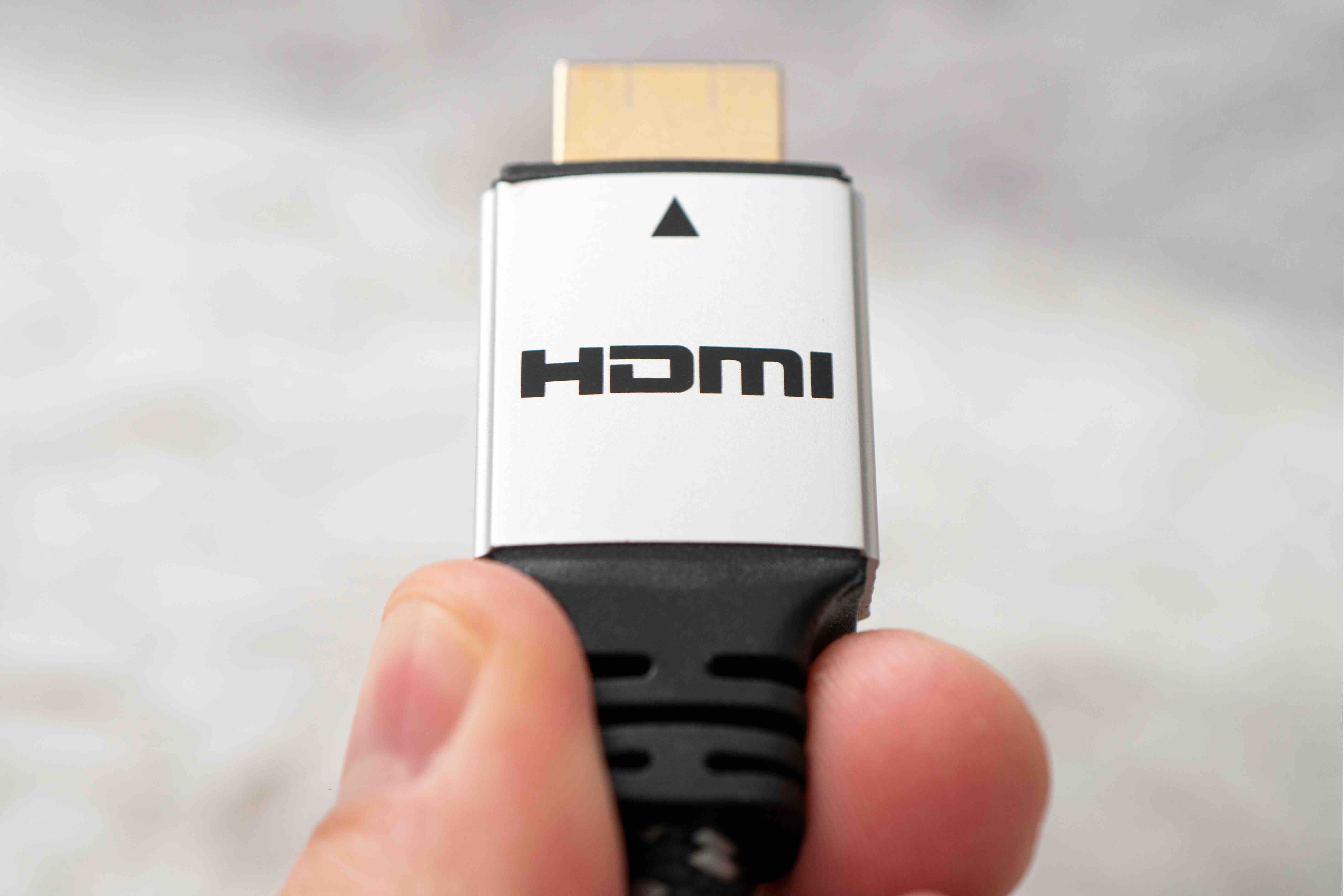
What Is HDMI 2.1 and Why Does It Matter for Your Setup
If you have spent any time shopping for a new television, graphics card, or AV receiver recently, you have almost certainly run into the term HDMI 2.1. It gets mentioned constantly, sometimes without much context, which can leave buyers confused about whether it actually matters for their situation. The short answer is that it does matter, and depending on what you are trying to do with your display setup, it could matter quite a bit. HDMI 2.1 is the latest major revision to the HDMI specification, and it brings a meaningful jump in bandwidth and capability over the previous version. This guide breaks down what it actually is, what it enables, and whether it is worth paying attention to when you are building or upgrading your entertainment or workstation setup.
A Quick Look at How HDMI Technology Has Evolved
HDMI -- High-Definition Multimedia Interface -- has been around since the early 2000s, originally designed to replace the tangle of separate audio and video cables with a single, cleaner connection. Over the years it has gone through several revisions. HDMI 1.4 brought 4K support at limited frame rates. HDMI 2.0 pushed that further with full 4K at 60Hz and HDR support. Each generation solved a problem that the previous one could not. HDMI 2.1 follows that same pattern, but the leap in raw bandwidth is the biggest the standard has seen in a single revision. Going from 18 Gbps with HDMI 2.0 to 48 Gbps with HDMI 2.1 opens up possibilities that simply were not on the table before, and the industry has moved quickly to take advantage of that headroom.
What HDMI 2.1 Actually Supports
The specification unlocks a range of capabilities that together represent a significant upgrade for high-performance display environments. Here is a breakdown of what the standard brings to the table:
- 8K resolution at 60Hz with HDR
- 4K resolution at 120Hz with HDR
- Support for Display Stream Compression for even higher frame rate scenarios
- Dynamic HDR, which adjusts HDR metadata on a scene-by-scene or even frame-by-frame basis
- Enhanced Audio Return Channel, or eARC, for lossless audio formats like Dolby Atmos and DTS:X
- Variable Refresh Rate for smoother gameplay with compatible displays and graphics sources
- Auto Low Latency Mode, which automatically switches the display into its lowest-latency configuration
- Quick Frame Transport to reduce latency and increase image quality
Each of these features addresses a real pain point that users have dealt with for years. Dynamic HDR alone is a meaningful improvement over the static HDR metadata that earlier HDMI versions relied on, producing more accurate highlights and shadows throughout a film or game.
How HDMI 2.1 Bandwidth Actually Works
Bandwidth is the underlying reason HDMI 2.1 can do things its predecessors could not. Think of it like a pipe. More bandwidth means a wider pipe, and a wider pipe means more data gets through in the same amount of time. At 48 Gbps, HDMI 2.1 carries roughly 2.7 times the data of HDMI 2.0. That extra capacity is what makes 4K at 120Hz possible without compression artifacts and what gives 8K content enough room to breathe at a usable frame rate. Cables that support the full 48 Gbps specification are commonly labeled as Ultra High Speed HDMI cables and are certified by HDMI.org. That certification matters because it confirms the cable has been tested to handle the full bandwidth load without degrading signal quality. Using an older, uncertified cable with a new HDMI 2.1 port can result in reduced performance, dropped frames, or no signal at all.
Key Advantages of Upgrading to HDMI 2.1
For gaming, the benefits are immediate and practical. Variable Refresh Rate and Auto Low Latency Mode work together to reduce screen tearing and input lag, two issues that have long frustrated competitive and casual gamers alike. Paired with a next-generation console or a current PC GPU, the improvement in feel is noticeable right away. For home theater setups, 8K support and Dynamic HDR mean the standard is ready for content that has not even fully arrived yet, which is a reasonable argument for treating HDMI 2.1 as a long-term investment. eARC support is another standout feature for audio-forward setups, as it finally delivers the bandwidth needed to pass uncompressed Dolby Atmos and DTS:X signals through a single cable from a television back to an AV receiver or soundbar.
Common Drawbacks and Limitations to Understand
HDMI 2.1 is not without its complications. One of the more persistent issues has been inconsistent labeling in the market. Not every device labeled as having HDMI 2.1 actually supports all features of the specification. Some manufacturers implemented partial HDMI 2.1 features while still branding the ports as 2.1, which has caused real confusion for buyers who expected full functionality. Additionally, getting the full benefit of HDMI 2.1 requires that every link in the chain supports the standard, meaning your source device, your cable, and your display all need to be HDMI 2.1 compliant. One weak link in that chain can limit performance to the lowest common denominator. Cable quality is also a practical consideration. Not all cables sold as Ultra High Speed perform equally, and the difference between a tested, certified cable and an untested one can show up as signal instability under demanding conditions.
Who Actually Needs HDMI 2.1 Right Now
The honest answer is that it depends on your priorities. If you own a PlayStation 5, an Xbox Series X, or a high-end gaming PC with a recent GPU, HDMI 2.1 is the connection you want to be using. Those platforms were built around its capabilities and you are leaving performance on the table with an older standard. If you are primarily watching streaming content at 4K and have no immediate plans to upgrade your source devices, HDMI 2.0 will handle your current needs without issue. That said, given that HDMI 2.1 ports are increasingly standard on new televisions and receivers, there is a reasonable argument for future-proofing your cable infrastructure now so you are not swapping everything out in two years when 8K content begins to proliferate more widely.
Practical Tips for Getting the Most Out of HDMI 2.1
A few straightforward steps can help you avoid the most common pitfalls when setting up an HDMI 2.1 system. First, verify that both your source and display actually support HDMI 2.1 by checking the manufacturer documentation rather than relying on box labeling alone. Second, use only cables certified as Ultra High Speed HDMI to ensure full 48 Gbps bandwidth. Third, enable the appropriate port settings on your television since many sets require you to manually activate the enhanced or Ultra HD settings for HDMI 2.1 features to function. Fourth, if you are experiencing issues with 4K 120Hz or VRR, start by swapping the cable before assuming the source or display is at fault. Cable quality is the most commonly overlooked variable in these setups and is often the simplest fix.
Why Monoprice Is a Smart Choice for Your HDMI 2.1 Cable and Accessory Needs
When you are putting together a setup that depends on reliable, high-bandwidth connections, the infrastructure you choose matters just as much as the display hardware. Monoprice has spent years building a reputation for delivering certified, high-performance cables and AV accessories at prices that do not require compromising elsewhere in your budget. Their Ultra High Speed HDMI cables are certified to handle the full 48 Gbps that HDMI 2.1 demands, meaning you are not rolling the dice on whether the cable will hold up under a 4K 120Hz or 8K 60Hz load. For anyone building out or upgrading a gaming rig, home theater, or professional AV installation, exploring HDMI 2.1 cables and Ultra High Speed HDMI accessories from Monoprice is a practical move that delivers real performance without an inflated price tag. The combination of rigorous certification standards, accessible pricing, and a product lineup built for both consumers and integrators makes Monoprice a brand worth keeping in your corner as display technology continues to advance.
Frequently Asked Questions About HDMI 2.1
What is the maximum resolution supported by HDMI 2.1?
HDMI 2.1 supports resolutions up to 10K, though the most commonly used configurations in current consumer hardware are 4K at 120Hz and 8K at 60Hz, both with HDR support.
Is HDMI 2.1 backward compatible with older HDMI ports?
Yes. HDMI 2.1 cables and ports are backward compatible with earlier HDMI versions. The connection will operate at the highest specification that both connected devices support.
Do I need a special cable for HDMI 2.1?
Yes. To take full advantage of HDMI 2.1 bandwidth, you need an Ultra High Speed HDMI cable certified for 48 Gbps. Standard High Speed or Premium High Speed cables will not reliably support the full feature set.
What does Variable Refresh Rate do in HDMI 2.1?
Variable Refresh Rate allows the display to dynamically sync its refresh rate to the frame output of the source device, which reduces screen tearing and stuttering during gaming without introducing additional input lag.
What is eARC and how is it different from ARC?
eARC, or Enhanced Audio Return Channel, is an HDMI 2.1 feature that supports lossless audio formats including Dolby Atmos and DTS:X. The original ARC had limited bandwidth and could only pass compressed audio signals.
Can HDMI 2.1 support 4K at 120Hz on all displays?
Only if the display itself supports 4K at 120Hz. HDMI 2.1 provides the bandwidth required, but the television or monitor must also be capable of running at that refresh rate at 4K resolution.
Does HDMI 2.1 reduce input lag for gaming?
HDMI 2.1 includes Auto Low Latency Mode, which automatically activates the display's game mode when a compatible source is connected, reducing processing-related input lag.
Is HDMI 2.1 the same as DisplayPort 2.0?
No. Both are high-bandwidth display standards, but they are different specifications with different connectors and are used in different contexts. DisplayPort is more common on PC monitors and graphics cards while HDMI is standard across televisions and consumer AV equipment.
How do I know if my TV has a real HDMI 2.1 port?
Check the manufacturer's official specifications for your specific television model. Look for confirmation that the port supports 48 Gbps bandwidth rather than a partial HDMI 2.1 implementation, which may only support select features of the standard.
Are all HDMI 2.1 cables the same quality?
No. Build quality, shielding, and conductor materials vary between manufacturers. Cables certified by HDMI.org as Ultra High Speed have been independently tested and verified to meet the 48 Gbps bandwidth requirement, which provides a reliable baseline for performance.


