

Ethernet Cable Jack Guide: Types, Uses, and Installation
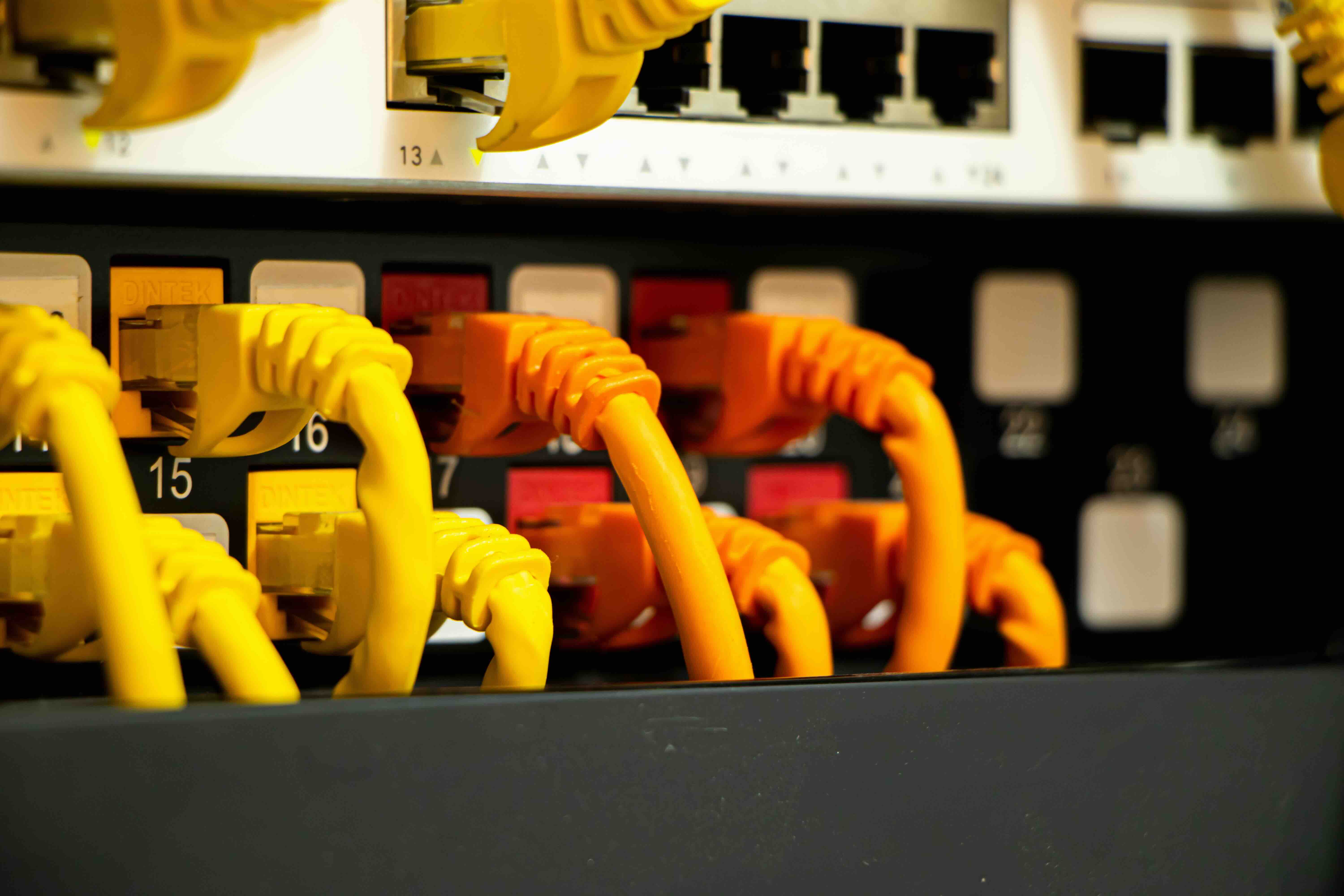
What Is an Ethernet Cable Jack and Why Does It Matter for Your Network?
If you've ever set up a home office, installed a wired network, or even just plugged a computer into a wall outlet, you've interacted with an Ethernet cable jack. It's one of those components that doesn't get much attention -- but honestly, it should. The Ethernet jack, sometimes called an RJ45 keystone jack or wall jack, is the termination point where structured cabling meets your devices. It's the interface between the cable running through your walls and the patch cord connecting to your router, switch, or computer. Get this part wrong and your whole network suffers. Get it right and you barely have to think about it again.
Understanding the Basics: What Exactly Is an Ethernet Cable Jack?
An Ethernet cable jack is a small modular connector assembly -- typically a keystone-style insert -- that terminates a run of solid-core network cable inside a wall plate or patch panel. The most common form factor you'll see is the RJ45 keystone jack, which accepts an 8-position, 8-contact connector on the front and terminates the cable via punch-down or tool-less connections on the back. These jacks are rated to match the cable category they're paired with -- Cat5e, Cat6, Cat6A, and so on. The rating matters because the jack is part of the channel, meaning it affects overall signal quality and transmission performance just like the cable itself does. It's a small component, but it carries real responsibility in any structured cabling system.
How Does an Ethernet Wall Jack Actually Work?
The mechanics here are pretty straightforward once you break them down. The back of a keystone jack has a series of color-coded slots -- following either T568A or T568B wiring standards -- where individual wire pairs from the cable get seated and terminated. A punch-down tool (or a built-in cap on tool-less jacks) forces each conductor into a metal IDC slot that cuts through the insulation and establishes a solid electrical connection. Once the jack is terminated and snapped into a wall plate, it presents a standard female RJ45 port on the front. You plug in a patch cord, and the signal travels from your device through the patch cord, into the jack, through the in-wall cable run, out the other end at the patch panel or second jack, and onward to the switch or router. Clean, structured, and -- when done right -- extremely reliable.
Types of Ethernet Jacks: Keystone, Inline, and Surface Mount
Not every installation looks the same, and that's where the variety in jack form factors becomes useful. Knowing which type fits your situation saves time and money.
- Keystone Jacks -- The most common type, designed to snap into keystone wall plates or patch panels. Available in Cat5e, Cat6, and Cat6A ratings. Ideal for clean, in-wall installations.
- Inline Couplers -- Connect two patch cords end-to-end. Useful for extending cable runs temporarily, though not recommended as a permanent structured wiring solution.
- Surface Mount Boxes -- House one or two keystone jacks in a box that mounts directly to the wall surface. Perfect for retrofits where fishing cable through walls isn't practical.
- Shielded Jacks (STP) -- Include a metal housing that connects to the cable's shielding. Used in environments with high electromagnetic interference, like industrial settings or dense office environments.
For most residential and commercial structured cabling applications, keystone jacks in a wall plate represent the gold standard. They're clean, modular, and easy to replace if needed down the line.
Key Advantages of Using Ethernet Jacks in Your Network Infrastructure
There's a reason professional installers and IT teams rely on permanent wall jack installations rather than just running patch cords directly to devices. Structured cabling built around quality keystone jacks delivers real benefits that add up over time. Permanent solid-core cable runs have less attenuation over distance than stranded patch cords. Proper terminations at both ends help preserve signal integrity, which directly impacts throughput and latency. Wall jacks also protect cable ends from physical stress and damage -- every time a device gets moved or bumped, the jack absorbs the strain rather than the cable itself. From a management perspective, labeled wall ports and patch panels make troubleshooting dramatically faster. You know exactly where each run goes, which simplifies everything from office reconfigurations to network expansions.
Common Drawbacks and Limitations Worth Knowing
Ethernet jacks aren't without their challenges. Termination errors are probably the most common issue -- crossed pairs, split pairs, or improper seating of conductors all cause problems that can be hard to trace without a cable tester. Category mismatches are another concern; using a Cat5e jack on a Cat6 cable run technically limits the channel to Cat5e performance, even if the cable itself can support more. Shielded installations add complexity -- you need compatible shielded jacks, shielded patch cords, and proper grounding throughout to actually get the interference rejection you're paying for. And while tool-less jacks are convenient, some professionals find punch-down terminations more reliable under heavy-use conditions. None of these are deal-breakers, but they are things worth factoring into a project before you start pulling cable.
Choosing the Right Ethernet Jack for Your Installation
The selection process comes down to a few key variables: cable category, environment, and installation method. Match the jack rating to your cable -- if you're running Cat6A for 10-Gigabit applications, use Cat6A-rated jacks throughout. Consider shielded versus unshielded based on your environment's interference profile. Think about whether keystone wall plates fit the aesthetics and mounting options you're working with, or whether surface mount boxes make more sense. And think about the long game -- Cat6A infrastructure costs more upfront but supports higher speeds and longer channel lengths, making it a smarter investment for new construction or full rewires. If budget is a constraint, Cat6 hits a strong balance of performance and cost for most applications running Gigabit or even 2.5-Gigabit networks.
Installation Tips for Getting Ethernet Jacks Right the First Time
A clean termination starts with good habits. Strip only as much jacket as necessary -- typically about an inch -- to keep untwisted pair length to a minimum near the termination point. Maintain the twist of each pair as close to the IDC slot as possible; this directly affects crosstalk performance, especially on Cat6 and Cat6A. Follow your chosen wiring standard consistently -- T568B is the most common in North American installations, but what matters most is using the same standard at both ends of every run. Always test terminated runs with a cable tester before buttoning up the wall plates. Continuity testing catches wiring errors; a proper certification tester can verify the channel meets category performance specs. Label everything. Every port. It takes five minutes now and saves hours later.
Why Monoprice Is the Right Choice for Ethernet Jacks and Structured Cabling
When you're sourcing Ethernet jacks, wall plates, keystone inserts, and the cable to go with them, the quality-to-cost equation matters a lot. Monoprice has built a well-earned reputation in both the professional AV and IT infrastructure markets for delivering components that perform at a high level without the premium price tag that larger brands attach to comparable products. Whether you're wiring a single home office or managing a multi-room commercial installation, the product lineup is deep enough to cover Cat5e, Cat6, and Cat6A applications in shielded and unshielded configurations. For anyone serious about building out reliable, high-performance wired network infrastructure, exploring the full range of professional-grade Ethernet jacks and structured cabling solutions at Monoprice is a straightforward decision that pays off in both performance and budget. The components are consistent, the specs are honest, and the value across the full category is hard to argue with.
Frequently Asked Questions About Ethernet Cable Jacks
What is the difference between a Cat5e and Cat6 Ethernet jack?
A Cat5e jack supports channel performance up to 100 MHz and is rated for Gigabit Ethernet. A Cat6 jack supports up to 250 MHz, provides better headroom for Gigabit performance, and can support 10-Gigabit Ethernet at shorter distances up to 55 meters. Cat6 jacks typically include internal splines or separators to maintain pair separation and reduce crosstalk.
Can I use a Cat6 jack with Cat5e cable?
Yes, but the channel will only perform to Cat5e specifications. The weakest component in the channel determines the overall rating. For best results, match jack and cable categories throughout the entire run.
What is T568A vs T568B wiring on an Ethernet jack?
T568A and T568B are two wiring standards that define the pin-pair assignments in an RJ45 termination. T568B is more commonly used in North America for commercial installations. T568A is used in government and some residential applications. What matters most is consistency -- use the same standard at both ends of every cable run.
Do I need a punch-down tool to terminate an Ethernet keystone jack?
Traditional keystone jacks require a 110-style punch-down tool to seat conductors properly. Tool-less keystone jacks use a built-in cap or lever mechanism that eliminates the need for a separate tool, making them a practical option for installers working without full toolkits.
What does a shielded Ethernet jack do and when do I need one?
Shielded Ethernet jacks provide a metal housing that connects to the foil or braid shielding of an STP cable, giving the channel continuous EMI protection from end to end. They are recommended in environments with high electromagnetic interference, such as near industrial equipment, fluorescent lighting arrays, or in data-dense rack environments.
How do I know if my Ethernet jack is causing network problems?
Common signs include intermittent connectivity, reduced throughput, or inability to negotiate higher link speeds. A cable tester can check for wiring errors, opens, and shorts. A certification tester will identify performance failures like excessive near-end crosstalk or return loss that indicate a poor termination.
Can an Ethernet wall jack support Power over Ethernet?
Yes. Standard RJ45 keystone jacks support PoE and PoE+ without modification, as long as the cable category and termination quality meet the requirements. Higher PoE standards like 802.3bt can generate heat in bundled cable runs, so Cat6A cabling with proper spacing is recommended for high-power PoE deployments.
What is the maximum cable length for an Ethernet jack installation?
The standard maximum channel length for structured cabling using Ethernet jacks is 100 meters, which includes the permanent link plus patch cords at each end. For 10-Gigabit applications on Cat6 cable, the limit drops to approximately 55 meters due to alien crosstalk constraints. Cat6A cable supports full 10-Gigabit performance at 100 meters.
Is it better to use a keystone jack or an RJ45 plug to terminate in-wall cable?
For permanent in-wall runs, a keystone jack is the correct choice. In-wall cable typically uses solid-core conductors, which are not designed for repeated flexing and do not crimp reliably with standard RJ45 plugs. Keystone jacks are designed specifically for solid-core terminations and provide a far more reliable and maintainable connection point.
How many keystone jacks fit in a standard wall plate?
Standard single-gang wall plates are available in 1-port, 2-port, and up to 6-port configurations depending on the plate design. Dual-gang plates can accommodate even more ports. The number of ports you need depends on the number of cable runs terminating at that location and the anticipated device connections for the space.


