

Ethernet Cable in Wall: Clean Installs, Real Performance
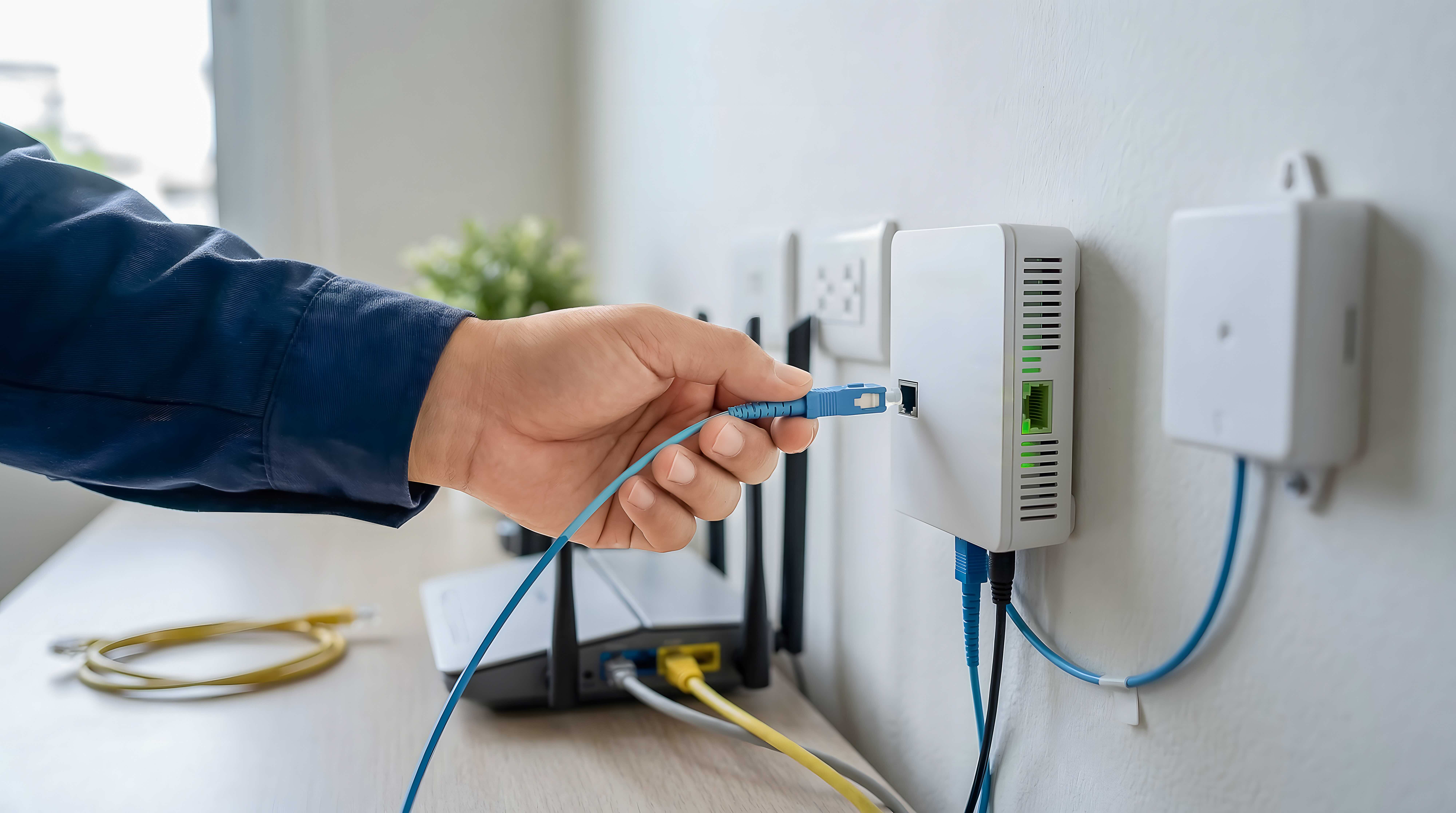
Ethernet Cable in Wall: What It Is and Why It Matters
If you have ever dealt with spotty Wi-Fi in a home office or dropped connections during a video call, you already understand why people go looking for a better solution. Running an ethernet cable in wall is one of those upgrades that -- once you do it -- you genuinely wonder why you waited. It is a foundational piece of any serious wired network setup, whether you are building out a smart home, upgrading a business office, or just trying to get reliable speeds to a desktop or media room. The concept is straightforward: instead of letting cables run across baseboards or through doorways, you route them inside the walls for a cleaner, more permanent infrastructure. That is the core of it. Let us break down how it actually works and what you need to know before getting started.
How In-Wall Ethernet Cabling Actually Works
Running ethernet through walls is not quite as intimidating as it sounds. The basic process involves selecting the right cable type, identifying your routing path between two points -- typically a network closet or router location and a destination room -- and then feeding the cable through wall cavities using fish tape or a flexible drill bit. Once routed, each end gets terminated with keystone jacks or RJ45 connectors, which are then mounted into wall plates. The result is a clean, professional-looking ethernet port on your wall, no different from what you would find in a commercial building. The routing itself can get complicated depending on insulation, fire blocking, or floor type, but the end product is a stable, dedicated wired connection that does not compete with other wireless signals in your space.
Choosing the Right Cable Type for In-Wall Installation
This part trips people up more than it should. Not every ethernet cable is rated for in-wall use. You specifically want cable labeled CL2 or CL3, which indicates it meets fire resistance standards required by the National Electrical Code for in-wall installation. Beyond the safety rating, you need to think about cable category. Here is a quick breakdown of the most common options you will encounter:
- Cat5e -- supports up to 1 Gbps at 100 MHz, adequate for basic home networking but increasingly considered outdated for new installations
- Cat6 -- supports up to 10 Gbps at shorter distances, 250 MHz bandwidth, ideal for most home and small business setups
- Cat6A -- supports up to 10 Gbps at full 100-meter runs, 500 MHz, better future-proofing for demanding environments
- Cat8 -- supports up to 40 Gbps, designed for data centers and high-performance commercial applications
For most residential and small office installs, Cat6 is the sweet spot. It is affordable, widely available, and more than capable for current and near-future network demands. If you are wiring a new construction or doing a full office buildout, stepping up to Cat6A is worth considering for the added headroom.
Key Advantages of Running Ethernet Through Walls
There is a reason professionals wire buildings this way. In-wall ethernet is not just about aesthetics, though the clean look is genuinely a benefit. The performance advantages are real and measurable. Wired connections deliver consistent speeds without the interference that affects wireless signals. You eliminate dead zones entirely for any hardwired device. Latency drops significantly, which matters for gaming, VoIP calls, video conferencing, and any real-time application. There is also a security dimension -- wired networks are inherently harder to intercept than wireless. And from a property value standpoint, a properly installed structured wiring system is a legitimate selling point for both residential and commercial real estate. Long-term, in-wall ethernet is one of the most cost-effective infrastructure investments you can make.
Common Drawbacks and Challenges to Understand
It would be dishonest to present this as an entirely effortless project. There are real challenges to factor in. Older homes with dense insulation, brick internal walls, or fire blocking between floors can make routing significantly harder. Mistakes in termination -- improper wire mapping, crimping errors, or loose keystone connections -- can result in slow speeds or total link failure. Access points matter too; fishing cable through finished walls without attic or basement access requires patience and sometimes professional help. There is also the question of plenum spaces. If your cable runs through HVAC air-handling spaces, you need plenum-rated cable, which costs more but is required by code. None of this is a reason to avoid the project -- it is just a reason to plan carefully and use quality materials from the start.
Tools and Materials You Will Need
Preparation is most of the battle here. Before you pull a single inch of cable, get your toolkit in order. The essentials include:
- Ethernet cable rated for in-wall use (CL2 or CL3 minimum)
- Fish tape or fish sticks for routing through wall cavities
- Flexible drill bit or right-angle drill attachment
- Keystone jacks and wall plates
- Patch panel (for larger multi-room installs)
- Punchdown tool for terminating keystone jacks
- RJ45 crimping tool if using pass-through connectors
- Cable tester to verify continuity and wire mapping after installation
- Low-voltage mounting brackets for wall plates
A cable tester is not optional -- it is the step that saves you from hours of troubleshooting after everything is sealed up inside the wall. Test every run before you button up the wall plates.
In-Wall Ethernet vs. Surface Mount Raceways
Not everyone wants or can do a full in-wall installation. Surface mount cable raceways are a legitimate alternative, especially for renters or situations where opening walls is not practical. Raceways attach to the wall surface, hide the cable inside a plastic channel, and provide a much cleaner look than bare cable running across the floor. They are faster to install, fully reversible, and require no special tools. The trade-off is that they are less permanent, less aesthetically seamless, and more vulnerable to physical damage. For a true infrastructure-grade solution, in-wall is still the correct choice. For a temporary fix or a rental property, raceways do the job without the commitment.
Installation Tips for a Professional Result
A few things professionals know that DIY installers often learn the hard way. Always pull more cable than you think you need -- running short on a long wall run is a frustrating and avoidable mistake. Label both ends of every cable run before termination; it becomes extremely confusing fast in multi-room installs. Use a stud finder before drilling anywhere to avoid structural damage and locate the clearest routing path. When possible, keep ethernet runs away from electrical wiring to minimize interference, especially for runs exceeding 10 to 15 feet parallel to power lines. And use a patch panel in any central wiring location with three or more drops -- it makes management and future changes dramatically easier.
Why Monoprice Is the Right Source for Your In-Wall Ethernet Project
When you are committing to a permanent infrastructure project inside your walls, the quality of the cable and components you use is not something to compromise on. Monoprice has built a well-established reputation among IT professionals, AV integrators, and serious DIYers for delivering high-performance networking products at prices that make sense for both home and commercial projects. Whether you are running a single drop to a home office or wiring an entire office floor, you will find the Cat6 in-wall rated cable, keystone jacks, wall plates, patch panels, and cable testers you need -- all from a trusted source that takes product performance as seriously as you do. For anyone planning a wired network installation that needs to hold up for years, exploring the full range of in-wall ethernet cables and structured wiring solutions at Monoprice is a practical, value-driven starting point. The combination of verified specs, affordable pricing, and product depth makes Monoprice a straightforward choice for anyone who wants the job done right the first time.
Frequently Asked Questions About Ethernet Cable in Wall
What type of ethernet cable should I use for in-wall installation?
You should use cable rated CL2 or CL3 for in-wall installations, as these ratings indicate the cable meets fire resistance standards required by the National Electrical Code. Cat6 CL2 or CL3 rated cable is the most common and practical choice for residential and small business installs.
Do I need a licensed electrician to run ethernet cable in my walls?
In most jurisdictions, low-voltage data cabling does not require a licensed electrician, but you should verify local building codes before starting. Some municipalities require permits for structured wiring work, even for low-voltage installations.
What is the maximum length for an ethernet cable run inside a wall?
The standard maximum length for any single ethernet cable run is 100 meters, or approximately 328 feet, for Cat5e, Cat6, and Cat6A. This includes patch cable lengths at both ends, so account for those when planning your runs.
Can I run ethernet cable next to electrical wiring inside the wall?
You should avoid running ethernet parallel to electrical wiring for extended distances because power lines can introduce electromagnetic interference into the data cable. When crossing is unavoidable, cross at a 90-degree angle to minimize interference.
What is the difference between CL2 and CL3 rated cable?
Both CL2 and CL3 ratings indicate cables suitable for in-wall installation, but CL3 is rated for higher voltage applications such as speaker wire carrying amplified signals. For standard ethernet data cabling, CL2 is sufficient and typically more cost-effective.
Is Cat6 or Cat6A better for in-wall installation?
Cat6 is excellent for most home and small office installations, supporting up to 10 Gbps over shorter distances. Cat6A supports 10 Gbps over the full 100-meter distance and offers better future-proofing, making it the better choice for new construction or commercial environments where upgrading later would be costly.
How do I test my ethernet cable after running it through the wall?
Use a dedicated ethernet cable tester to verify continuity and correct wire mapping after termination. A quality cable tester will confirm that all eight conductors are connected properly and identify any miswires before you close up the wall plates.
What is plenum-rated ethernet cable and when do I need it?
Plenum-rated cable is required when routing ethernet through spaces that are part of an HVAC air-handling system, such as drop ceilings used as return air plenums. Plenum cable uses a special jacket material that produces less toxic smoke if it burns and is required by code in those environments.
Can I run ethernet cable through exterior walls?
Running cable through exterior walls is possible but more complex due to insulation, vapor barriers, and potential moisture exposure. It is generally easier and safer to route through interior walls and avoid exterior walls unless there is no practical alternative.
How many ethernet drops should I install per room?
Installing at least two ethernet drops per room is a best practice, even if you only need one currently. Future-proofing your installation with extra drops costs very little in additional materials during initial installation but saves significant labor if you need additional connections later.


