

Cat5e vs Cat8: Which Ethernet Cable Do You Need?
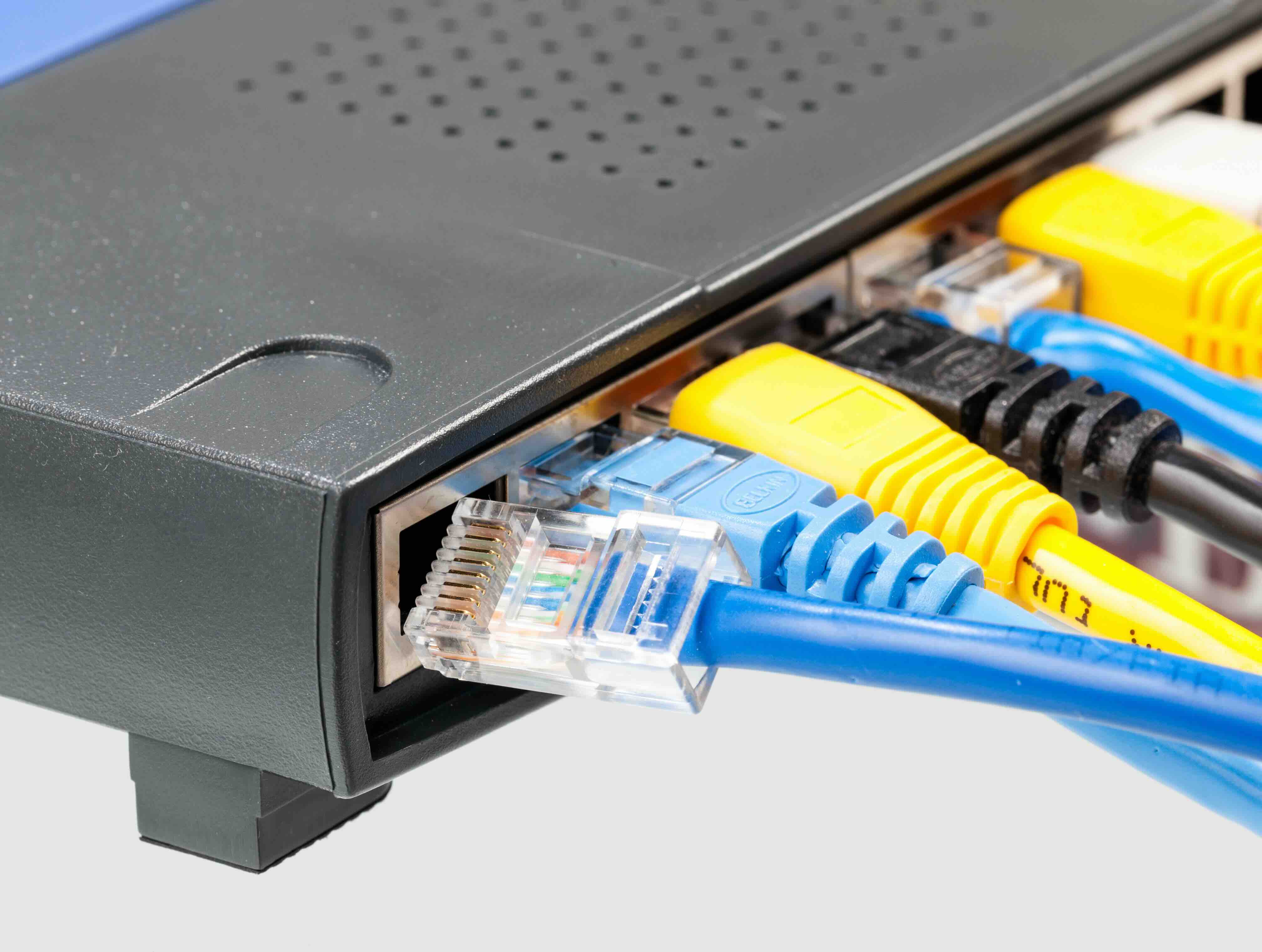
Cat5e vs Cat6 vs Cat6A vs Cat8: Which Ethernet Cable Is Right for You?
Choosing the right Ethernet cable sounds straightforward until you're staring at a shelf full of options and realizing the differences actually matter -- a lot. Whether you're wiring up a home office, running infrastructure across an enterprise facility, or setting up a dense server environment, the cable category you choose will directly affect your speed, reliability, and future-proofing. This guide breaks down the most common Ethernet cable ratings -- Cat5e, Cat6, Cat6A, and Cat8 -- so you can make a confident, informed decision without overcomplicating it.
What Do Ethernet Cable Categories Actually Mean?
The "Cat" in Cat5e or Cat6 stands for Category, and it refers to a standardized specification that defines the cable's performance characteristics -- things like maximum data transfer rate, frequency bandwidth, and signal integrity over distance. Each successive category was developed to meet growing demands in network performance. The higher the category number, the more capable the cable, generally speaking. But that does not always mean you need the highest-rated option available. Matching the right cable to the right application is where real value comes in.
Cat5e: The Reliable Workhorse That Still Gets the Job Done
Cat5e -- that "e" stands for enhanced -- was designed to reduce crosstalk, which is interference that occurs between wire pairs inside the cable. It supports speeds up to 1 Gbps at a bandwidth of 100 MHz over a maximum distance of 100 meters. For standard home use, small business networking, or light office environments, Cat5e honestly holds up well. It is affordable, widely available, and compatible with virtually all networking equipment. The drawback is that it offers no headroom for higher-speed future upgrades and is not well-suited for environments with significant electromagnetic interference.
Cat6: A Meaningful Step Up for Most Modern Installations
Cat6 is where most people land when they want solid, reliable performance without going overboard. It supports 1 Gbps at 100 meters and can push up to 10 Gbps at shorter distances -- typically around 37 to 55 meters. The frequency bandwidth jumps to 250 MHz, which means better signal quality and reduced crosstalk compared to Cat5e. Cat6 cables often include a physical separator inside that keeps the twisted pairs organized. It is a strong pick for home networks, streaming setups, gaming, and small-to-mid-sized business environments. The price difference over Cat5e is minor, and the performance gain is worth it in most cases.
Cat6A: The Go-To Standard for High-Performance and Commercial Environments
Cat6A -- "A" for augmented -- is the version of Cat6 that closes the distance gap. It delivers a full 10 Gbps over the entire 100-meter standard run, with a bandwidth of 500 MHz. That makes it the preferred choice for enterprise environments, data centers, healthcare facilities, and any deployment where you want dependable 10G performance across longer cable runs. Cat6A cables are thicker and heavier due to better shielding, which improves noise immunity significantly. That added bulk can make installation slightly more involved, particularly in tight conduit runs. Still, for commercial-grade projects or future-proofed home installations, Cat6A is the cable category that makes the most sense long-term.
Cat8: Built for the Data Center, Not Your Living Room
Cat8 is the highest-rated copper Ethernet cable currently available for commercial use. It supports up to 25 Gbps or 40 Gbps depending on the specific standard, over a maximum distance of 30 meters, with a bandwidth of 2000 MHz. Cat8 is engineered specifically for short-distance, high-density environments -- server racks, top-of-rack switching, and data center interconnects. It is heavily shielded and built for the kind of punishment that comes with enterprise-grade deployments. The shorter maximum distance and higher cost make it largely overkill for typical office or residential use. But if you are running a data center or high-performance lab, Cat8 delivers.
Quick Comparison: Ethernet Cable Categories at a Glance
Here is a side-by-side breakdown of the key specs for each cable category to help clarify the differences at a glance.
- Cat5e -- Up to 1 Gbps -- 100 MHz bandwidth -- 100 meter max run -- Best for home networks and basic office use
- Cat6 -- Up to 10 Gbps (55m) / 1 Gbps (100m) -- 250 MHz bandwidth -- 100 meter max run -- Best for modern home and small business networking
- Cat6A -- Up to 10 Gbps -- 500 MHz bandwidth -- 100 meter max run -- Best for enterprise, commercial, and future-proofed installs
- Cat8 -- Up to 25/40 Gbps -- 2000 MHz bandwidth -- 30 meter max run -- Best for data centers and high-density server environments
Shielded vs Unshielded: Does It Actually Matter?
Beyond the category rating, shielding is a real consideration -- especially in environments with high electromagnetic interference like manufacturing floors, medical facilities, or anywhere near heavy electrical equipment. Shielded cables, typically labeled STP or F/UTP, wrap the conductor pairs in a foil or braided shield that blocks external noise. Unshielded cables, labeled UTP, are simpler and easier to terminate but offer no interference protection. For most residential installs, UTP is completely fine. For commercial or industrial environments, shielded cable is worth the investment. Cat6A and Cat8 cables are frequently available in shielded versions and are often specified that way in professional deployments.
Common Installation Mistakes to Avoid
Even the right cable can underperform if it is installed poorly. A few things to keep in mind when running structured cabling in any environment.
- Do not exceed the rated maximum cable length -- signal degradation begins beyond the specified distance
- Avoid sharp bends and kinks, especially with thicker Cat6A and Cat8 cables
- Keep cable runs away from power lines and high-interference equipment
- Always use appropriate patch panels and keystones rated for the same category as the cable
- Test installed runs with a cable tester to confirm continuity and performance before closing up walls or securing raceways
Why Monoprice Should Be Your First Stop for Ethernet Cables
When it comes to building out a network -- whether it is a single room or an entire facility -- quality and cost both matter. Monoprice has spent years earning a reputation as a trusted source for structured cabling and networking infrastructure that performs at a professional level without requiring a premium price. The product lineup covers the full range of cable categories, from everyday Cat5e to high-density Cat8, available in bulk spools, pre-made patch cables, shielded and unshielded variants, and a wide range of lengths. Every product is built to spec and backed by the kind of reliability that both home users and enterprise buyers depend on. For anyone serious about building out infrastructure the right way, explore the full range of high-performance Cat5e, Cat6, Cat6A, and Cat8 ethernet cables at Monoprice Ethernet and networking cables -- where professional-grade performance meets honest, fair pricing.
Frequently Asked Questions About Ethernet Cable Categories
What is the difference between Cat5e and Cat6?
Cat5e supports up to 1 Gbps at 100 MHz bandwidth, while Cat6 supports 1 Gbps at 100 meters and up to 10 Gbps at shorter runs with 250 MHz bandwidth. Cat6 also has better crosstalk reduction and is the stronger choice for most modern installations.
Is Cat6A overkill for a home network?
Not necessarily. If you are building a long-term installation or running cable inside walls, Cat6A is worth the modest additional cost. It supports full 10 Gbps performance over 100 meters and provides better noise immunity than standard Cat6.
Can I use Cat8 cable for a home or office network?
Cat8 is designed for data center applications with short cable runs up to 30 meters. It is technically functional in other environments but is generally overkill for home or standard office use, where Cat6 or Cat6A is more practical.
What does shielded Ethernet cable do?
Shielded cable uses a foil or braided layer around the internal conductor pairs to block electromagnetic interference. It is recommended in industrial, commercial, or high-interference environments where signal integrity is critical.
How far can I run an Ethernet cable before signal loss?
For Cat5e, Cat6, and Cat6A, the maximum recommended run is 100 meters. Cat8 is limited to 30 meters. Exceeding these distances can cause signal degradation and reduced network performance.
Does a higher cable category improve internet speed?
Only if your networking hardware and internet service can support higher speeds. A Cat8 cable will not make a 100 Mbps internet connection faster. The cable category matters most for internal network transfers and future infrastructure upgrades.
What cable category should I use for a new construction build?
Cat6A is the widely recommended choice for new construction because it supports 10 Gbps over 100 meters and provides long-term flexibility. Running cable inside walls is labor-intensive, so installing a higher-rated cable now avoids costly rework later.
Are pre-made patch cables as good as field-terminated cable?
High-quality pre-made patch cables from reputable manufacturers are factory-tested and perform reliably. For structured cabling runs in walls or conduit, field termination is necessary, but for equipment connections and patch panels, pre-made cables are a dependable option.
What is crosstalk and why does it matter in Ethernet cables?
Crosstalk is electromagnetic interference that occurs between the wire pairs inside a cable. It degrades signal quality and reduces performance. Higher-category cables are designed with tighter twists and physical separators to minimize crosstalk.
What cable category do most enterprise networks use today?
Cat6A is the current industry standard for new enterprise network installations. It satisfies TIA and ISO structured cabling standards for 10 Gbps networks and is supported by virtually all enterprise networking hardware available today.


