

C to C Extender: Extend Your USB-C Setup With Ease
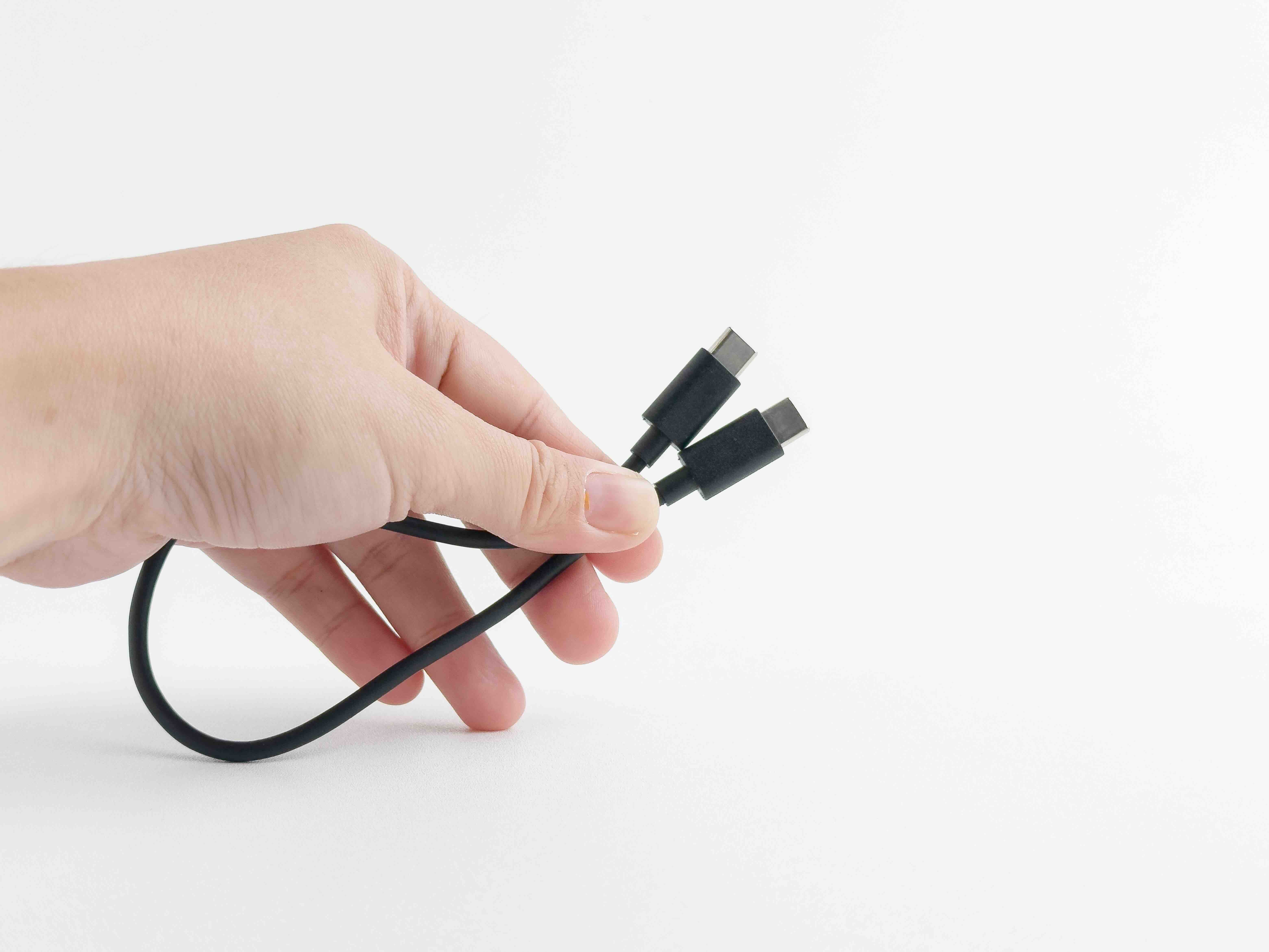
What Is a C to C Extender and Why Does It Matter in Modern Tech Setups
If you have ever tried to connect two USB-C devices and found yourself limited by cable length, you already understand the frustration that a C to C extender is designed to solve. A USB-C to USB-C extender, sometimes called a USB-C extension cable or C to C extension, allows you to add reach between two USB-C endpoints without breaking the signal chain. Whether you are running a cable across a desk, through a wall panel, or managing a more complex AV or data environment, these extenders serve a real and recurring need in both home and professional settings. The technology industry has shifted heavily toward USB-C as a universal connector standard, and with that shift comes a genuine demand for flexible, reliable extension solutions that keep pace with increasingly sophisticated setups.
How a USB-C to USB-C Extender Actually Works
At its core, a C to C extender functions by maintaining the integrity of the USB-C signal over a greater distance than a standard cable would typically support. A standard USB-C cable has practical length limitations, usually topping out around one to two meters for high-speed data or video signal transmission before signal degradation becomes a real concern. Extenders work by using a male USB-C connector on one end that plugs into your existing cable and a female USB-C port on the other that accepts a second cable, effectively bridging the gap. Some more advanced extenders use active circuitry or signal amplification to boost the transmission over longer distances, while passive extenders simply relay the signal without amplification. Understanding which type you need depends entirely on what you are using the connection for, and that distinction matters more than most people initially realize.
Key Use Cases for C to C Extenders in the Technology Industry
These extenders show up in a surprisingly wide range of applications once you start looking. The technology industry leans on them heavily in professional AV installations, corporate conference rooms, and data center environments where cable routing flexibility is essential. Common use cases include the following situations:
- USB-C monitor setups where the display is positioned farther from the source device than a single cable can reach
- Laptop charging stations in open office environments or collaboration spaces
- Live streaming and content creation rigs where cameras, capture cards, and interfaces need extended reach
- Portable workstations that require a hub or dock to be positioned away from the primary device
- Networking and peripheral connections in classrooms, training rooms, or hospitality AV systems
Each of these scenarios benefits from a reliable extension without requiring a full infrastructure overhaul or expensive active signal distribution hardware. That combination of simplicity and utility is exactly why C to C extenders have carved out a solid place in both consumer and commercial technology environments.
Passive vs. Active C to C Extenders: What You Need to Know
This is where things get a little more technical, but it is worth understanding because choosing the wrong type can result in dropped signals, failed connections, or degraded performance. Passive extenders are the simpler, more affordable option. They contain no internal electronics and simply extend the physical pathway of the signal. They work well for lower-speed data transfers, basic charging applications, or shorter extension runs where signal strength is not a concern. Active extenders, on the other hand, incorporate built-in signal conditioning or amplification electronics that regenerate the signal as it passes through. These are the right choice when you are working with high-resolution video output, high-speed data transfer protocols like USB 3.2 or Thunderbolt, or any application where length and performance both have to be maintained. The price difference between the two is usually noticeable, but the performance difference in demanding applications makes active extenders worth the investment in many professional contexts.
Key Advantages of Using a C to C Extender
There are several practical reasons why adding a C to C extender to your setup makes sense, and they go beyond just adding a few extra feet of reach. Consider these advantages when evaluating your options:
- Preserves your existing USB-C cable investment instead of requiring a full cable replacement
- Adds deployment flexibility in environments where cable runs need to adapt to room layouts
- Supports charging passthrough on many models, keeping devices powered during use
- Reduces strain on the USB-C port of the primary device by allowing a more natural cable angle
- Enables modular cable management strategies in professional installations
These are not trivial benefits. In commercial installations especially, the ability to extend without replacing entire cable runs can translate into meaningful savings on labor and materials. For everyday users, it just means fewer compromises in how and where you position your devices.
Common Drawbacks and Limitations to Keep in Mind
No technology is without its trade-offs, and C to C extenders are no exception. One of the most frequently encountered issues is reduced power delivery performance over extended passive runs. If you are relying on USB Power Delivery to charge a high-wattage device like a laptop, a passive extender may limit the effective wattage delivered compared to a direct connection. Signal degradation is another real concern with passive units, particularly for video output at higher resolutions or refresh rates. Thunderbolt compatibility is also worth scrutinizing carefully because not every USB-C extender supports the Thunderbolt protocol, which uses the same physical connector but requires a more capable signal pathway. Always verify the rated specifications of any extender against the actual performance requirements of your devices before committing to a purchase. Cheap, unrated extenders can create connectivity headaches that cost more time than they save money.
How to Choose the Right C to C Extender for Your Needs
The selection process becomes straightforward once you have a clear picture of your use case. Start by identifying the maximum transfer speed you need, since this determines whether a passive or active solution is appropriate. Next, confirm the power delivery requirements of your connected devices and choose an extender rated to handle that wattage. Check the video resolution and refresh rate specifications if your setup involves display output, and verify Thunderbolt compatibility if that protocol is in use. Physical build quality matters too, particularly in professional or high-traffic environments where the extender will be handled frequently. Look for units with reinforced connectors, quality shielding, and clear certification markings. These details indicate a product built to perform consistently rather than just meet minimum spec on paper.
Installation Tips for Getting the Best Performance From Your Extender
Even a well-chosen extender can underperform if it is not installed thoughtfully. Keep the total cable run as short as practically possible, since adding unnecessary length compounds any signal challenges the extender already faces. Avoid running USB-C cables parallel to high-voltage power cables for extended distances, as electromagnetic interference can cause data errors and signal instability. When mounting or routing cables in a fixed installation, use proper cable management to prevent sharp bends near the connector ends, which can stress both the cable and the extender over time. If you are using an active extender, ensure it has an adequate power source if it requires one, and confirm compatibility with your specific USB-C host and device before finalizing the installation. Testing the full signal path before closing up a wall or completing a rack build saves significant rework time later.
Why Monoprice Is the Right Source for Your C to C Extender Needs
When you are speccing out a setup that depends on reliable signal extension, the source of your hardware matters as much as the spec sheet. Monoprice has built a well-earned reputation for delivering high-performance connectivity solutions at prices that make sense for both individual buyers and large-scale commercial deployments. From passive extension cables to active USB-C extenders engineered for professional AV and data environments, the product lineup is built around real-world performance requirements rather than marketing assumptions. The quality controls, certifications, and specifications are transparent, which is exactly what integrators, IT managers, and technically informed consumers need when making sourcing decisions. Exploring the full range of USB-C extenders and high-performance connectivity cables at Monoprice gives you access to solutions that are spec-verified, competitively priced, and backed by the kind of product support that makes a difference when a project is on the line. Whether you are outfitting a single workstation or a multi-room AV installation, Monoprice delivers the reliability and value that professionals and savvy consumers consistently depend on.
Frequently Asked Questions About C to C Extenders
What is a USB-C to USB-C extender used for?
A USB-C to USB-C extender is used to increase the effective cable length between two USB-C devices, allowing for greater physical separation between a host device and a connected peripheral, display, charger, or hub without replacing the entire cable run.
Will a C to C extender reduce charging speed?
It depends on the extender. Passive extenders may limit power delivery wattage over longer runs, while quality active or well-rated passive extenders maintain the rated USB Power Delivery capacity. Always check the power delivery specification of the extender before purchasing.
Can I use a C to C extender for 4K video output?
Yes, but you need an extender rated for the video bandwidth required by your display resolution and refresh rate. Not all passive extenders support 4K output reliably, so verify the video specification listed by the manufacturer before use in a display-critical application.
Is a C to C extender the same as a USB-C extension cable?
Functionally, yes. A USB-C extension cable and a C to C extender serve the same purpose. The terminology varies by manufacturer, but both refer to a solution that adds length to a USB-C signal path using a male connector on one end and a female port on the other.
Do C to C extenders support Thunderbolt?
Not all C to C extenders support Thunderbolt, even though Thunderbolt uses the USB-C physical connector. Thunderbolt requires a higher-bandwidth signal path, so you need an extender specifically rated for Thunderbolt compatibility if your application requires it.
How long can a passive C to C extender be?
Passive USB-C extenders are generally reliable up to about one meter of additional length, though this varies by the underlying USB protocol in use. For longer runs or high-speed applications, an active extender with signal conditioning is a more reliable choice.
Can I daisy-chain multiple C to C extenders together?
Daisy-chaining extenders is generally not recommended and often results in signal degradation, data errors, or failed connections. If you need a longer run, use a single active extender rated for the total distance rather than stacking multiple passive units.
What should I look for when buying a C to C extender?
Look for clearly stated USB specification support, power delivery wattage rating, video resolution compatibility if applicable, Thunderbolt certification if needed, shielded construction, and reinforced connectors. Avoid unrated or uncertified extenders for performance-critical applications.
Are C to C extenders compatible with all USB-C devices?
Most USB-C extenders are physically compatible with any USB-C connector, but functional compatibility depends on the protocols supported. A device requiring USB 3.2 speeds or Thunderbolt throughput needs an extender rated for those standards, not just any USB-C connector.
Can a C to C extender be used in a commercial AV installation?
Yes, and they are commonly used in conference rooms, training environments, and professional AV setups to manage cable routing flexibility. For commercial installations, active extenders with certified performance ratings are the recommended choice to ensure consistent signal integrity across the full cable run.


