

AV In Out and Grounded Connections Explained Simply
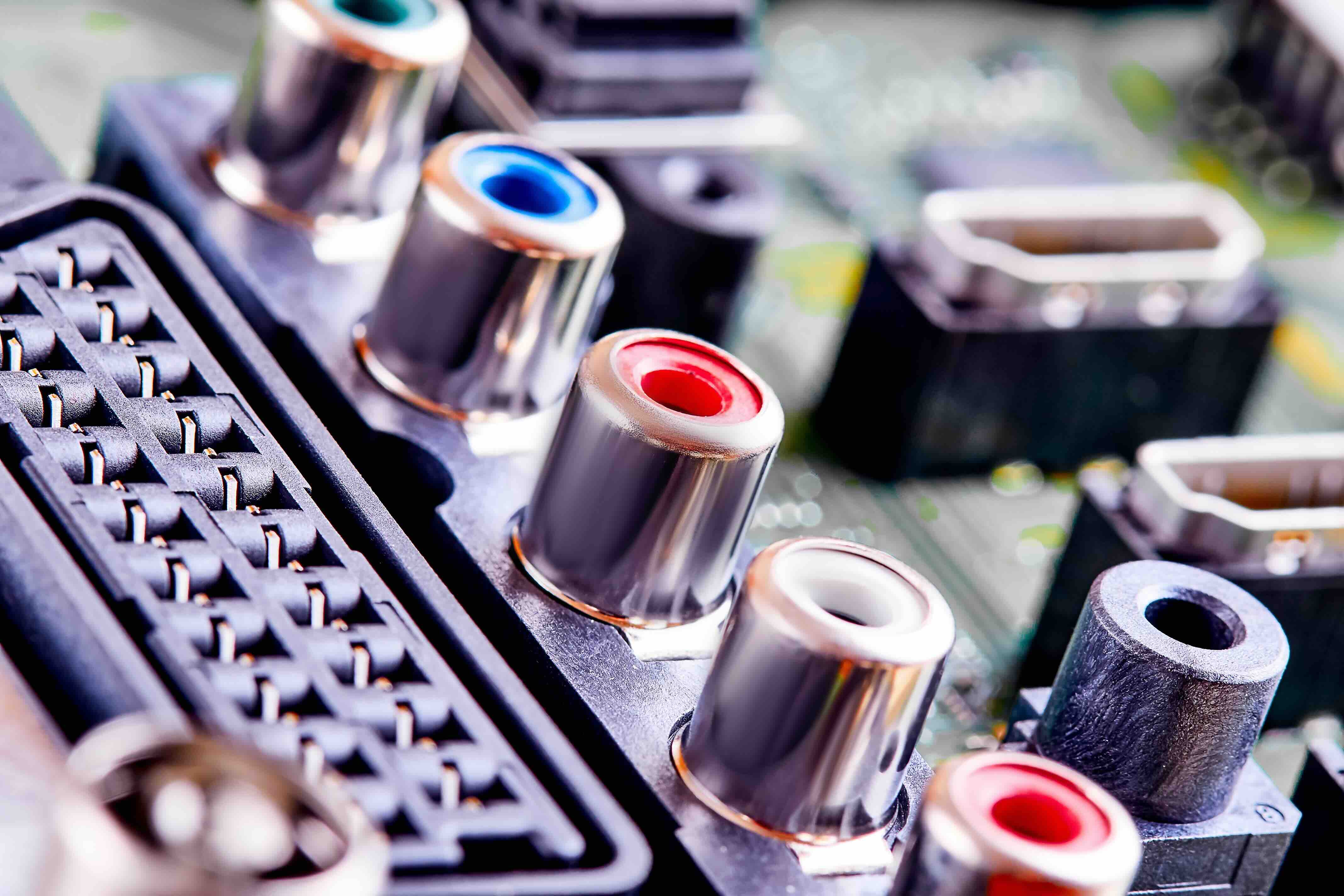
What Is AV In Out and Grounded? A Clear Guide to AV Signal Flow and Safety
If you have ever stared at the back of a receiver, a television, or a media component and felt genuinely confused by all those labeled ports, you are not alone. AV in, AV out, and grounded connections are among the most foundational concepts in home theater, professional audio, and commercial AV setups, and yet they often get skipped over in product manuals like they are obvious. They are not always obvious. Understanding what these terms mean, how they work together, and why grounding matters can save you from bad signal quality, damaged equipment, and a whole lot of troubleshooting headaches down the line. So here is a proper walkthrough of all three.
AV In vs AV Out: What the Labels Actually Mean
This is the starting point. AV stands for audio/video, and every device in a signal chain has a defined role in how it handles that signal. AV In is exactly what it sounds like -- a port that receives incoming audio and video data from another source. AV Out is the opposing port, and it sends that signal out to another device downstream. A Blu-ray player, for example, outputs a signal through its AV Out port. That signal travels through a cable and enters a television or receiver through its AV In port. Simple in concept, but the implications of connecting these correctly or incorrectly affect everything about your final picture and sound quality.
How AV Signal Flow Works in a Typical Setup
Signal flow is the path your audio and video data travels from source to display or speaker. In a basic home setup, you might have a streaming device or game console acting as your source. That device outputs a signal, which then travels through an HDMI or composite cable to either a display directly or through an AV receiver first. The receiver acts as a hub, routing audio to speakers and video to the display. Every device in that chain has input ports and output ports, and the signal must always move in one direction: from Out to In. Connecting two output ports together or two input ports together produces nothing -- no signal, no image, no audio. Getting the directionality right is not optional; it is fundamental.
Types of AV Connections You Will Encounter
Not all AV connections are created equal, and knowing the differences helps you pick the right cable and the right port for your specific need. Here is a breakdown of the most common types you will run into:
- Composite AV (the classic red, white, and yellow cable) -- carries standard definition video and stereo audio across three separate connectors
- Component Video -- splits video into three signals (Y, Pb, Pr) for better color accuracy and supports up to 1080i resolution
- HDMI -- the current standard for carrying high-definition or ultra-high-definition audio and video through a single cable
- Optical (TOSLINK) -- carries digital audio only, commonly used between TVs and soundbars or AV receivers
- Coaxial Digital -- another digital audio-only connection, slightly more durable in some applications than optical
Each type has its own bandwidth capacity, signal quality characteristics, and compatibility considerations. HDMI dominates modern setups because of its ability to handle high-resolution video and multi-channel audio in one clean connection. Older component and composite connections are still relevant in legacy systems or professional environments where specific equipment has not been updated.
Understanding Grounding in AV Systems
Grounding is where a lot of people check out because it sounds like an electrician topic, not a home theater topic. But it absolutely affects your AV experience. In electrical terms, grounding means creating a path for excess electrical current to safely discharge, typically to the earth itself. In AV systems, proper grounding does a few critical things. It protects your equipment from voltage spikes. It reduces or eliminates interference and noise, particularly that annoying hum you sometimes hear through speakers. And it helps maintain signal integrity across longer cable runs. Without a proper ground, you can end up with ground loop issues, which introduce a 60Hz hum into your audio system that is notoriously frustrating to diagnose and fix.
Ground Loops and Why They Matter
A ground loop happens when two or more pieces of equipment in the same AV system are grounded at slightly different electrical potentials. When that happens, current flows between those devices along the cable shield or ground conductor, and that current introduces noise into your audio or sometimes creates visual artifacts in your video signal. It is a real problem in both home and professional setups, especially when equipment is plugged into different wall outlets or different circuits. Common fixes include using ground loop isolators, ensuring all equipment shares a single power strip or conditioner, and using properly shielded cables throughout the signal chain. This is also why quality cable construction matters far more than many buyers initially expect.
Key Advantages of Understanding AV In Out and Grounding
There is real, practical value in knowing this stuff before you buy anything or plug anything in. When you understand signal direction, you stop making connection mistakes that result in no output. When you understand grounding, you can plan your installation to avoid noise problems from the start rather than troubleshooting them after everything is mounted and wired. Here are the standout benefits of getting this right:
- Cleaner audio with no hum, buzz, or interference
- Sharper, more accurate video with no signal degradation or artifacts
- Longer equipment lifespan due to proper voltage protection
- Simpler troubleshooting because you understand the signal path
- Confidence when expanding or reconfiguring your system
Common Drawbacks and Challenges to Watch For
Even with a solid understanding of these concepts, there are legitimate challenges that catch people off guard. Legacy systems mixing older analog AV connections with modern digital equipment can create compatibility gaps that require adapters or signal converters. Grounding problems in older buildings with ungrounded outlets cannot be resolved with better cables alone -- they require electrical work. Signal degradation over long cable runs is real, particularly with composite and component video, and even HDMI has practical distance limits without the use of active repeaters or fiber-based cables. And not every inexpensive cable on the market is actually shielded properly, which creates its own interference problems regardless of how well your system is otherwise grounded.
Practical Tips for Getting AV Connections Right Every Time
A few habits go a long way in this space. Always verify whether a port is labeled In or Out before connecting a cable -- many devices use icons or color coding in addition to text labels, and they are worth checking. When building a new system, map out your signal chain on paper first so you know exactly how many In and Out connections you need at each device. Use quality shielded cables, especially in longer runs or in environments with a lot of electrical equipment nearby. Connect all devices to a single quality surge protector or power conditioner to reduce grounding potential differences. And if you hear a hum after connecting everything, start by unplugging one device at a time to identify which connection introduced the ground loop.
Why Monoprice Is the Right Source for Your AV Cables and Connectivity Needs
When you understand how important proper AV connectivity and grounding actually are, the quality of your cables and hardware stops feeling like a minor detail. It becomes a real factor in system performance. That is where Monoprice consistently delivers. Whether you are building a home theater, speccing out a conference room, or wiring a professional installation, Monoprice carries the shielded, tested, and certified cables and connectivity products to do it right without the inflated price tags that often come with other brands. From HDMI cables that support 8K passthrough to composite cables for legacy systems and everything in between, the lineup is built for both DIY enthusiasts and professional integrators. If you are ready to stop guessing and start building a cleaner, more reliable AV system, shop professional AV cables and grounded connectivity solutions at Monoprice and see exactly why so many integrators and home theater builders keep coming back.
Frequently Asked Questions About AV In Out and Grounded Connections
What does AV In mean on a television or receiver?
AV In refers to the input port on a device that receives incoming audio and video signals from a source component such as a DVD player, game console, or streaming device. It is where signal enters the device for processing or display.
What is the difference between AV In and AV Out?
AV In accepts a signal coming into a device, while AV Out sends a signal from that device to another. The signal always travels from an Out port on one device to an In port on the next device in the chain.
What does grounded mean in an AV or home theater system?
Grounded means the electrical components in your system have a designated path for excess current to safely discharge. In AV systems, proper grounding reduces interference, protects equipment from voltage spikes, and eliminates noise like the hum sometimes heard through speakers.
What causes a ground loop hum in audio systems?
A ground loop hum occurs when two or more connected devices have slightly different electrical ground potentials. This difference causes current to flow along the cable connections, introducing a low-frequency hum into the audio signal, typically at 60Hz.
How do I fix a ground loop in my AV system?
The most effective fixes include plugging all connected devices into the same power strip or power conditioner, using a ground loop isolator between offending components, and ensuring all cables are properly shielded throughout the signal chain.
Can I connect two AV Out ports together?
No. Connecting two output ports directly together will not produce any signal and may damage equipment. A signal must always travel from an Out port on one device to an In port on another device.
Does cable quality affect AV signal integrity and grounding?
Yes. Poorly shielded cables are more susceptible to picking up electromagnetic interference from nearby electronics. Quality shielded cables maintain signal integrity, reduce noise, and support proper grounding continuity throughout the cable run.
What is the best AV connection type for a modern home theater?
HDMI is the preferred connection for modern home theater setups because it carries both high-definition video and multi-channel audio through a single cable. It supports formats including 4K, 8K, HDR, and Dolby Atmos depending on the version used.
Are composite AV cables still useful today?
Composite AV cables are still useful for connecting older legacy equipment that does not support HDMI or component video. They carry standard definition video and stereo audio and remain common in retro gaming setups and older commercial AV installations.
How far can an HDMI cable run without losing signal quality?
Passive HDMI cables typically maintain reliable signal quality up to around 25 feet. For longer runs, active HDMI cables, signal repeaters, or fiber optic HDMI cables are recommended to prevent signal degradation over distance.


