

Wiring Your Home for Ethernet: Fast, Reliable, No Buffering
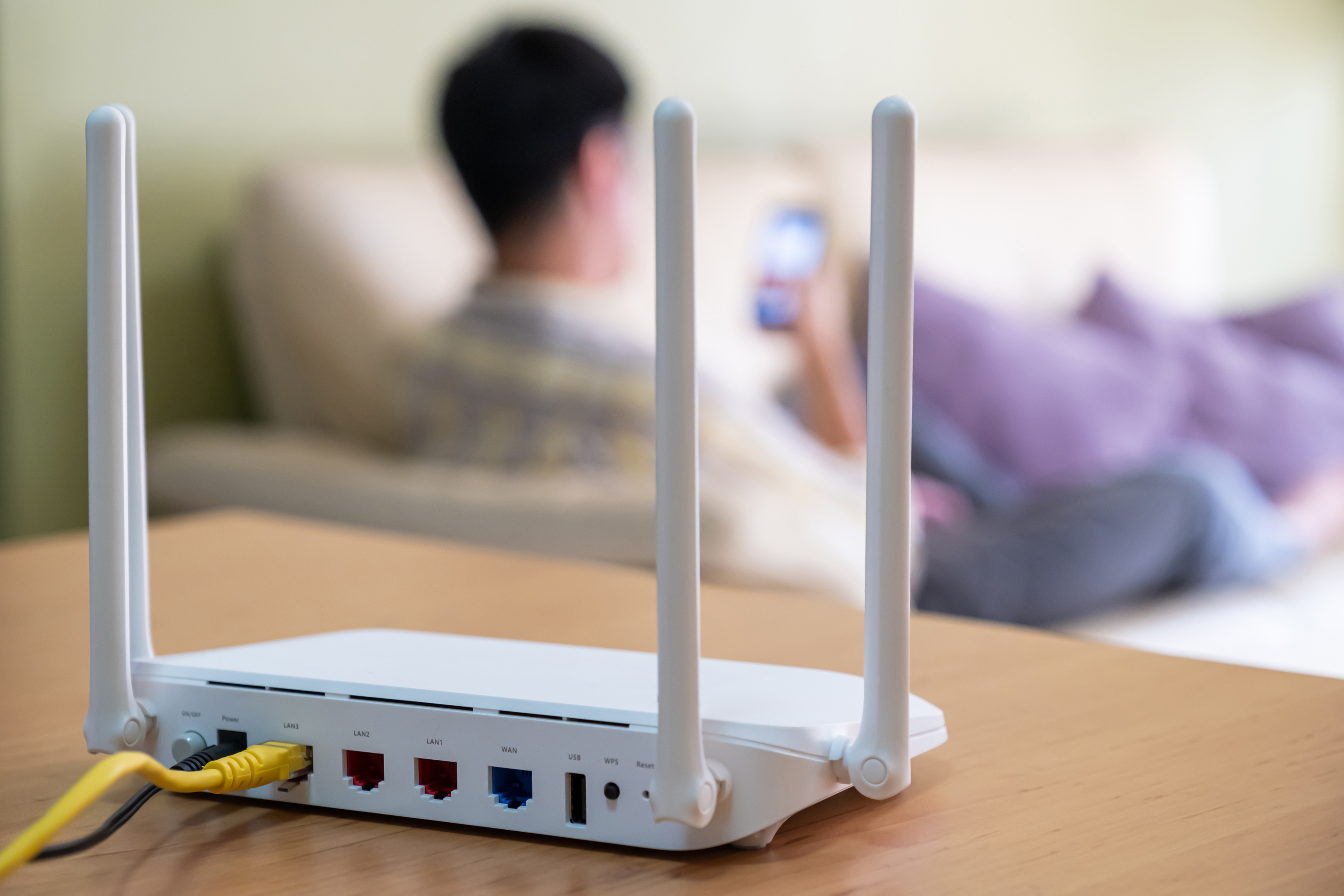
Why Wiring Your Home for Ethernet Is Worth Every Foot of Cable
At some point, everyone hits that wall with Wi-Fi. You are in the middle of a game, or maybe a big video call, and the signal just drops. Or it gets slow for no obvious reason. Walls, distance, interference from neighboring networks — it adds up fast. Wired Ethernet is the fix most people overlook because it feels complicated or expensive. It is neither. Running Ethernet through your home gives you a stable, fast, low-latency connection that Wi-Fi simply cannot match in most real-world conditions. And the good news is that doing it yourself — or having someone do it for you — is more straightforward than it looks.
What Home Ethernet Wiring Actually Means
Wiring your home for Ethernet means running physical network cables from a central location — usually where your modem or router lives — through walls, ceilings, or floors to specific rooms or connection points throughout your house. Each cable terminates at a wall jack or a patch panel, giving you a dedicated wired connection wherever you need it. Think of it like your home's electrical wiring, but for data. Instead of outlets delivering power, you get keystone jacks delivering internet. The cables carry data signals directly between your router and your devices, without relying on radio frequencies or competing with your neighbor's smart speaker network.
Cat5e, Cat6, or Cat6A: Which Cable Should You Use
This is where people start overthinking, so let us keep it simple. The cable category determines how fast data travels and over what distance before signal quality drops off. Here is a quick breakdown to help you decide:
Cat5e supports speeds up to 1 Gbps at distances up to 328 feet — still solid for most homes but considered the baseline at this point Cat6 handles up to 10 Gbps at shorter distances, around 165 feet, and is the sweet spot for most residential installs today Cat6A pushes full 10 Gbps speeds out to the full 328-foot range and offers better shielding against interference — ideal for longer runs or future-proofingFor most homes, Cat6 is the practical choice. It handles streaming, gaming, video conferencing, and smart home traffic without breaking a sweat. If you are wiring a larger house or want to be set for the next decade, Cat6A is worth the modest step up in cost. Either way, you are making a solid investment in your network infrastructure.
How a Home Ethernet Installation Works Step by Step
The process follows a logical path once you understand the pieces involved. You start by identifying your central distribution point — this is typically a closet or utility area near your router. From there, you plan your cable runs to each room where you want a wired connection. Common targets include the living room TV, a home office desk, a gaming setup, or anywhere a streaming device lives. Cables are fished through walls using a drill and fish tape, then terminated at wall plates with keystone jacks on one end and a patch panel at the central hub on the other. A basic network switch connects everything back to your router, and each port becomes a live, dedicated Ethernet connection. The hardware involved — patch panels, keystone jacks, wall plates, cable — is all readily available and reasonably priced when you source it right.
The Real Advantages of Wired Ethernet in Your Home
There are several reasons network professionals and serious home users consistently choose wired connections over wireless. The benefits are practical and measurable:
Consistent speeds without fluctuation based on distance or interference Dramatically lower latency, which matters for gaming, video calls, and real-time applications No signal competition from other devices or neighboring networks Better security because wired connections are inherently harder to intercept than wireless signals Higher reliability for smart home hubs, NAS drives, and always-on devices that need a dependable linkFor households with multiple people working or learning from home simultaneously, a wired network reduces the bottlenecks that happen when everyone is fighting for bandwidth over Wi-Fi. It is not just about speed — it is about consistency, and that is what actually improves the day-to-day experience.
Common Drawbacks and Honest Limitations
Wired Ethernet is not without its trade-offs, and it is worth being clear about them. The biggest friction point is the physical installation itself. Running cable through finished walls requires tools, time, patience, and in some cases a willingness to patch a few small holes. Older homes with dense insulation or complex framing can make cable routing more challenging. Mobile devices like phones and tablets cannot connect directly to Ethernet without an adapter, so Wi-Fi still has a role even in a fully wired home. There is also an upfront cost for materials and potentially labor if you hire someone. That said, when you compare it to the ongoing frustration of unreliable wireless performance — and factor in how long a properly installed Ethernet setup lasts — the math tends to favor going wired.
Tools and Components You Will Need for the Job
Before you start pulling cable, make sure you have the right gear on hand. A basic home Ethernet installation typically requires a drill with long drill bits for boring through wall plates and framing, fish tape or a fish stick for routing cable through wall cavities, a punch-down tool for terminating cables at keystone jacks and patch panels, a cable stripper and crimping tool if you are making custom patch cables, a cable tester to verify each run after termination, and of course the cables, keystone jacks, wall plates, a patch panel, and a network switch. Sourcing quality components matters here. Cheap cable or poorly rated connectors introduce signal loss and noise that can undermine the whole point of going wired in the first place.
Planning Your Ethernet Layout for Maximum Coverage
Good planning prevents most of the headaches that come with a home wiring project. Start by sketching a simple floor plan and marking every location where you want a wired drop. Think about current needs and likely future uses — an extra port costs very little at installation time but is extremely inconvenient to add later. Keep cable runs as direct as possible to stay well within the 328-foot limit for Cat6. Avoid running Ethernet parallel to electrical wiring for long distances, as this can introduce interference. If you have a two-story home, a central closet on the main floor is often the best location for your patch panel and switch. Label every cable clearly before you terminate it — seriously, do not skip this step. You will thank yourself later when you are troubleshooting or expanding the network.
Why Monoprice Is the Right Partner for Your Home Ethernet Project
Getting the cabling right means nothing if the components behind it are cutting corners. That is where sourcing matters. Monoprice has built a well-earned reputation as a go-to resource for high-performance networking gear — Cat6 and Cat6A cables, patch panels, keystone jacks, wall plates, network switches, and every accessory in between — all priced for real budgets without sacrificing the quality that professionals rely on. Whether you are a first-time DIYer mapping out a two-room setup or an IT integrator wiring an entire property, the product selection scales with the job. If you are ready to stop dealing with Wi-Fi inconsistency and build something that actually works, explore professional-grade home networking cables and wiring supplies at Monoprice home Ethernet wiring and networking solutions. The performance is there. The price point makes sense. And the range of products means you can source an entire project in one place without overpaying for what is fundamentally straightforward infrastructure.
Frequently Asked Questions About Wiring Your Home for Ethernet
Is it difficult to wire a home for Ethernet yourself?
It is manageable for most DIYers with the right tools and patience. The trickiest part is routing cables through walls, especially in finished spaces. Single-story homes with accessible attics or basements are significantly easier to work with than multi-story homes with dense framing.
What is the maximum length for a single Ethernet cable run?
The standard maximum for Cat5e, Cat6, and Cat6A is 328 feet, or 100 meters, per segment. Runs longer than this can experience signal degradation, so plan your layout to stay within that limit from the patch panel to each wall jack.
Does wired Ethernet actually make gaming better?
Yes, noticeably. Wired connections deliver lower and more consistent latency than Wi-Fi, which directly improves responsiveness in online games. Packet loss and jitter — two major culprits in gaming performance issues — are also significantly reduced over a wired connection.
How many Ethernet ports do I need per room?
At minimum, one port per room covers the basics. For rooms with multiple devices — like a home theater setup with a TV, streaming device, and gaming console — two ports per location is a smarter approach. During installation, adding an extra run is cheap compared to retrofitting later.
Can I still use Wi-Fi after wiring my home for Ethernet?
Absolutely. Most setups run both simultaneously. Wired connections handle high-demand devices like TVs, consoles, desktops, and smart home hubs, while Wi-Fi serves mobile devices, tablets, and anything that moves around the house.
What is the difference between Cat6 and Cat6A for home use?
Cat6 supports 10 Gbps speeds up to about 165 feet and is sufficient for most residential applications. Cat6A extends that 10 Gbps performance to the full 328-foot range and offers better shielding. For larger homes or future-proofing purposes, Cat6A is the stronger choice.
Do I need a patch panel or can I connect cables directly to a switch?
You can connect directly to a switch, but a patch panel gives you a much cleaner and more flexible setup. It centralizes your cable terminations, makes it easier to reorganize connections, and reduces wear on your switch ports over time. For any installation with four or more runs, a patch panel is worth it.
How long does a home Ethernet installation last?
Properly installed Ethernet infrastructure can last 20 years or more. The cables themselves do not degrade under normal conditions, and the standards they support continue to be relevant well beyond the initial installation. It is a long-term investment in your home's connectivity.
Will wiring my home for Ethernet increase its resale value?
Increasingly, yes. Buyers who work from home, stream heavily, or have smart home setups actively look for wired network infrastructure. A well-documented, properly installed Ethernet system is a genuine selling point in today's connected home market.
What tools are absolutely required to terminate Ethernet cables?
At minimum you need a punch-down tool for keystone jacks and patch panels, a cable stripper to remove the outer jacket, and a cable tester to verify each run after termination. If you are making custom patch cables with RJ45 connectors, a crimping tool is also necessary.


