

Wired and Grounded: Why Ethernet Still Outperforms Wi-Fi
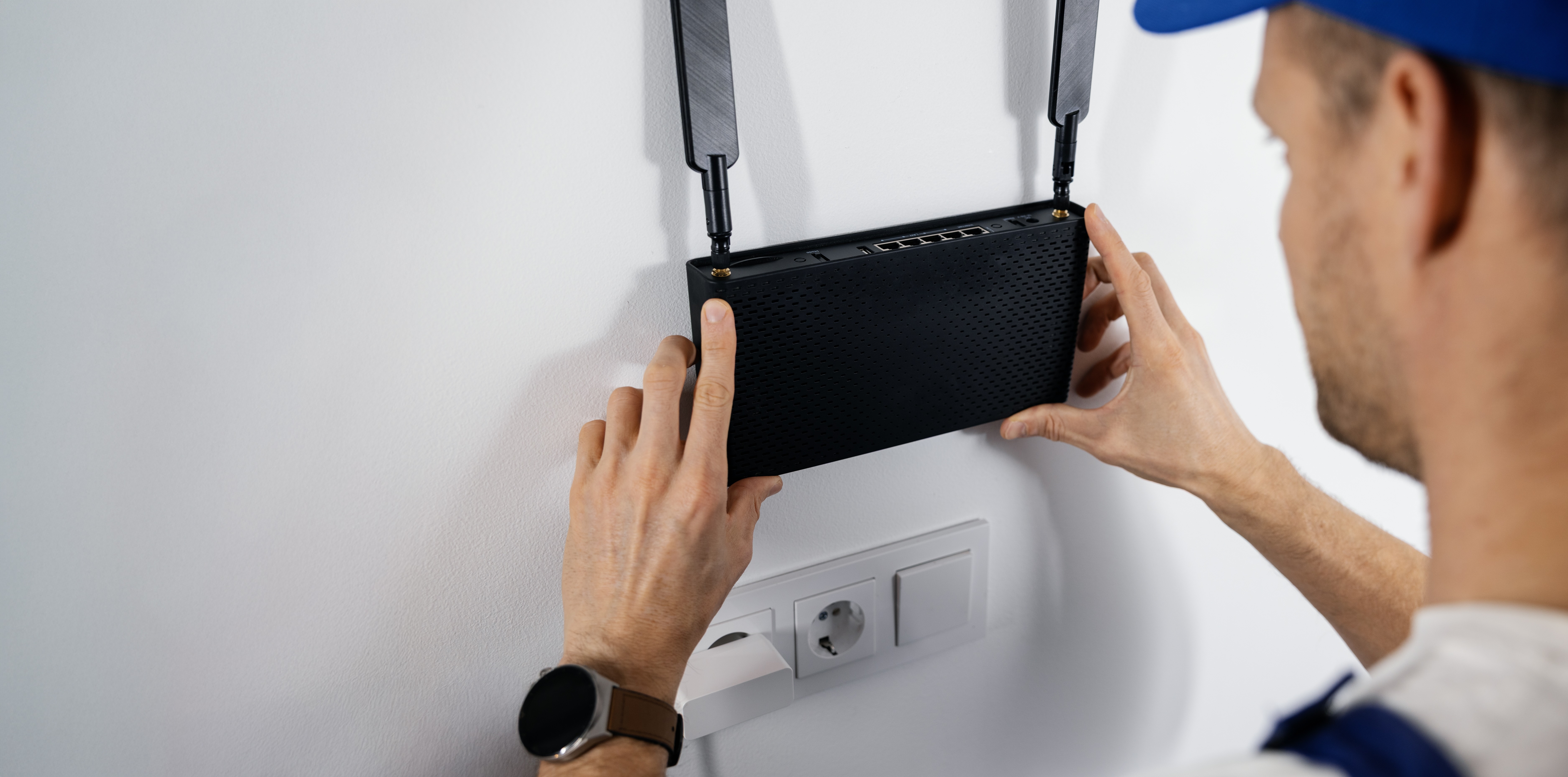
When the Internet Slows Down, What Are You Really Losing?
There is that moment -- you know it -- when a video call freezes mid-sentence or a file transfer stalls at 94 percent and just... sits there. Wi-Fi gets blamed for a lot, and honestly, most of the time, it deserves it. Wireless connectivity has come a long way, no question, but the conversation about whether Ethernet is still relevant in modern setups keeps coming back around for a reason. It is because Ethernet keeps winning. Not in a dramatic, spec-sheet kind of way, but in the quiet, reliable, real-world performance kind of way that actually matters when you are trying to get work done or stream without interruption. This article breaks down why wired networking remains the gold standard, how it actually works, and what you need to know to make smarter decisions about your home or office setup.
What Is Ethernet and How Does It Actually Work
Ethernet is a wired networking technology that connects devices to a local area network using physical cables. Data travels through these cables as electrical signals -- or light, in the case of fiber -- at consistent, predictable speeds. The most common types you will encounter are Cat5e, Cat6, and Cat6A, each capable of supporting different bandwidth capacities and transmission distances. Cat6, for instance, supports up to 10 Gbps over shorter runs and is a solid go-to for most home and small business environments. A device connects to a router or switch via an Ethernet cable, and that physical connection creates a dedicated, low-interference path for data. Unlike Wi-Fi, which broadcasts signals through the air and competes with neighboring networks, microwaves, walls, and a dozen other interference sources, Ethernet simply does not have those problems. The signal is contained, direct, and consistent.
Speed Comparison: Ethernet vs. Wi-Fi in Real-World Conditions
Wi-Fi 6 and Wi-Fi 6E have impressive theoretical speeds, sometimes cited at several gigabits per second. The word theoretical is doing a lot of heavy lifting there. Real-world Wi-Fi performance depends heavily on distance from the router, number of connected devices, building materials, and frequency band congestion. Ethernet does not care about any of that. A Cat6 cable running from a router to a desktop delivers its rated throughput consistently, without negotiation or signal degradation over time. For tasks like 4K video editing, large cloud backups, gaming with low latency requirements, or running a home server, that consistency is not a luxury -- it is a functional requirement. Tests run in average home environments routinely show Ethernet outperforming Wi-Fi by significant margins, especially during peak network usage periods when wireless channels get crowded.
Latency and Stability: The Numbers That Actually Matter
Speed is one thing. Latency is another, and for a lot of use cases, latency matters more. Latency is the delay between sending a data request and receiving a response. Online gaming, video conferencing, VoIP calls, and financial applications are all sensitive to latency spikes. Wi-Fi introduces variable latency because of how it manages shared wireless channels using a protocol called CSMA/CA -- essentially, devices take turns talking to avoid collisions, which adds unpredictable delay. Ethernet connections using full-duplex transmission allow devices to send and receive simultaneously without that collision management overhead. The result is lower, more stable latency. Average wired latency in a home setup can sit under 1 millisecond. Wi-Fi latency, depending on conditions, can fluctuate between 5 and 50 milliseconds or higher. That difference is felt in real-time applications, even if it sounds small on paper.
Security Advantages of a Wired Network Connection
This one does not get discussed enough. Wi-Fi signals extend beyond the walls of a building. Even with WPA3 encryption, a wireless network is broadcasting in all directions and can be intercepted, analyzed, or targeted by someone physically nearby. A wired Ethernet network does not broadcast at all. To access a wired network, someone must have physical access to the infrastructure -- a cable, a port, a switch. That physical requirement adds a fundamental layer of security that encryption alone cannot replicate. For home offices handling sensitive documents, small businesses managing customer data, or anyone who just prefers that their network traffic stay on their network, Ethernet provides a meaningful security advantage over wireless alternatives.
Common Drawbacks of Ethernet: Being Honest About the Tradeoffs
No technology is perfect, and Ethernet has genuine drawbacks worth acknowledging. The most obvious is mobility. Devices physically connected to a cable cannot move without disconnecting, which makes Ethernet impractical for smartphones, tablets, and laptops used across multiple rooms. Running cables through walls or across a space requires planning, cable management, and sometimes professional installation depending on the complexity of the layout. There is also an upfront cost in materials -- cables, switches, wall plates, keystone jacks -- that wireless setups avoid. For renters or people who move frequently, permanent wired infrastructure is not always realistic. These are real tradeoffs. That said, for stationary devices like desktops, smart TVs, gaming consoles, and network-attached storage devices, there is very little reason not to wire them in.
Hybrid Networking: Using Both Ethernet and Wi-Fi Strategically
The smartest home and office networks are not purely wired or purely wireless -- they are hybrid. The strategy is straightforward: wire in every device that does not need to move, and reserve the wireless network for devices that do. This approach reduces the number of devices competing for Wi-Fi bandwidth, which improves wireless performance for mobile devices while giving stationary devices the stability of a wired connection. Practical candidates for Ethernet include desktop computers, game consoles, smart TVs, streaming devices, and network printers. Devices like phones, tablets, and laptops remain on Wi-Fi. A managed switch at the router allows you to expand wired ports without adding complexity. This setup delivers the best of both worlds without compromise.
Choosing the Right Ethernet Cable for Your Setup
Cable category matters more than most people realize. Here is a quick breakdown of the most relevant options for home and small business use:
Cat5e -- Supports up to 1 Gbps, suitable for basic networking, widely available and affordable Cat6 -- Supports up to 10 Gbps at shorter distances, reduced crosstalk, ideal for most home and office environments Cat6A -- Supports 10 Gbps at full 100-meter runs, better shielding, preferred for commercial installations or future-proofing Cat8 -- Supports up to 40 Gbps, designed for data centers, generally overkill for home use
For most households, Cat6 is the practical sweet spot. It offers headroom beyond current average internet speeds, handles internal network traffic well, and is priced reasonably enough to justify running throughout a home. Cat6A makes sense if you are doing a structured installation and want to leave room for higher throughput down the line without re-running cable.
Installing Ethernet in Your Home: What to Expect
A basic Ethernet installation does not require advanced technical skills, but it does benefit from planning. Before running any cable, map out where devices are located and trace the most efficient path to the router or switch. For surface-mount installations, cable raceways keep things tidy without requiring wall penetration. For in-wall runs, you will need to account for fire blocking, insulation, and the type of cable rated for in-wall use -- typically designated CL2 or CL3. A patch panel at a central location simplifies management and makes future changes much easier. Terminating cables with RJ45 connectors or keystone jacks is a learnable skill, and pre-made patch cables can handle shorter runs if DIY termination is not appealing. The investment in time and materials pays off quickly in network performance that just works, consistently.
Why Monoprice Is the Right Choice for Your Ethernet Networking Needs
When it comes to building a reliable wired network, the quality of your cabling and hardware is not something to cut corners on -- and you should not have to overpay to get it right either. Monoprice has built a well-earned reputation as a trusted source for high-performance networking infrastructure at pricing that makes smart setups accessible for homeowners, IT professionals, and AV integrators alike. From Cat6 and Cat6A bulk cables to patch panels, keystone jacks, and managed switches, the product lineup covers everything a serious wired networking build requires. Whether you are running your first home network or speccing out infrastructure for a commercial space, finding high-quality Ethernet cables and wired networking solutions that deliver consistent performance without inflated price tags is exactly what Monoprice does. The build quality is there. The value is there. And the range of options means you are not forcing a workaround -- you are building it right.
Frequently Asked Questions About Ethernet vs. Wi-Fi
Is Ethernet still worth using when Wi-Fi 6 is available?
Yes. Wi-Fi 6 improves wireless performance significantly, but Ethernet still delivers lower latency, more consistent speeds, and better security for stationary devices. The two technologies serve different use cases and work best together in a hybrid setup.
What Ethernet cable category should I use for a home network?
Cat6 is the recommended choice for most home networks. It supports up to 10 Gbps at shorter distances, reduces crosstalk compared to Cat5e, and is priced well for whole-home installation. Cat6A is worth considering if you are doing a structured installation and want future-proofing for higher throughput.
Does Ethernet actually reduce latency for gaming?
Yes. Ethernet consistently delivers lower and more stable latency than Wi-Fi, which is important for online gaming where even small delays affect responsiveness. Wired connections eliminate the variable latency caused by wireless channel contention and interference.
Can I use Ethernet and Wi-Fi at the same time on my network?
Absolutely. Most routers support both simultaneously. A hybrid approach -- wiring in stationary devices and using Wi-Fi for mobile ones -- optimizes performance across the entire network.
Is Ethernet more secure than Wi-Fi?
Yes. Wired Ethernet does not broadcast a signal that can be intercepted remotely. Physical access to the cable or network port is required to access the network, which adds a layer of security that wireless encryption alone cannot provide.
How long can an Ethernet cable run before signal quality degrades?
The standard maximum run length for copper Ethernet cable is 100 meters, or approximately 328 feet, for categories Cat5e through Cat6A. Runs beyond that require a switch, repeater, or fiber optic solution to maintain signal integrity.
Do I need a managed switch for a home Ethernet network?
Not necessarily. An unmanaged switch works fine for most home setups and simply expands the number of available Ethernet ports. Managed switches are better suited for environments where traffic prioritization, VLAN configuration, or network monitoring is needed.
What is the difference between Cat6 and Cat6A Ethernet cable?
Cat6 supports 10 Gbps up to about 55 meters, while Cat6A supports 10 Gbps at the full 100-meter standard run length. Cat6A also has improved shielding against alien crosstalk, making it the preferred choice for commercial installations or longer cable runs.
Can Ethernet cables be run inside walls for a clean installation?
Yes. In-wall installations require cable rated for in-wall use, typically labeled CL2 or CL3. These cables meet fire safety standards for enclosed spaces. Planning the cable path carefully before installation saves significant rework time.
What devices benefit most from a wired Ethernet connection?
Desktop computers, gaming consoles, smart TVs, streaming devices, network-attached storage systems, and any device that remains stationary and requires consistent high-bandwidth or low-latency connectivity will benefit most from a wired Ethernet connection.


