

Why Grounding Makes USB-C Safer for Modern Tech Devices
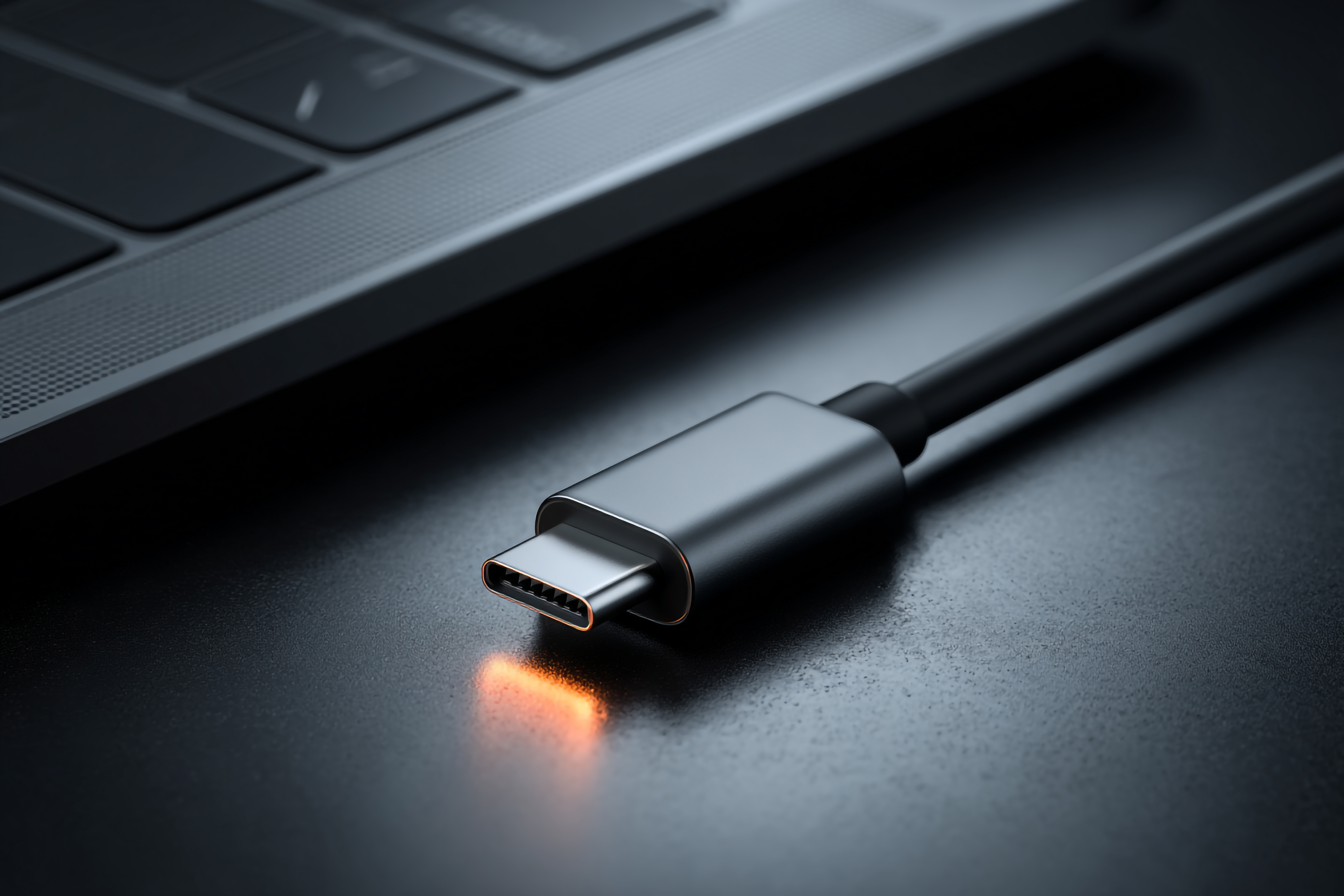
Why USB-C Grounding Matters More Than You Think
There is a lot of conversation these days about USB-C being the universal connector standard, and honestly, that reputation is well earned. But somewhere between all the talk about data speeds and charging wattages, one critical topic keeps getting glossed over: grounding. Proper USB-C grounding is one of those things that quietly determines whether your devices perform at their best or slowly degrade from interference, static buildup, and electrical instability. It is not glamorous. It does not show up on spec sheets. But it matters, especially in setups where you are running multiple high-performance devices at once. So let us get into it.
What USB-C Grounding Actually Is and Why It Exists
Grounding, in the electrical sense, is the process of creating a reference path for excess electrical energy to safely dissipate. In a USB-C context, this means the cable and connector system maintains a stable electrical baseline between your device and the power source or connected peripheral. USB-C connectors include a ground pin as part of their design spec, and this is not accidental. The standard was built with signal integrity in mind, and grounding is central to that. Without a proper ground connection, you get what engineers call a floating ground state, which is basically electrical instability that can cause anything from data errors to hardware damage over time. That is not a risk worth taking when you have expensive equipment on the line.
How Grounding Protects Your Devices from Electrical Damage
Think about what happens during a power surge or even minor voltage fluctuation. Ungrounded connections have nowhere to send that excess energy, so it travels through your device. Over time, that degrades components. Capacitors, charging circuits, even display drivers can be affected. Proper grounding gives that excess energy a defined exit path, protecting sensitive internal components. This is especially important for devices like laptops, monitors, and external SSDs that use USB-C for both data and power simultaneously. Grounded cables and properly grounded power strips or surge protectors work together to form a protective chain. One weak link can expose everything downstream to risk.
The Role of Grounding in USB-C Signal Integrity
High-speed data transfer is particularly sensitive to ground quality. USB-C supports protocols like USB 3.2, USB4, Thunderbolt 3, and Thunderbolt 4, all of which move data at rates that require clean, stable signal paths. Electromagnetic interference, or EMI, is one of the biggest enemies of signal integrity, and proper shielding and grounding are the primary defenses against it. When a cable is poorly grounded or uses low-quality shielding, you can see symptoms like dropped connections, reduced transfer speeds, video flickering on connected displays, or audio artifacts through connected DACs and audio interfaces. For everyday home use, this might seem minor. But in professional or hybrid work environments, these issues compound quickly and become real productivity problems.
Grounding in USB-C Power Delivery Setups
USB-C Power Delivery, commonly referred to as USB-C PD, can push up to 240 watts depending on the cable and charger combination. At those levels, the importance of grounding escalates significantly. Higher wattage means higher current flow, and uncontrolled electrical fluctuations at that scale represent a real hazard. A properly grounded USB-C PD setup keeps voltage regulation stable, reduces heat buildup in cables and connectors, and minimizes the risk of a charge cycle gone wrong. The ground connection also helps the device's own power management circuitry do its job correctly, because many modern devices use the ground reference to calibrate incoming power levels. Skipping on cable quality or using adapters that compromise the ground path can quietly undermine all of that.
Common Signs Your USB-C Grounding May Be Compromised
Most people never think about grounding until something goes wrong. But there are some reliable warning signs that your USB-C grounding situation deserves a closer look. Pay attention to any of the following situations in your current setup:
- Devices that feel warm or hot during charging even when not under heavy load
- Intermittent disconnections or recognition failures with USB-C hubs or docks
- Visual noise or flickering when driving a display through a USB-C to DisplayPort connection
- Unusual static or buzzing through audio equipment connected via USB-C
- Slower-than-expected data transfer rates on otherwise capable devices
- A slight tingling sensation when touching metal surfaces of connected gear
Any one of these could point to a grounding issue somewhere in the chain. Cables, docks, power strips, and even the outlet itself can all contribute. Systematic troubleshooting, starting with cable quality and working outward to the power infrastructure, is the right approach.
Choosing the Right Grounded USB-C Cables and Accessories
Not all USB-C cables are created equal. The market is flooded with low-cost options that cut corners on shielding, conductor quality, and ground path continuity. For critical setups, look for cables that specifically call out full shielding construction, meaning both foil and braid layers around the signal conductors. Cables certified for USB4 or Thunderbolt 4 are held to stricter performance requirements and generally have better ground path quality as a result. For docking stations and hubs, look for units with metal chassis construction, which often provides an incidental but meaningful improvement to the overall grounding behavior of the connected system. Wall outlets matter too. A properly grounded three-prong outlet is the starting point for any grounded tech setup. Running everything off a floating or poorly wired outlet defeats the purpose of quality cables and adapters.
Grounding in Multi-Device and Professional Setups
In professional environments, the grounding picture gets more complex. When multiple USB-C devices share a common hub or docking station, any ground inconsistency between connected devices can create what is called a ground loop. Ground loops are notorious for introducing hum into audio systems and interference into video feeds. They can also cause data transfer instability in ways that are difficult to trace without proper diagnostic tools. Rack-mounted equipment, broadcast gear, recording studio interfaces, and similar professional tools often include ground lift switches or isolation transformers for exactly this reason. For office and home studio setups using USB-C as the central connectivity standard, investing in quality grounded infrastructure from the outlet to the cable is not overcautious. It is the right baseline.
Practical Tips for Improving USB-C Grounding in Your Setup
Getting grounding right does not have to be complicated. A few deliberate choices go a long way toward building a safer and more reliable USB-C ecosystem in your home or office. Consider these practical steps:
- Start with a properly grounded wall outlet, verified by an electrician if you are unsure
- Use a quality surge protector with a verified ground connection indicator
- Choose USB-C cables with full foil-and-braid shielding for data-critical runs
- Avoid daisy-chaining multiple hubs or docks off a single USB-C port
- Select docking stations with metal enclosures and robust build quality
- Replace any USB-C cables showing physical wear, kinking, or connector looseness
- Test your outlet grounding status with an inexpensive outlet tester from a hardware store
Why Monoprice Is the Right Choice for Grounded USB-C Solutions
When it comes to building a reliable, grounded USB-C setup, the accessories you choose are just as important as the devices themselves. Monoprice has spent years engineering cables, docks, and connectivity products that deliver real performance without unnecessary cost inflation. Every cable in the lineup is built with the kind of shielding and connector quality that supports proper grounding behavior, because cutting corners there would undermine everything else. If you are looking for a trusted source of high-performance USB-C cables and grounded connectivity accessories that support the reliability your setup demands, Monoprice offers a straightforward, value-driven solution backed by quality engineering. Whether you are equipping a home office, a creative studio, or a multi-device professional workstation, the right infrastructure starts with components you can actually depend on. That is the Monoprice standard, and it shows in every product that ships.
Frequently Asked Questions About USB-C Grounding
What does grounding mean in the context of USB-C connections?
Grounding in USB-C refers to the electrical ground path built into the connector and cable that provides a stable reference voltage and allows excess electrical energy to safely dissipate, protecting both devices and data integrity.
Can a bad USB-C cable cause grounding problems?
Yes. Low-quality USB-C cables often use minimal shielding and poor conductor construction, which compromises the ground path and can lead to interference, data errors, unstable charging, and even long-term hardware damage.
Does USB-C grounding affect charging speed?
Indirectly, yes. A stable ground connection supports accurate power delivery negotiation between charger and device, helping maintain consistent wattage delivery and reducing heat-related throttling during charge cycles.
What is a ground loop and can USB-C cause one?
A ground loop occurs when two connected devices share a ground path at different electrical potentials, creating an unwanted current loop. USB-C setups with multiple devices connected through a hub or dock can experience this, particularly in audio and video applications.
How do I know if my USB-C setup is properly grounded?
Start by verifying your wall outlet is properly grounded using an outlet tester. From there, inspect your surge protector and cables for quality shielding. Persistent symptoms like device warmth, flickering displays, or dropped connections can indicate grounding issues.
Is USB-C grounding more important for high-wattage charging?
Yes. Higher wattage USB-C Power Delivery setups involve greater current flow, making a stable and reliable ground path more critical. Poor grounding at high wattages increases the risk of electrical instability and component stress.
Do USB-C hubs and docks affect grounding quality?
They can. Hubs and docks with metal chassis construction generally maintain better ground continuity than plastic enclosures. Cheap docks may also introduce ground inconsistencies that affect all connected devices downstream.
Are Thunderbolt 4 cables better for grounding than standard USB-C cables?
Thunderbolt 4 and USB4 certified cables are manufactured to stricter specifications, which typically includes better shielding and more consistent ground path construction compared to uncertified or budget USB-C cables.
Can a poorly grounded outlet affect USB-C device performance?
Absolutely. If the wall outlet itself is ungrounded or improperly wired, even the best USB-C cables and accessories cannot compensate. The entire grounding chain depends on a reliable ground at the source.
What type of USB-C cable should I use for a professional workstation setup?
For professional workstations, use fully shielded USB-C cables rated for USB4 or Thunderbolt 4, combined with a grounded surge protector and a quality docking station with a metal enclosure to ensure signal integrity and electrical stability across all connected devices.


