

What Is a Video Cable and Why Grounding Protects Signals
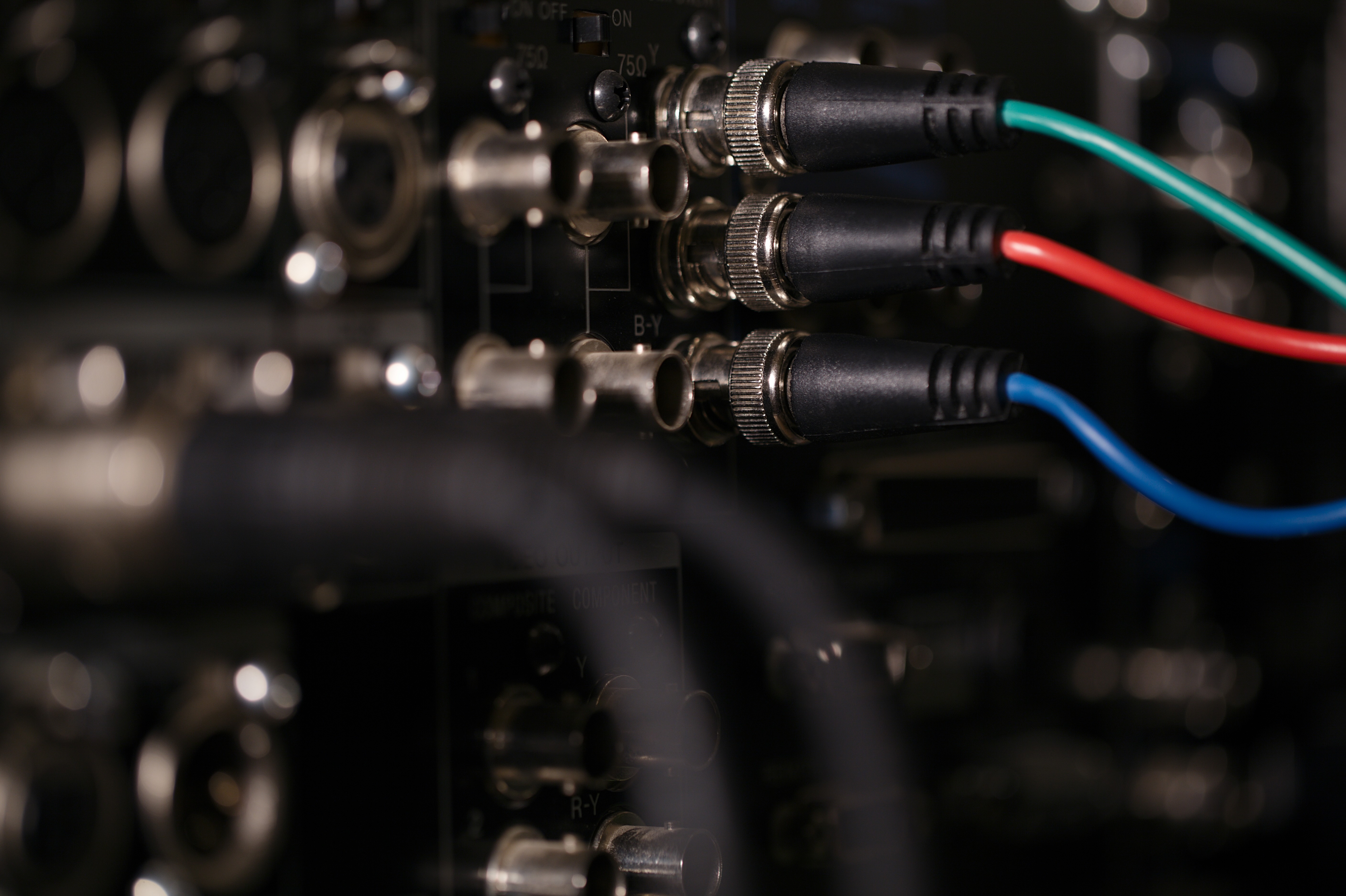
What Is a Video Cable and Why Does It Matter for Your Setup
If you have ever connected a monitor to a computer, plugged a streaming device into a television, or set up a home theater from scratch, you have already worked with a video cable whether you realized it or not. These cables are the physical pathways that carry picture signals from one device to another. Without them, your display has nothing to show. Understanding what a video cable actually is, how it transmits signal, and why grounding plays such a critical role in signal quality is the kind of foundational knowledge that separates a frustrating setup from one that performs exactly as expected. This article walks through everything you need to know, in plain terms that apply to both first-time buyers and seasoned integrators.
The Core Definition of a Video Cable
A video cable is a conductor-based transmission medium designed to carry visual data between a source device and a display. The source might be a Blu-ray player, gaming console, laptop, desktop PC, cable box, security camera, or any number of other devices. The display could be a television, computer monitor, projector, or video wall panel. The cable bridges those two endpoints and moves the signal in real time. Different cable types handle different signal formats, resolutions, and data rates, which is why there is not a single universal video cable that fits every situation. The technology behind each cable type reflects the era it was developed in and the performance demands it was designed to meet.
A Quick Look at the Main Video Cable Types
The video cable category covers a wide range of connector standards, each with distinct capabilities. Knowing the differences helps you choose the right cable for the job and avoid mismatched connections that degrade performance or simply do not work at all.
- HDMI cables are the most widely used standard today, supporting high-definition and ultra-high-definition video along with audio on a single cable. They are found on virtually every modern television, monitor, and consumer AV device.
- DisplayPort cables are common in PC and professional monitor environments, capable of supporting very high refresh rates and multi-monitor daisy chaining.
- USB-C cables with video capability have become increasingly common on laptops and compact devices, often supporting DisplayPort Alt Mode or Thunderbolt protocols.
- VGA cables are an older analog standard still found in legacy monitors and projectors, though they are largely being phased out.
- DVI cables bridged the gap between VGA and HDMI, supporting digital signals and still found on some monitors and graphics cards.
- Composite and component cables use analog signal transmission and were standard for older televisions and DVD players.
- Coaxial cables carry video signals in broadcast, cable TV, and security camera applications, using a center conductor surrounded by shielding.
How Video Cables Transmit Signal
At a fundamental level, a video cable transmits electrical signals that encode visual information. In analog cables like VGA or composite, the signal is a continuously varying electrical waveform that represents brightness and color values in real time. In digital cables like HDMI and DisplayPort, the signal is transmitted as discrete binary data packets that encode pixel values, timing information, refresh rates, color depth, and in many cases audio as well. Digital transmission is inherently more precise and resistant to certain forms of degradation compared to analog, but it still depends entirely on the physical quality of the cable itself. A digital signal either arrives intact or it does not, which is why cable build quality, conductor gauge, and shielding matter as much as the connector standard you choose.
What Grounding Means in the Context of Video Cables
Grounding in a cable refers to the inclusion of a conductive layer, usually braided copper or foil, that surrounds the signal-carrying conductors inside the cable. This outer layer is electrically connected to ground potential at one or both ends of the cable, creating a path that electromagnetic interference and radio frequency interference can follow away from the signal rather than into it. Interference is everywhere in a modern home or office environment. Power cables, wireless devices, motors, HVAC systems, and nearby electronics all emit electromagnetic fields that can couple into unshielded cables and corrupt the signal being carried. Without grounding, those interference sources degrade picture quality, introduce noise, cause signal dropouts, or in severe cases prevent a stable connection entirely. Grounding essentially acts as a barrier, redirecting unwanted energy so the signal path stays clean.
Why Grounding Directly Affects Picture Quality
The practical impact of poor grounding shows up in a few recognizable ways. In analog video systems, inadequate shielding often appears as visible noise, rolling bars, or color shifts in the image. In digital systems, interference can cause pixel flickering, intermittent blackouts, color errors, or handshake failures where the devices fail to negotiate a stable connection. These issues are especially noticeable at longer cable runs where the signal has more distance to travel and more opportunity for interference to accumulate. A well-grounded cable maintains signal integrity across its full length, which is why shielding specifications matter in technical data sheets and why professional AV installations rely on properly grounded cabling as a non-negotiable standard. Skipping quality here introduces variables that are difficult to troubleshoot once a system is fully installed.
Key Advantages of Using High-Quality Grounded Video Cables
Choosing cables that are built with proper shielding and grounding delivers measurable advantages in real-world use. These are not marginal gains in controlled laboratory conditions. They show up in day-to-day reliability and long-term system performance.
- Consistent signal integrity across the full cable length, even in interference-heavy environments
- Stable handshake performance between source and display devices, reducing the chance of blank screens or audio sync issues
- Better support for high-bandwidth signals like 4K at 120Hz or 8K at 60Hz, which are more sensitive to signal degradation than lower-resolution formats
- Reduced troubleshooting time during installation because the cables perform predictably
- Longer usable lifespan compared to unshielded cables in demanding environments
Common Drawbacks and Limitations to Be Aware Of
No cable technology is without tradeoffs, and video cables are no exception. Heavier shielding adds material cost and can make cables stiffer and harder to route in tight spaces or through wall conduit. Longer cable runs, even with excellent shielding, eventually reach the limits of passive signal transmission. HDMI cables beyond roughly 25 feet often require active signal boosting or fiber optic alternatives to maintain signal quality. Older standards like VGA and composite are permanently limited in the resolutions they can support, so no amount of cable quality can push them beyond their inherent ceiling. Connector wear is also a real consideration. Frequent connection and disconnection cycles can degrade the contact points over time, particularly with thinner connector designs. Planning your cable layout thoughtfully from the start saves a significant amount of rework later.
Practical Tips for Choosing the Right Video Cable
Selecting a video cable should start with the devices you are connecting, not the cable itself. Identify the output on the source device and the input on the display, then match the standard to both endpoints. If your display supports HDMI 2.1 and your source outputs 4K at 120Hz, you need a cable rated for that bandwidth. If you are running a cable through a wall, choose one rated for in-wall installation to meet safety codes and reduce interference from other cables in the same conduit. Always buy cable length that accommodates your actual run distance with a small buffer, and avoid excessive slack that gets coiled up and can become an antenna for interference. When working in commercial or multi-device installations, shielding quality and connector retention strength become even more important than they are in simple home setups.
Why Monoprice Is a Trusted Source for Video Cables and AV Connectivity Solutions
When it comes to building a reliable video infrastructure, whether for a home theater, a professional AV deployment, or a multi-display commercial installation, the quality of the cable matters as much as the equipment it connects. Monoprice has built a well-established reputation for delivering performance-grade connectivity products at pricing that makes professional-level quality accessible to a much wider audience. Every cable in the lineup is built to meet real-world performance standards, not just minimum specifications, which means you get consistent results across installations without paying premium retail markups for the same underlying quality. If you are sourcing video cables for any application and want reliable shielding, clean signal transmission, and durable construction, explore the full range of high-performance video cables and AV connectivity solutions available through Monoprice video cables and grounded AV connectivity products and see why integrators and home users alike come back to this catalog first. The combination of engineered performance and accessible pricing is not a compromise. It is the whole point.
Frequently Asked Questions About Video Cables and Grounding
What is the primary function of a video cable?
A video cable transmits picture signals from a source device, such as a computer or media player, to a display device, such as a monitor or television. It serves as the physical pathway for visual data transfer between connected equipment.
Why does grounding matter in a video cable?
Grounding in a video cable provides a conductive shield around the signal-carrying conductors. This shield redirects electromagnetic and radio frequency interference away from the signal path, protecting picture quality and maintaining a stable connection.
What happens if a video cable is not properly shielded?
An unshielded or poorly shielded video cable is vulnerable to interference from nearby electronics, power cables, and wireless devices. In analog systems, this appears as visible noise or color problems. In digital systems, it can cause flickering, signal dropouts, or handshake failures between devices.
What is the difference between HDMI and DisplayPort for video transmission?
HDMI is the most common consumer standard and carries both video and audio on a single cable. DisplayPort is primarily used in PC and professional monitor environments, supporting higher refresh rates and multi-monitor daisy chaining. Both are digital standards with strong signal performance when using quality cables.
How long can a video cable run before signal quality degrades?
Passive HDMI cables typically maintain reliable signal quality up to around 25 feet. Beyond that, signal degradation becomes more likely, particularly at higher resolutions. Active cables, signal boosters, or fiber optic alternatives are recommended for longer runs.
Are more expensive video cables always better?
Not necessarily. The key factors are shielding quality, conductor material, connector construction, and bandwidth rating. A well-built cable at a reasonable price point will outperform a poorly built premium-branded cable every time. Focus on specifications and build quality rather than price alone.
What cable type should I use for a 4K or 8K display?
For 4K at 60Hz, a standard high-speed HDMI cable or DisplayPort 1.2 cable is sufficient. For 4K at 120Hz or 8K at 60Hz, you need an HDMI 2.1 cable or DisplayPort 1.4 cable with the bandwidth rating to support those formats. Always verify the cable's rated bandwidth matches your source and display capabilities.
Can I use a VGA cable for high-definition video?
VGA is an analog standard with resolution limitations that prevent it from reliably supporting full high-definition or ultra-high-definition video. It is suitable for legacy equipment but should be replaced with a digital standard like HDMI or DisplayPort for modern HD or 4K applications.
What does cable bandwidth rating mean for video cables?
Bandwidth rating indicates how much data per second the cable can carry. Higher resolutions, faster refresh rates, and higher color depths all require more bandwidth. A cable with an insufficient bandwidth rating for your signal will either fail to pass the signal or deliver degraded picture quality.
How do I know if my video cable is causing picture quality problems?
Common signs include intermittent signal loss, flickering, color errors, blank screens despite a connected source, or handshake failures where devices do not recognize each other. Testing with a known-good replacement cable is the fastest way to isolate whether the cable is the source of the problem.


