

What Is a SATA Cable and Why It Still Matters Today
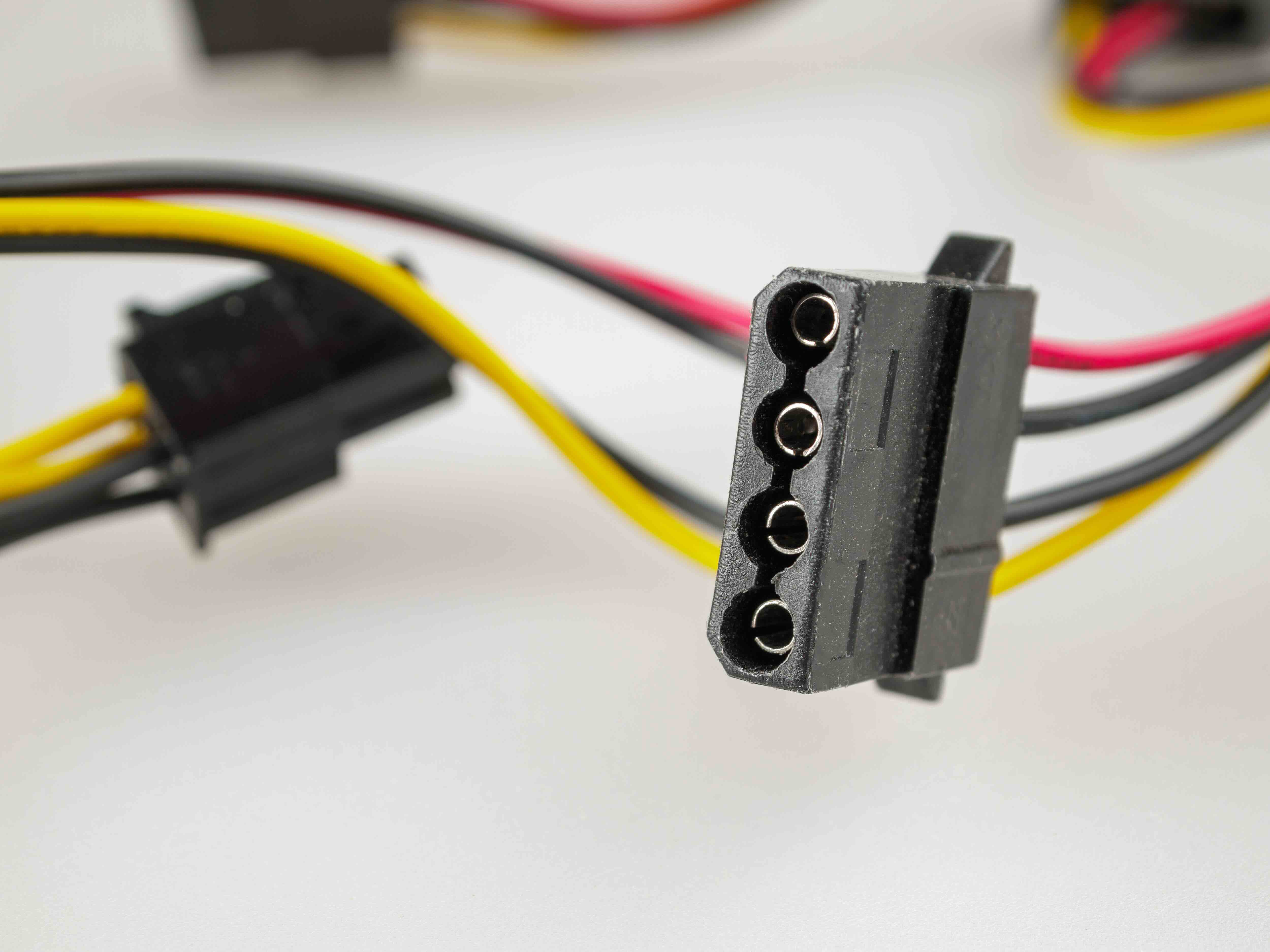
What Is a SATA Cable and Why Does It Still Matter in Modern Builds?
So, SATA cables. If you have ever built a PC, upgraded a storage drive, or dug around inside a desktop computer, you have almost certainly touched one without giving it much thought. And that is kind of the thing about SATA cables -- they just work, quietly doing their job in the background while everyone obsesses over GPUs and RAM speeds. But understanding what a SATA cable actually is, how it functions, and where it fits into your build can save you a lot of headaches down the road. Whether you are setting up a new system, expanding storage, or troubleshooting a drive that is not showing up, this is the kind of foundational knowledge that pays off.
SATA Cable Definition: The Basics You Need to Know
SATA stands for Serial Advanced Technology Attachment. It is a data interface standard used to connect storage devices -- like hard disk drives and solid-state drives -- to a motherboard inside a computer. The cable itself is a thin, flat, typically seven-pin connector that carries data between the drive and the motherboard. There is also a separate SATA power cable that comes from the power supply and delivers electricity to the drive. These two cables work together, but they are physically distinct. The data cable is what most people mean when they say "SATA cable." It replaced the older, bulkier PATA or IDE ribbon cables that were standard in systems from the early 2000s and before, and the upgrade was a pretty significant one in terms of both performance and cable management.
How Does a SATA Cable Work?
SATA uses a serial data transfer method, which means it sends data one bit at a time over a single channel. That might sound slower than older parallel methods on paper, but the reality is the opposite -- serial transmission allows for much higher clock speeds, which translates to faster real-world performance. The current most widely used version, SATA III, has a theoretical maximum bandwidth of 6 Gbps, which works out to around 600 MB/s of actual throughput. The cable connects to a port on the motherboard on one end and clips directly into the drive on the other. The connector has an L-shaped key that prevents incorrect insertion, which is a simple but genuinely useful design detail. Most SATA data cables are around 18 inches long, though longer versions are available for larger cases or unusual routing needs.
SATA Versions: Understanding the Generational Differences
There have been three major iterations of the SATA standard, and it is worth knowing what each one brought to the table. All three versions use the same physical connector, so compatibility is not usually an issue, but the performance differences are real.
- SATA I -- Released in 2003, 1.5 Gbps transfer rate, roughly 150 MB/s throughput
- SATA II -- Released in 2004, 3 Gbps transfer rate, roughly 300 MB/s throughput
- SATA III -- Released in 2009, 6 Gbps transfer rate, roughly 600 MB/s throughput
SATA III is the current standard and what you will find on virtually every modern motherboard. The good news is that these versions are backward compatible, so you can plug a SATA III drive into a SATA II port without issue -- you just will not get peak performance. For most traditional hard drives, that is not even a problem since their mechanical read and write speeds rarely push past SATA II limits anyway. It is really SSDs that benefit most from the full SATA III bandwidth.
What Devices Use SATA Cables?
SATA cables are used with a wide range of storage devices, and while NVMe has taken center stage for high-performance SSDs, SATA remains widely relevant across many systems and use cases. Common devices that use SATA connections include traditional hard disk drives, 2.5-inch SATA solid-state drives, optical drives like Blu-ray and DVD writers, and some external drive enclosures that use an internal SATA-to-USB bridge. Even in systems that use M.2 NVMe drives as the primary boot drive, SATA HDDs are frequently added as secondary storage for large files, media libraries, and backups. SATA is not going anywhere soon -- it is too embedded in the existing infrastructure of both consumer and enterprise environments.
Key Advantages of SATA Cables and the SATA Interface
There are several solid reasons why SATA has maintained such staying power in the storage industry. For one, the physical connector design is reliable and relatively foolproof. The L-shaped key prevents misalignment, and the clip on most connectors keeps the cable seated securely. SATA cables are also thin and flexible, which makes cable management inside a case significantly easier compared to the old ribbon cable era. Cost is another factor -- SATA drives and cables are among the most affordable storage solutions available, which makes them a go-to choice for budget builds, NAS systems, and anywhere where cost per gigabyte matters more than raw speed. And because the standard has been around since 2003, there is enormous compatibility across hardware generations.
Common Drawbacks and Limitations to Be Aware Of
SATA is not without its limitations, and being honest about those is important. The 6 Gbps ceiling on SATA III is a real constraint for modern high-performance SSDs, which is precisely why NVMe drives using the M.2 form factor have become the preferred choice for primary storage in performance-oriented systems. NVMe drives can hit speeds of 3,500 MB/s or more -- that is nearly six times the throughput of SATA III. The SATA cable itself can also be a point of frustration; the connectors, while generally solid, can feel fragile in tighter spaces, and if the retaining clip breaks off, the cable can work itself loose over time. Cable routing can also add clutter if you are connecting multiple drives, though this is more of a cable management challenge than a technical flaw.
Practical Tips for Working With SATA Cables
A few things to keep in mind when handling or purchasing SATA cables. Always use SATA III cables even if your current drive is SATA II, since they are backward compatible and future-proofs your setup. Look for cables with locking connectors -- the small clip mechanism makes a real difference in maintaining a secure connection, especially in systems that get moved around. Pay attention to cable length: longer is not always better, as excess cable creates clutter, but too short creates tension on the connector. For most standard mid-tower setups, an 18-inch cable hits a reasonable middle ground. And if you are troubleshooting a drive that your system is not detecting, swapping the SATA cable is one of the first things worth trying -- they can fail or degrade, and the fix is inexpensive.
Why Monoprice Is the Right Source for SATA Cables and Storage Accessories
If you are building out a system, expanding storage capacity, or just replacing a worn cable, the quality of your SATA cable matters more than most people realize. A poorly made cable can cause intermittent connectivity issues that are frustrating to diagnose and easy to overlook. That is exactly why sourcing from a reliable supplier makes a tangible difference. Monoprice has built a well-earned reputation for delivering high-performance connectivity solutions at prices that make sense -- whether you are outfitting a single home build or purchasing in volume for an IT deployment. Every detail, from connector tolerances to insulation quality, is taken seriously. For anyone looking for dependable, affordable SATA data cables and storage connectivity solutions, Monoprice SATA cables and computer connectivity accessories offer the kind of consistent, value-driven performance that both individual builders and procurement teams can rely on. It is the kind of product category where you do not want surprises -- and with Monoprice, you generally do not get them.
Frequently Asked Questions About SATA Cables
What is the difference between a SATA data cable and a SATA power cable?
A SATA data cable connects the storage drive to the motherboard and handles data transfer. It typically has a seven-pin connector. A SATA power cable connects the drive to the power supply unit and delivers the electrical power needed to operate the drive. Both cables are required for a drive to function, but they are separate components with different connectors.
Are SATA cables backward compatible with older SATA versions?
Yes. SATA I, SATA II, and SATA III all use the same physical connector design, making them fully backward and forward compatible. A SATA III cable can be used with a SATA I or SATA II device without any issues, though performance will be limited to the capabilities of the slower component in the connection.
How fast is a SATA III cable?
SATA III supports a theoretical maximum bandwidth of 6 Gbps, which translates to approximately 600 MB/s of real-world data throughput. In practice, most mechanical hard drives max out well below this ceiling, while SATA SSDs can come close to saturating the interface.
Can I use any SATA cable with any SATA drive?
In most cases, yes. SATA data cables are standardized, so a cable from one manufacturer will work with a drive or motherboard from another. The only variation worth noting is cable length and whether the connector includes a locking clip, which helps maintain a secure connection.
Is SATA still relevant when NVMe drives exist?
Absolutely. While NVMe drives offer significantly higher speeds for primary storage and performance-intensive applications, SATA remains highly relevant for secondary storage, budget builds, NAS systems, and situations where cost per gigabyte is the priority. Many modern systems use both technologies simultaneously.
How many SATA devices can a motherboard support?
This varies by motherboard, but most consumer-grade motherboards offer between four and eight SATA ports. High-end or server-oriented boards may offer more. Each port supports one device, and additional SATA ports can sometimes be added using PCIe expansion cards.
What length SATA cable do I need?
For most standard mid-tower and full-tower cases, an 18-inch SATA cable is sufficient and keeps things manageable. Smaller form factor cases may work better with shorter cables, while larger or unusual configurations might call for 24-inch or even 36-inch cables. Avoid excessive length, as it creates unnecessary clutter inside the case.
Can a bad SATA cable cause a drive not to show up?
Yes. A damaged, loose, or degraded SATA data cable is a surprisingly common cause of drives failing to appear in a system's BIOS or operating system. Swapping the cable is one of the first and most cost-effective troubleshooting steps when a connected drive is not being detected.
Do SATA cables wear out over time?
They can. The plastic connectors can become brittle over years of use, and the retaining clip can break off from repeated removal and insertion. The internal wiring can also degrade under physical stress or poor routing conditions. Using quality cables and handling them carefully extends their lifespan considerably.
What should I look for when buying a SATA cable?
Look for SATA III specification, a secure locking connector, appropriate cable length for your case, and a reputable manufacturer. Cables with flexible insulation and reinforced connectors tend to perform better over time. Avoid the cheapest possible options if reliability matters to your build or setup.


