

What Is a Full-Featured USB-C Cable and Why It Matters
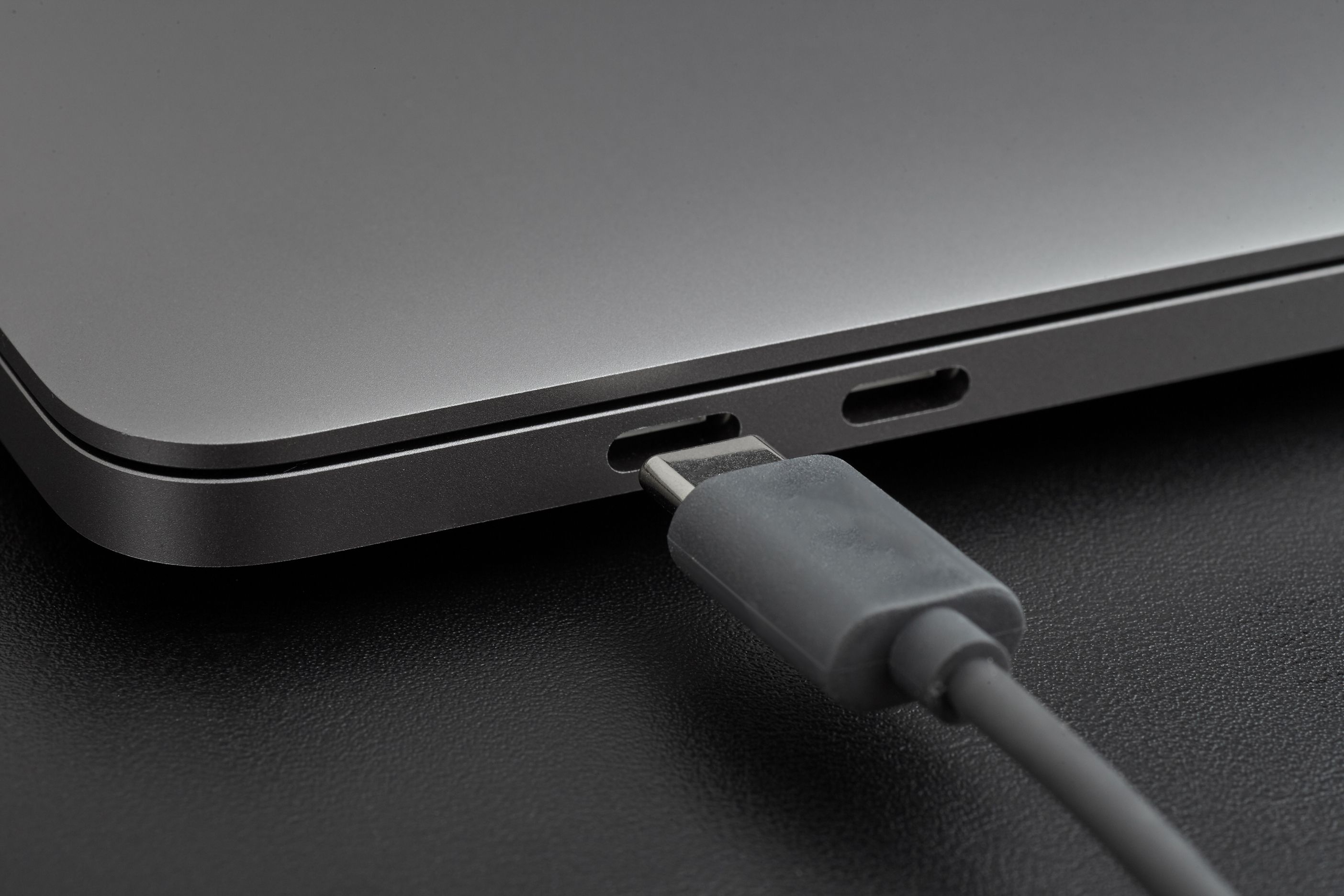
What Is a Full-Featured USB-C Cable and Why It Matters
If you have spent any time shopping for USB-C cables recently, you have probably noticed something a little frustrating. Not all USB-C cables are created equal. Some charge your laptop. Some transfer files. Some do practically nothing beyond charge a phone at the slowest possible rate. And then there is the full-featured USB-C cable -- the kind that does all of it. Fast charging, high-speed data transfer, 4K video output, and in many cases, full Thunderbolt or USB4 compatibility. It is the cable format designed for people who need one reliable connection to handle everything. Worth understanding if you work across multiple devices, run a home office, or just want to stop carrying four different cables in your bag.
The USB-C Standard: More Complex Than It Looks
USB-C is a connector type, not a performance specification. That distinction matters more than most people realize. The physical connector looks the same whether it is a basic charging cable or a premium full-featured cable rated for 240W power delivery and 40Gbps data throughput. The difference is entirely in what is happening inside the cable. Full-featured USB-C cables are built with additional wiring -- specifically, the Sideband Use, or SBU, pins and high-speed data lanes that lower-grade cables simply skip to reduce manufacturing cost. Those omissions are invisible until you try to push 4K video through a cable that was never wired for it. That is when you realize the connector shape and the cable capability are two very different things.
What Full-Featured Actually Means in Practice
A full-featured USB-C cable supports the complete range of protocols that the USB-C specification makes possible. That includes USB Power Delivery for fast and high-wattage charging, USB 3.2 or USB4 data speeds depending on the cable tier, DisplayPort Alternate Mode for video output up to 4K or even 8K in newer iterations, and in the case of Thunderbolt 4 certified cables, support for daisy-chaining devices and connecting to external GPU enclosures. So when someone says full-featured, what they mean is that no capability has been removed from the design. All the wires are present. All the protocols are supported. The cable is doing what USB-C was actually built to do. That is not always the default. It is something you have to verify before you buy.
Key Advantages of Using a Full-Featured USB-C Cable
There are real, practical reasons to seek out a full-featured cable rather than grabbing whatever is cheapest at the checkout counter. Here is what you actually get from a properly built full-featured USB-C cable:
Supports fast charging up to 100W, 140W, or even 240W depending on the cable rating and charger capability Transfers data at speeds up to 40Gbps with USB4 or Thunderbolt 4, compared to just 480Mbps on older USB 2.0 cables Outputs 4K video at 60Hz or higher to a compatible display using DisplayPort Alt Mode Powers a monitor, transfers files, and charges a connected device through a single cable connection Works with laptops, tablets, phones, docking stations, and external storage in one standardized format Reduces cable clutter and simplifies workstation setup significantlyFor anyone running a multi-device setup -- think laptop docked to a monitor with external drives attached -- a full-featured cable is not a luxury. It is a practical requirement. The difference in day-to-day usability is noticeable.
Common Drawbacks and What to Watch Out For
Full-featured USB-C cables are genuinely excellent, but there are a few things worth knowing before you commit. First, they tend to be shorter. The physics of high-speed signal transmission mean that longer cables require active electronics to maintain signal integrity, which adds cost and complexity. Passive full-featured cables in the 2-meter range are common; anything beyond that starts getting into active cable territory. Second, the price gap between a basic USB-C cable and a full-featured one is real. You are paying for engineering, not just materials. Third, compatibility still requires attention. A Thunderbolt 4 cable will not unlock Thunderbolt performance unless both connected devices support that standard. The cable is only as functional as the ports it connects. Always check device specifications before assuming a high-end cable will deliver high-end results.
How to Identify a Full-Featured USB-C Cable
This part is where a lot of buyers get tripped up. The packaging and product listings for USB-C cables are inconsistently labeled across the industry. Some cables are marketed as USB-C without specifying whether they support video, data, or anything beyond basic charging. The safest approach is to look for explicit certifications and stated specifications. A cable labeled USB4 Gen 2x2 or Thunderbolt 4 certified is a full-featured cable. Look for stated support of DisplayPort Alternate Mode if video output matters to you. Check the rated power delivery wattage. If the listing does not mention data speed, video support, or power delivery specs beyond a vague charging claim, that is a signal the cable is probably a stripped-down version. USB-IF certification, when listed, adds an additional layer of reliability assurance.
Full-Featured USB-C vs. Thunderbolt 4: Understanding the Difference
People use these terms interchangeably sometimes, and while they are closely related, they are not identical. A Thunderbolt 4 cable is always a full-featured USB-C cable. A full-featured USB-C cable is not always a Thunderbolt 4 cable. Thunderbolt 4 is an Intel-specified standard that layers additional requirements on top of the USB4 specification -- including mandatory 40Gbps speeds, support for two 4K displays or one 8K display, minimum 15W charging for connected devices, and stricter security protocols. Full-featured USB-C cables that are not Thunderbolt certified may still support USB4 at high speeds, but with fewer guarantees around display output and device charging requirements. For most users, a high-quality full-featured USB-C cable is entirely sufficient. For professional AV or compute-heavy applications, Thunderbolt 4 certification gives you more predictable, standardized performance.
Practical Tips for Choosing the Right Full-Featured USB-C Cable
Getting the right cable is less complicated than the spec sheets make it seem. A few straightforward guidelines help narrow the field:
Confirm the maximum wattage your charger and devices support before selecting a power delivery rating Choose a cable length based on your actual setup -- shorter cables perform better and cost less at full feature support Look for E-Marker chips in cables rated above 60W, as these are required by the USB-PD specification for safe high-power delivery Verify DisplayPort Alt Mode support if you plan to run a monitor directly from your laptop via USB-C For docking stations and multi-display setups, prioritize USB4 or Thunderbolt 4 certified cables Do not assume a braided or premium-looking cable is full-featured without checking the listed specificationsThe goal is matching the cable to the actual workload. Overspending on Thunderbolt 4 certification for basic phone charging is unnecessary. Underspending on a basic cable for a docking station setup will cost you functionality.
Why Monoprice Should Be Your Source for Full-Featured USB-C Cables
If you have done any research on USB-C cables at this level of detail, you already know that cable quality varies enormously across the market. Monoprice has built a well-earned reputation for delivering certified, spec-compliant cables at prices that do not require a procurement budget. For anyone shopping for full-featured USB-C cables for fast charging, high-speed data, and 4K video, Monoprice offers a range of options that cover everything from USB 3.2 Gen 2 all the way to Thunderbolt 4 certified configurations. Every cable is backed by transparent specifications, clear certification labeling, and the kind of build quality you would expect from a company that has been supplying both consumers and professional integrators for years. Whether you are outfitting a single workstation or sourcing cables for an entire enterprise deployment, the combination of performance, certification, and value that Monoprice delivers is genuinely difficult to match.
Frequently Asked Questions About Full-Featured USB-C Cables
What makes a USB-C cable full-featured?
A full-featured USB-C cable includes all the internal wiring required to support fast charging via USB Power Delivery, high-speed data transfer, and video output through DisplayPort Alternate Mode. Basic USB-C cables often omit some of these signal lines to reduce cost.
Can any USB-C cable transfer 4K video?
No. Only USB-C cables that support DisplayPort Alternate Mode are capable of carrying 4K video signals. A charging-only USB-C cable does not include the wiring necessary for video output.
Is a Thunderbolt 4 cable the same as a full-featured USB-C cable?
Thunderbolt 4 cables are a subset of full-featured USB-C cables with stricter performance requirements. All Thunderbolt 4 cables are full-featured, but not all full-featured USB-C cables meet the Thunderbolt 4 specification.
How do I know if my USB-C cable supports fast charging?
Look for USB Power Delivery support listed in the cable specifications. The rated wattage indicates the maximum power the cable can safely carry. Cables rated at 60W or above require an E-Marker chip for safe operation.
Why are full-featured USB-C cables more expensive?
They require more internal conductors, precision shielding, and in many cases an embedded E-Marker chip to manage power delivery safely. The additional engineering and materials directly increase manufacturing cost.
Can a full-featured USB-C cable charge a laptop?
Yes, provided the cable is rated for sufficient wattage. Most laptops require between 45W and 100W for effective charging. A full-featured USB-C cable rated at 100W or higher with USB Power Delivery support will charge a compatible laptop.
Does cable length affect USB-C performance?
Yes. Longer passive USB-C cables can degrade signal quality, particularly at high data speeds. Cables beyond 2 meters often require active electronics to maintain performance, which increases cost and cable profile.
What is an E-Marker chip in a USB-C cable?
An E-Marker is an embedded identification chip required in USB-C cables rated above 60W. It communicates the cable's capabilities to connected devices, enabling safe high-power delivery and full feature negotiation.
Will a full-featured USB-C cable work with older USB-C devices?
Yes. Full-featured USB-C cables are backward compatible. They will function with older USB-C devices, but performance will be limited to the capabilities of the connected hardware, not the cable itself.
Do I need a full-featured USB-C cable for a docking station?
In most cases, yes. Docking stations rely on USB-C or Thunderbolt ports to pass power, data, and video simultaneously. A basic charging cable will not deliver the full functionality a docking station is designed to provide.


