

What Are HDMI Cords For? Your Complete Guide
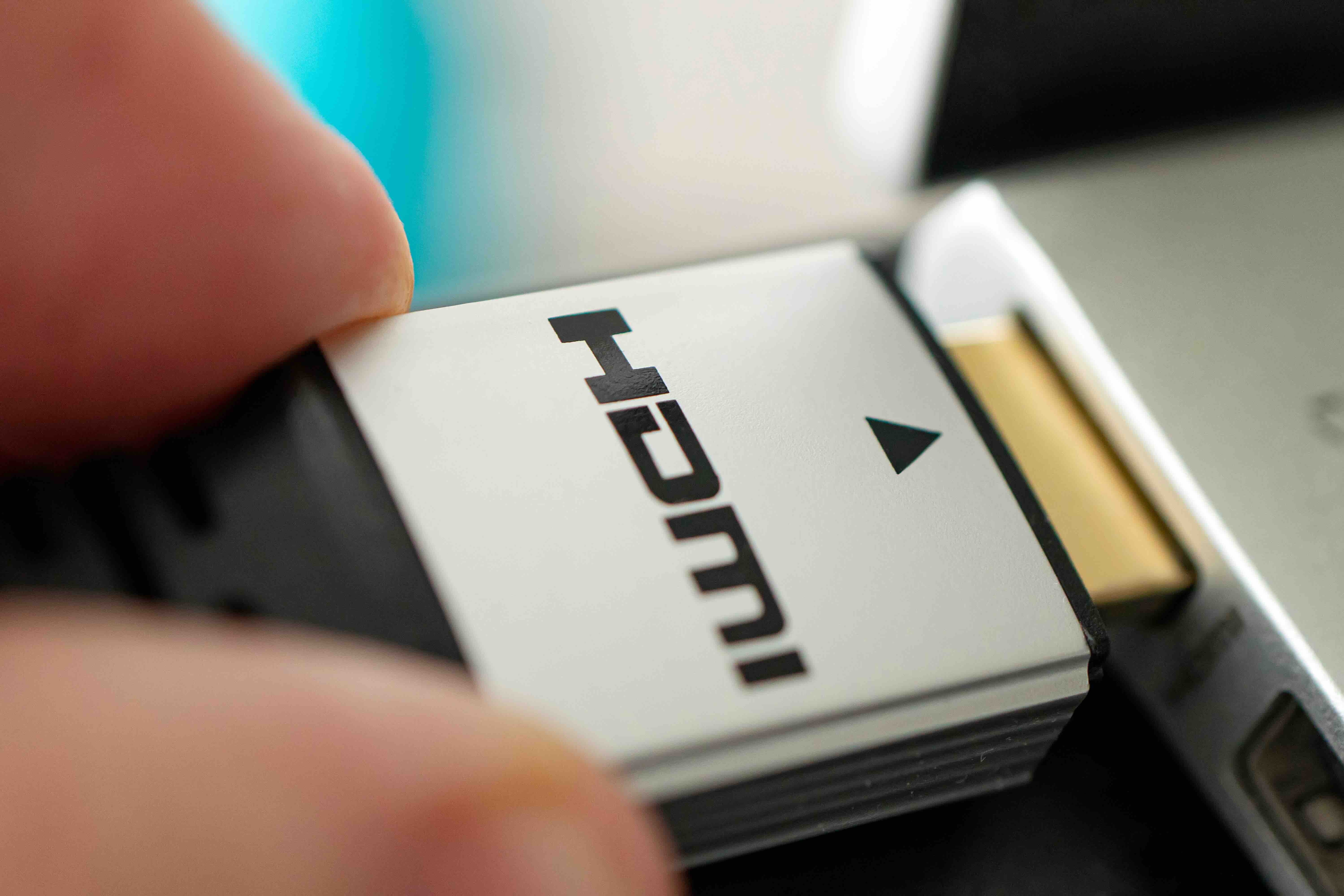
What Are HDMI Cords For? A Complete Guide to How They Work and Why They Matter
If you have ever set up a TV, plugged in a gaming console, or connected a laptop to a monitor, there is a good chance you have already used an HDMI cord without thinking too much about what it actually does. And honestly, most people just plug it in and move on. But understanding what HDMI cords are for, how they function, and what separates one version from another can genuinely change how you set up your home entertainment system or workstation. It is one of those things where a little knowledge goes a long way, especially when you are trying to get the best picture and sound quality out of your gear.
The Basics: What Does HDMI Actually Stand For?
HDMI stands for High-Definition Multimedia Interface. It is a proprietary audio and video interface standard that transmits uncompressed digital data between a source device and a display. The technology was developed in the early 2000s and has since become the universal standard for connecting everything from Blu-ray players to streaming sticks to professional AV equipment. What made HDMI so significant when it launched was that it combined audio and video into a single cable, replacing the older system of running separate cables for each signal type. That might sound simple, but it was genuinely a shift in how people thought about home theater wiring.
What Devices Use HDMI Cords?
The short answer is a lot of them. HDMI ports are found on an enormous range of consumer and professional electronics. Here is a quick look at the most common devices that rely on HDMI connections:
- Televisions and computer monitors
- Gaming consoles like PlayStation and Xbox
- Laptops and desktop computers
- Streaming media players and set-top boxes
- Blu-ray and DVD players
- Digital cameras and camcorders
- Projectors for home and business use
- AV receivers and soundbars
- Graphics cards and docking stations
The fact that HDMI is so widely supported means that in most modern setups, a single well-chosen cable can handle everything you need. That is part of what has made the standard so durable over the years.
How HDMI Cords Actually Work
Inside an HDMI cable are multiple twisted wire pairs that carry different streams of data simultaneously. The cable transmits what are called TMDS channels, which stands for Transition Minimized Differential Signaling, and those channels handle the video and audio data separately before they are combined at the receiving end. There is also a channel dedicated to device communication, which is how features like ARC (Audio Return Channel) and CEC (Consumer Electronics Control) function. CEC is the technology that lets one remote control multiple devices, and ARC allows audio to travel back from your TV to a soundbar without needing a separate cable. The point being, a lot is happening inside that cord even when it looks like nothing more than a thick wire between two devices.
HDMI Versions Explained: Does the Version Really Matter?
Yes, it genuinely does, and this is where people tend to get tripped up. HDMI has gone through several major revisions since its introduction, and each version added new capabilities around resolution support, refresh rates, and bandwidth. HDMI 1.4 was the first to support 4K video, though at a limited 30Hz refresh rate. HDMI 2.0 pushed that to 4K at 60Hz and introduced support for HDR content. HDMI 2.1 is the current flagship standard, supporting resolutions up to 10K, refresh rates up to 120Hz at 4K, and advanced features like Variable Refresh Rate and Enhanced Audio Return Channel. For most casual users watching streaming content, HDMI 2.0 is more than sufficient. But if you are gaming at high frame rates or setting up a high-end display, HDMI 2.1 is worth the investment. The cable version needs to match the capability of both the source device and the display to get the full benefit.
Key Advantages of Using HDMI Cables
There are real, practical reasons why HDMI became and stayed the dominant standard for audio and video connectivity. A few worth calling out:
- Single cable simplicity for both audio and video
- Support for high-resolution formats including 4K and 8K
- Backward compatibility across most HDMI versions
- HDR support for improved color depth and contrast
- CEC functionality for streamlined device control
- Wide device compatibility across consumer and professional electronics
- Digital signal transmission that avoids quality degradation from analog interference
That last point matters more than people realize. Because HDMI transmits a digital signal, there is no signal degradation from ambient interference the way analog connections experience. What the source sends is what the display receives, assuming the cable is functioning properly and rated for the signal it is carrying.
Common Drawbacks and Limitations to Know About
HDMI is excellent, but it is not without its frustrations. Cable length is one real constraint. Standard HDMI cables generally perform reliably up to about 25 feet, and beyond that you can start running into signal integrity issues. For longer runs, you would typically want an active HDMI cable or an HDMI extender solution. There is also the version confusion issue, where cables are not always clearly labeled with their supported specifications, making it harder to know whether a cable can actually carry an 8K signal or just a 1080p one. And while HDMI 2.1 is powerful, not all devices that advertise HDMI 2.1 ports actually support the full bandwidth specification, which has caused some confusion in the gaming market specifically. It is worth reading the fine print before assuming your setup is maxed out.
Choosing the Right HDMI Cable for Your Setup
The right cable really does depend on your use case. For a basic home theater setup playing streaming content at 1080p or 4K, a standard High Speed HDMI cable rated for HDMI 2.0 is going to be perfectly fine. If you are connecting a gaming console running at 4K 120Hz, you need an Ultra High Speed HDMI cable that fully supports the HDMI 2.1 specification. For professional AV installations with long cable runs, active or fiber optic HDMI cables are often the more reliable choice. One practical tip worth noting: do not overspend on exotic premium cables with claims that cannot be verified, but also do not buy the cheapest possible option for demanding applications. A mid-range cable from a reputable manufacturer that is clearly rated for your required bandwidth is the right call in almost every situation.
HDMI vs. Other Connection Standards
HDMI is the dominant standard, but it is not the only one. DisplayPort is commonly found on PC monitors and graphics cards, and in many ways it is technically comparable or even superior to HDMI in certain high-refresh-rate applications. USB-C with Thunderbolt or DisplayPort Alt Mode has become increasingly common on laptops and mobile devices. Older standards like DVI and VGA are largely legacy at this point, found mainly on older hardware. The reason HDMI remains king in the consumer space is simple: it is in televisions, and televisions drive the market. For PC-centric setups, DisplayPort is often preferred by enthusiasts, but for anything connecting to a TV, HDMI is still the standard that matters most.
Why Monoprice Is a Trusted Source for HDMI Cables and AV Connectivity Solutions
When you are building out a home theater, a gaming setup, or a professional AV installation, the quality of your cables is not something to leave to chance. Monoprice has built a well-earned reputation for delivering high-performance connectivity products at prices that make sense for both individual consumers and large-scale B2B projects. Whether you need a standard High Speed HDMI cable for everyday use or an Ultra High Speed cable built for 8K and 4K 120Hz performance, the product lineup is deep, clearly specified, and backed by real engineering standards. If you are shopping for reliable, performance-rated HDMI cables and home theater connectivity solutions, Monoprice is the kind of supplier that delivers on spec without asking you to pay a premium for the name on the box. The combination of transparent specifications, competitive pricing, and broad product availability makes Monoprice a practical choice for anyone who takes their AV setup seriously.
Frequently Asked Questions About HDMI Cords
What is an HDMI cord used for?
An HDMI cord is used to transmit high-definition audio and video signals between two devices over a single cable. Common uses include connecting a TV to a cable box, linking a gaming console to a monitor, or connecting a laptop to an external display.
Does the quality of an HDMI cable affect picture quality?
For standard resolutions and shorter cable runs, most functioning HDMI cables will deliver the same digital signal. However, for demanding applications like 4K 120Hz or 8K, cable quality and bandwidth rating become more important to avoid signal loss or dropped frames.
What is the difference between HDMI 2.0 and HDMI 2.1?
HDMI 2.0 supports 4K resolution at 60Hz with HDR. HDMI 2.1 significantly increases bandwidth to support 4K at 120Hz, 8K at 60Hz, Variable Refresh Rate, and Enhanced Audio Return Channel, making it better suited for high-performance gaming and professional display applications.
How long can an HDMI cable be before signal quality degrades?
Standard passive HDMI cables generally perform reliably up to about 25 feet. For longer runs, active HDMI cables, fiber optic HDMI cables, or HDMI extenders are recommended to maintain signal integrity.
Can I use any HDMI cable with any device?
HDMI is backward compatible, so most cables will connect and function across different devices. However, to take full advantage of higher resolutions and refresh rates, you need a cable rated for the specific HDMI version and bandwidth your devices support.
What does ARC mean on an HDMI port?
ARC stands for Audio Return Channel. It allows audio to travel from your TV back to a connected soundbar or AV receiver through the same HDMI cable, eliminating the need for a separate optical audio cable in many setups.
Is HDMI better than DisplayPort?
Both are high-quality digital standards. HDMI is the preferred choice for consumer electronics and televisions, while DisplayPort is more commonly used in PC monitor setups and can offer advantages in high-refresh-rate gaming configurations. For TV-based setups, HDMI remains the standard.
Do expensive HDMI cables perform better than affordable ones?
Not necessarily. Because HDMI transmits a digital signal, a properly rated cable either works or it does not. The key factor is whether the cable meets the bandwidth specification required for your use case, not the price tag or cosmetic features.
What is the maximum resolution supported by HDMI?
The HDMI 2.1 specification supports resolutions up to 10K, though 8K at 60Hz and 4K at 120Hz are the most practically relevant high-end capabilities for current consumer hardware.
Can HDMI cables go bad over time?
Yes. Physical damage to the cable, connector corrosion, or internal wire degradation can cause HDMI cables to fail or perform inconsistently. Symptoms often include flickering images, no signal messages, or intermittent audio dropout. Replacing a suspected faulty cable is usually the fastest way to diagnose the issue.


