

USB Type-C Explained: Ports, Speed, and Power Delivery
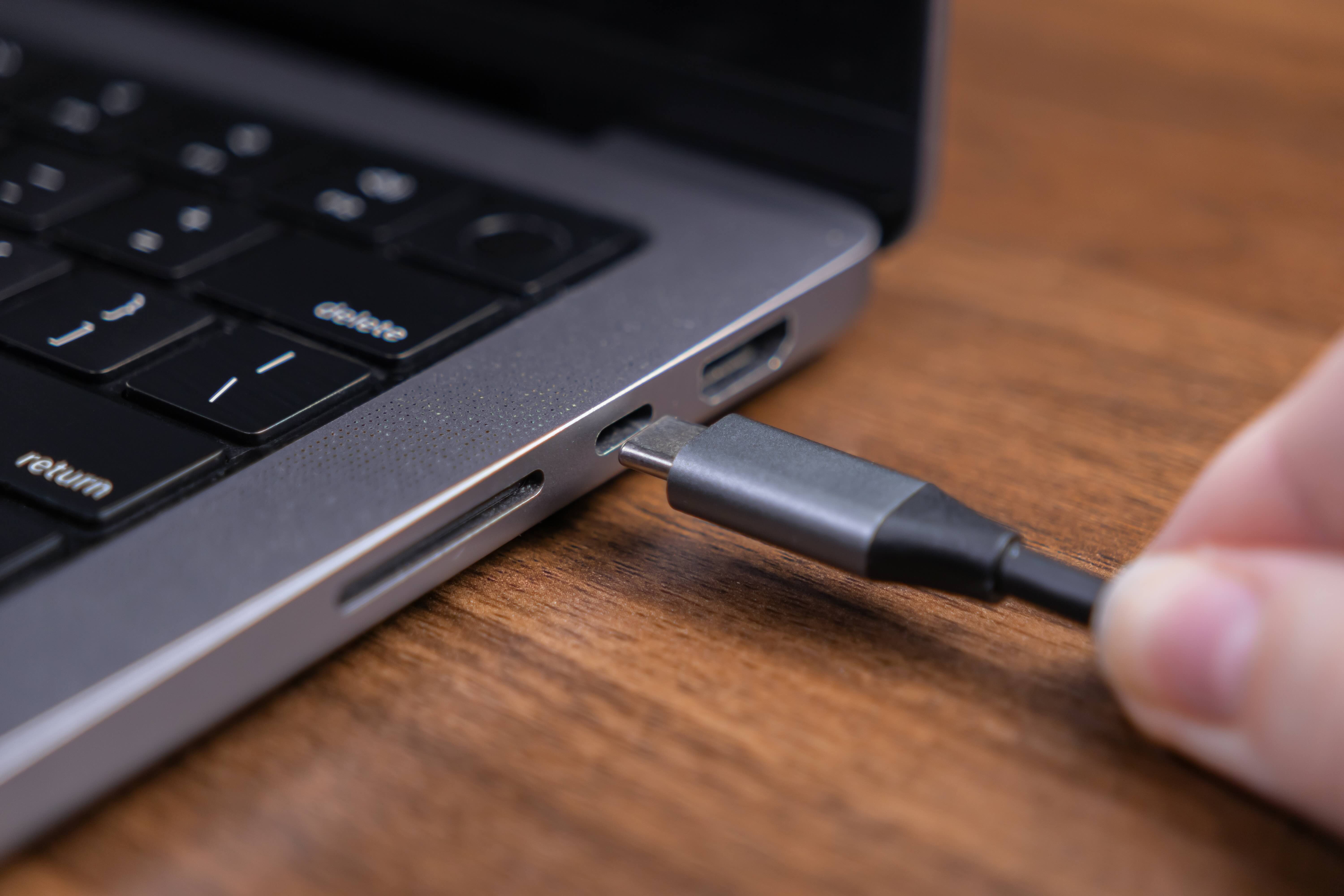
USB Type-C Explained: What It Is, How It Works, and Why It Matters
USB Type-C has quietly become one of the most important connector standards in modern technology. It is on laptops, smartphones, tablets, monitors, docking stations, and even some gaming peripherals. But despite how widespread it is, a lot of people still are not entirely sure what it actually does or why there are so many variations of it out there that seem to behave differently. That is a fair point of confusion, honestly. This guide breaks down everything you need to know about USB-C in plain terms, from what the port actually is to how it handles data, power, and video, and what to watch out for when buying cables or accessories.
What Is USB Type-C and Where Did It Come From
USB Type-C is a physical connector standard developed by the USB Implementers Forum and introduced around 2014. It replaced the older USB-A and USB-B form factors that most people recognize from the previous decade of computing. The defining characteristic of USB-C is its oval, symmetrical shape, which means you can plug it in either way without flipping it. That alone was a significant usability upgrade over older connectors. The port itself is small enough to fit into slim devices but engineered to carry a remarkable amount of electrical and data capability through a single cable. It became the default port choice for most new consumer and professional devices starting around 2017 and has continued to expand ever since.
How USB Type-C Actually Works
The USB-C connector is essentially a versatile interface that carries multiple communication protocols at once. The physical cable contains multiple wire pairs that can simultaneously carry power delivery signals, high-speed data, and video output depending on the host device and cable specifications. USB-C supports the USB Power Delivery protocol, commonly abbreviated as USB PD, which allows devices to negotiate power levels dynamically. This is what enables a single cable to charge a small smartphone at 18 watts and a high-performance laptop at 100 watts or more. USB-C also supports alternate modes, which allow the connector to carry non-USB signals entirely, including DisplayPort for video output and Thunderbolt for extremely high-bandwidth data transfers. The connector communicates all of this through a configuration channel, or CC pin, that handshakes between the cable and the connected devices to establish what protocol is active.
USB-C Versus Thunderbolt: Understanding the Difference
This is where things get genuinely confusing for most people. USB-C is a connector shape. Thunderbolt is a separate protocol that uses the USB-C connector on modern hardware, particularly from Apple and Intel. A Thunderbolt 4 port looks identical to a USB-C port from the outside, but it supports significantly higher bandwidth, up to 40 Gbps, along with daisy-chaining multiple devices and connecting external GPUs. Not every USB-C port is Thunderbolt-capable, and not every Thunderbolt cable works at full Thunderbolt speeds unless it is specifically rated for it. Look for small lightning bolt icons near the port or in device specs to identify Thunderbolt. For most everyday tasks like charging or file transfers, this distinction will not matter much. For professionals running complex AV setups or high-throughput workflows, it matters quite a bit.
Key Advantages of USB Type-C
There is a reason USB-C became the dominant connector standard in such a short period of time. The advantages are meaningful across virtually every use case.
- Universal compatibility across device categories
- Reversible plug orientation eliminates fumbling
- Supports high-wattage power delivery for laptops and tablets
- Carries video signals via DisplayPort and HDMI alternate modes
- Enables high-speed data transfer up to 40 Gbps on Thunderbolt 4
- Supports multiple protocols over a single cable and port
- Compact form factor suits ultra-thin device designs
For integrators, IT administrators, and everyday users alike, the appeal is consolidation. One cable type can potentially handle charging, data sync, and display output simultaneously. That reduces cable clutter, simplifies installations, and cuts down on the number of adapters needed in any given setup.
Common Drawbacks and Things That Frustrate Users
USB-C is not without its complications, and it is worth being direct about that. The biggest frustration is inconsistency. Two cables that look identical may perform completely differently. One might support only basic USB 2.0 data speeds while another supports USB 3.2 Gen 2 at 10 Gbps. One might handle video output and another might not, even if both physically connect without issue. Power delivery wattage varies by cable rating and by what the charger and device actually negotiate. This has led to a lot of confusion among buyers who assume that any USB-C cable will do anything. It will not. Always check the cable's rated specification for both data speed and power delivery capacity before buying, especially for professional or high-demand applications. Shorter cables also tend to maintain more stable performance at higher speeds and wattages than longer ones.
USB-C Speed Tiers Explained
Data transfer speed is another area where understanding the spec tiers matters before making a purchase decision. USB-C cables and ports follow the general USB specification naming conventions, though these have been renamed and revised multiple times over the years, which adds to the confusion. Here is a practical breakdown of what the main speed tiers mean in real terms.
- USB 2.0 over USB-C: up to 480 Mbps, suitable for basic peripherals and charging only
- USB 3.2 Gen 1: up to 5 Gbps, good for external drives and general data transfer
- USB 3.2 Gen 2: up to 10 Gbps, better for fast SSDs and high-resolution video accessories
- USB 3.2 Gen 2x2: up to 20 Gbps, used in higher-end storage solutions
- USB4 Gen 3x2: up to 40 Gbps, equivalent to Thunderbolt 4 performance
When a product listing says it uses a USB-C connector but does not specify the speed tier, that is worth clarifying before purchasing. The connector shape tells you nothing about the performance ceiling on its own.
USB-C Power Delivery and Charging Best Practices
USB Power Delivery through USB-C has largely replaced proprietary charging standards across the industry. Modern USB PD 3.1 supports up to 240 watts, which is enough to power demanding laptops and even some larger displays. When using USB-C for charging, match the charger wattage to the device requirement for optimal charging speed. A lower-wattage charger will still charge most devices, just more slowly. For laptops in particular, check whether the USB-C port supports charging or is data-only, since some devices include both types and they look the same from the outside. Quality of the cable also matters here. A poorly constructed cable rated for 100W charging can generate heat or fail to deliver stable power. Invest in cables with clearly labeled wattage ratings and verified build quality, especially for high-wattage applications.
Practical Tips for Buying USB-C Cables and Accessories
Navigating the USB-C market does not need to be overwhelming if you go in with a short checklist. Always confirm the rated data transfer speed for your use case before purchasing. Check that the cable is rated for the wattage you need if charging is a priority. Look for cables that specifically list DisplayPort alternate mode or Thunderbolt support if you plan to use them for video output. Pay attention to cable length, since longer passive cables may struggle with signal integrity at high data rates. Verify certifications where possible, particularly for USB4 and Thunderbolt cables, as those carry more stringent manufacturing tolerances. Buying from a brand that publishes full product specifications is one of the simplest ways to avoid performance disappointment later.
Why Monoprice Is a Smart Choice for USB-C Cables and Accessories
When it comes to sourcing USB-C cables, chargers, hubs, and docking accessories that actually perform as advertised, Monoprice has built a well-earned reputation for delivering high-quality technology hardware at pricing that makes sense for both individual buyers and enterprise procurement. Every cable and accessory is fully spec-rated, meaning you know exactly what data speeds, power delivery wattage, and protocol support you are getting before the order ships. That transparency matters in a market full of unlabeled and underperforming products. Whether you are outfitting a home office, configuring a professional AV installation, or standardizing USB-C infrastructure across an organization, finding the right USB Type-C cables and accessories for every application is straightforward with a catalog built around real performance requirements and fair pricing. The combination of accurate specifications, quality manufacturing, and accessible cost makes Monoprice a practical and reliable resource for anyone making informed decisions about USB-C connectivity.
Frequently Asked Questions About USB Type-C
What makes USB Type-C different from USB Type-A?
USB Type-C is smaller, reversible, and supports higher data speeds, video output, and power delivery up to 240 watts. USB Type-A is the older rectangular connector that only supports data and lower-wattage charging, and it can only be inserted one way.
Can I use any USB-C cable for charging my laptop?
Not all USB-C cables support high-wattage power delivery. You need a cable specifically rated for the wattage your laptop requires, typically between 45 and 100 watts or higher for larger devices. Always check the cable's power rating before using it for laptop charging.
Does USB-C support video output to a monitor?
Yes, but only if the port and cable support DisplayPort alternate mode or Thunderbolt. Not all USB-C ports include video output capability. Check your device specifications to confirm whether the USB-C port supports display output before purchasing a USB-C to monitor cable or adapter.
What is the fastest data transfer speed available over USB-C?
The current maximum is 40 Gbps, achievable through USB4 Gen 3x2 or Thunderbolt 4 certified cables and ports. Standard USB 3.2 Gen 2 cables top out at 10 Gbps, which is sufficient for most consumer storage and peripheral needs.
Is Thunderbolt the same as USB-C?
No. Thunderbolt is a separate protocol developed by Intel that uses the USB-C connector on modern devices. All Thunderbolt ports use USB-C connectors, but not all USB-C ports support Thunderbolt. Thunderbolt offers higher bandwidth and additional features compared to standard USB-C.
Why does my USB-C device charge slowly even with a USB-C charger?
Slow charging usually means the charger wattage is below the device requirement, the cable is not rated for high wattage power delivery, or the device is negotiating a lower power level due to cable or charger limitations. Use a charger and cable both rated for the appropriate wattage your device supports.
Can a USB-C cable be too long for high-speed data transfer?
Yes. Passive USB-C cables experience signal degradation at longer lengths, particularly at high data speeds like USB 3.2 Gen 2 or USB4. For runs beyond one meter at high speeds, look for active USB-C cables that include signal boosting circuitry to maintain performance integrity.
How do I know if my USB-C port supports power delivery?
Check your device's official specifications or user manual. Some devices label USB-C ports with a power icon or note PD support in the port description. If the port is listed only as USB-C with no additional designation, it may support only data transfer and basic low-wattage charging.
Are all USB-C connectors physically the same size?
Yes, the USB-C connector shape and dimensions are standardized across all devices and cables. The physical connector is the same regardless of the performance tier, which is why cable specifications matter more than the connector appearance when choosing the right USB-C cable for a specific application.
What is USB Power Delivery 3.1 and how is it different from earlier versions?
USB Power Delivery 3.1 extended the maximum supported wattage from 100 watts to 240 watts, enabling USB-C to charge larger and more power-demanding devices including high-performance laptops and certain monitors. Earlier USB PD versions are capped at 100 watts and remain common across most current consumer devices.


