

USB-C Chargers: The Smart Standard for Fast, Flexible Power
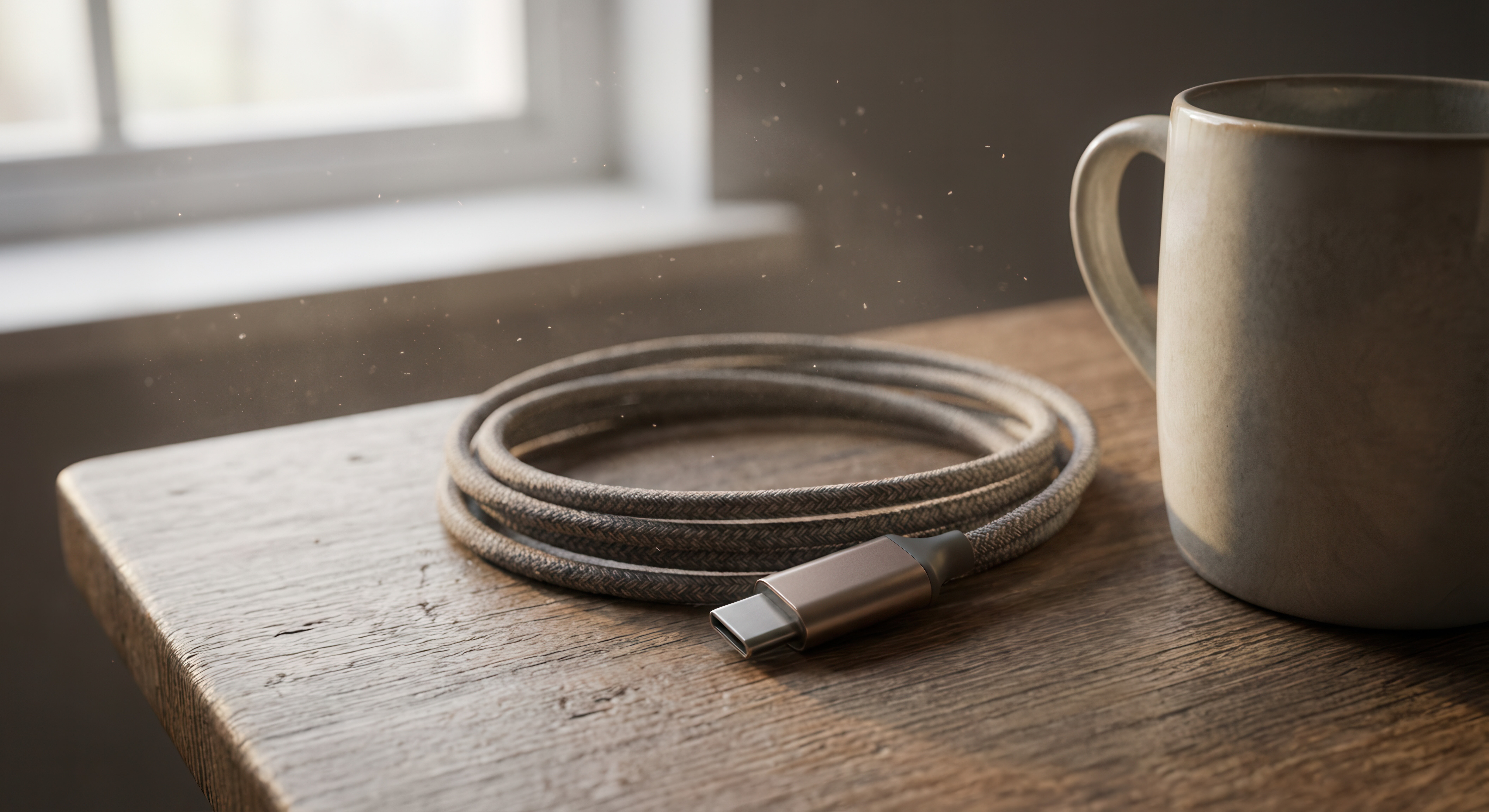
USB-C Charging: What It Is and Why It Finally Makes Sense
If you've been keeping up with consumer electronics over the past few years, USB-C has probably crossed your radar more than once. It's on laptops, tablets, smartphones, earbuds, gaming controllers, and now even kitchen appliances. But despite how common the connector has become, there's still a fair amount of confusion about what USB-C actually does, how it differs from older charging standards, and why it matters for everyday users. So let's break it down properly, without drowning you in technical jargon that nobody asked for.
What Is USB-C and How Does It Work
USB-C is a physical connector standard developed by the USB Implementers Forum. Unlike older USB connectors, the USB-C port is symmetrical, meaning it can be plugged in either direction. That alone is a small but genuinely meaningful improvement in daily use. More importantly, USB-C is a versatile connector that supports multiple communication and power delivery protocols. It's capable of carrying data, video output, and high-wattage power all through a single cable. The same port on your laptop might be used for charging, connecting a monitor, and transferring files simultaneously, depending on the device and the cable you're using.
USB-C vs USB-A: Understanding the Generational Shift
USB-A is that classic rectangular connector most people recognize from thumb drives, phone cables, and wall adapters that have been in junk drawers since 2009. It works, sure, but it has real limitations. USB-A maxes out at USB 3.2 speeds and doesn't support the higher power delivery levels that modern devices need. USB-C, by contrast, was designed from the ground up to be a forward-looking standard. It supports USB 3.2, USB4, and Thunderbolt 4 protocols depending on implementation, along with Power Delivery specifications that can push up to 240 watts. That's enough to charge a high-performance laptop without breaking a sweat. The generational shift is significant, and it's happening whether consumers are ready or not.
USB Power Delivery Explained: The Technology Behind Fast Charging
USB Power Delivery, often abbreviated as USB PD, is the charging protocol that makes USB-C so capable. It allows devices and chargers to communicate with each other to negotiate the optimal voltage and current for the charging session. Rather than a fixed output, USB PD adjusts dynamically based on what the connected device actually needs. A USB PD charger can deliver anywhere from 5 watts for a small wearable up to 240 watts under the EPR, or Extended Power Range, specification introduced with USB PD 3.1. This adaptability is what allows a single USB-C charger to handle a phone, a tablet, and a laptop without requiring different power bricks for each device.
Key Advantages of USB-C Chargers
There are several compelling reasons why USB-C has become the preferred charging standard across consumer and professional electronics alike. Once you understand what the format brings to the table, the appeal becomes obvious.
- Universal compatibility across modern devices
- Faster charging speeds through USB PD negotiation
- Reversible connector design eliminates orientation guesswork
- Single cable capability for power, data, and video
- Compact adapter designs suitable for travel and desk setups
- Standardized across the EU regulatory landscape and increasingly worldwide
- Reduced cable clutter with multi-port USB-C charging hubs
Common Drawbacks and Real-World Limitations to Know
USB-C is not a perfect standard, and pretending otherwise would be a disservice to anyone trying to make a smart buying decision. The connector looks the same across different cables, but performance can vary dramatically depending on the cable's internal specifications. A cheap USB-C cable might only support 5 watts and USB 2.0 data speeds despite looking identical to a cable that handles 100 watts and USB4 throughput. Not all USB-C chargers support USB PD either. Some are limited to basic 5-volt output. Additionally, proprietary fast-charging protocols like Qualcomm Quick Charge or Apple's own implementations can complicate compatibility. The bottom line is that USB-C standardizes the connector shape, but what happens inside the cable and charger still matters significantly.
How to Choose the Right USB-C Charger for Your Needs
Picking the right USB-C charger comes down to understanding your devices and their power requirements. Laptops typically need a minimum of 45 watts to charge at a reasonable pace, and more demanding machines may require 65 to 100 watts. Smartphones and tablets generally fall in the 18 to 45-watt range. When shopping for a USB-C charger, look for explicit USB PD certification, which ensures the charger follows the standardized protocol. Multi-port chargers with GaN, or Gallium Nitride, technology are worth considering for anyone managing multiple devices. GaN chargers run cooler and more efficiently than traditional silicon-based adapters and pack higher wattage into smaller form factors. For travel, a GaN USB-C charger with at least two ports and 65 watts total output is a practical and cost-effective choice.
USB-C and the Global Push for Standardization
One of the more underreported developments in consumer tech is the regulatory momentum behind USB-C standardization. The European Union has mandated USB-C as the common charging port for smartphones, tablets, cameras, and other small electronics sold in EU member states, with deadlines rolling in through 2026. Major manufacturers including Apple have already transitioned flagship product lines to comply. This regulatory push is accelerating adoption in ways that market forces alone might have taken years to accomplish. What this means for consumers is straightforward: USB-C is not a transitional standard. It is the standard, and investing in USB-C infrastructure now is the practical move for anyone planning ahead.
Practical Tips for Getting the Most Out of USB-C Charging
Owning USB-C hardware is one thing. Using it effectively is another. A few smart habits go a long way toward protecting your devices and maximizing charging performance. Always verify that your cables are rated for the wattage you need, since underpowered cables can throttle charging speed or cause reliability issues over time. Use chargers that explicitly list USB PD support rather than assuming any USB-C charger will deliver fast charging. Avoid extreme cable lengths for high-wattage applications, as resistance over longer runs can reduce effective power delivery. Store cables loosely rather than wrapped tightly to prevent internal conductor damage. And if you are charging a laptop regularly, try to keep the battery between 20 and 80 percent when possible to preserve long-term battery health.
Why Monoprice Is the Right Source for USB-C Charging Solutions
Here is the part that actually matters for anyone who has read this far and is thinking about upgrading their charging setup. Monoprice has built its reputation on delivering high-performance technology products that do not require premium brand markups to justify their existence. The USB-C charger and cable lineup from Monoprice reflects that same philosophy. Whether you need a compact single-port USB-C PD charger for travel, a multi-port GaN desktop adapter for a busy workstation, or a certified USB-C cable rated for the full power delivery specification, Monoprice has options across every practical use case. If you are serious about building a reliable, cost-conscious charging ecosystem, explore USB-C chargers and cables from Monoprice and see exactly what performance at a fair price actually looks like. The value is real, the specs are verified, and the quality is consistent. That is the Monoprice standard, and it holds up across every product category the brand serves.
Frequently Asked Questions About USB-C Chargers
Is USB-C the same as USB 3.0 or USB 3.1?
No. USB-C refers to the physical connector shape, while USB 3.0 and USB 3.1 refer to data transfer protocols. A USB-C connector can support various protocols including USB 2.0, USB 3.2, USB4, or Thunderbolt 4 depending on the cable and port specifications.
Can I use any USB-C charger with any USB-C device?
In most cases, yes for basic charging. However, fast charging performance depends on whether both the charger and the device support compatible protocols like USB Power Delivery. Using a lower-wattage charger on a laptop, for example, may result in slow or insufficient charging.
What wattage USB-C charger do I need for a laptop?
Most laptops require between 45 and 100 watts for effective USB-C charging. Check your laptop's documentation or the original power adapter wattage to determine the appropriate output rating for your replacement or supplemental charger.
Are all USB-C cables the same?
No. USB-C cables vary significantly in power delivery capacity, data transfer speed, and build quality. A cable's appearance does not indicate its internal specifications. Always check the cable's listed wattage and data rating before purchasing.
What is GaN technology in USB-C chargers?
GaN stands for Gallium Nitride, a semiconductor material that enables more efficient power conversion than traditional silicon. GaN USB-C chargers deliver high wattage in compact designs while generating less heat, making them well-suited for travel and multi-device charging setups.
Does USB-C support video output?
Yes, in many cases. USB-C ports that support DisplayPort Alt Mode or Thunderbolt can output video to compatible monitors and displays. However, not all USB-C ports include this capability, so it is important to verify your device's port specifications before connecting to an external display.
Is USB-C fast charging safe for my devices?
Yes, when using certified chargers and cables. USB Power Delivery negotiation is designed to provide only the voltage and current a device requests, protecting it from overcharging. Using uncertified or counterfeit charging accessories introduces risk and is best avoided.
Can one USB-C charger charge both my phone and my laptop?
A USB-C charger with sufficient wattage and USB PD support can charge both devices, though not necessarily at full speed simultaneously. Multi-port GaN chargers with 65 watts or more are a practical solution for charging multiple devices from a single unit.
What does USB Power Delivery 3.1 mean for consumers?
USB PD 3.1 introduced the Extended Power Range specification, allowing USB-C chargers to deliver up to 240 watts. This expands USB-C compatibility to high-performance laptops and other power-intensive devices that previously required proprietary charging solutions.
Why is the EU mandating USB-C as a standard charging port?
The European Union enacted the USB-C mandate to reduce electronic waste generated by proprietary chargers and to simplify the consumer experience across devices. The regulation requires most portable electronics sold in EU countries to use USB-C as the standard charging interface by specific deadlines through 2026.


