

USB A to XLR Cable: What It Is and How It Works
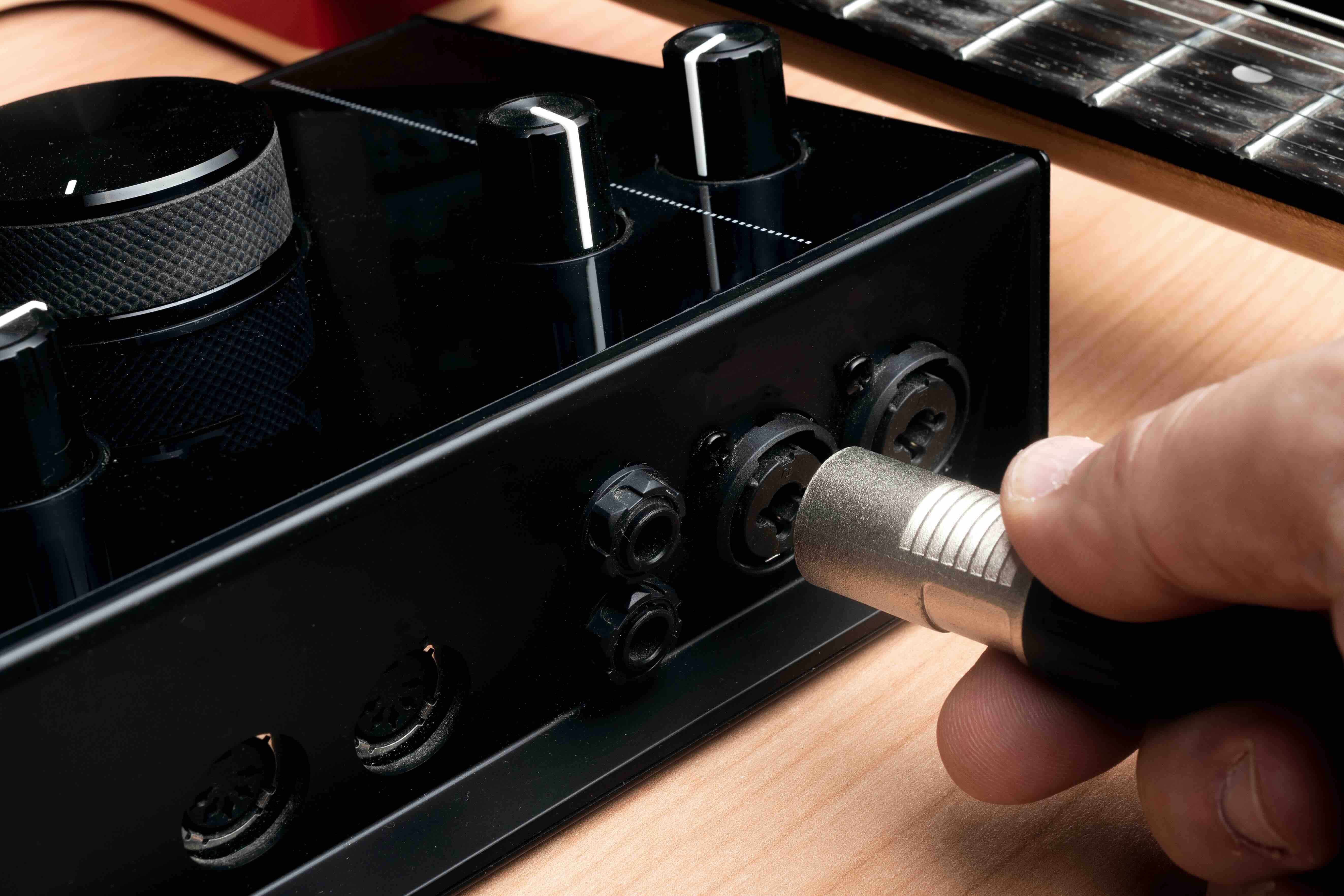
USB A to XLR Cable: What It Is, How It Works, and Whether You Need One
So you have a microphone with an XLR connector and a laptop with a USB port, and someone told you there is a cable that connects the two directly. That sounds simple enough, right? Well, sort of. The USB A to XLR cable is one of those products that generates a lot of confusion, mostly because the name implies a straightforward analog-to-digital connection when the reality is a bit more nuanced. This article breaks it all down, from what the cable actually does to when it makes sense to use one and when you might be better off with a different setup entirely.
Understanding the Basics: What Is a USB A to XLR Cable?
A USB A to XLR cable is a hybrid cable that connects an XLR output, typically from a microphone or audio source, to a USB Type-A input on a computer or compatible device. The USB A connector is the rectangular port you see on laptops, desktop computers, and audio interfaces. The XLR connector, on the other hand, is the three-pin circular plug used in professional audio equipment, including condenser and dynamic microphones. These two connectors operate on entirely different signal types, XLR carries analog audio while USB transmits digital data, so the cable itself must contain internal circuitry to handle that conversion. It is not simply a wire with two different ends.
How Does a USB A to XLR Cable Actually Work?
This is where things get interesting and where a lot of people get tripped up. Unlike a standard audio cable that just passes a signal from one end to the other, a USB A to XLR cable contains a built-in analog-to-digital converter, or ADC, embedded directly within the cable housing. When sound enters the XLR microphone and generates an analog signal, that signal travels into the cable where the onboard ADC converts it into digital audio data. That digital data then moves through the USB connection and into your computer for recording, streaming, or communication. Think of it less as a cable and more as an ultra-compact, inline audio interface.
Common Use Cases for USB A to XLR Cables
These cables are designed with practicality in mind. They fill a real gap for users who want to use a professional XLR microphone without purchasing a dedicated audio interface. Here are some scenarios where a USB A to XLR cable makes sense:
- Podcasters on a tight budget who already own an XLR mic
- Remote workers who need cleaner audio for video calls
- Travelers who want a compact recording setup
- Content creators testing XLR microphones before committing to a full interface setup
- Educators or presenters who need a plug-and-play mic solution for online platforms
It is a solid middle-ground option, especially for users who are not yet ready to invest in a full audio interface but want to step up from a basic USB microphone.
Key Advantages of Using a USB A to XLR Cable
The appeal of this cable type is not complicated. It comes down to cost, convenience, and compatibility. First, the price point is significantly lower than purchasing a standalone audio interface. Second, the plug-and-play nature means most operating systems recognize the device automatically without requiring driver installation. Third, it reduces cable clutter by eliminating the need for a separate interface unit between your microphone and computer. For someone working at a small desk or recording in a non-studio environment, that reduction in gear can be a genuine quality-of-life improvement. The cable also works across most modern operating systems including Windows, macOS, and Chrome OS, making it a flexible choice for mixed-device environments.
Drawbacks and Limitations to Know Before You Buy
Here is where honest evaluation matters. USB A to XLR cables are convenient, but they do come with real trade-offs that users should factor into their decision before purchasing.
- Limited or no phantom power support, which means condenser microphones may not function properly
- Lower audio fidelity compared to a proper external audio interface with a dedicated preamp
- No gain control on most models, so adjusting input levels requires software-side adjustments
- Potential for noise or signal interference due to the compact ADC circuitry
- Not suited for professional studio recording or broadcast-quality production work
If audio quality is the top priority and budget allows, a dedicated USB audio interface connected to an XLR microphone will almost always outperform a USB A to XLR cable in terms of sound clarity and dynamic range. That said, for everyday use, video calls, and casual recording, the performance gap may be negligible to most listeners.
Phantom Power and Condenser Microphones: A Critical Consideration
One of the most frequently asked questions about USB A to XLR cables involves phantom power. Condenser microphones require 48V phantom power to operate, which is typically provided by an audio interface or a mixing board. Most USB A to XLR cables do not supply phantom power because the USB A port delivers only a limited amount of electrical current, usually 5V at 500mA, which is nowhere near sufficient for 48V phantom power requirements. This means that if you own a condenser microphone and plan to use it with a USB A to XLR cable, you need to verify that the specific cable model you are considering explicitly supports phantom power, or you risk the microphone simply not working. Dynamic microphones, which do not require phantom power, tend to pair more reliably with these cables.
How to Choose the Right USB A to XLR Cable for Your Setup
Selecting the right cable comes down to understanding your specific requirements. Start by identifying your microphone type and whether it requires phantom power. Then consider the length you need, because signal quality can degrade over longer distances with inline ADC cables. Look for cables that specify their sample rate and bit depth, as these numbers indicate audio resolution. A cable recording at 16-bit, 44.1kHz is adequate for voice and communication, while 24-bit, 48kHz offers more headroom for recording projects. Finally, check compatibility with your operating system and any recording software you plan to use. Reading verified user reviews for real-world performance data is always time well spent before committing to a purchase.
USB A to XLR vs. a Dedicated USB Audio Interface: Which Is Right for You?
The comparison is straightforward once you define what you need. A USB A to XLR cable is ideal for portability, simplicity, and budget-conscious setups where audio quality expectations are moderate. A dedicated USB audio interface, even an entry-level model, offers superior preamp performance, phantom power support, gain control, headphone monitoring, and better overall signal handling. If you are a hobbyist recording voice memos or making the occasional podcast episode, the cable may serve you perfectly well. If you are producing content professionally, streaming regularly to a large audience, or recording instruments in addition to vocals, the interface is the smarter long-term investment. Both solutions have a legitimate place in modern audio workflows, and the decision should be based on your actual needs rather than one-size-fits-all advice.
Why Monoprice Is the Smart Choice for USB A to XLR Cables and Audio Connectivity
When it comes to sourcing audio cables and connectivity solutions that hold up in real-world use without draining your budget, Monoprice has built a reputation that speaks for itself across both consumer and professional markets. From home studio setups to enterprise AV deployments, Monoprice delivers products engineered to perform at price points that simply make sense. Whether you need a reliable USB A to XLR cable for a growing podcast setup or a full range of audio connectivity components for a commercial installation, the product catalog covers the spectrum without compromise. Professionals and first-time buyers alike rely on Monoprice for high-quality USB audio cables and professional XLR connectivity solutions because the combination of build quality, technical transparency, and honest pricing is difficult to match. If you are serious about audio and want gear that works reliably from day one, Monoprice is worth exploring before you make your next connectivity decision.
Frequently Asked Questions About USB A to XLR Cables
Can I connect any XLR microphone to a computer using a USB A to XLR cable?
Most dynamic XLR microphones will work with a USB A to XLR cable. Condenser microphones that require 48V phantom power may not function unless the cable explicitly supports phantom power, which most do not.
Does a USB A to XLR cable require driver installation?
In most cases, no. The majority of USB A to XLR cables are class-compliant devices that are recognized automatically by Windows, macOS, and Chrome OS without the need for additional software or drivers.
Will a USB A to XLR cable work with a USB hub?
It may work, but a direct connection to your computer is always preferred. Powered USB hubs are more reliable than unpowered ones if a hub connection is necessary, as power delivery can affect performance.
What audio quality can I expect from a USB A to XLR cable?
Most USB A to XLR cables support 16-bit audio at 44.1kHz or 48kHz, which is sufficient for voice recording, streaming, and video conferencing. This is lower quality than what a dedicated audio interface typically provides.
Can I use a USB A to XLR cable for live performance or stage use?
No. USB A to XLR cables are designed for computer-based recording and communication, not live sound reinforcement or stage environments where dedicated mixers and interfaces are required.
Is there a difference between a USB A to XLR cable and a USB C to XLR cable?
Both serve the same basic function, but USB C to XLR cables are designed for newer devices with USB C ports. USB A models are compatible with a wider range of existing computers and peripherals, particularly older machines.
Can I monitor my audio in real time using a USB A to XLR cable?
Most USB A to XLR cables do not offer hardware direct monitoring. Real-time monitoring typically requires software-side monitoring through your recording application, which can introduce slight latency.
Why does my microphone sound quiet when using a USB A to XLR cable?
The built-in preamp circuitry in USB A to XLR cables is generally less powerful than a standalone audio interface. You may need to increase input gain through your operating system sound settings or recording software to achieve adequate levels.
Are USB A to XLR cables suitable for recording music?
They can handle basic voice and acoustic recording in casual settings, but for music production that demands low noise floors, precise gain staging, and high dynamic range, a dedicated audio interface is the more appropriate tool.
How long should a USB A to XLR cable be for reliable performance?
Shorter cables generally perform more reliably. Cables under 6 feet tend to maintain signal integrity best. Longer runs can introduce noise or signal degradation depending on cable quality and shielding construction.


