

USB 2.0 to USB 2.0 Adapter: Fast, Simple Connectivity
What Is a USB 2.0 to USB 2.0 Adapter and Why Does It Still Matter?
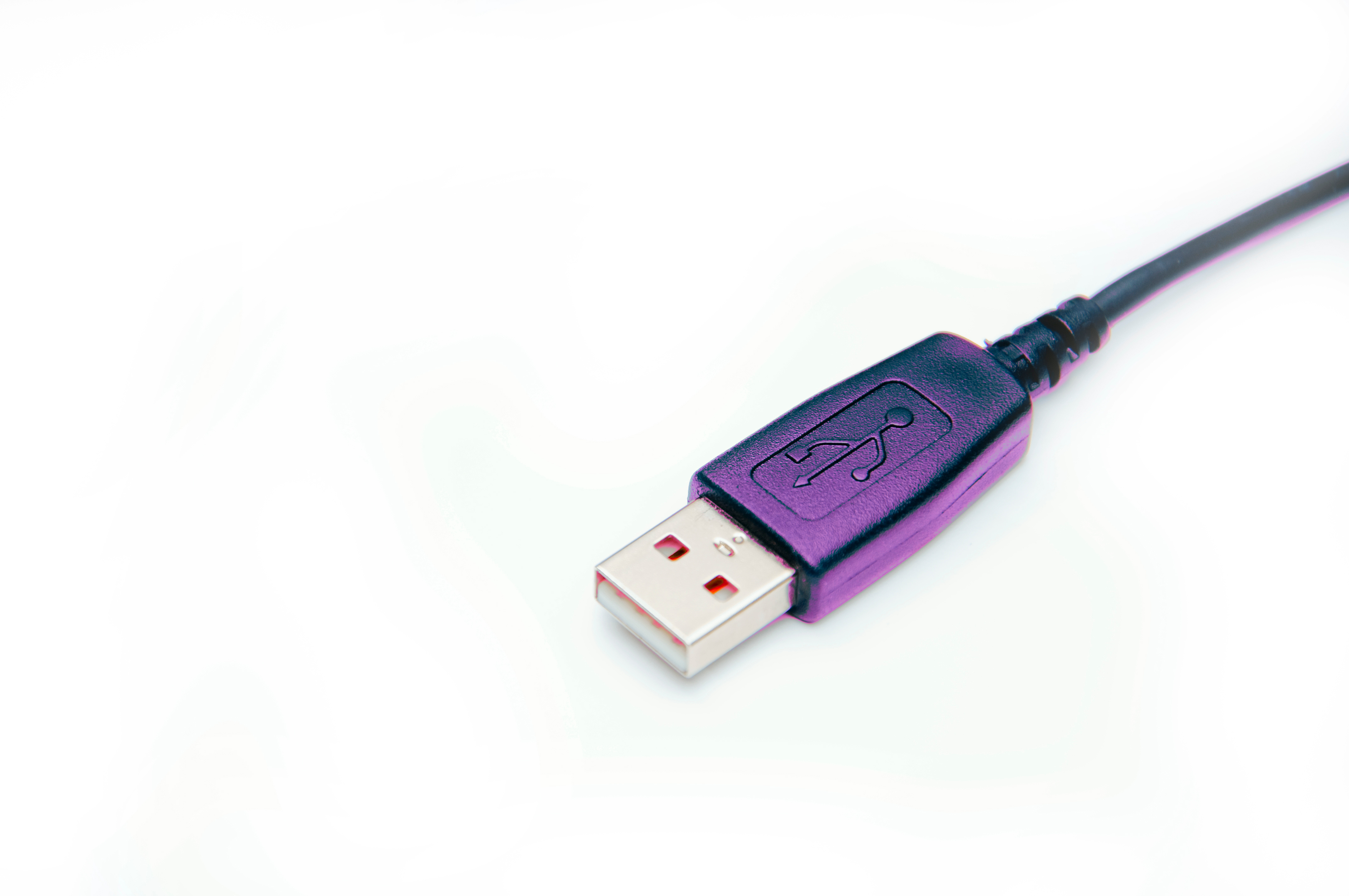
So, you have a cable that ends in the wrong connector shape, or a port on your device that does not quite match what you need. It happens constantly, honestly more than it should. A USB 2.0 to USB 2.0 adapter is exactly what the name suggests: a small, typically low-profile connector that bridges two USB 2.0 interfaces, usually converting between different physical form factors like Type-A to Type-A, Type-A to Mini-B, or Type-A to Micro-B, all while staying within the USB 2.0 specification. These adapters do not upgrade your connection to USB 3.0 or beyond. They are not meant to. They exist to solve a very specific, very common compatibility problem without requiring you to buy an entirely new cable or device.
Understanding the USB 2.0 Standard Before You Buy
Before getting into the adapter itself, it is worth knowing what USB 2.0 actually means in practical terms. Released back in 2000, USB 2.0 supports data transfer speeds of up to 480 megabits per second, which is classified as Hi-Speed USB. That is fast enough for keyboards, mice, external hard drives used for light file transfers, webcams, USB audio interfaces, and a huge range of peripherals that most people use every single day. USB 2.0 is also backward compatible with USB 1.1 devices. So if you have older hardware or accessories, they will still work just fine. The spec has held up remarkably well for general-purpose connectivity, and a USB 2.0 to USB 2.0 adapter fits right into that ecosystem without disrupting anything.
The Different Types of USB 2.0 Connectors You Should Know
Here is where it gets a little detailed, but it matters for choosing the right adapter. USB 2.0 connectors come in several shapes, and each has a specific use case.
- Type-A: The standard rectangular connector found on most computers and chargers
- Type-B: The squarish connector often used on printers and older external devices
- Mini-B: A smaller, trapezoidal shape commonly found on older digital cameras and GPS units
- Micro-B: Even smaller, widely used on older Android phones, power banks, and accessories
- Type-C: Oval-shaped and reversible, found on modern laptops and smartphones, though USB-C can carry USB 2.0 speeds
A USB 2.0 to USB 2.0 adapter might convert between any of these. The key is identifying what you have on each end before purchasing. Getting this wrong is the number one reason people end up with adapters that do not fit. Take a second, look at your device ports, and match accordingly.
How a USB 2.0 to USB 2.0 Adapter Actually Works
Functionally, these adapters are passive devices. There is no active signal conversion happening inside. The adapter simply provides a mechanical and electrical bridge between two connector types that share the same underlying protocol. Because USB 2.0 uses only four pins for data lines (D+, D-, VBUS, and GND), the wiring inside an adapter is straightforward and the signal integrity remains intact as long as the adapter is well-manufactured. No drivers are needed. No configuration is required. You plug it in and it works. That simplicity is genuinely one of its strongest features, especially in professional or enterprise environments where quick, reliable solutions are non-negotiable.
Key Advantages of Using a USB 2.0 to USB 2.0 Adapter
There are real, practical benefits to keeping a few of these on hand, whether you are a tech professional, a content creator, or someone managing a small office setup.
- Immediate compatibility without cable replacement
- Cost-effective solution for legacy device integration
- No software or driver installation required
- Compact and easy to carry for on-the-go connectivity
- Works reliably with any USB 2.0 compliant device
- Preserves existing cable investments across a workspace
For integrators and IT departments specifically, the ability to quickly resolve a connector mismatch without ordering new cables or scheduling downtime is genuinely valuable. These are small tools that carry real operational weight.
Common Drawbacks and Limitations to Consider
No adapter is perfect, and being honest about limitations is part of making a smart buying decision. A USB 2.0 to USB 2.0 adapter will not increase your transfer speed. If your device or cable is already running at USB 2.0 speeds, that ceiling stays at 480 Mbps regardless of the adapter. Additionally, adding a physical adapter introduces a small amount of mechanical vulnerability. The connection point becomes a potential stress point, especially in mobile or high-traffic environments. Low-quality adapters can also introduce resistance or signal degradation, which is why build quality genuinely matters. Poor tolerances, cheap contacts, or thin housings can all degrade what should be a clean, simple connection. Sourcing from a reputable brand is not optional if reliability is something you care about.
Practical Tips for Choosing the Right USB 2.0 Adapter
When you are actually in the market for one of these, there are a few things to check off before clicking purchase. First, confirm the connector types on both ends, the host side and the device side. Second, check the gender of the connectors, because USB adapters come in male-to-male, female-to-female, and male-to-female configurations. Third, look at the housing material. Metal or reinforced plastic housings generally outperform bare plastic options in longevity. Fourth, verify that the adapter is rated for USB 2.0 Hi-Speed and not just USB 1.1 Full-Speed, since the difference in throughput is meaningful. Finally, consider the length. Some adapters are ultra-compact, almost flush with the port. Others have a short extender built in. Depending on your setup, that distinction can affect airflow, adjacent port access, or physical strain on the port itself.
Where USB 2.0 Adapters Are Most Commonly Used
It might seem like these are niche products, but the reality is they show up across a pretty wide range of environments. In office settings, they are used to connect legacy peripherals to newer workstations. In AV and live event setups, they handle quick connectivity fixes between control surfaces and laptops. In educational institutions, they keep aging hardware functional without full equipment replacement. Home users reach for them when connecting older external hard drives, printers, or gaming accessories that use Mini-B or Micro-B connectors. Even in medical and industrial environments, where older equipment runs on USB 2.0 and cannot simply be replaced, these adapters serve as critical infrastructure components. The use cases are broad because the underlying problem, connector mismatch, is universally common.
Why Monoprice Is the Right Choice for USB 2.0 Adapter Solutions
When it comes to sourcing reliable connectivity accessories, the brand behind the product matters as much as the product itself. Monoprice has built a reputation over many years for delivering high-performance technology accessories at prices that make sense for individuals and organizations alike. Whether you are outfitting a single workstation or sourcing adapters across a multi-site enterprise deployment, the value proposition holds. Every adapter in the Monoprice lineup is built with the kind of quality control that ensures you are not gambling on a connection that fails mid-project. If you are looking for dependable USB 2.0 adapter and connectivity solutions for home and professional use, Monoprice delivers the performance, reliability, and affordability that both everyday users and seasoned IT professionals have come to expect. This is not about paying less for less. It is about paying fairly for something that simply works, every time.
Frequently Asked Questions About USB 2.0 to USB 2.0 Adapters
What is a USB 2.0 to USB 2.0 adapter used for?
It is used to bridge two different USB 2.0 connector types, such as converting a Type-A port to a Micro-B or Mini-B connection, allowing devices with mismatched connectors to work together without replacing cables or hardware.
Does a USB 2.0 adapter slow down data transfer speeds?
A quality USB 2.0 adapter will not reduce transfer speeds below the existing USB 2.0 ceiling of 480 Mbps. However, a poorly manufactured adapter with inferior contacts may introduce resistance that slightly degrades performance.
Do I need to install drivers to use a USB 2.0 to USB 2.0 adapter?
No. USB 2.0 adapters are passive devices and require no drivers or software installation. They are plug-and-play and work immediately upon connection on any USB 2.0 compliant system.
Can I use a USB 2.0 adapter with USB 3.0 ports?
Yes, USB 3.0 ports are backward compatible with USB 2.0 devices and adapters. However, the connection will operate at USB 2.0 speeds and will not take advantage of USB 3.0 bandwidth.
What is the difference between a USB Type-A and Type-B connector?
Type-A is the standard flat rectangular connector found on most host devices like computers and chargers. Type-B is a squarish connector typically found on peripheral devices like printers and older external drives.
Are all USB 2.0 adapters interchangeable?
No. Adapters vary by connector type on each end, gender (male or female), and build quality. You must match the adapter to the specific connector shapes and genders required by your devices.
Is a USB 2.0 to USB 2.0 adapter safe to use with charging devices?
Generally yes, as long as the adapter supports the voltage and current ratings required by the device. Most USB 2.0 adapters handle standard 5V charging without issue, but always verify the adapter's specifications before use in charging applications.
How long do USB 2.0 adapters typically last?
With normal use, a well-built USB 2.0 adapter can last several years. Durability depends heavily on the quality of the housing, contact materials, and how frequently the adapter is inserted and removed from ports.
Can a USB 2.0 adapter be used with a USB-C port?
Yes, if you use a USB-C to USB-A adapter in combination, but the connection will function at USB 2.0 speeds. Some USB-C cables and adapters are designed specifically to carry USB 2.0 signals, making them compatible with older peripherals.
What should I look for when buying a USB 2.0 adapter?
Look for the correct connector types and genders for your specific devices, a durable housing material, Hi-Speed USB 2.0 certification, and a trusted manufacturer with a track record for quality control and consistent build standards.


