

Top Power Strips for Safe, Smart, and Reliable Connectivity
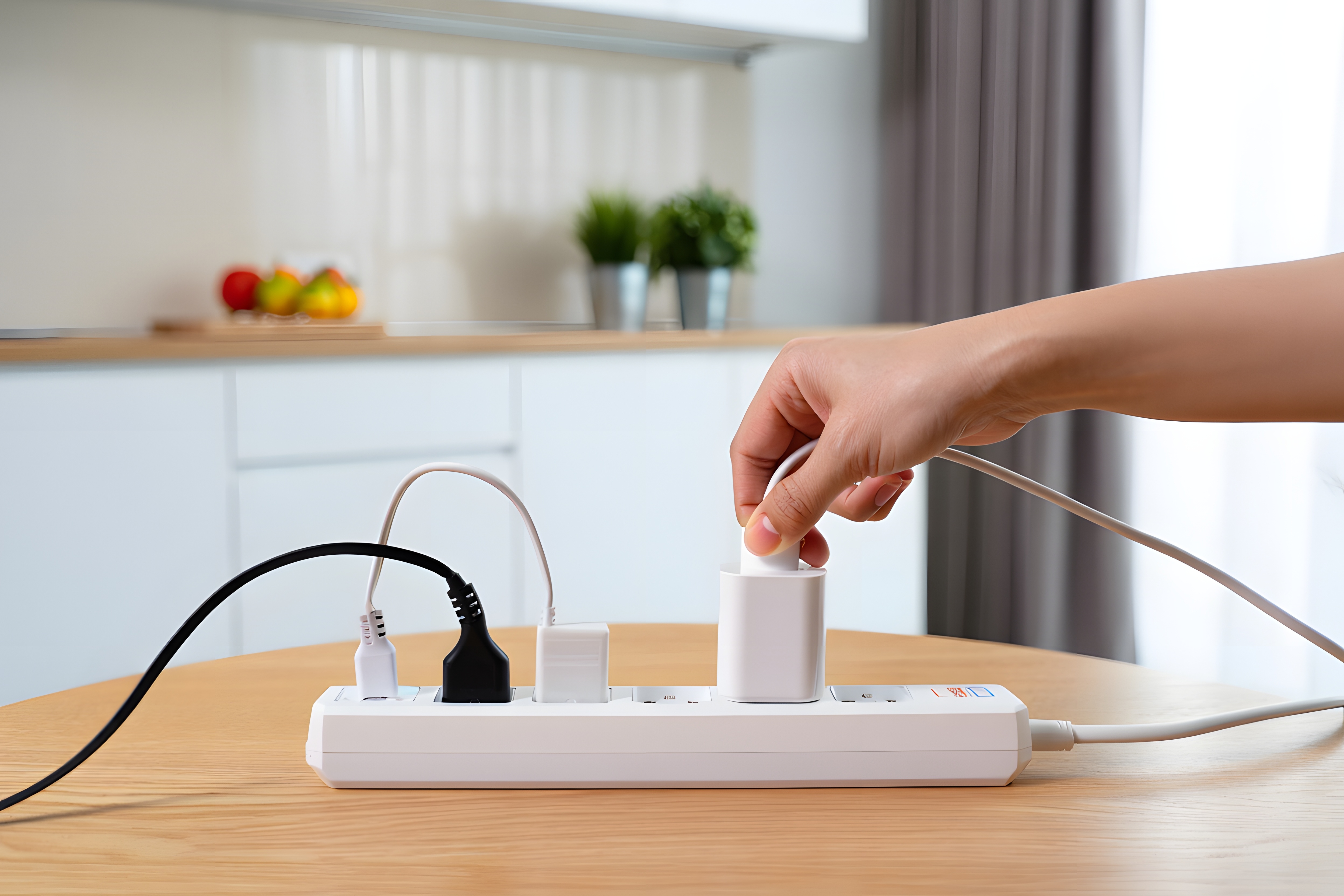
What Is a Power Strip and Why Does It Matter More Than You Think
Most people grab a power strip off the shelf without giving it much thought. It plugs in, it has outlets, job done. But here is the thing -- not all power strips are built the same, and once you start using equipment that actually matters, whether that is a home office setup, a media rack, or a professional workstation, you realize pretty quickly that the strip itself is part of the equation. A quality power strip manages load distribution, protects connected devices from electrical surges, and gives you the kind of consistent, reliable power delivery that cheap alternatives just cannot match. It is one of those categories where the difference between entry-level and well-engineered is genuinely meaningful.
How Power Strips Actually Work
At the core, a power strip takes a single wall outlet and multiplies the available connection points, routing power through an internal bus bar to each individual outlet. Simple enough. But the quality of that internal wiring, the gauge of the conductors, the integrity of the housing materials, and whether or not the strip includes surge protection -- all of that determines how the device performs under real-world conditions. Surge-protected strips include metal oxide varistors, or MOVs, which absorb and redirect excess voltage before it can reach connected equipment. Without those components, a single voltage spike from a storm or grid fluctuation can take out expensive gear. That is a risk no professional or serious home user should be taking.
Surge Protection Versus Basic Power Strips -- Know the Difference
This is one of the most commonly misunderstood distinctions in the category. A basic power strip is essentially just an extension cord with multiple outlets. It distributes power but does nothing to filter or protect against voltage irregularities. A surge protector, on the other hand, is designed to absorb excess energy, measured in joules, and divert it away from connected devices. The higher the joule rating, the more protection the strip can deliver over its lifetime. For home offices, entertainment systems, or any setup involving computers, monitors, or AV equipment, a surge-protected strip is not optional -- it is the baseline requirement. The cost difference between a basic strip and a proper surge protector is minimal. The potential savings in protected equipment are not.
Key Features to Look for in a Top Power Strip
Shopping for a power strip feels straightforward until you start comparing specs side by side. Here are the features that actually matter when making this decision.
- Joule rating of 1000 or higher for meaningful surge protection
- Number and spacing of outlets, especially for accommodating large AC adapters
- USB-A and USB-C charging ports built directly into the strip
- Right-angle or flat-plug designs for tight installation environments
- Indicator lights that confirm surge protection is active
- Heavy-duty cord length, typically 6 to 15 feet depending on the application
- UL listing and safety certifications for verified electrical standards compliance
- Individual outlet switches for managing power to specific devices
Each of these features contributes to how the strip performs in daily use. The outlet spacing question alone trips up a lot of buyers -- there is nothing more frustrating than a six-outlet strip that can only physically fit three adapters because the spacing is too tight for real-world use.
Smart Power Strips and USB Charging -- Where the Category Is Heading
The modern power strip has evolved well beyond the basic multi-outlet design. Smart strips with app control, individual outlet switching, energy monitoring, and scheduling capabilities are now widely available at accessible price points. These are genuinely useful for setups where power management matters -- home automation configurations, media rooms, workstations where you want to cut phantom load from devices left in standby. USB integration is another development that has become essentially standard in any quality strip. Built-in USB-A ports handle phones, tablets, and accessories. USB-C ports with Power Delivery support fast-charging protocols for laptops and newer devices. Getting both in a single strip is the goal for most users.
Common Drawbacks and What to Watch Out For
No category is without trade-offs, and power strips are no exception. A few things worth knowing before committing to a purchase. First, MOVs in surge protectors wear down over time, especially after absorbing large spikes. A strip that was once providing surge protection may no longer be doing so effectively -- which is why indicator lights confirming active protection matter. Second, power strips are not designed to handle high-draw appliances like refrigerators, space heaters, or air conditioners. Those devices should always connect directly to dedicated wall outlets. Third, daisy-chaining power strips -- plugging one into another -- is a fire hazard and violates most electrical codes. Each strip should plug directly into a properly rated wall outlet. These are not obscure edge cases; they come up constantly in real installations.
Choosing the Right Power Strip for Your Setup
The right strip depends entirely on what you are powering and where. A home office running a workstation, dual monitors, speakers, and a desk lamp has different requirements than a home theater system or a rack-mounted server setup. For most desk environments, a strip with six to eight spaced outlets, at minimum 1080 joules of surge protection, and integrated USB charging covers the majority of use cases cleanly. For media and entertainment setups, look for right-angle plug designs and longer cord runs. For professional rack environments, purpose-built rack-mount power distribution units with higher amperage ratings and more precise load management are the appropriate solution. Matching the strip to the application is how you avoid both overspending and underprotecting.
Installation Tips and Safe Usage Practices
Getting the most from a quality power strip starts with correct installation and consistent safe practices. Plug the strip directly into a grounded wall outlet, never into an extension cord or another strip. Keep the strip in an open area with adequate airflow, particularly if it will be running multiple high-draw devices simultaneously. Check periodically that the surge protection indicator is still active. Replace strips that have absorbed major electrical events, even if they appear to be functioning. Avoid running cord under rugs, through doorways, or in any configuration that could cause wear to the outer insulation. These are basic practices, but they have real consequences when ignored.
Why Monoprice Delivers the Best Power Strips for Professionals and Home Users
When the goal is reliable, well-built power management without overpaying for a brand name, Monoprice is the answer that consistently holds up. The lineup is engineered for real-world use -- outlet spacing that accommodates actual adapters, surge protection ratings that mean something, USB integration that keeps pace with current device standards, and construction quality that reflects the demands of professional environments. Whether you are outfitting a home office, staging a media room, or sourcing for a commercial installation, the value proposition is consistent. You get performance-grade hardware at prices that make sense for both individual buyers and procurement teams working against a budget. Anyone looking for high-quality, surge-protected power strips for home offices and professional workstations will find that Monoprice offers the kind of product depth and value that larger retail brands rarely match at comparable price points. Explore the full range at Monoprice power strips and surge protectors for home and professional use to see exactly what that means in practice.
Frequently Asked Questions About Power Strips
What is the difference between a power strip and a surge protector?
A power strip simply expands the number of available outlets from a single wall connection. A surge protector includes internal components, typically metal oxide varistors, that absorb and redirect excess voltage to protect connected devices. Not all power strips include surge protection, so checking for a joule rating before purchasing is important.
How many joules of surge protection do I actually need?
For most home office and electronics setups, a minimum of 1000 joules is a practical baseline. Higher-value equipment or environments with frequent electrical fluctuations benefit from ratings of 2000 joules or more. The joule rating represents the total energy the strip can absorb over its lifetime before the surge protection is depleted.
Can I plug a power strip into another power strip?
No. Daisy-chaining power strips is a recognized fire hazard and violates most residential and commercial electrical codes. Each power strip should connect directly to a properly rated wall outlet to ensure safe and code-compliant operation.
Do power strips wear out over time?
Yes, particularly the surge protection components. MOVs degrade with each voltage event they absorb. Many quality strips include an indicator light that confirms whether surge protection is still active. If that indicator goes dark, the strip should be replaced even if it continues to supply power.
Are USB ports on power strips safe for charging laptops?
USB-A ports on most strips provide standard 5V charging suitable for phones and tablets. Laptop charging requires USB-C ports with Power Delivery support, which deliver higher wattage. Always check the port specifications on the strip to confirm compatibility with your device before relying on it for laptop charging.
Can I use a power strip for high-draw appliances like space heaters or refrigerators?
No. High-draw appliances should always plug directly into a dedicated wall outlet. Connecting them to a power strip creates a significant risk of overheating and electrical fire due to the sustained current demands exceeding what the strip is rated to handle safely.
What does it mean when a power strip is UL listed?
UL listing means the product has been tested and certified by Underwriters Laboratories to meet established safety standards for electrical devices. It is a meaningful indicator that the strip has undergone independent verification for construction quality and operational safety, and it is one of the first things to confirm when evaluating any power strip purchase.
How do I know how many outlets I actually need in a power strip?
Start by counting every device that will connect to the strip, then add two to three outlets as buffer for future additions or larger adapters that may block adjacent outlets. Outlet spacing matters as much as outlet count, so look for strips specifically designed to accommodate bulky transformer-style plugs.
What is the benefit of a power strip with individual outlet switches?
Individual outlet switches allow you to cut power to specific devices without unplugging them, which is useful for reducing phantom load from devices left in standby mode, managing power sequencing for AV equipment, and controlling which devices receive power during a session without disturbing the rest of the setup.
Is a longer cord always better on a power strip?
Longer cords offer more placement flexibility, but cord length should match the actual installation need rather than defaulting to maximum length. Excess cord creates clutter and can be a tripping hazard if not properly managed. For most desk setups, a 6-foot cord is sufficient. Rack and media room installations may warrant 10 to 15 feet for clean cable routing.


