The Evolution of Computer Wiring in Consumer Tech

From Tangled Messes to Smart Systems: How Computer Wiring Has Changed Everything
If you have ever looked behind a desk or server rack and felt immediately overwhelmed, you are not alone. Computer wiring has gone from a chaotic web of proprietary plugs and fragile connectors to something that actually makes sense -- for professionals, hobbyists, and everyday consumers alike. The evolution has been gradual, sometimes frustrating, and honestly kind of fascinating when you take a step back and trace the path from serial ports to USB4. Understanding where wiring has been, and where it is going, helps you make smarter decisions right now about the gear you buy and the setups you build.
The Early Days of Computer Cabling: Proprietary, Complicated, and Everywhere
Go back to the 1980s and early 1990s and consumer computing looked very different on the cable side of things. You had parallel ports for printers, serial ports for mice and modems, separate audio jacks for every function, VGA for video, PS/2 for keyboards. Each connection had one job and one job only. There was almost no cross-compatibility, and manufacturers were not exactly motivated to make things easier. It worked -- mostly -- but replacing or upgrading any component usually meant sorting through a bag of adapters and praying the drivers cooperated. Not the most efficient system. The cable management situation in most homes and offices was, to put it generously, a disaster zone.
USB Changed the Game and Then Kept Changing It
Universal Serial Bus -- USB -- launched in 1996 and genuinely rewired how consumers thought about peripherals. One connector type. Hot-swappable. No reboots required. It sounds obvious now but at the time it was a meaningful shift. USB 1.1, then 2.0, then 3.0, then the branching versions like 3.1 and 3.2 -- each generation brought faster data transfer speeds and more capability from a single port. And then USB4 arrived, pulling in Thunderbolt 3 compatibility, supporting up to 40 Gbps, and enabling video output, data, and power delivery all through one cable. The jump in what a single wire can do has been remarkable. The catch? Versioning and naming got complicated enough that most buyers genuinely cannot tell what they are buying without reading the fine print. That is a real usability problem the industry still has not fully solved.
HDMI, DisplayPort, and the Video Cable Wars
Video output cabling has its own complicated history. VGA dominated for years, analog and functional but limited. DVI came in and offered a digital signal with better clarity, but it was bulky and never quite universal. HDMI arrived in 2002 and became the consumer standard -- single cable, audio and video together, easy to use. Then DisplayPort showed up for the professional and gaming markets, offering higher refresh rates and resolution ceilings. Today you are looking at HDMI 2.1 supporting 8K at 60Hz and 4K at 120Hz, while DisplayPort 2.1 pushes even further for high-performance monitor setups. Not all cables labeled HDMI or DisplayPort are equal, though. Cable quality, shielding, and build all affect whether you actually get what the spec promises.
Power Delivery and the Rise of USB-C
One of the biggest practical shifts in recent years is the consolidation of power and data into USB-C. Power Delivery -- or USB PD -- lets a single USB-C cable charge a laptop, transfer files, and push video to an external display. For consumers, this is a meaningful quality-of-life improvement. Fewer bricks. Fewer cables. Less clutter. Laptops, tablets, smartphones, monitors, docking stations -- a growing number of devices have moved to USB-C as a primary or sole port. That said, not every USB-C cable supports full Power Delivery or high-speed data. The connector looks identical regardless of capability, which creates real confusion at purchase. Buying from a source that clearly specifies wattage, speed ratings, and certifications matters more now than it ever did before.
Networking Cables: Still Relevant, Still Evolving
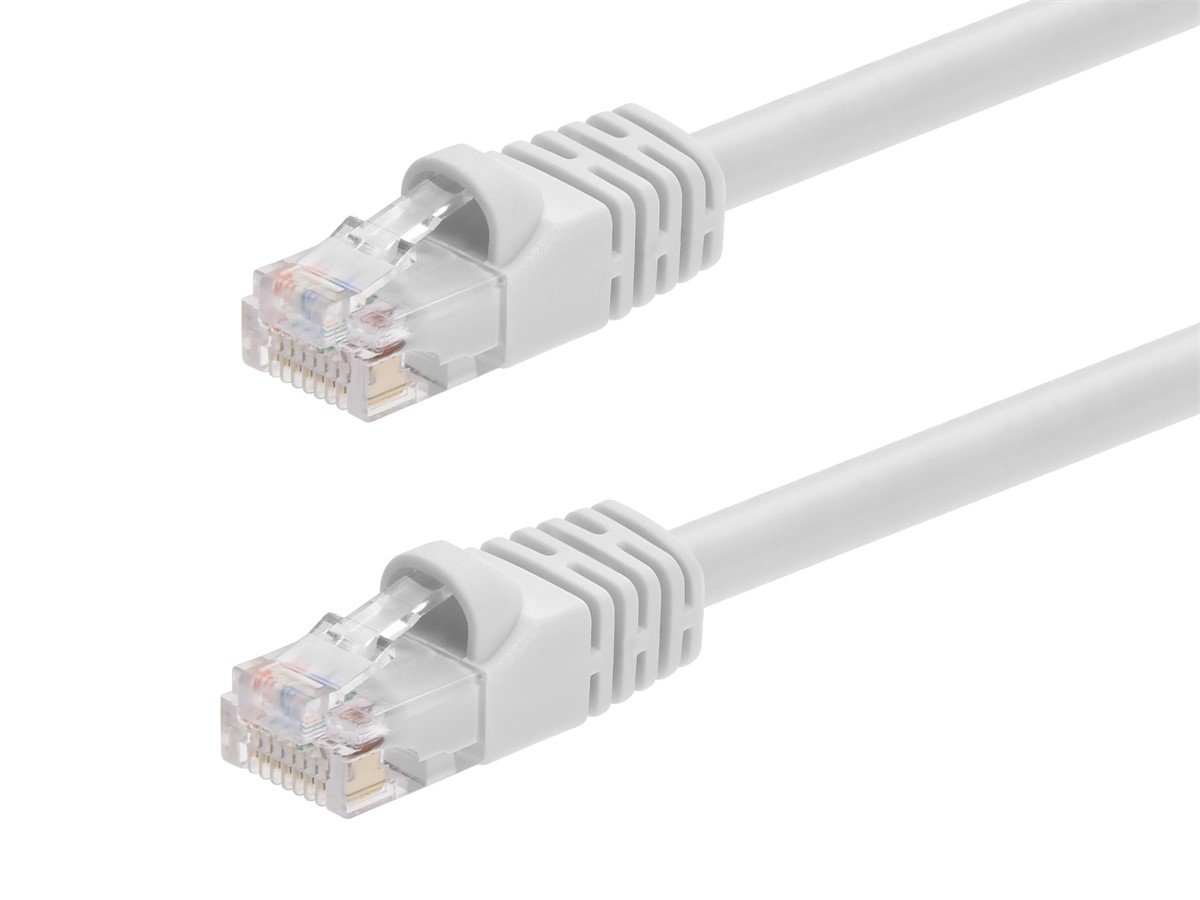
Wireless networking gets most of the attention, but ethernet cabling remains the backbone of reliable connectivity. Cat5e was the workhorse for years. Cat6 raised the ceiling for gigabit speeds with better crosstalk performance. Cat6A pushed further, supporting 10-gigabit speeds over longer runs. Cat8, though more niche, is designed for data centers and high-demand environments. For home and small office setups, Cat6 or Cat6A is generally the practical sweet spot -- fast enough for virtually any consumer application, widely available, and reasonably priced. Running physical ethernet to a home office, gaming setup, or streaming device consistently outperforms wireless for stability and latency, even in 2024.
Cable Management Has Become a Design Priority
Something worth noting -- cable management used to be an afterthought. Now it is a product category unto itself. Desks, PC cases, monitor arms, and server racks are increasingly designed with routing channels, velcro ties, and modular layouts built in. Modular power supplies let you attach only the cables your build actually needs, cutting down on internal clutter. Braided sleeving, magnetic cable organizers, and under-desk trays have turned cable management into something people genuinely take pride in. For professionals deploying equipment in commercial spaces, organized wiring is not just aesthetic -- it is a safety and maintenance necessity. Tracing a fault or upgrading a component is exponentially faster when cable runs are clean and labeled.
Key Wiring Upgrades Worth Making Today
Whether you are refreshing a home office, building a new PC, or upgrading a small business setup, a few targeted cable improvements deliver real, measurable gains without a large investment. Here are the upgrades that consistently make sense right now:
- Swap Cat5e for Cat6 or Cat6A on any wired network run you are redoing
- Replace older HDMI cables with certified HDMI 2.1 cables for 4K and HDR displays
- Use a USB-C cable rated for 100W Power Delivery if charging laptops from a hub
- Invest in a modular power supply if building or rebuilding a desktop PC
- Use shielded cables in environments with significant electromagnetic interference
- Label ethernet runs at both ends during any new installation
These are not dramatic changes, but they compound quickly. A cleaner, faster, better-organized wiring infrastructure reduces troubleshooting time, improves performance consistency, and simply makes a space easier to work in.
Common Mistakes Consumers Still Make with Cabling
Even with better information available than ever, certain wiring mistakes repeat themselves constantly. Buying cheap HDMI cables that claim to be 4K certified but lack the bandwidth to actually support it. Using a USB-C cable that physically fits but was designed only for charging, then wondering why data transfer is slow or video output does not work. Running Cat5e for a new ethernet installation when Cat6 costs barely more and performs meaningfully better. Ignoring cable length -- signal degradation is real, especially on longer HDMI or USB runs without active repeaters. And skipping strain relief on connectors, which leads to early failure at the most common stress points. Small details that are easy to get right once you know what to look for.
Why Monoprice Belongs in Your Wiring Setup
Here is the honest reality: cable quality affects system performance in ways that are genuinely easy to test and measure. And the price gap between budget cables and properly built, certified cables has narrowed considerably -- especially when you source from the right place. Monoprice has built its reputation on exactly this kind of value engineering. High-spec cables, rigorously tested, at prices that do not require justification. Whether you are outfitting a home theater, a professional workstation, a small business network, or a data-dense AV installation, the product line covers everything from certified HDMI 2.1 cables and Cat6A ethernet to USB4 cables, fiber optic runs, and complete cable management systems. If you have been settling for whatever was available at the nearest big box store, it is worth reconsidering. Sourcing your wiring infrastructure from a trusted provider of high-performance computer cables and connectivity solutions means fewer failures, better performance, and real savings over time -- without sacrificing an ounce of quality. That is a trade that just makes sense.
Frequently Asked Questions About Computer Wiring
What is the difference between USB 3.0 and USB4?
USB 3.0 tops out at 5 Gbps for data transfer. USB4 supports up to 40 Gbps, is compatible with Thunderbolt 3 devices, and can carry video signals and power simultaneously through a single USB-C connector. They are not interchangeable in terms of performance.
Does cable quality actually affect HDMI performance?
Yes. A cable that lacks proper shielding or bandwidth certification may fail to maintain signal integrity at 4K resolution, high refresh rates, or with HDR content. Look for cables certified to the HDMI specification relevant to your display and source device.
What ethernet cable should I use for a home office setup?
Cat6 is the practical minimum for any new installation supporting gigabit speeds. Cat6A is worth the marginal cost increase if you anticipate 10-gigabit networking or are running longer cable lengths past 165 feet.
Can I use any USB-C cable for laptop charging?
No. USB-C cables vary significantly in Power Delivery wattage support. A cable rated for 5W will not safely or effectively charge a laptop requiring 65W or more. Always verify the wattage rating before purchasing a charging cable for a laptop or tablet.
What does shielded cable mean and when do I need it?
Shielded cables include a layer of conductive material around the internal conductors to block electromagnetic interference. They are recommended in environments with significant electrical noise, such as near industrial equipment, fluorescent lighting, or densely packed server rooms.
Is running ethernet still worth it when WiFi 6 is available?
For stationary devices like desktop computers, gaming consoles, and streaming devices, wired ethernet consistently delivers lower latency and more stable throughput than wireless, regardless of WiFi generation. WiFi 6 improves wireless performance but does not eliminate the advantages of a physical connection.
What is USB Power Delivery and how does it work?
USB Power Delivery is a charging specification that allows USB-C cables and ports to negotiate higher voltage and current levels, enabling faster charging for larger devices. It can support up to 240W under the USB PD 3.1 standard, depending on the cable and charger capabilities.
Why do some USB-C cables not support video output?
Not all USB-C cables are built to the same specification. Video output over USB-C requires support for DisplayPort Alternate Mode or Thunderbolt, which demands additional internal wiring. Many USB-C cables are built only for charging or basic data transfer and lack the necessary wiring to carry a video signal.
What is the maximum recommended length for an HDMI cable without signal loss?
Passive HDMI cables typically perform reliably up to about 25 feet for standard resolutions and shorter distances for 4K signals. Beyond that, active HDMI cables or HDMI extenders using fiber optic or ethernet as a medium are recommended to maintain signal integrity.
How does cable management affect system performance?
Poor cable management can restrict airflow inside PC cases, leading to higher operating temperatures and reduced component lifespan. In network environments, unorganized cabling increases troubleshooting time, raises the risk of accidental disconnection, and can introduce signal interference when cables are improperly routed near power lines.