

RJ45 Wiring Diagram: T568A, T568B & Crimp Guide
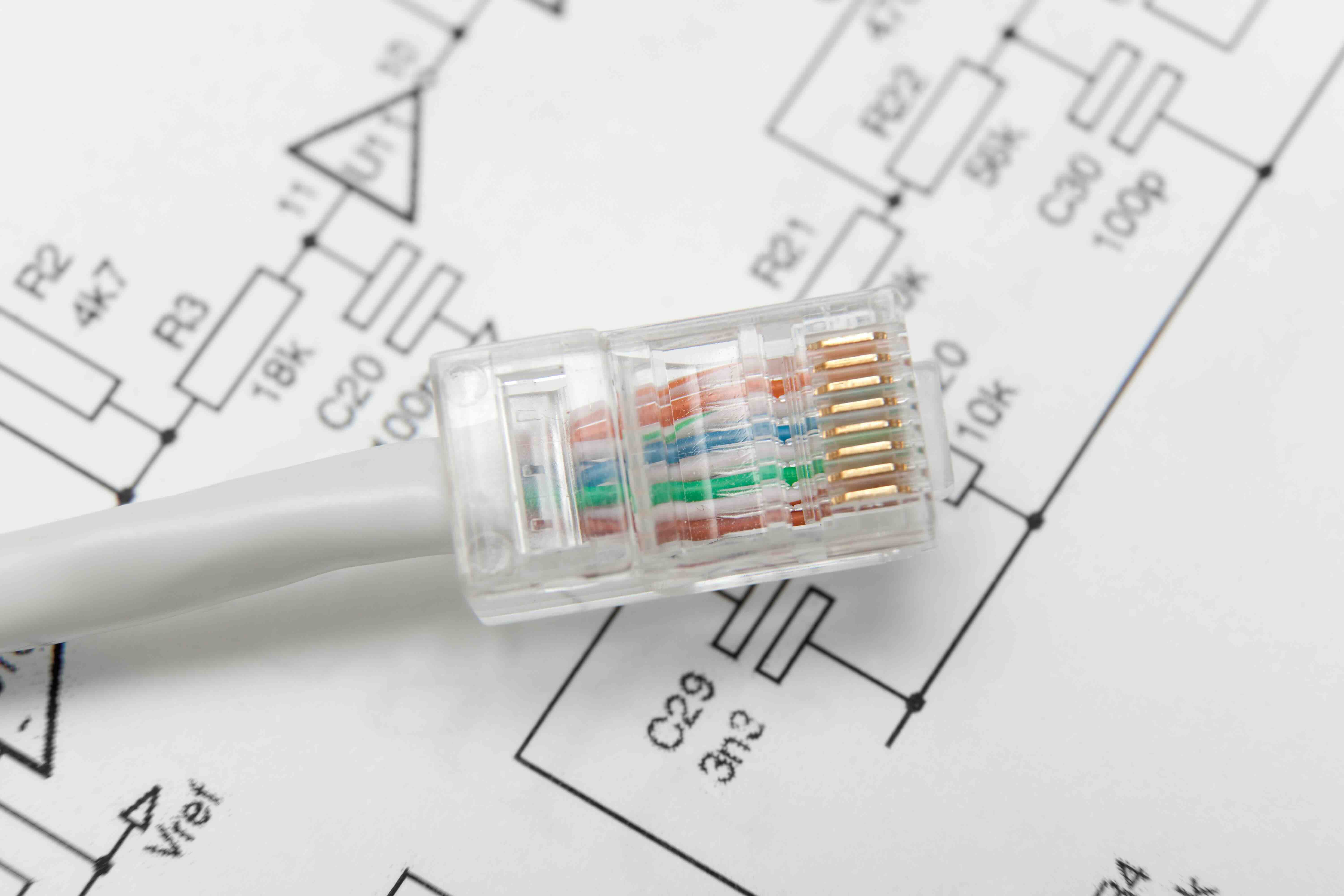
What Is an RJ45 Connector and Why Does It Matter for Your Network?
If you have ever plugged an Ethernet cable into a router, switch, or wall jack, you have already used an RJ45 connector without necessarily knowing what it was called. RJ45 stands for Registered Jack 45, and it is the standardized physical interface used for wired networking in homes, offices, data centers, and virtually every enterprise environment on the planet. It looks like a slightly oversized telephone plug, features eight pins, and locks into its port with a small plastic tab. Simple in design, but absolutely critical to how modern networking infrastructure is built and maintained. Understanding the RJ45 wiring diagram is one of those foundational skills that separates someone who can troubleshoot their own network from someone who cannot, and honestly, it is worth knowing.
The RJ45 Wiring Diagram Explained: What Are the Pin Positions?
An RJ45 connector has eight individual pins, each carrying a specific wire from the twisted pair cable inserted into it. When you hold the connector with the clip facing away from you and the gold pins facing up, the pins are numbered one through eight from left to right. Each pin corresponds to one of eight color-coded wires inside a standard Cat5e, Cat6, or Cat6A cable. The cable itself contains four twisted pairs: orange and white-orange, green and white-green, blue and white-blue, and brown and white-brown. How those wires map to the pins depends entirely on which wiring standard you follow, and there are two primary ones worth knowing.
T568A vs T568B: Understanding the Two Wiring Standards
This is where most people start to feel a little confused, and it is understandable. There are two wiring standards defined by the TIA/EIA-568 specification: T568A and T568B. Both are technically correct, and both will produce a functioning cable if applied consistently. The difference comes down to how the orange and green pairs are arranged at the connector.
T568A pin order from pin 1 to pin 8:
- White-Green
- Green
- White-Orange
- Blue
- White-Blue
- Orange
- White-Brown
- Brown
T568B pin order from pin 1 to pin 8:
- White-Orange
- Orange
- White-Green
- Blue
- White-Blue
- Green
- White-Brown
- Brown
T568B is by far the more commonly deployed standard in commercial and enterprise installations across North America. T568A tends to appear in residential settings and government projects. The key rule is consistency: use the same standard on both ends of a cable to create a straight-through patch cable, which connects different types of devices like a computer to a switch. Use T568A on one end and T568B on the other and you get a crossover cable, historically used to connect two similar devices directly.
Straight-Through vs Crossover Cables: When Does It Actually Matter?
For most modern networking, the distinction between straight-through and crossover cables has become less critical because contemporary switches and network cards support Auto-MDI/MDIX, a feature that automatically detects cable type and adjusts accordingly. Still, knowing the difference matters when you are working with older equipment, industrial networking hardware, or specialized scenarios where Auto-MDI/MDIX is not available. A straight-through cable uses the same wiring standard on both ends and is used for connecting unlike devices: computer to switch, switch to router. A crossover cable reverses specific pairs and was traditionally used to connect like devices: computer to computer, switch to switch. If you are ever unsure, default to a straight-through T568B cable and let the hardware sort itself out.
How to Crimp an RJ45 Connector: A Practical Overview
Terminating an RJ45 connector onto raw cable is a hands-on skill that saves significant time and money, especially on larger installations. Here is the general process:
- Strip approximately 1.5 inches of the cable's outer jacket using a cable stripper.
- Untwist the wire pairs and straighten them out as flat and parallel as possible.
- Arrange the wires in the correct color order for your chosen standard, T568A or T568B.
- Trim the wires to a uniform length of roughly half an inch so they fit cleanly into the connector.
- Slide the wires fully into the RJ45 connector, making sure each wire reaches the front of the plug.
- Insert the connector into a crimping tool and apply firm, even pressure until you hear a click.
- Use a cable tester to verify continuity on all eight pins before putting the cable into service.
A quality crimping tool and a reliable cable tester are not optional here. Skipping the test step is one of those shortcuts that creates hours of troubleshooting later, and that is a hard lesson most network techs only learn once.
Common Wiring Mistakes and How to Avoid Them
Even experienced installers run into issues occasionally. The most frequent mistakes include incorrect wire order, wires not fully seated into the connector before crimping, the cable jacket not being inserted far enough into the plug's strain relief, and using the wrong connector type for the cable category. Cat6 and Cat6A cables, for example, are thicker and often require connectors specifically designed for those diameters. Forcing a Cat6 cable into a Cat5e connector is a recipe for a bad termination and intermittent connection problems that are genuinely difficult to diagnose. Take the extra thirty seconds to verify everything is aligned before crimping because once that connector is crimped, you are starting over with a new one.
Key Advantages of Proper RJ45 Termination
Getting RJ45 wiring right delivers real, measurable benefits across any network environment. Properly terminated cables support full rated speeds, whether that is 1Gbps on Cat5e, 10Gbps on Cat6A, or higher configurations in advanced deployments. Clean terminations reduce signal interference, minimize crosstalk between pairs, and ensure your network hardware is operating within its intended design parameters. For professional installers and IT managers, correct termination also means infrastructure that passes certification testing, which matters enormously for warranty coverage and structured cabling compliance in commercial buildings.
Choosing the Right Cable Category for Your RJ45 Application
The wiring standard is only half the equation. The cable category you pair with your RJ45 connectors determines the performance ceiling of your entire run. Cat5e remains widely used for basic gigabit networking and covers the majority of everyday use cases. Cat6 offers improved noise rejection and supports 10Gbps at shorter distances, making it a smart investment for any new installation. Cat6A extends 10Gbps capability to the full 100-meter channel length and is increasingly the standard of choice for enterprise deployments, high-density wireless access point drops, and future-proofing against bandwidth demands that are only going to increase. Matching the right connector to the right cable category is not just good practice, it is fundamental to network performance.
Why Monoprice Is the Smart Choice for RJ45 Connectors and Networking Cables
When you are speccing out a network infrastructure project, whether it is a single home office or a multi-floor commercial installation, sourcing quality components at a fair price is non-negotiable. That is exactly the kind of value that shoppers and integrators find when they explore high-performance RJ45 connectors and Cat6 Ethernet cables for professional network installations. Monoprice carries an extensive range of terminated patch cables, bulk Ethernet cable, RJ45 connectors, crimping tools, and cable testers designed to meet the real demands of IT professionals and AV integrators working in the field every day. The products are built to established standards, priced to make procurement budgets go further, and backed by the kind of quality consistency that professionals actually depend on. Whether you need a single patch cable or a full pallet of bulk Cat6A for a large commercial build, the selection is there and so is the value.
Frequently Asked Questions About RJ45 Wiring
What does RJ45 stand for?
RJ45 stands for Registered Jack 45. It is the standardized eight-pin connector interface used for wired Ethernet networking in residential, commercial, and enterprise applications.
What is the difference between T568A and T568B wiring?
T568A and T568B are two wiring standards that differ in how the orange and green wire pairs are arranged in the connector. T568B is more common in North American commercial installations, while T568A appears more frequently in residential and government settings.
Can I mix T568A and T568B on the same network?
Yes, but only if each individual cable uses the same standard on both of its ends. Mixing standards between different cables on the same network is acceptable as long as each cable is internally consistent. Mixing standards on the two ends of a single cable creates a crossover cable, not a straight-through cable.
What cable categories are compatible with RJ45 connectors?
RJ45 connectors are compatible with Cat5e, Cat6, Cat6A, and Cat7 cables. Each category requires connectors matched to its cable diameter and construction, particularly for Cat6 and Cat6A, which are thicker than Cat5e.
Do I need a special RJ45 connector for Cat6 cable?
Yes. Cat6 and Cat6A cables are physically larger than Cat5e and often include a internal spline separator. Standard Cat5e connectors may not accommodate the larger diameter, so it is important to use connectors specifically rated for Cat6 or Cat6A.
What is a straight-through Ethernet cable used for?
A straight-through cable uses the same wiring standard on both ends and is used to connect different types of network devices, such as a computer to a network switch or a switch to a router.
What is a crossover Ethernet cable used for?
A crossover cable uses T568A on one end and T568B on the other, reversing specific wire pairs. It was traditionally used to connect two similar devices directly, such as computer to computer. Most modern devices support Auto-MDI/MDIX and no longer require crossover cables.
How do I test an RJ45 cable after crimping?
Use a dedicated cable tester that checks continuity across all eight pins. A basic tester will confirm that each pin on one end corresponds correctly to the matching pin on the other end, identifying miswires, open circuits, or short circuits before the cable is put into service.
How far can an RJ45 Ethernet cable run?
The standard maximum length for a single Ethernet cable run is 100 meters, or approximately 328 feet, for Cat5e, Cat6, and Cat6A. Exceeding this distance can result in signal degradation and reduced network performance.
Is Cat6A worth the upgrade over Cat6 for new installations?
For most new commercial and enterprise installations, Cat6A is the recommended choice because it supports 10Gbps networking at the full 100-meter channel length and provides better headroom for future bandwidth demands compared to Cat6, which only supports 10Gbps at shorter distances.


