

RJ45 HDMI Extender: Long-Distance Signal Made Simple
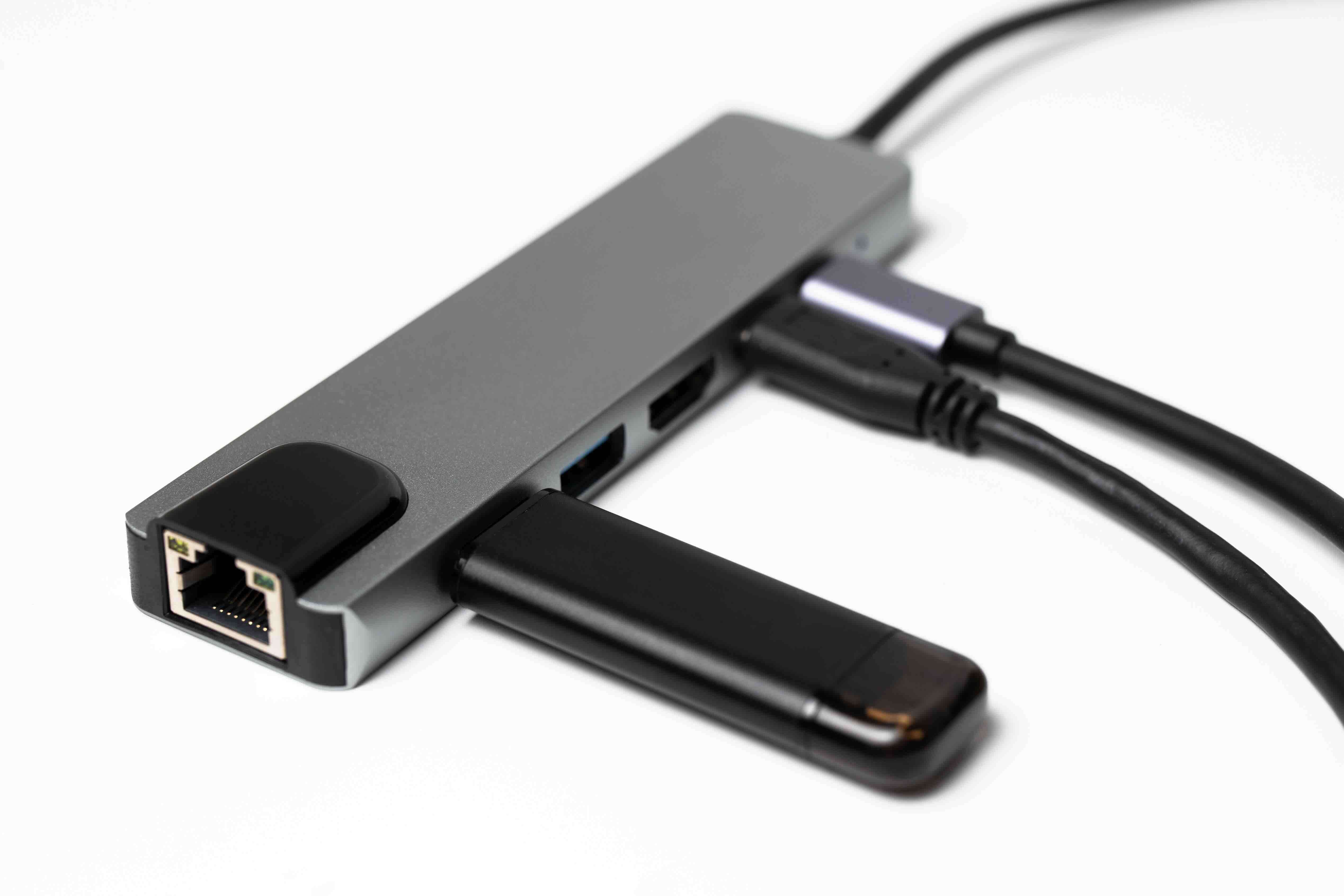
What Is an RJ45 HDMI Extender and Why Does It Matter?
So you have a display on one side of a building and your video source on the other. Standard HDMI cables max out somewhere around 50 feet before signal degradation becomes a real problem. That is where an RJ45 HDMI extender steps in. This kind of device takes an HDMI signal, converts it, and pushes it across Cat5e or Cat6 Ethernet cabling, which can run hundreds of feet without breaking a sweat. It sounds almost too simple, but it genuinely solves one of the more persistent headaches in AV installation. Whether you are running displays in a conference room, setting up digital signage across a warehouse floor, or just trying to get your living room projector to talk to a media server in another room, this technology is built for exactly that problem.
How Does an RJ45 HDMI Extender Actually Work?
The mechanics here are worth understanding, especially if you are planning an installation and want to get it right. An HDMI extender kit typically includes two units, a transmitter and a receiver. The transmitter plugs into your HDMI source, like a Blu-ray player, laptop, gaming console, or media server. It converts the HDMI signal into a format that can travel over Cat5e or Cat6 cabling using the RJ45 connector interface, which is the same plug style used for standard Ethernet networking. That signal then travels across the cable run to the receiver unit, which sits near your display and converts everything back into a clean HDMI output. Some kits also carry IR signals back through the same cable, which lets you control the source device from the display end using a remote. That feature alone is genuinely useful in commercial setups where the source equipment is locked in a rack room.
Key Benefits of Using an RJ45 HDMI Extender
There are real, practical advantages to going this route over long HDMI cable runs or wireless solutions. The benefits stack up quickly once you start thinking through a real installation scenario.
- Long-distance signal transmission, often up to 150 or 200 feet depending on the unit
- Leverages existing Cat5e or Cat6 infrastructure already in place at many facilities
- Cleaner, more manageable cable runs compared to thick HDMI cables over long distances
- Many units support 1080p, 4K, and in some cases HDR passthrough
- Bidirectional IR control support on many models
- Relatively low cost per drop compared to active HDMI cables or fiber solutions
- Easy installation without specialized tools or advanced technical knowledge
That last point matters more than it might seem. Most RJ45 HDMI extenders are truly plug-and-play. You connect the cables, power the units, and the signal passes through. There is no software configuration, no IP addressing, no complicated setup menu. It just works. That simplicity makes it attractive for integrators working under tight time constraints and for end users doing their own installs.
Common Use Cases Across Home and Commercial Environments
The range of environments where this technology makes sense is broader than most people expect. On the residential side, it shows up in home theater builds where the media equipment lives in a dedicated closet or equipment rack and the display is mounted on a wall two or three rooms away. On the commercial side, the use cases multiply fast. Retail digital signage, hotel lobby displays, corporate boardroom presentations, classroom AV systems, healthcare facility patient room displays, houses of worship, and hospitality venues all benefit from this kind of infrastructure. Anywhere you need video to travel farther than a standard HDMI cable can reliably carry it, an RJ45 HDMI extender is likely a cost-effective answer worth evaluating seriously.
Limitations and Drawbacks to Know Before You Buy
Nothing is perfect, and it is worth being straightforward about where these devices have real constraints. Understanding the drawbacks going in prevents frustration later.
- Maximum distance is finite and degrades with lower-quality cabling
- Cat5e runs will typically support shorter distances or lower resolutions than Cat6
- Not all units support 4K at 60Hz or HDR, so spec verification matters before purchase
- Some units introduce very minor latency, which is usually imperceptible but can matter in gaming scenarios
- Point-to-point only in most configurations, meaning one transmitter per receiver
- Power requirements vary, with some units needing external power adapters at both ends
The cable quality issue is probably the one that catches people off guard most often. Running a cheap, unshielded Cat5e cable through a noisy electrical environment and expecting clean 4K video at 150 feet is optimistic. Investing in quality Cat6 cabling and proper termination makes a measurable difference in real-world performance. The extender is only as reliable as the infrastructure it runs on.
RJ45 vs. Other HDMI Extension Methods
It helps to understand how RJ45-based HDMI extenders compare to the alternatives. Active HDMI cables are an option for runs up to about 65 feet, but they get expensive and physically difficult to route at longer distances. Fiber HDMI extenders can cover enormous distances with excellent signal integrity, but the cost per installation is significantly higher. HDBaseT is a more advanced protocol built on similar RJ45 infrastructure but adds features like Ethernet, power over cable, and control signals, at a higher price point. Wireless HDMI solutions exist but introduce latency, compression, and potential interference that wired solutions avoid entirely. For most installations in the 50 to 200 foot range where budget is a real consideration, an RJ45 HDMI extender hits the right balance of performance, simplicity, and cost efficiency. It is not the answer to every problem, but it is the right tool for a very large category of AV challenges.
What to Look for When Selecting an RJ45 HDMI Extender
Choosing the right unit comes down to a handful of clear criteria. Maximum supported resolution should match your display, whether that is 1080p for a basic presentation system or 4K for a high-end installation. Check the rated cable distance and make sure it covers your specific run with some margin to spare. IR passthrough is worth confirming if remote control of the source matters to your setup. Look at power delivery requirements and factor that into your installation design. HDCP compliance is important if you are working with protected content like streaming video or Blu-ray playback. And always check compatibility with your specific source and display combination if you have any uncertainty, particularly with 4K HDR content, which can be finicky across different device implementations.
Installation Tips for Getting the Best Performance
A clean installation makes a real difference in long-term reliability. Use Cat6 or Cat6a cabling where possible, particularly for runs approaching the maximum rated distance of your extender. Keep cable runs away from high-voltage electrical lines to minimize interference. Use quality keystone jacks or connectors and verify continuity before powering the system. If the extender units require external power, make sure that power is stable and properly rated. Test the system at full resolution before finalizing any cable runs inside walls or ceilings. And document the installation, cable labeling, run lengths, and equipment specs, because future troubleshooting is much faster when that information is already recorded.
Why Monoprice Is the Right Source for Your RJ45 HDMI Extender Needs
When it comes to sourcing AV infrastructure that actually performs without inflating your project budget, Monoprice has built a well-earned reputation among integrators, IT professionals, and everyday users alike. The product lineup covers a wide range of RJ45 HDMI extender configurations, from 1080p solutions for straightforward installs to 4K-capable units designed for more demanding environments. Every product is backed by the kind of quality validation and support that both residential buyers and commercial procurement teams need to feel confident in their purchase. If you are speccing out a conference room, a retail environment, or a home theater build and you want reliable signal extension without unnecessary cost, shopping for high-performance RJ45 HDMI extenders and AV signal distribution solutions at Monoprice gives you access to a curated selection of tested, value-driven products that integrators trust on real installations. The combination of competitive pricing, practical product design, and a brand that understands what professionals actually need makes Monoprice a straightforward choice for this category.
Frequently Asked Questions About RJ45 HDMI Extenders
What is the maximum distance an RJ45 HDMI extender can transmit a signal?
Most RJ45 HDMI extenders support distances between 100 and 200 feet depending on the unit and cable quality used. Higher-end models using Cat6 cabling can reach up to 230 feet while maintaining reliable signal integrity at 1080p or 4K resolutions.
Do I need special cabling for an RJ45 HDMI extender?
Standard Cat5e or Cat6 Ethernet cabling works with most RJ45 HDMI extenders. Cat6 is generally recommended for longer runs or higher resolution signals, as it provides better shielding and lower crosstalk than Cat5e.
Can an RJ45 HDMI extender support 4K video?
Yes, many modern RJ45 HDMI extenders support 4K resolution, though you should verify whether the specific unit supports 4K at 30Hz or 60Hz, as well as HDR passthrough if that matters for your application.
Is an RJ45 HDMI extender the same as an HDBaseT device?
Not exactly. Both use RJ45 connectors and Ethernet cabling, but HDBaseT is a specific protocol standard that also carries Ethernet, power, and control signals over the same cable. Standard RJ45 HDMI extenders typically carry video and sometimes IR signals only.
Does an RJ45 HDMI extender introduce noticeable latency?
Most RJ45 HDMI extenders introduce minimal latency that is imperceptible for standard video viewing and presentations. For competitive gaming or latency-sensitive applications, check the manufacturer specifications before purchasing.
Can I use existing network cabling for an RJ45 HDMI extender?
In some cases yes, but it depends on the installation. The cable run must be a dedicated point-to-point connection between the transmitter and receiver. You cannot share the cable with active network traffic while also using it for HDMI signal extension.
Does an RJ45 HDMI extender require external power?
It depends on the model. Some extenders are bus-powered through the HDMI connection while others require external power adapters at one or both ends. Check the product specifications before finalizing your installation design.
What does IR passthrough mean on an HDMI extender?
IR passthrough allows infrared remote control signals to travel through the extender system from the display end back to the source end. This lets you control a Blu-ray player or media device located in a separate room using a standard remote near the display.
Are RJ45 HDMI extenders compatible with HDCP-protected content?
Most modern RJ45 HDMI extenders support HDCP compliance, which is required for playing back protected content from streaming devices, Blu-ray players, and cable boxes. Always verify HDCP support in the product specifications before purchasing for content-protected applications.
Can one RJ45 HDMI transmitter send signal to multiple receivers?
Standard point-to-point RJ45 HDMI extenders support only one transmitter connected to one receiver. For multi-display distribution, you would need an HDMI splitter or a matrix distribution system designed specifically for multi-output configurations.


