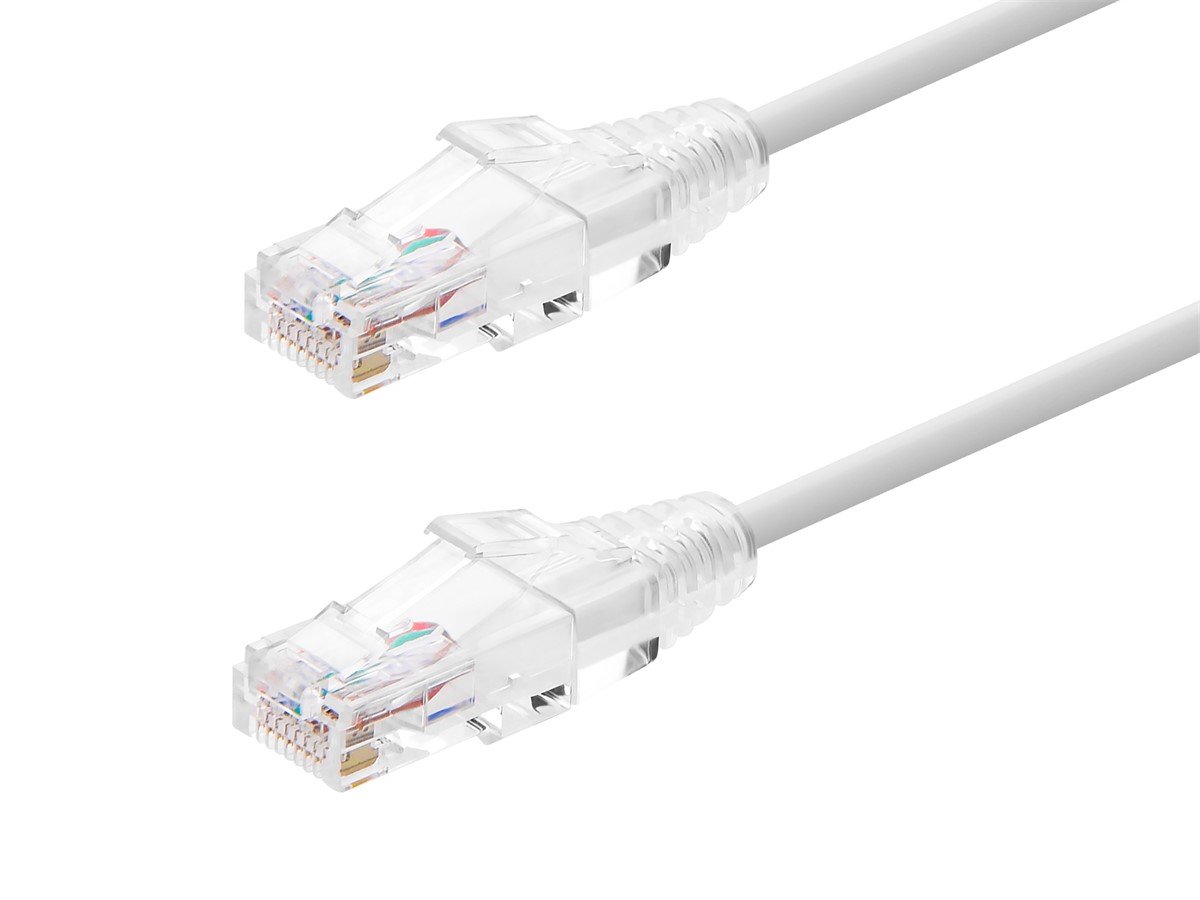
Power Cable Connectors in Consumer Tech: From IEC to USB-C
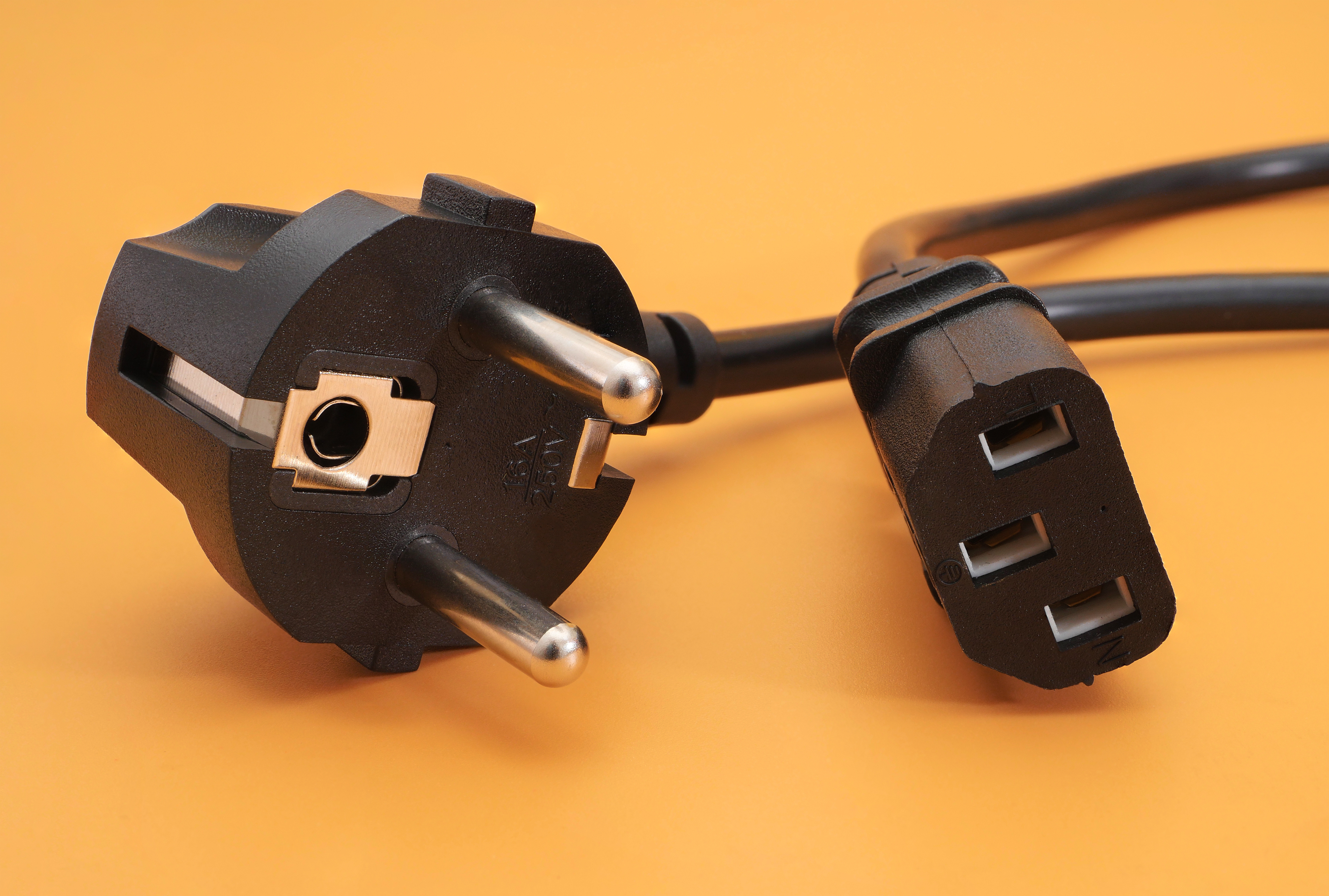
Power Cable Connectors in Consumer Tech: What You Need to Know Before You Buy
Power cable connectors are one of those things most people never think about until something goes wrong. You plug in a device, it charges, and life moves on. But once you start working across multiple devices, international settings, or professional AV environments, the differences between connector types start to matter a lot. From the chunky IEC C13 on your desktop PC to the slim USB-C port on your latest laptop, each connector was designed with a specific purpose in mind. Understanding what those purposes are can save you from incompatibility headaches, wasted money, and in some cases, genuine safety risks. So let's walk through the landscape of power cable connectors in consumer tech and break it down in a way that actually makes sense.
What Is a Power Cable Connector and Why Does It Matter
A power cable connector is any standardized interface that physically links a power source to a device. That sounds simple, but the specs behind each connector type govern voltage, current capacity, grounding, and thermal tolerance. The wrong connector does not just fail to fit -- it can underperform, overheat, or degrade components over time. Different industries and device categories have adopted different standards based on their power requirements. Consumer electronics, data centers, home appliances, and portable devices all operate under different electrical demands, and the connector standards reflect that. Knowing the difference between a C5 cloverleaf and a C7 figure-eight, or between USB-A and USB-C, is genuinely practical knowledge for anyone who manages multiple devices at home or in a professional environment.
IEC Connectors: The Industrial Backbone of Consumer Power
IEC 60320 is the international standard governing connectors used to link power supply cords to appliances. These connectors show up everywhere, from desktop computers and monitors to rack-mounted AV equipment and medical-grade devices. The most common types most people encounter include the C13 and C14 pair -- the standard kettle-style connector found on computers and power strips -- and the C19 and C20 pair used for higher-current server and data center equipment. Then there is the C5 and C6 cloverleaf pair, often found on older laptop power bricks, and the C7 and C8 figure-eight connectors used in compact consumer electronics like small TVs and radios. IEC connectors are polarized where safety demands it, and the rating systems clearly define maximum current and temperature thresholds. For anyone building out a home theater rack or managing a commercial AV installation, understanding these pairings is fundamental. They are not interchangeable, and using the wrong one creates real risk.
North American Standard Plugs: NEMA Configurations Explained
In North America, the NEMA standard governs the plug and receptacle configurations used in homes and commercial buildings. The NEMA 5-15 is the flat two-prong-plus-ground plug you see on virtually every household appliance. The NEMA 5-20 adds a T-shaped neutral blade for higher current loads and is common in commercial kitchen equipment and some AV gear. NEMA 6-15 and 6-20 handle 240-volt applications like air conditioners and larger electronics. For most consumer tech setups, you will almost exclusively deal with NEMA 5-15 and its IEC C13 or C14 counterpart at the device end. What matters here is current rating. Running a high-wattage device on an undersized extension cord or power strip can cause voltage drop, overheating, or circuit trips. Match your NEMA configuration to your load requirements before assuming any cable will do.
USB Power Standards: From USB-A to the USB-C Era
USB started as a data interface, but power delivery was baked in from the beginning -- just not in the amounts we expect today. The original USB 1.0 and 2.0 specs delivered 5V at 500mA, which was fine for mice and keyboards. USB 3.0 bumped that to 900mA. Then USB Battery Charging and later USB Power Delivery changed everything. USB-C with Power Delivery can now handle up to 240 watts under the Extended Power Range specification, which is enough for high-performance laptops, monitors, and even some smaller appliances. USB-C is also reversible, which seems minor until you have fumbled with a micro-USB connector in the dark one too many times. What makes USB-C especially relevant is its consolidation potential -- one cable, one port, multiple functions across data, video, and power. That said, not all USB-C cables are equal. A cable rated for 60W charging cannot handle 100W safely. Always verify cable ratings before assuming compatibility.
Proprietary Connectors: When Standards Take a Back Seat
Proprietary power connectors have been a recurring point of frustration in consumer tech. Apple's MagSafe, various barrel connector configurations used on laptops and routers, and the magnetic connectors on Surface devices are all examples of manufacturers stepping outside universal standards. The argument for proprietary designs often centers on optimized performance, magnetic safety breaks, or industrial design goals. The drawback is obvious -- you are locked into sourcing cables from a single vendor or paying a premium for licensed third-party alternatives. With the EU's mandate pushing USB-C as a universal standard for portable consumer electronics, the proprietary connector landscape is genuinely shrinking. That is a meaningful shift toward simplicity and consumer freedom. But in the meantime, plenty of devices in the field still rely on proprietary connections, and knowing what you have matters for replacement and compatibility planning.
Key Factors When Choosing a Power Cable Connector
Picking the right power cable is not just about physical fit. Several performance and safety factors should guide the decision every time. Here are the most critical ones to keep in mind:
Current and wattage rating -- always match or exceed the device's stated power draw Conductor gauge -- thicker wire handles more current with less heat and voltage drop Connector certification -- look for UL, CE, or RoHS marks on anything carrying line voltage Cable length -- longer runs create resistance, which reduces effective power delivery Connector type pairing -- confirm both device-side and wall-side connectors are correctly matched Shielding -- in AV and data-adjacent environments, shielded power cables reduce interferenceThese are not abstract specs. They translate directly to device safety, performance consistency, and long-term reliability. A certified, properly rated cable is a small investment compared to the cost of a damaged device or a tripped breaker during a critical workflow.
Common Mistakes People Make With Power Connectors
Misusing power connectors is more common than most people realize, and the consequences range from mild inconvenience to genuine hazards. Using an unrated adapter to connect incompatible connector types is one of the most frequent errors -- particularly in international travel setups where voltage differences compound the risk. Daisy-chaining power strips without accounting for total load is another widespread issue in home office and home theater setups. Using a USB-C cable rated for data-only in a high-wattage charging scenario is surprisingly common, partly because the cables look identical to the naked eye. And purchasing uncertified third-party cables to save a few dollars is a gamble that rarely pays off over time. The fix for all of these is straightforward: read the ratings, verify certification, and do not assume that physical compatibility equals electrical compatibility.
International Power Standards and Travel Considerations
If you travel internationally or source equipment from global markets, power standards add another layer of complexity. Voltage across regions ranges from 100V in Japan to 240V in much of Europe and Australia. Frequency differences between 50Hz and 60Hz systems can also affect motor-driven devices and some switching power supplies. Most modern laptop power bricks and phone chargers are auto-switching, meaning they handle a broad input voltage range without issue. But always verify before plugging in. The connector form factor also changes by region -- Type A, Type B, Type C, Type G, and others are all country-specific wall outlet formats. A good universal travel adapter with proper voltage ratings is essential, but it is not a substitute for understanding what your specific device actually supports. When in doubt, check the label on the power supply unit for its rated input range before plugging into an unfamiliar outlet.
Why Monoprice Is the Right Source for Power Cable Connectors
When you are building out a home office, home theater, or commercial AV environment, cable quality and connector reliability are not areas where cutting corners makes sense. Monoprice has spent years earning a reputation as a trusted source for performance-grade cables and connectivity solutions at prices that make sense for both individual buyers and procurement teams. Whether you need IEC C13 power cords for rack equipment, USB-C cables rated for full Power Delivery throughput, or NEMA-compliant power accessories, the catalog is deep and the specs are clearly documented. The entire product line is grounded in real-world use cases -- built for people who actually need things to work the first time and every time after that. If you are ready to stop guessing about compatibility and start sourcing cables with verified ratings and consistent performance, browse the full range of power cable connectors and consumer tech accessories at Monoprice and see what the right infrastructure actually looks like. The value is there. The specs are transparent. And the selection covers everything from the basics to the more specialized configurations that demanding setups require.
Frequently Asked Questions About Power Cable Connectors
What is the difference between an IEC C13 and C19 connector?
The C13 is rated for up to 10 amps and is the standard connector found on desktop computers, monitors, and consumer electronics. The C19 is rated for up to 16 amps and is used in servers, high-draw rack equipment, and data center hardware. They are not interchangeable due to different pin configurations and current ratings.
Can I use any USB-C cable for fast charging?
No. USB-C cables vary significantly in their power delivery ratings. A cable rated for 60W cannot safely handle 100W or 140W charging. Always check the cable's stated wattage rating and ensure it matches or exceeds your charger's output to avoid overheating or damage.
Are all USB-C cables the same physically?
The physical connector is standardized, but the internal wiring, shielding, and rated capacity vary widely between cables. Some USB-C cables support only data or low-power charging, while others support full Power Delivery, Thunderbolt, or DisplayPort output. Physical similarity does not indicate functional equivalence.
What does IEC 60320 mean on a power cable?
IEC 60320 is the international standard published by the International Electrotechnical Commission that defines connector types used to link power supply cords to household and commercial appliances. It ensures consistent safety ratings, voltage and current tolerances, and interoperability across compliant devices and cables.
Is it safe to use a power strip with a C13 power cord on high-draw AV equipment?
It depends on the combined load of all connected devices. The power strip itself must be rated to handle the total current draw. Overloading a strip beyond its rated capacity creates overheating risk. Always calculate the total wattage of connected devices and verify the strip's amperage rating before use.
What is USB Power Delivery and how does it differ from standard USB charging?
USB Power Delivery is a fast-charging specification that allows USB connections to negotiate higher voltages and currents than standard USB, enabling charging at up to 240 watts with compatible cables and devices. Standard USB charging is limited to much lower power levels and cannot adapt dynamically to device requirements.
Do I need a voltage converter or just a plug adapter when traveling internationally?
It depends on the device. Most modern laptops and phone chargers are auto-switching and accept a wide voltage range, typically 100V to 240V, making a plug adapter sufficient. Devices with fixed voltage requirements need a voltage converter. Always check the power supply label for its rated input range before traveling.
What is the NEMA 5-15 plug and where is it used?
The NEMA 5-15 is the standard North American three-prong plug with two flat blades and a round ground pin, rated for 15 amps at 125 volts. It is used on the majority of household electronics, appliances, and consumer tech devices sold in the United States and Canada.
Why are some power cables more expensive than others if they look the same?
Internal conductor gauge, shielding quality, connector contact material, insulation ratings, and certification status all affect cost. A certified cable with a thicker gauge and proper shielding performs more reliably and safely than an uncertified alternative, even when outward appearances are identical.
What certifications should I look for when buying a power cable?
Look for UL listing in North America, CE marking for European compliance, and RoHS certification for environmental safety. These marks indicate the cable has been tested and meets established safety and performance standards. Uncertified cables may carry unknown risks and should be avoided for any application involving line voltage.