Outlet Wall Plates: Clean Installs Start at the Wall
What Is an Outlet Wall Plate and Why Does It Matter?
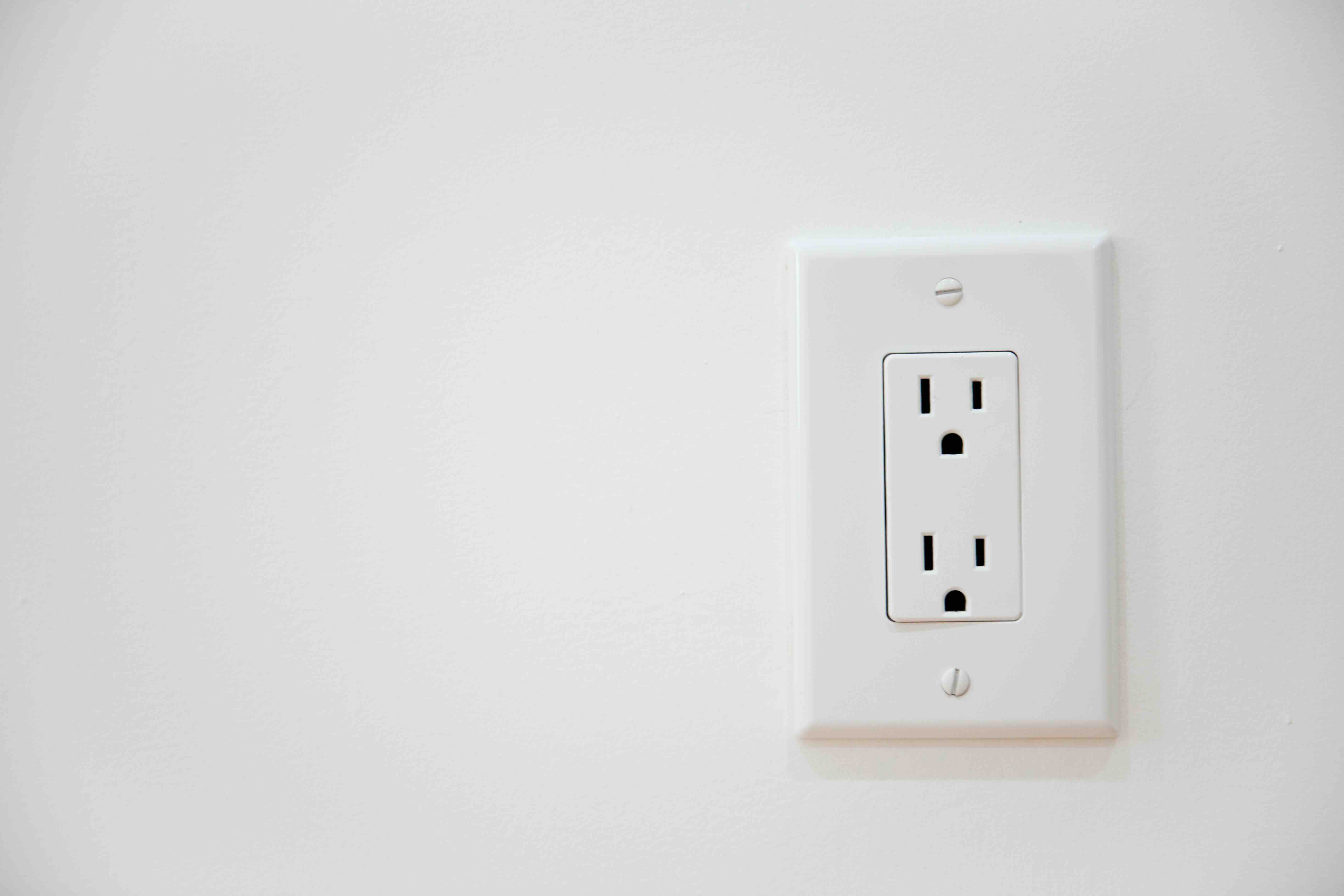
So, you're looking at a bare hole in your wall where a cable runs through, or maybe you just finished a home theater setup and realize everything looks a little... unfinished. That's usually when the outlet wall plate conversation starts. An outlet wall plate -- also called a keystone wall plate or cable management wall plate depending on the configuration -- is the cover panel that mounts flush to your wall and houses ports, jacks, or pass-throughs for your cabling infrastructure. It finishes the installation, keeps things organized, and honestly makes the whole setup look intentional. Whether you're wiring up a home office, a conference room, or a full AV rack environment, the wall plate is that last-mile detail that pulls everything together. It sounds small, but it carries real weight in terms of both function and presentation.
How Outlet Wall Plates Actually Work
The mechanics here are pretty straightforward, which is part of what makes wall plates so accessible to anyone from a DIY homeowner to a seasoned AV integrator. A wall plate mounts directly to a standard electrical box, low-voltage mounting bracket, or directly to drywall using a mud ring or old-work bracket. Inside or behind the plate, you terminate your cables -- HDMI, Ethernet, coaxial, USB, audio, whatever your system demands. The plate itself holds keystones, couplers, or built-in connectors in place, creating a clean interface point between in-wall wiring and the devices sitting in your room. Some plates are pre-loaded with specific ports; others use a modular keystone design so you can mix and match connections based on what each room actually needs. That flexibility is where wall plates really start to earn their place in a professional or prosumer installation.
Common Types of Outlet Wall Plates
Not all wall plates are the same, and it's worth knowing which type fits your situation before you start ordering. Here's a quick breakdown of what you'll typically encounter in the technology space:
- Keystone Wall Plates -- accept individual keystone jacks for Ethernet, HDMI, USB, audio, and more; highly modular and flexible
- Decora-Style Plates -- designed to match standard electrical wall plates; popular in residential environments for a unified look
- Coaxial Wall Plates -- single or dual-port plates dedicated to coaxial cable connections for cable TV or antenna setups
- HDMI Wall Plates -- built-in HDMI pass-through or coupler for clean AV signal routing
- Cable Pass-Through Plates -- open brush or grommet-style ports for running cables without terminating them; common behind AV furniture
- USB Wall Plates -- include USB-A or USB-C charging or data ports; increasingly standard in modern smart home builds
- Low-Profile and Recessed Plates -- sit deeper into the wall to allow flush HDMI or cable connections without creating tension on the connector
Each type addresses a different installation need, and in many setups, you'll use several across the same space.
Key Advantages of Using Outlet Wall Plates
The benefits go beyond aesthetics, though that's certainly part of it. A properly installed wall plate protects cable terminations from physical stress, dust, and accidental disconnection. It also creates a defined, permanent connection point that makes troubleshooting and future upgrades significantly easier. Instead of tracing cables through a cluttered setup, everything routes to a labeled, organized interface. For commercial environments -- offices, classrooms, meeting rooms -- wall plates communicate professionalism. Clients and end users interact with a clean, reliable connection point rather than a tangle of cables zip-tied to a desk leg. From an installation efficiency standpoint, modular keystone plates let technicians adapt a single wall plate to different room requirements without running new cable or purchasing specialized hardware. That's a meaningful time and cost advantage when you're outfitting multiple rooms or an entire building.
Common Drawbacks to Be Aware Of
Wall plates are generally low-risk components, but there are a few things worth watching. Signal quality is one consideration -- particularly with HDMI and high-speed Ethernet. A low-quality coupler or keystone can introduce signal loss, especially over longer runs or at higher resolutions. That's why choosing plates and keystones rated for your specific application matters. A Cat6A keystone in a 10G network environment performs differently than a generic unshielded Cat5e jack. Another common issue is compatibility: wall plate sizes vary (single-gang, dual-gang, multi-gang), and not every plate fits every mounting bracket or box configuration. Getting that wrong means a return trip to the wall. Finally, in older homes with non-standard stud spacing or irregular drywall thickness, installation can get complicated fast. Low-voltage mounting brackets help, but it's worth measuring before you order.
How to Choose the Right Wall Plate for Your Installation
Start with the connection types you need. If you're running a Cat6 home network with HDMI for a living room display, a dual-keystone plate with one Ethernet and one HDMI keystone covers it cleanly. If it's a more complex AV environment -- say, a boardroom with HDMI, USB, audio, and network access at a conference table -- a larger multi-port plate with six or more keystone slots makes more sense. After connection type, consider the finish. Wall plates come in white, ivory, black, and sometimes brushed aluminum or stainless. Matching your plate finish to your existing decor is one of those small details that makes a real difference in how a space reads. Finally, check the category rating on any Ethernet keystones. For modern networks, Cat6 is the baseline; Cat6A if you're running 10GbE or building for the future. Don't underspec your keystones and then wonder why network performance isn't where it should be.
Installation Tips for Outlet Wall Plates
A clean wall plate installation comes down to a few consistent habits. Pull enough cable slack through the wall to comfortably terminate without straining the jacket -- usually six to eight inches. Use a punch-down tool for Ethernet keystones; hand-seating them rarely gives you a reliable connection under real-world conditions. When inserting keystones into the plate, orient the locking tab correctly so the keystone seats fully and doesn't back out over time. Label both ends of every cable run before you close the wall, even in a small installation. You'll thank yourself later. If you're doing a flush HDMI connection and the cable will connect directly to a device behind the wall, consider a recessed plate or a low-profile right-angle adapter to relieve any mechanical stress on the port. These are small habits that separate a solid installation from one that generates service calls six months down the road.
Wall Plates in Commercial and Smart Home Environments
The conversation around wall plates has evolved as smart home technology and commercial AV infrastructure have matured. Today's installations increasingly demand plates that support power over the same wall interface -- USB-C charging ports, PoE pass-through, or even inline power conditioning in some configurations. In commercial settings, AV-over-IP systems often terminate at the wall through a single Ethernet keystone, with HDMI being replaced by network connectivity that carries both video and control signals. That shift means a simple Cat6 keystone plate can now serve as the endpoint for an entire display system. Smart home integrators are similarly specifying wall plates that combine Ethernet, USB, and audio jacks in spaces where flexibility and future-proofing are part of the design brief. The wall plate, in all of this, remains the consistent interface -- the point where infrastructure meets the end user.
Why Monoprice Is the Right Source for Outlet Wall Plates and Cabling Solutions
Here's the thing -- wall plates seem like a commodity item until you actually need them to perform in a demanding install, and then the difference between a well-made plate and a cheap one becomes pretty obvious pretty fast. Monoprice has built its reputation on exactly this kind of product: infrastructure components that are engineered to perform, priced to make sense for both single-room DIY projects and large-scale commercial deployments. The keystone wall plates, HDMI pass-throughs, and cable management solutions in the Monoprice catalog are the same components used by integrators, IT teams, and AV professionals who need reliability without the premium markup that comes with legacy brands. If you're building out a network, finishing a home theater, or speccing a conference room, shop professional-grade outlet wall plates and keystone cabling solutions at Monoprice and you'll find the depth of selection and honest pricing that makes every installation easier to close on budget. The value is real, the product range covers virtually every application, and the quality holds up where it counts.
Frequently Asked Questions About Outlet Wall Plates
What is the difference between a keystone wall plate and a standard outlet wall plate?
A keystone wall plate uses modular keystone jacks that snap into the plate, allowing you to mix different connection types like Ethernet, HDMI, and USB in a single plate. A standard outlet wall plate typically has fixed, built-in ports designed for one specific connector type.
Do outlet wall plates affect signal quality?
Yes, they can. Low-quality couplers and keystones can introduce signal loss, particularly with HDMI at high resolutions or Ethernet at 10GbE speeds. Choosing plates and keystones rated for your specific application -- such as Cat6A for high-speed networks -- is essential for maintaining signal integrity.
What size wall plate do I need?
Wall plates come in single-gang, dual-gang, and multi-gang configurations. Single-gang fits a standard electrical box and typically holds one to four keystone ports. Dual-gang and larger plates hold more ports and require a wider box or bracket. Measure your electrical box or mounting bracket before purchasing.
Can I install a wall plate without an electrical box?
Yes. For low-voltage applications like Ethernet, HDMI, and audio, you can use a low-voltage mounting bracket that attaches directly to drywall without a traditional electrical box. This is the most common mounting method for AV and network wall plates in residential and commercial spaces.
What is a pass-through wall plate?
A pass-through wall plate, sometimes called a brush plate or cable pass-through plate, has an open grommet or brush opening that allows cables to pass through the wall without being terminated. It's commonly used behind AV furniture and entertainment centers where cables need to route cleanly but not connect to a fixed port.
How many ports can an outlet wall plate hold?
That depends on the plate size and design. A single-gang keystone plate typically holds one to four keystones. Dual-gang plates can hold six to eight. Larger multi-gang configurations or rack-style wall plates can accommodate twelve or more ports, making them suitable for patch panel-style installations.
Are HDMI wall plates compatible with 4K and 8K signals?
It depends on the specific plate and coupler inside it. Look for HDMI wall plates rated for HDMI 2.1 if you need to support 4K at 120Hz or 8K at 60Hz. Lower-rated couplers may not pass the full bandwidth required for high-resolution, high-refresh-rate signals reliably.
What finish should I choose for my wall plate?
Match the plate finish to your existing wall plates and decor. White is the most common residential choice. Black suits home theater and AV environments where a low-profile look is preferred. Brushed aluminum or stainless finishes work well in commercial and modern architectural spaces.
Can I use an outlet wall plate for both data and power?
In most standard configurations, data wall plates and electrical outlet plates are separate. However, USB wall plates that include USB-A or USB-C charging ports are available and can be installed alongside or in place of traditional data plates to provide both connectivity and low-voltage power in a single interface.
What tools do I need to install a keystone wall plate?
For a basic Ethernet keystone installation, you'll need a punch-down tool, a cable stripper, a flathead screwdriver, and a low-voltage mounting bracket or electrical box. For HDMI or other snap-in keystones, the punch-down tool is not required -- the keystone simply seats into the plate by hand after the cable is terminated or connected.