

Network Cable Types: Find the Right Cable for Your Setup
What Are the Different Types of Network Cables and Which One Do You Actually Need?
So you are setting up a network, maybe for a home office, maybe for a small business, or maybe you are doing a full commercial installation, and someone tells you to grab a network cable. Simple enough, right? Except then you realize there are about half a dozen different types, multiple categories, varying shielding options, and suddenly what seemed like a five-minute errand turns into a research project. This guide breaks all of that down in plain terms. No unnecessary jargon, no spec overload. Just what you need to know to make a smart, informed decision about the cables running through your walls, your server room, or your desk setup.
The Basics: What Is a Network Cable and How Does It Work?
A network cable is a physical transmission medium used to connect devices within a local area network, or LAN. It carries electrical signals between routers, switches, computers, servers, and other networked hardware. Unlike wireless connections, wired cables offer a direct and consistent data path, which generally results in lower latency, higher reliability, and more predictable speeds. The cable you choose determines the maximum data transfer rate, the distance that signal can travel before degrading, and how well the connection holds up in environments with electrical interference. That last point matters more than most people realize, especially in commercial or industrial spaces where equipment runs close together.
Twisted Pair Cables: The Category You Hear About Most
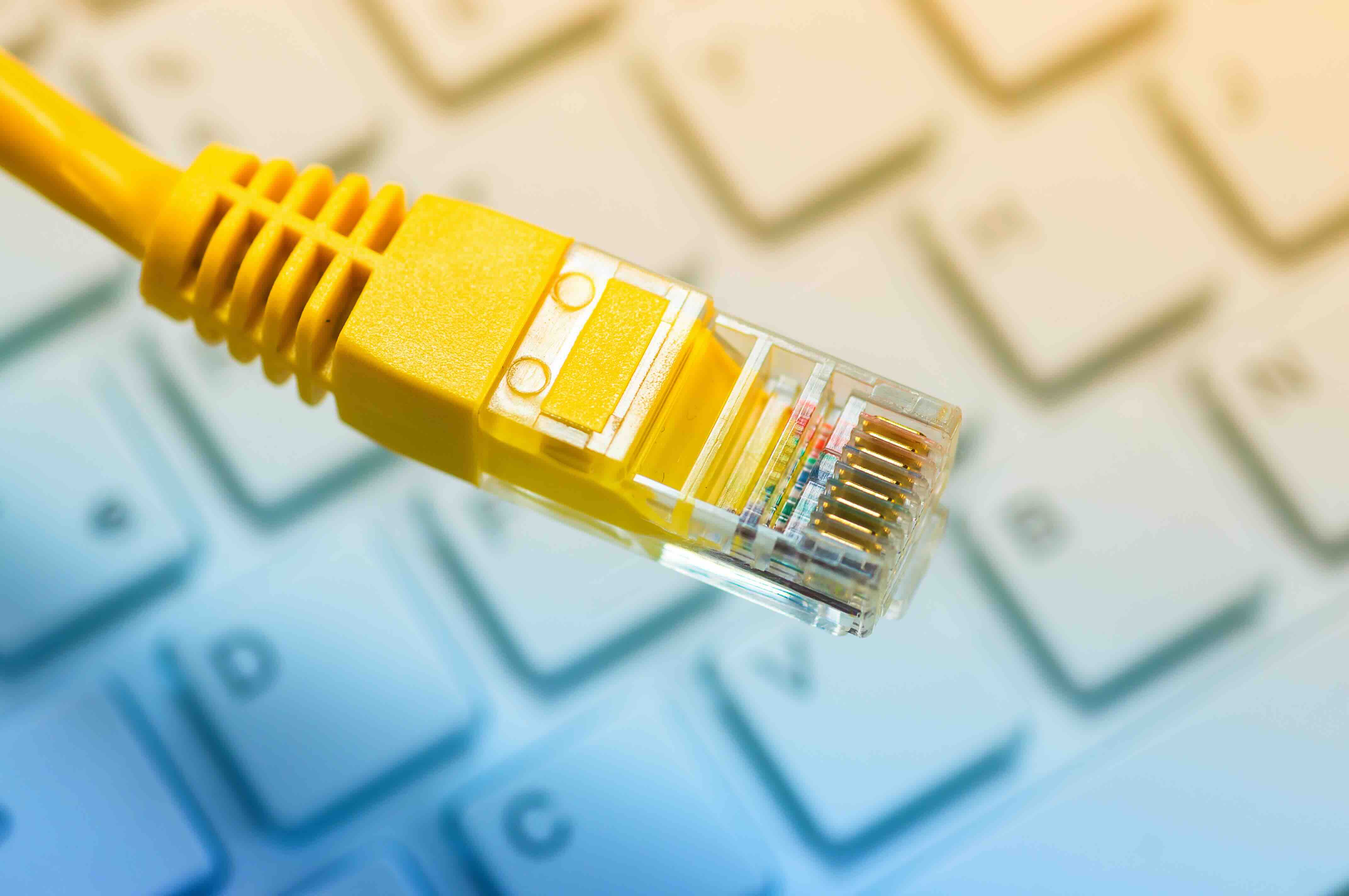
When people say ethernet cable, they almost always mean twisted pair cable. These are the flat or round cables with RJ45 connectors that plug into your router or wall jack. The name comes from the internal construction: four pairs of copper wires twisted together to reduce electromagnetic interference between them. The twisting is not decorative. It is a functional design that has been refined over decades. Within twisted pair cables, you have two main shielding types. Unshielded twisted pair, or UTP, is the standard option used in most residential and light commercial settings. Shielded twisted pair, or STP, adds a foil or braided shield around the wires to block external interference, making it the preferred choice in environments with heavy electrical equipment or dense wireless activity.
Cat5e, Cat6, Cat6A, Cat7, Cat8: Breaking Down the Categories
This is where things get specific, and it is worth slowing down here because picking the wrong category is a common and costly mistake. Here is a quick breakdown of the most relevant ethernet cable categories available today:
- Cat5e supports speeds up to 1 Gbps at distances up to 100 meters and is suitable for basic home networking or older office setups
- Cat6 supports up to 10 Gbps at shorter distances (around 55 meters) and is currently the most popular choice for both residential and commercial installations
- Cat6A extends that 10 Gbps performance to the full 100-meter distance and handles higher frequencies, making it the standard recommendation for new infrastructure builds
- Cat7 supports up to 10 Gbps with additional shielding per pair, though it uses non-standard connectors and sees limited adoption in the U.S. market
- Cat8 is built for data center environments, supporting up to 25 or 40 Gbps at short distances up to 30 meters, and is overkill for most standard applications
If you are building out a new network today and want something that will hold up for the next decade, Cat6A is the most practical and forward-compatible choice for general use. Cat8 becomes relevant if you are working with high-density server environments where bandwidth demands are extreme.
Coaxial Cables: Old Tech That Still Has a Job
Coaxial cable is the thick, round cable with the single center conductor surrounded by insulation, a metallic shield, and an outer jacket. It was the backbone of early computer networks before twisted pair cables took over, but it is far from obsolete. Coaxial cables are still widely used for broadband internet delivery from ISPs, cable television infrastructure, and certain security camera installations. They are also used in some long-distance networking scenarios where their resistance to signal interference makes them more reliable than unshielded twisted pair alternatives. If your internet connection comes from a cable provider, there is a good chance coaxial cable is involved somewhere between the street and your modem.
Fiber Optic Cables: High Performance at Long Distances
Fiber optic cables transmit data as pulses of light through glass or plastic strands rather than electrical signals through copper wire. This fundamental difference gives fiber optic cables some significant performance advantages. They can carry data at extremely high speeds, are completely immune to electromagnetic interference, and can span much greater distances without signal loss. There are two main types to know. Single-mode fiber uses a narrower core and a single light path, making it ideal for long-distance runs in enterprise or campus environments. Multimode fiber uses a wider core and multiple light paths, which works well for shorter distances within buildings or data centers. The main drawback of fiber is cost. Both the cable and the required hardware tend to run significantly higher than copper-based alternatives, though prices have come down considerably over the years.
Key Advantages and Common Drawbacks at a Glance
Every cable type comes with tradeoffs. Understanding those tradeoffs is what makes the difference between a network that performs well and one that becomes a problem six months after installation. Here is an honest summary:
- Twisted pair (UTP/STP): affordable, easy to terminate, widely compatible -- but susceptible to interference without shielding and limited by distance
- Coaxial: durable, interference-resistant, great for specific use cases -- but bulky, less flexible, and increasingly niche for LAN applications
- Fiber optic: fastest speeds, longest distances, zero EMI sensitivity -- but higher upfront cost and requires specialized tools and connectors
For most people building or upgrading a network in 2025, the decision comes down to whether twisted pair or fiber optic is the right fit for the environment and budget. Fiber is no longer just for enterprise. It is showing up in more mid-size business installations and even some high-performance home setups, particularly where runs exceed 100 meters or where future-proofing is a priority.
Practical Tips for Choosing the Right Cable
Before you order anything, think through the actual requirements of your installation. How far does the cable need to run? What devices are being connected? Is there a chance the environment has significant electrical interference, like near HVAC equipment, industrial machinery, or dense wireless access points? For standard office or home networking under 100 meters, Cat6 or Cat6A UTP covers the vast majority of use cases cleanly and cost-effectively. If you are running cable through areas with interference risk, go with shielded Cat6A. If you have runs longer than 100 meters or you are connecting buildings, fiber is the right call. Also, do not overlook the patch cable side of things. Even if your infrastructure cable is rated for Cat6A, using a lower-rated patch cable at either end creates a bottleneck that limits the performance of the entire link.
Why Monoprice Is the Smarter Choice for Networking Cables
When it comes to sourcing networking cables that actually perform, Monoprice has built a well-earned reputation as a trusted supplier for both individual users and enterprise buyers. The product line covers everything from Cat5e bulk cable and Cat6 patch cables to Cat8 direct attach copper and single-mode fiber assemblies, all manufactured to meet or exceed TIA and EIA standards. That means you are not guessing on performance. You are getting tested, certified cable at a price point that makes it practical to build out a full installation without overspending on materials. Whether you are a facilities manager upgrading an entire office floor or a homeowner setting up a wired home network for the first time, browsing the full range of high-performance ethernet and fiber optic networking cables at Monoprice gives you a clear picture of what is available and what fits your specific requirements. The value proposition is straightforward: professional-grade materials, consistent quality, and pricing that respects your budget without cutting corners on the specs that matter.
Frequently Asked Questions About Network Cable Types
What is the most commonly used network cable type for home and office networks?
Cat6 unshielded twisted pair (UTP) is currently the most widely used cable type for both home and office environments. It supports speeds up to 10 Gbps at shorter distances and provides reliable performance for everyday networking applications at a reasonable cost.
What is the difference between Cat6 and Cat6A?
Cat6 supports 10 Gbps speeds at distances up to 55 meters, while Cat6A supports the same 10 Gbps performance at the full standard distance of 100 meters. Cat6A also handles higher frequencies (500 MHz vs. 250 MHz) and is the better choice for new installations where future-proofing matters.
Do I need shielded or unshielded network cable?
Unshielded twisted pair (UTP) is sufficient for most standard environments. Shielded twisted pair (STP or F/UTP) is recommended when cables run near electrical equipment, motors, HVAC systems, or other sources of electromagnetic interference that could degrade signal quality.
How far can a network cable run before signal degrades?
For copper-based ethernet cables (Cat5e through Cat8), the maximum recommended run is 100 meters. Beyond that distance, signal attenuation becomes a problem. Fiber optic cables can extend that range significantly, with single-mode fiber capable of running several kilometers without signal loss.
Is Cat8 cable worth using for home networks?
For most home users, Cat8 is unnecessary. It is designed for data center environments requiring 25 to 40 Gbps over short distances. Cat6A is more than sufficient for home and small business networking and offers better value for those use cases.
What is the difference between single-mode and multimode fiber optic cable?
Single-mode fiber uses a small core and carries a single light path, making it ideal for long-distance runs. Multimode fiber has a larger core and supports multiple light paths, which works well for shorter distances within buildings or between nearby equipment racks. Single-mode generally costs more but offers greater range and bandwidth potential.
Can I mix different cable categories within the same network?
Technically yes, but the network will default to the performance of the lowest-rated cable in the path. Mixing Cat5e and Cat6A, for example, limits the entire link to Cat5e performance. For consistent performance, it is best to use the same cable category throughout the run including patch cables at both ends.
What does PoE compatibility mean for network cables?
Power over Ethernet (PoE) allows network cables to carry both data and electrical power simultaneously. This is commonly used for IP cameras, wireless access points, and VoIP phones. Cat6 and Cat6A cables are generally recommended for higher PoE standards since they generate less heat during power delivery than Cat5e.
How do I know which cable category my existing network uses?
Check the outer jacket of the cable. Most ethernet cables have the category rating printed directly on the insulation, such as CAT6 or CAT6A. If there is no labeling, testing with a cable certifier will confirm the actual performance rating of the installed cable.
Is fiber optic cable replacing ethernet in most networks?
Fiber is increasingly used for backbone connections, long runs, and high-density environments, but copper ethernet remains dominant for last-mile connections to individual workstations and devices. The two technologies are often used together, with fiber handling the heavy-lifting infrastructure and copper handling endpoint connections.


