

Legacy AVI Cables: Affordable Analog AV Solutions Today
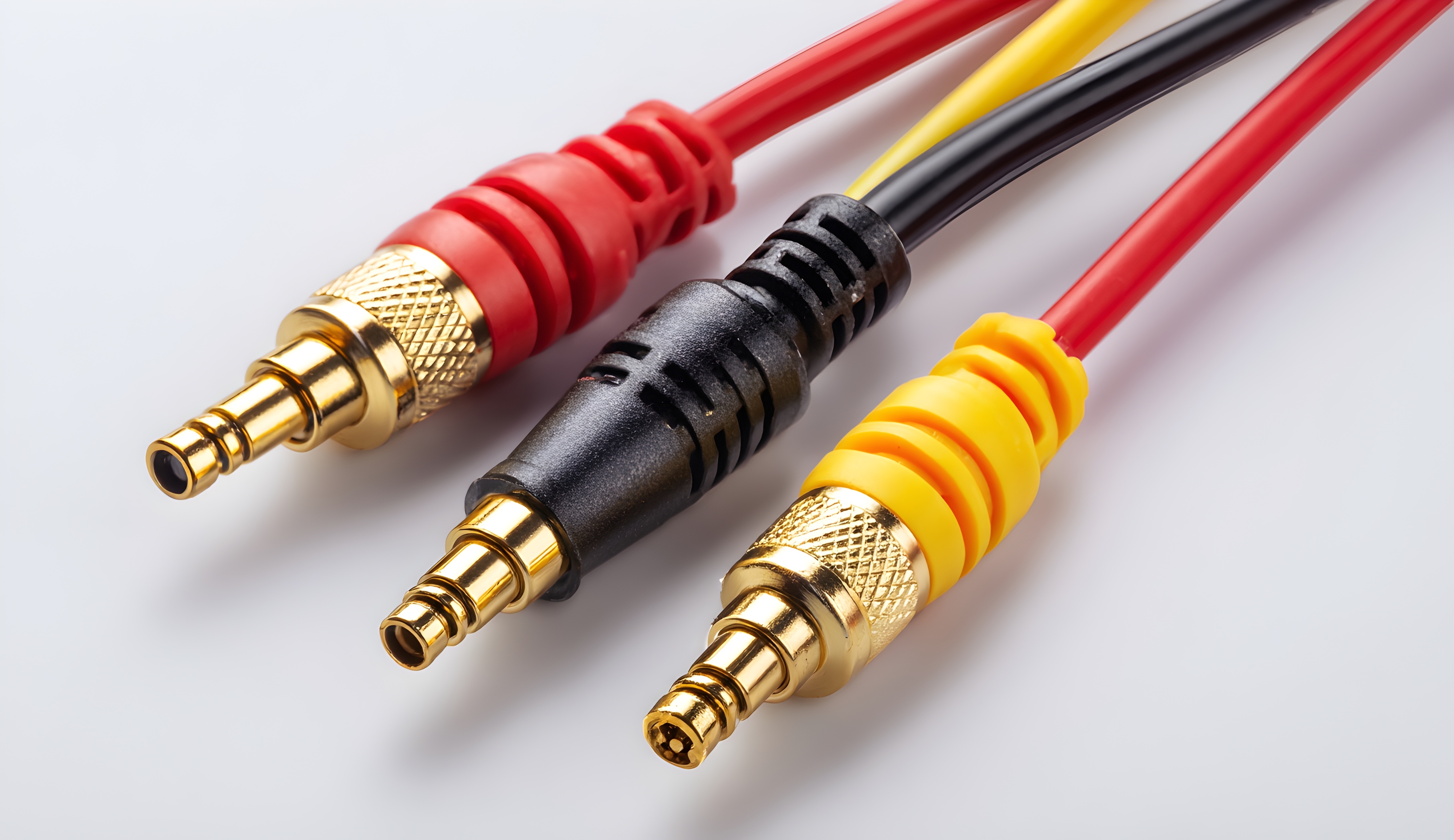
What Are AVI Cables and Why Do They Still Matter in Modern AV Setups?
So here is the thing -- analog AV cables have been around for decades, and somehow, they keep showing up in real-world installs. AVI cables, which refers to the broader category of analog audio and video interconnects, were the backbone of home theater and commercial AV setups long before HDMI became the default standard. Composite cables, component cables, RCA connectors -- these all fall under the analog AV umbrella, and they still have a legitimate place in today's market. Whether you are maintaining a legacy system, working with older display hardware, or just trying to keep costs manageable on a budget installation, understanding what AVI cables are and how they perform is genuinely useful information. It is not glamorous territory, but it is practical, and practical matters.
A Quick History of Analog AV Cables and the Technology Behind Them
Analog AV cables transmit electrical signals in a continuous waveform -- no compression, no encoding overhead, just a direct representation of the original audio or video signal. That simplicity is actually part of what made them so reliable for so long. Composite cables bundle luminance and chrominance into a single yellow RCA connector, paired with red and white connectors for stereo audio. Component cables separate the video signal into three channels -- Y, Pb, and Pr -- which delivers noticeably cleaner picture quality and supports higher resolutions up to 1080i. S-Video offered another step up by splitting luminance from color before component became widespread. These were not primitive technologies. They were engineered solutions that worked exceptionally well within the constraints and expectations of their era, and the underlying physics have not changed just because newer digital formats exist.
Where Legacy AVI Cables Still Get the Job Done
It might be tempting to write off analog cables entirely, but that would be a mistake. There are real-world scenarios where legacy AVI cables remain the right call. Retro gaming setups are a solid example -- classic consoles like the Super Nintendo, PlayStation 2, and original Xbox output analog signals natively, and a quality component or composite cable will deliver the cleanest possible image from that hardware. Beyond gaming, older projectors, CRT monitors, broadcast equipment, and certain commercial-grade displays may lack HDMI inputs entirely. In educational environments and small business settings, legacy AV infrastructure is often still fully functional and simply needs reliable cable replacements rather than a full system overhaul. Cost-conscious contractors and integrators also turn to analog AV solutions when the budget is tight and the performance requirements do not demand 4K or HDR output.
Key Advantages of Using Legacy AVI Cables
There are several reasons why legacy AVI cables remain a practical choice for a wide range of users and applications.
- Broad compatibility with older hardware and legacy display systems
- Low cost per unit, making them ideal for large-scale or budget-sensitive installations
- Simple plug-and-play connections with no drivers, firmware, or configuration required
- No signal handshake issues or HDCP conflicts, which can complicate digital connections
- Adequate performance for standard-definition content and non-critical monitoring applications
- Long cable runs are generally manageable with proper shielding and connector quality
- Readily available and easy to replace without sourcing specialty components
These advantages are not trivial. In environments where uptime matters and troubleshooting resources are limited, the straightforward reliability of an analog connection can be worth more than the theoretical performance ceiling of a newer digital standard that introduces compatibility headaches.
Common Drawbacks to Consider Before Going Analog
Analog AV cables are not the right tool for every job, and being honest about their limitations is just as important as recognizing their strengths. The most significant constraint is resolution -- analog composite and S-Video signals top out well below what modern 1080p or 4K displays are designed to show. Even component video, while capable of handling 1080i, cannot carry the audio and video data required by current high-definition standards. Analog signals are also susceptible to interference, which means cable quality and shielding matter considerably. A cheap, poorly constructed cable can introduce visible noise or color banding into the picture. Long cable runs without proper impedance matching can degrade signal quality. And if your display or source device does not include analog inputs -- which is increasingly common in new hardware -- you will need an active converter, which adds cost and complexity. Knowing these limitations going in helps you make a smarter purchasing decision.
How to Choose the Right Analog AV Cable for Your Application
Selecting the right cable starts with identifying exactly what connectors your source and display devices support. Check the back of your TV, monitor, or projector carefully before purchasing. If both devices support component video, that is almost always the preferred analog option over composite due to the cleaner signal separation. For audio, standard RCA stereo cables work reliably for most consumer applications, while coaxial or optical connections may be worth considering if your equipment supports them. Cable length matters too -- shorter runs naturally produce cleaner signal transmission, so avoid purchasing excess length if you do not need it. Look for cables with quality shielding, gold-plated connectors for corrosion resistance, and solid construction at the termination points. These details directly influence signal integrity over time.
Shielding, Connector Quality, and Why Cable Construction Matters
Not all analog cables are built the same, and the construction quality of a cable has a direct impact on performance. Shielding is particularly important in environments with electrical interference -- think commercial installations near lighting rigs, power conditioners, or dense network infrastructure. Quad-shielded cables provide the highest level of protection against electromagnetic interference. Gold-plated connectors resist oxidation over time and maintain a cleaner electrical contact surface. The gauge and purity of the internal conductors affect signal transmission as well, particularly over longer distances. Strain relief at the connector body prevents the internal wiring from pulling apart with repeated use. These are not marketing points -- they are engineering realities that translate directly into picture quality, audio clarity, and long-term durability. Choosing cables that are built with these details in mind is a straightforward way to get the most out of your analog AV system.
Practical Tips for Getting the Best Performance from AVI Cables
Even a quality analog cable will underperform if it is installed carelessly. A few practical habits go a long way toward getting clean, reliable signal transmission from your setup. Keep analog cables separated from power cables wherever possible to reduce inductive interference. Use cable management solutions to avoid sharp bends that can stress the internal conductors. Inspect connectors periodically for corrosion or physical damage, especially in humid environments. When connecting to a display that has both analog and digital inputs, check the display's input settings to confirm it is reading from the correct source. If you are experiencing picture noise or color issues, try swapping the cable first before assuming the source or display is the problem -- cables are often the easiest and cheapest variable to test. These small steps add up to a noticeably better experience.
Why Monoprice Is the Smart Choice for Legacy AVI Cables and Analog AV Solutions
If you are sourcing analog AV cables -- whether for a single retro gaming setup or a multi-room legacy installation -- the quality and value equation matters. Monoprice has spent years building a reputation as a trusted supplier for both consumers and professional integrators who need reliable cables without the inflated pricing that comes with flashy brand names. The product lineup covers composite, component, and RCA audio cables built with quality construction, proper shielding, and durable connectors designed to hold up in real-world use. For anyone looking to maintain, expand, or upgrade a legacy AV system, sourcing from a supplier that understands both the technical requirements and the budget realities of these projects is a meaningful advantage. Monoprice delivers exactly that -- and you can explore the full range of affordable legacy AVI cables and analog AV solutions for home and professional use directly through their catalog. Whether you are an integrator working a commercial retrofit or a homeowner keeping a classic setup alive, the combination of competitive pricing, consistent quality, and broad product availability makes Monoprice a practical first stop for analog AV needs.
Frequently Asked Questions About Legacy AVI Cables
What does AVI cable mean?
AVI cable refers to analog audio and video interconnect cables used to transmit audio and video signals between devices. Common examples include composite RCA cables, component video cables, and S-Video cables. These cables carry signals in an analog electrical format rather than a digital data format.
Are AVI cables still being used today?
Yes. AVI cables remain in active use for legacy AV systems, retro gaming setups, older commercial displays, and budget-conscious installations where analog-compatible hardware is already in place. They are especially common in environments where replacing the full AV infrastructure is not cost-effective.
What is the difference between composite and component AVI cables?
Composite cables combine all video information into a single signal carried through one yellow RCA connector, resulting in lower picture quality. Component cables separate the video signal into three distinct channels, producing a cleaner and sharper image capable of supporting resolutions up to 1080i.
Can I connect an AVI cable to a modern TV?
Many modern televisions have removed analog inputs, so compatibility depends on your specific TV model. Some TVs still include composite inputs, often through a combination AV jack. If your TV lacks analog inputs entirely, you will need an active analog-to-HDMI converter to bridge the connection.
Do longer AVI cables reduce signal quality?
Yes, longer cable runs can introduce signal degradation in analog connections, including picture noise, color shifting, and reduced sharpness. Using high-quality shielded cables and keeping runs as short as practical will help minimize signal loss over distance.
What should I look for in a quality AVI cable?
Look for cables with proper shielding to reduce interference, gold-plated connectors for corrosion resistance, solid internal conductor construction, and reinforced strain relief at the connector body. These features directly contribute to signal integrity and long-term durability.
Are analog AVI cables better than HDMI for retro gaming?
For classic consoles that natively output analog signals, a quality component or composite cable often delivers a more authentic and interference-free image than using an HDMI adapter. HDMI adapters introduce conversion processing that can add latency or visual artifacts depending on the hardware used.
Can AVI cables carry HD video signals?
Component AVI cables can carry HD video signals up to 1080i, making them capable of handling standard high-definition content. However, they cannot carry the full HD audio formats or the bandwidth required for 1080p and 4K signals, which require digital interfaces like HDMI or DisplayPort.
How do I reduce interference in my analog AVI cable setup?
Route analog cables away from power cables and electrical equipment to reduce electromagnetic interference. Use shielded cables with quality construction, keep cable runs short, and inspect connections regularly for corrosion or physical damage that could degrade signal quality.
Is it worth upgrading from AVI cables to HDMI?
If your hardware supports HDMI and you are working with modern high-definition or 4K content, upgrading to HDMI will deliver a significant improvement in picture and audio quality. However, if your devices are limited to analog outputs or your content is standard-definition, quality AVI cables remain a cost-effective and fully functional solution.


