

How to Wire Cat6: The Complete Ethernet Wiring Guide
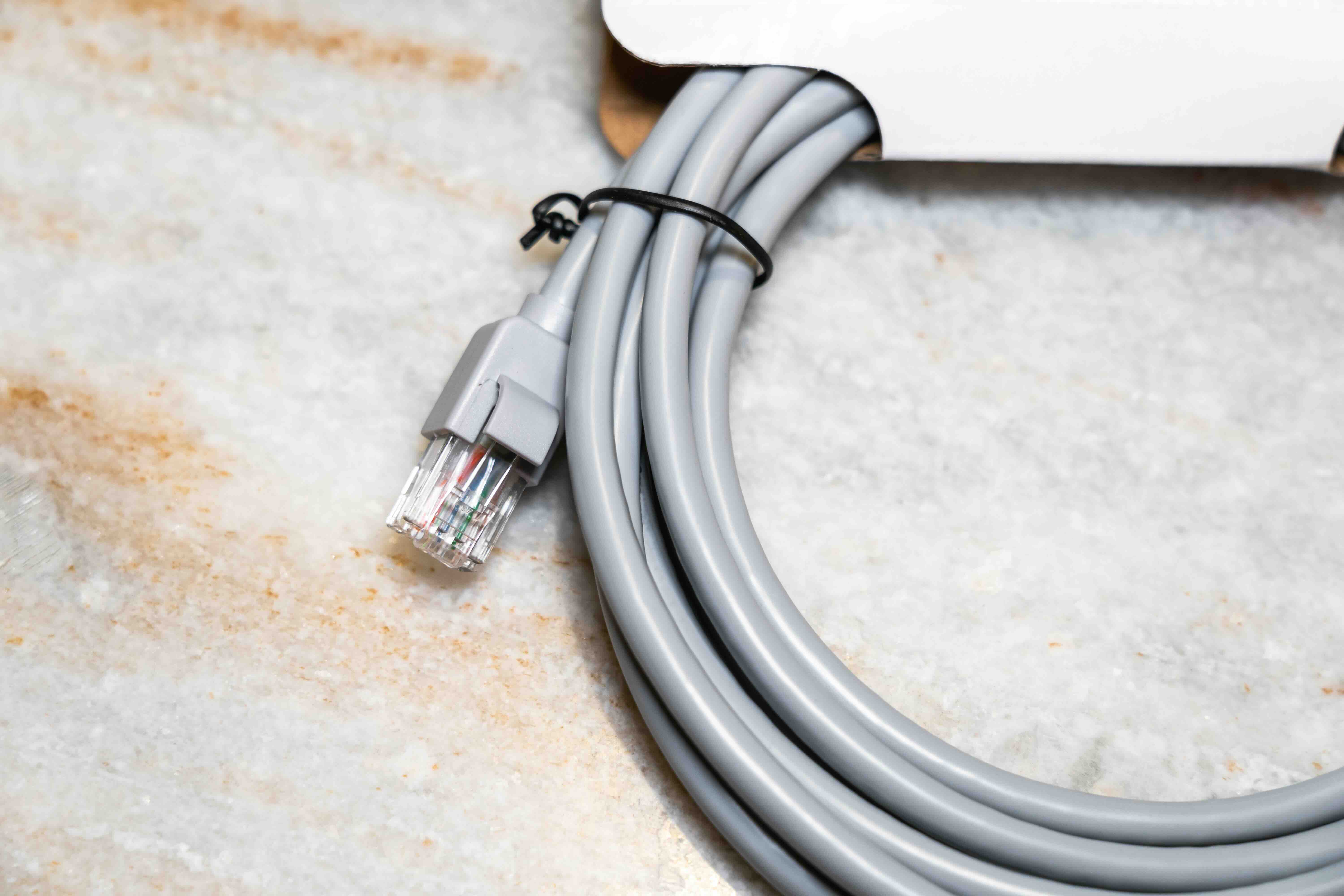
How to Wire Cat6: A Complete Guide to Running Ethernet Cable the Right Way
So you want to wire your home or office with Cat6 Ethernet. Good call. Running structured cabling yourself is one of the most practical infrastructure upgrades you can make, and when you do it right, you end up with a network that outperforms Wi-Fi in reliability, speed, and stability. Cat6 is the current standard for gigabit and multi-gigabit networking, and understanding how to wire it properly means the difference between a clean, high-performance installation and a frustrating mess that causes packet loss and dropped connections. This guide walks you through everything you need to know, from the tools on the table to the termination at the wall plate.
What Is Cat6 Cable and Why Does It Matter
Cat6, short for Category 6, is a twisted pair Ethernet cable specification designed to support data transmission speeds up to 10 Gbps over shorter distances, typically up to 55 meters, and 1 Gbps reliably up to 100 meters. It uses four pairs of copper conductors, tightly twisted to reduce crosstalk and electromagnetic interference. What separates Cat6 from its predecessor Cat5e is its tighter twist rates, a plastic spline separator inside many variants that keeps the pairs isolated, and its compliance with stricter performance standards. If you are planning a new wiring project, Cat6 is the practical baseline. It is backward compatible with older hardware and forward-compatible enough to support most home and small business needs for the foreseeable future.
The Tools and Materials You Need Before You Start
Getting your tools together before you pull a single foot of cable saves real time. There is nothing worse than getting halfway through a run and realizing you are missing a punch-down tool. Here is what you need for a complete Cat6 wiring job:
- Cat6 bulk cable, either UTP (unshielded) or STP (shielded) depending on your environment
- RJ45 keystone jacks or pass-through connectors
- A patch panel if you are wiring multiple runs to a central location
- An RJ45 crimp tool for direct plug terminations
- A 110 punch-down tool for keystone jacks
- A cable tester to verify continuity and wiring accuracy
- Fish tape or cable pulling rods for running cable through walls
- A drill with a long spade bit for boring through studs
- Velcro cable ties or cable staples for proper management
- A label maker or tape for identifying runs
Investing in quality tools matters. A poor crimp or a missed punch-down is the most common reason a fresh cable run fails a continuity test.
Understanding T568A vs T568B Wiring Standards
Before you terminate a single jack, you need to decide on your wiring standard. The two options are T568A and T568B. These refer to the color-coded pin assignments inside your RJ45 connectors and keystone jacks. T568B is the most widely used standard in commercial installations across North America. T568A is required in government installations and some residential environments. The critical rule is consistency. You must use the same standard on both ends of every cable run. If you terminate one end with T568A and the other with T568B, you create a crossover cable, which will not work for standard Ethernet connections. Pick one standard and stick to it throughout the entire installation. Most professionals default to T568B, and that is a reasonable choice for most projects.
How to Terminate Cat6 Keystone Jacks Step by Step
Keystone jacks are the foundation of any wall-plate installation. Terminating them properly is where a lot of first-timers make mistakes, but the process is straightforward once you understand it. Start by stripping about an inch of the outer jacket from the cable end using a cable stripper, being careful not to nick the inner conductors. Untwist the pairs only as much as necessary to seat them into the color-coded terminals on the jack. Cat6 specifications call for minimal untwisting, ideally no more than half an inch per pair, to maintain signal integrity. Press each wire into its designated slot according to the color diagram printed directly on the jack. Use your punch-down tool to seat each conductor firmly and cut the excess wire simultaneously. Snap the jack into the wall plate, and that run is ready for testing.
How to Terminate Cat6 Connectors with an RJ45 Plug
Some situations call for a direct plug rather than a keystone jack, such as patch cables or equipment drops where flexibility matters. Strip about two inches of jacket from the cable end. Fan out all eight conductors and arrange them according to your chosen wiring standard, T568A or T568B. Flatten and straighten the wires carefully, then trim them straight across so all eight are even in length. Slide the organized conductors into the RJ45 plug, making sure each wire reaches the tip of the connector. Insert the plug into your crimp tool and apply firm, even pressure. The crimp tool seats the metal contacts into the conductors and locks the jacket in place. A cable tester will confirm whether the termination is clean and all eight pins are properly connected.
Common Wiring Mistakes That Kill Network Performance
Even experienced installers run into these issues occasionally. Knowing what to avoid keeps your installation solid from day one.
- Over-untwisting the wire pairs during termination, which introduces crosstalk
- Exceeding the 90-meter horizontal cable run limit between patch panel and wall jack
- Kinking or sharply bending cable, which damages the internal conductors
- Stapling cable too tightly, which deforms the jacket and disrupts the twist geometry
- Mixing T568A and T568B on the same run
- Skipping the cable test after termination
- Running Cat6 parallel to high-voltage electrical wiring for long distances without separation
Most of these mistakes are invisible to the eye, which is exactly why a cable tester is non-negotiable on any serious installation.
UTP vs STP: When Shielded Cat6 Makes Sense
Standard Cat6 is available in both unshielded twisted pair and shielded twisted pair configurations. For most residential and light commercial applications, UTP performs well and is easier to work with. STP cable adds a metallic foil or braided shield around the conductor pairs, providing additional protection against electromagnetic interference. This matters in environments near industrial equipment, fluorescent lighting systems, or dense wireless infrastructure. If you are running cable in a warehouse, a data center, or any space with significant electrical noise, shielded Cat6 is worth the added cost and the slightly more involved termination process. STP also requires shielded keystone jacks and patch panels, and proper grounding at the patch panel end to be effective. Otherwise, the shield can actually act as an antenna and make interference worse.
Why Monoprice Is the Smart Choice for Your Cat6 Wiring Project
When you are committing to a structured cabling project, the quality of your materials determines the long-term performance of everything running over that infrastructure. That is not a place to cut corners, but it is also not a place where you should be paying inflated prices for basics. Monoprice has built a well-earned reputation among IT professionals, AV integrators, and serious DIYers for delivering high-performance networking products at pricing that makes real-world installations viable. Whether you need bulk Cat6 cable by the spool, keystone jacks, patch panels, or complete wiring kits, the entire product line is engineered to meet or exceed TIA-568 performance standards. For anyone ready to start a reliable, professionally finished network installation, explore the full range of Cat6 Ethernet cables and structured cabling solutions at Monoprice and see how far your budget actually stretches when quality and value are built into every product.
Frequently Asked Questions About How to Wire Cat6
What is the maximum length for a Cat6 cable run?
Cat6 supports up to 100 meters for 1 Gbps connections. For 10 Gbps speeds, the effective limit drops to around 55 meters. These distances include the patch cable on each end, so your horizontal run should stay within 90 meters to leave room for patch connections.
Do I need special tools to wire Cat6?
Yes. At minimum you need a cable stripper, a punch-down tool for keystone jacks or a crimp tool for RJ45 plugs, and a cable tester to verify your work. Skipping the tester is one of the most common mistakes in DIY installations.
What is the difference between T568A and T568B?
Both are valid wiring standards that define pin-to-color assignments inside RJ45 connectors. T568B is the most common in North American commercial installations. The important rule is to use the same standard on both ends of every cable run.
Can I run Cat6 cable next to electrical wiring?
You should maintain at least 12 inches of separation between Cat6 and standard electrical cables, and more if the electrical circuits carry heavy loads. Running them parallel for long distances increases the risk of electromagnetic interference affecting network performance.
Is Cat6 backward compatible with older network equipment?
Yes. Cat6 is fully backward compatible with Cat5e, Cat5, and older hardware. It will simply operate at the speed the connected equipment supports rather than its maximum rated capacity.
What is the difference between UTP and STP Cat6?
UTP stands for unshielded twisted pair and is the standard choice for most home and office installations. STP stands for shielded twisted pair and offers added protection against electromagnetic interference in industrial or high-noise environments. STP requires proper grounding to work effectively.
How do I test a Cat6 cable after termination?
Use a dedicated cable tester that checks all eight conductors for continuity and correct pin mapping. A basic tester will confirm whether the cable is wired correctly and identify miswires, open circuits, or shorts.
Can I use Cat6 for PoE applications?
Yes. Cat6 handles Power over Ethernet well and is actually recommended over Cat5e for higher-wattage PoE applications because its tighter twist rates reduce heat buildup from current flowing through the conductors.
What gauge wire is used in Cat6 cable?
Standard Cat6 cable uses 23 AWG copper conductors, which are slightly thicker than the 24 AWG used in many Cat5e cables. This contributes to lower resistance and better performance at higher frequencies.
How many twists per inch does Cat6 require?
Cat6 does not have a single fixed twist rate, but it requires tighter and more precisely controlled twisting than Cat5e to meet its performance specifications. This is why minimizing untwisting during termination is critical to maintaining signal integrity.


