

How to Wire an Ethernet Cable: Step-by-Step Guide
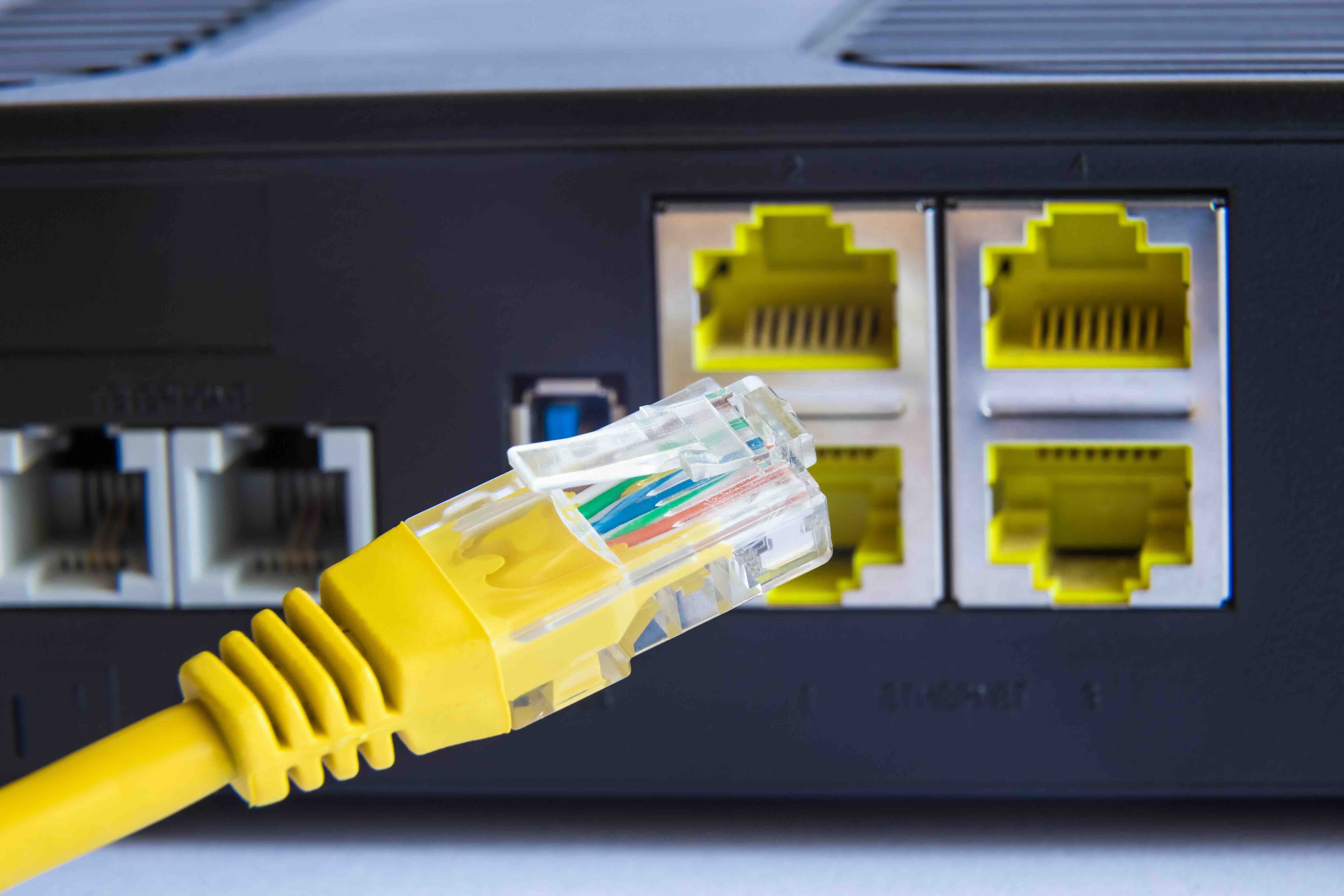
How to Wire an Ethernet Cable: A Complete Step-by-Step Guide
Wiring your own Ethernet cable is one of those skills that sounds intimidating but is actually pretty approachable once you understand what you are working with. Whether you are setting up a home network, running cable through walls in a new office, or just need a custom-length patch cord, knowing how to terminate Ethernet cable properly can save time, money, and a lot of troubleshooting headaches down the road. This guide walks through everything you need to know, from the tools required to the exact wiring sequence, in plain terms that work for both first-timers and experienced installers who need a quick refresher.
What Is Ethernet Cable Wiring and Why Does It Matter
Ethernet cables carry data signals between devices on a network. Inside each cable are eight individual copper wires, twisted together in four pairs. Those twists are not random. They reduce electromagnetic interference, which directly affects signal quality and data transmission speed. When you wire an Ethernet cable, you are arranging those eight wires into a specific sequence inside a connector, typically an RJ-45 plug, and then crimping them in place. Do it correctly and you get a reliable, high-speed connection. Do it wrong and you get packet loss, slow speeds, or no connection at all. That is why following the right pinout standard matters so much.
Tools and Materials You Will Need Before You Start
Getting set up with the right tools makes the entire process significantly easier. You do not need a massive toolkit, but skipping on quality here tends to cause problems later.
- RJ-45 crimping tool
- Wire stripper or combination crimping and stripping tool
- RJ-45 connectors, rated for the cable category you are using
- Cat5e, Cat6, or Cat6A bulk Ethernet cable
- Network cable tester
- Scissors or flush cutters for trimming wires
The cable tester is worth calling out specifically. It is easy to assume a cable is wired correctly only to find out later there is a crossed wire or an open connection. A tester removes all the guessing and saves real time during installation. Also make sure your RJ-45 connectors are rated for the cable type you are using. Cat6 and Cat6A cables are physically thicker than Cat5e and may require pass-through style connectors to terminate cleanly.
Understanding T568A and T568B Wiring Standards
This is the part where most people get tripped up, and honestly it is not as complicated as it looks. There are two standard wiring schemes used for Ethernet cables: T568A and T568B. Both are defined by the TIA and EIA standards organizations, and both will produce a fully functional cable. The difference is simply the arrangement of wire pairs in the connector. T568B is more commonly used in North American commercial installations. T568A is preferred in some residential and government applications. What matters most is consistency. Use the same standard on both ends of a straight-through cable. If you are making a crossover cable, which is less common today since modern switches and NICs auto-negotiate, you use T568A on one end and T568B on the other.
T568B Pinout Reference
For T568B, which is the more common standard for patch cables and structured wiring, the wire order from left to right when the clip is facing down is as follows:
- Pin 1: White-Orange
- Pin 2: Orange
- Pin 3: White-Green
- Pin 4: Blue
- Pin 5: White-Blue
- Pin 6: Green
- Pin 7: White-Brown
- Pin 8: Brown
Step-by-Step Instructions for Wiring an Ethernet Cable
Start by cutting the Ethernet cable to your desired length, leaving a little extra just in case. Strip back approximately one inch of the outer jacket using your wire stripper, being careful not to nick the insulation on the individual wires inside. Untwist each wire pair and straighten them out. Arrange the wires in the correct order for your chosen standard, either T568A or T568B. Hold them flat and trim them straight across so that approximately half an inch of conductor is exposed. Slide the wires into the RJ-45 connector, making sure each wire goes into its own channel and all eight wires reach the front of the connector. Insert the connector into the crimping tool and apply firm, even pressure to seat the contacts. After crimping, plug both ends into your cable tester to verify all eight pins are making proper contact in the correct sequence.
Common Mistakes and How to Avoid Them
A few errors come up repeatedly, especially among people wiring cables for the first time. The most frequent issue is not getting the wires fully seated in the connector before crimping. If even one wire is short by a millimeter, the contact will fail. Another common problem is nicking the conductor insulation when stripping the outer jacket, which can cause interference or outright failure. Some installers also forget to maintain the pair twists as close to the termination point as possible, which matters a lot with Cat6 and Cat6A cables running at higher frequencies. And then there is the connector type mismatch, using standard pass-through connectors with thick-gauge Cat6A cable, which almost never terminates cleanly.
Ethernet Cable Categories Explained
Not all Ethernet cable is the same, and the category you choose should match your network's speed and distance requirements. Cat5e supports speeds up to 1 Gbps at distances up to 100 meters and remains a solid choice for most home networks. Cat6 handles up to 10 Gbps at shorter distances, up to 55 meters, and is the current standard for most commercial installations. Cat6A extends that 10 Gbps performance to the full 100-meter run and is the right call for high-density environments, data centers, and future-proofed infrastructure. Cat8 is available for data center use cases requiring 25 Gbps or 40 Gbps over short runs. Matching your cable category to your hardware and environment is just as important as wiring the connector correctly.
Straight-Through vs. Crossover Cables: Which Do You Need
Straight-through cables are used to connect different types of devices, a computer to a switch, a switch to a router. These are the most common cables in use and follow the same wiring standard on both ends. Crossover cables connect similar device types directly, such as two computers or two switches without an uplink port. The pinout is flipped between the two ends, which routes the transmit signal on one end to the receive pins on the other. In modern networking, most equipment supports Auto-MDIX, which automatically detects and adjusts for crossover requirements. So in practice, straight-through cables work for almost every application today. Still, understanding the distinction is useful for legacy equipment and specialized installations.
Testing Your Ethernet Cable After Termination
Testing is not optional. A cable that looks correctly wired may still have a wiring fault that causes real network problems. A basic continuity tester will confirm that all eight pins have continuity and are mapped correctly between both connectors. More advanced testers will identify specific faults like opens, shorts, split pairs, or reversed pairs, and show exactly which pins are affected. For professional installations or any structured wiring project where pulling cable again would be disruptive, investing in a quality tester pays for itself quickly. Even for a single patch cord, running a quick test before deployment is worth the thirty seconds it takes.
Why Monoprice Is the Right Source for Your Ethernet Wiring Needs
Once you understand the process, having reliable materials is what separates a clean installation from one that causes problems six months later. Monoprice has built a well-earned reputation as a trusted source for networking infrastructure, from bulk Ethernet cable to RJ-45 connectors, crimping tools, cable testers, and pre-terminated patch cables across every major category. Whether you are outfitting a single workstation or running structured cabling for an entire office build-out, Monoprice delivers the performance and consistency professionals expect without the inflated price tag that comes with other brands. If you are ready to get started, explore the full range of high-performance Ethernet cables and network wiring solutions available at Monoprice and see why integrators, IT teams, and home network enthusiasts continue to rely on the brand for every stage of installation. Value-driven does not mean compromised. It means you are buying smarter.
Frequently Asked Questions About Wiring Ethernet Cables
What is the difference between T568A and T568B wiring?
T568A and T568B are two standardized pinout configurations for RJ-45 Ethernet connectors. Both are fully functional. T568B is more common in North American commercial environments. The most important rule is to use the same standard on both ends of a straight-through cable.
Can I use Cat5e cable for a gigabit network?
Yes. Cat5e cable supports Gigabit Ethernet speeds up to 1 Gbps over runs of up to 100 meters, which is sufficient for most home and small business networks. For 10 Gbps performance, you will need Cat6 or Cat6A.
How many wires are inside an Ethernet cable?
Standard Ethernet cable contains eight individual copper conductors arranged in four twisted pairs. All eight wires must be properly terminated and seated in the RJ-45 connector for the cable to function correctly.
Do I need a special connector for Cat6 or Cat6A cable?
Cat6A cable in particular is thicker than Cat5e and may not fit cleanly into standard RJ-45 connectors. Pass-through style connectors are recommended for Cat6A to ensure proper seating and a clean crimp.
What tool do I need to terminate an Ethernet cable?
You need an RJ-45 crimping tool to permanently seat the contacts into the cable conductors. A wire stripper and a cable tester are also essential for a complete and verified termination.
How do I know if my Ethernet cable is wired correctly?
Use a network cable tester after crimping both ends. A tester will confirm continuity on all eight pins and flag any faults such as open circuits, shorts, reversed pairs, or split pairs.
What is a crossover Ethernet cable used for?
A crossover cable connects two similar device types directly, such as two computers or two switches. It uses T568A on one end and T568B on the other to route transmit and receive signals correctly between like devices.
How long can an Ethernet cable run be?
The maximum recommended run for standard Ethernet cable categories, including Cat5e, Cat6, and Cat6A, is 100 meters or approximately 328 feet. Exceeding that distance can result in signal degradation and data errors.
Is it better to buy pre-made patch cables or wire my own?
For short connections and standard lengths, pre-made patch cables are faster and reliable. For custom runs, in-wall installations, or bulk deployments, terminating your own cable is more cost-effective and allows precise length control.
What Ethernet cable category should I install for a new home or office build?
Cat6A is the recommended choice for new construction wiring projects. It supports 10 Gbps over full 100-meter runs and provides headroom for future network upgrades without needing to re-pull cable infrastructure.


