

How to Wire a Cat5e Jack with Reliable Grounding Tips
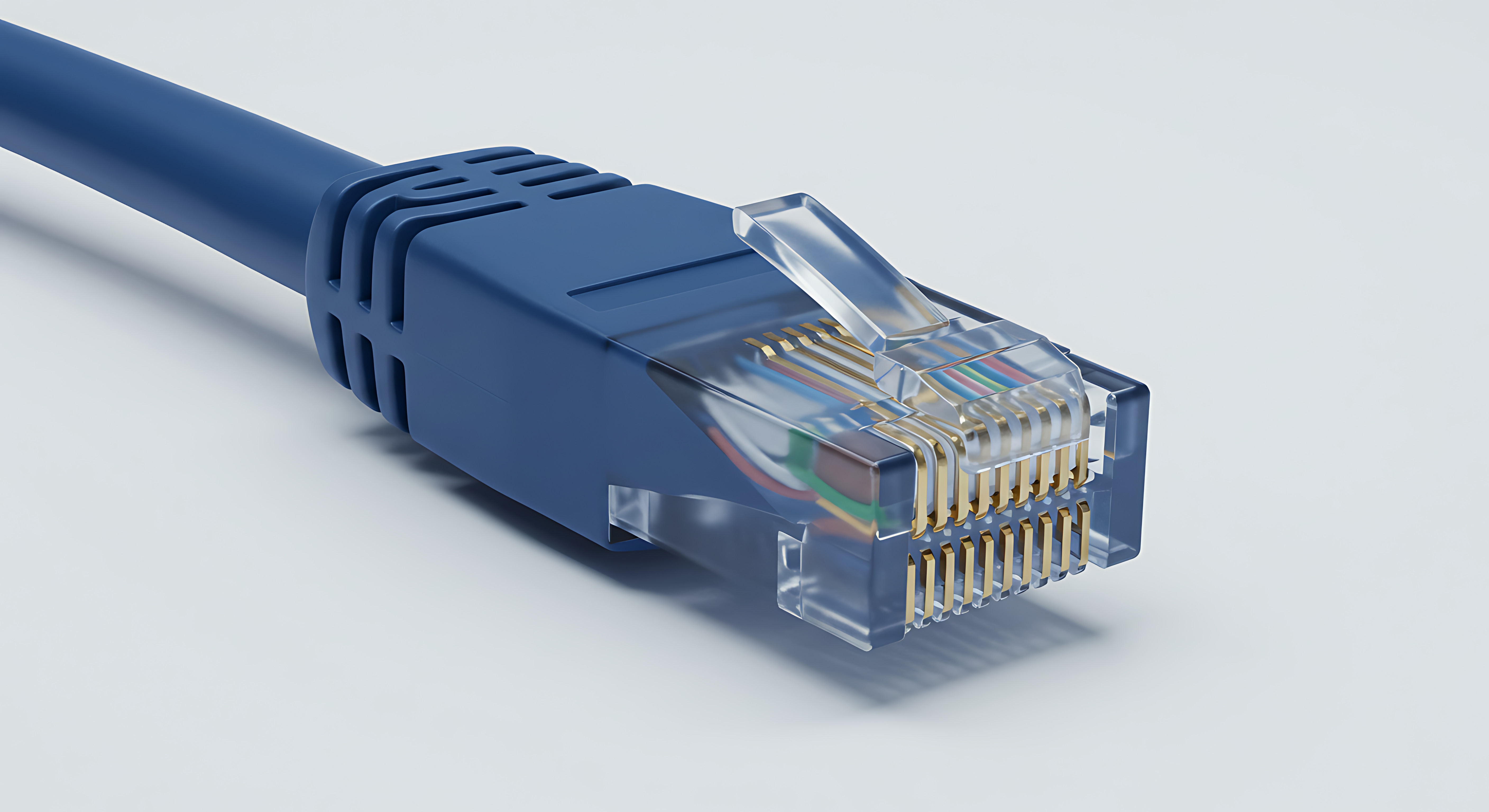
What Is a Cat5e Jack and Why Does Wiring It Correctly Actually Matter
So you are setting up a home network or maybe you are doing a small office install and someone told you to just punch down the wires and move on. That is not bad advice exactly, but it skips over something that quietly affects everything downstream from it -- how well you terminate that Cat5e jack determines whether your network runs clean or runs into constant headaches. A Cat5e jack is the termination point for your structured ethernet cabling, the thing that sits inside a wall plate or patch panel and accepts a standard RJ45 plug. It is not complicated hardware, but the wiring process behind it is more technical than most people expect on their first pass. Get it right and you get fast, stable, interference-resistant connectivity across every device on that run. Get it wrong and you get intermittent drops, slower speeds, and a debugging session you really did not budget time for.
Understanding the T568A and T568B Wiring Standards Before You Touch Anything
Before any wires get separated or punched down, you need to decide which wiring standard you are following. There are two: T568A and T568B. They use the same eight conductors but arrange two of the pairs in different positions. T568B is more common in commercial North American installations. T568A is used frequently in residential government-spec work and some international contexts. Neither is technically superior in performance -- the important rule is consistency. Every jack, every patch panel, every keystone in a given run has to follow the same standard. Mixing T568A on one end and T568B on the other creates what is called a crossover configuration, which was once useful for direct device-to-device connections but is irrelevant in modern networking. Decide your standard before the first wire is touched and document it somewhere you will actually find later.
Tools and Materials You Actually Need to Do This Job Properly
You do not need a lot of gear but the gear you do need has to be right. Working with improvised tools here leads to inconsistent terminations and that creates problems that look like cable problems but are actually termination problems. Here is what the job requires:
110 punch down tool with a Cat5e compatible blade Wire stripper sized for network cable jacket Flush cut snips or cable scissors Cat5e keystone jack matching your standard Ethernet cable tester Permanent marker for labelingThe punch down tool is the one piece of gear people try to skip by using a screwdriver or their fingers. Do not do that. The blade on a proper punch down tool seats the conductor into the IDC contact, cuts the excess wire cleanly, and maintains pair geometry in a way that hand placement simply cannot replicate consistently. An ethernet cable tester at the end of the process is not optional if you are doing this for anything beyond a temporary personal setup -- it confirms every pin is seated, every pair is intact, and there are no shorts or opens hiding in your termination.
How to Wire a Cat5e Jack Step by Step
Start by pulling enough cable slack through the wall box or surface mount housing to work comfortably -- about six to eight inches. Strip back roughly one inch of the outer jacket using your cable stripper, being careful not to nick the insulation on the individual pairs inside. Cat5e carries four twisted pairs inside that jacket, each pair individually twisted at a specific rate to reduce crosstalk. Untwist only what you absolutely need to -- the standard recommendation is to maintain twists as close to the termination point as possible, ideally within a half inch. Separate the conductors according to your chosen standard, T568A or T568B, and lay them into the labeled channels on the jack body. The jack face will have color-coded guides printed directly on it. Press each conductor into position and then use your punch down tool to seat and cut each one. Work across all eight positions, verify the color sequence one more time against the standard, and snap the jack into its housing. That is the mechanical side of it done.
Grounding a Cat5e Jack the Right Way and Why Skipping It Is a Mistake
Here is where a lot of installs quietly cut corners. Unshielded Cat5e -- the most common type -- does not require a dedicated ground connection at the jack itself because the twist geometry handles most noise rejection passively. But if you are working with shielded Cat5e, which is the right call in electrically noisy environments like industrial spaces, server rooms, or buildings with heavy fluorescent lighting, grounding becomes critical. Shielded keystones and patch panels include a ground lug or a grounding strip designed to connect the cable shield foil to the panel or enclosure ground. That path has to terminate to a proper earth ground, typically through the rack or wall enclosure connected to building ground. A floating shield is arguably worse than no shield at all -- it can act as an antenna and actually increase noise pickup instead of rejecting it. If you are installing shielded cable, verify your grounding path all the way back to the panel before calling the job complete.
Common Wiring Mistakes That Quietly Kill Network Performance
Most failures in Cat5e terminations are not dramatic. The connection works but underperforms, or it works intermittently, or it fails under load. These are the mistakes behind most of those outcomes:
Untwisting pairs too far back from the termination point Using T568A on one end and T568B on the other unintentionally Nicking conductor insulation during jacket stripping Incorrect conductor seating in the IDC contacts Skipping the cable tester and assuming visual inspection is enough Using a jack rated below the cable category being installedThat last one is worth pausing on. If you are running Cat5e cable, use Cat5e rated jacks. Using a Cat5 jack on Cat5e cable seems like a small substitution but it limits bandwidth and return loss characteristics at the termination point, which affects the end-to-end channel rating of the entire run. The cable is only as good as its weakest termination.
Testing Your Cat5e Jack Termination Before Sealing Everything Up
Do not close up the wall plate or snap shut the patch panel until you have run a test. A basic wiremap tester checks pin continuity and pair mapping across the full connection -- it catches opens, shorts, crossed pairs, and split pairs. A split pair is a particularly sneaky failure where two conductors from different pairs are substituted and the wiremap still shows continuity on all eight pins but performance is degraded because the twist pair geometry is broken. More advanced testers measure parameters like near-end crosstalk, attenuation, and return loss, which matters on longer runs or in high-density environments. For most residential and small commercial installs, a quality wiremap tester is sufficient and a reliable one does not require a significant budget investment. Test every single termination before it is enclosed and save the results if you are doing this for a client or a managed property.
When to Use Shielded vs Unshielded Cat5e in Your Installation
The choice between UTP and shielded Cat5e is an environment question more than a performance question. Unshielded twisted pair handles the vast majority of residential and light commercial applications without issue. If your cable runs are under 100 meters, away from heavy electrical equipment, and not running parallel to high-voltage lines over long distances, unshielded is fine and simpler to work with. Shielded makes sense in environments where electromagnetic interference is a documented or expected concern -- factories, medical environments, spaces with large motors or variable frequency drives running nearby. Shielded cable requires shielded jacks, shielded patch panels, and a properly grounded infrastructure all the way through. Introducing shielded cable into an ungrounded or improperly grounded pathway creates more problems than it solves.
Why Monoprice Is the Practical Choice for Cat5e Networking Infrastructure
When you are sourcing the hardware for a Cat5e installation -- keystones, patch panels, cables, testers -- the quality of those components directly affects the reliability of the finished network. That is not a place to guess on component quality or chase the lowest unit price without checking specifications. Monoprice has spent years building a reputation as the supplier that IT professionals, network installers, and infrastructure-minded homeowners reach for when they want performance-rated components at pricing that does not require justification in a budget meeting. The product line covers everything from individual keystone jacks rated to proper Cat5e specifications to complete networking cable runs, surface mount boxes, and organizational hardware. Professionals who regularly specify and install structured cabling know that cutting corners on termination hardware always costs more in rework than it saves upfront -- which is exactly why sourcing from a supplier built around delivering high-performance networking components at fair prices makes practical sense. If you are planning a wiring project and want components you can trust from start to finish, explore the full range of Cat5e networking jacks, cables, and structured cabling solutions at Monoprice and see what the right hardware actually looks like at the right price.
Frequently Asked Questions About Wiring a Cat5e Jack
What is the difference between T568A and T568B wiring?
T568A and T568B are two standardized wiring configurations for Cat5e jacks that use the same conductors but arrange two pairs in different positions. T568B is more common in North American commercial installations. The critical rule is to use the same standard on both ends of every cable run to avoid creating an unintended crossover connection.
How far should I untwist the pairs when terminating a Cat5e jack?
Keep untwisting to a minimum -- ideally no more than half an inch from the termination point. Excessive untwisting disrupts the pair geometry that controls crosstalk rejection, which degrades channel performance and can cause a run to fail certification testing even when all eight conductors show continuity.
Do I need to ground a Cat5e jack in a standard home installation?
For standard unshielded Cat5e in a residential setting, individual jack grounding is not required. Grounding becomes necessary when using shielded Cat5e cable, in which case the shield must be connected to a proper earth ground through shielded keystones and a grounded patch panel or enclosure to be effective.
Can I use a Cat5 jack with Cat5e cable?
Technically you can make a physical connection, but doing so limits the performance of the entire run to Cat5 specifications. A Cat5 jack is not rated for the bandwidth and crosstalk requirements of Cat5e, which means using it undermines the cable investment and can result in reduced speeds and failed channel performance tests.
What tool do I need to punch down a Cat5e jack?
You need a 110 punch down tool with an appropriate blade. This tool simultaneously seats the conductor into the insulation displacement contact on the jack and cuts the excess wire cleanly. Using a screwdriver or improvising without the correct tool leads to inconsistent seating and poor electrical contact at the termination point.
How do I know if my Cat5e jack is wired correctly?
Use an ethernet cable tester to verify the termination. A wiremap test confirms all eight conductors are seated correctly, identifies opens or shorts, and detects split pairs that visual inspection cannot catch. Always test before closing up the wall plate or patch panel enclosure.
What is a split pair and why does it matter?
A split pair occurs when conductors from two different pairs are substituted during termination. A basic wiremap tester may show all pins connected, but the twisted pair geometry is broken, which causes significant crosstalk and performance degradation. It is one of the harder termination errors to detect without proper testing equipment.
Is shielded Cat5e better than unshielded Cat5e for home use?
In most residential environments, unshielded Cat5e performs perfectly well. Shielded Cat5e is designed for installations where electromagnetic interference from nearby equipment is a real concern. Without a properly grounded infrastructure to support it, shielded cable in a home setting offers no practical benefit and adds complexity to the installation.
What happens if I mix wiring standards on the same cable run?
Mixing T568A on one end and T568B on the other creates a crossover cable configuration. Modern network switches with auto-MDI crossover can sometimes negotiate around this, but it is not a reliable or recommended setup for structured cabling. Always use the same standard consistently across every termination in a given installation.
How long can a Cat5e cable run be before performance is affected?
The standard maximum length for a Cat5e horizontal cable run is 100 meters, which includes the patch cables at each end. Beyond that distance, signal attenuation increases to a level that degrades performance and reliability. For runs longer than 90 meters of solid core cable, consider using a network switch or media converter to extend the connection properly.


