

How to Connect Speaker Wire to an RCA Connector
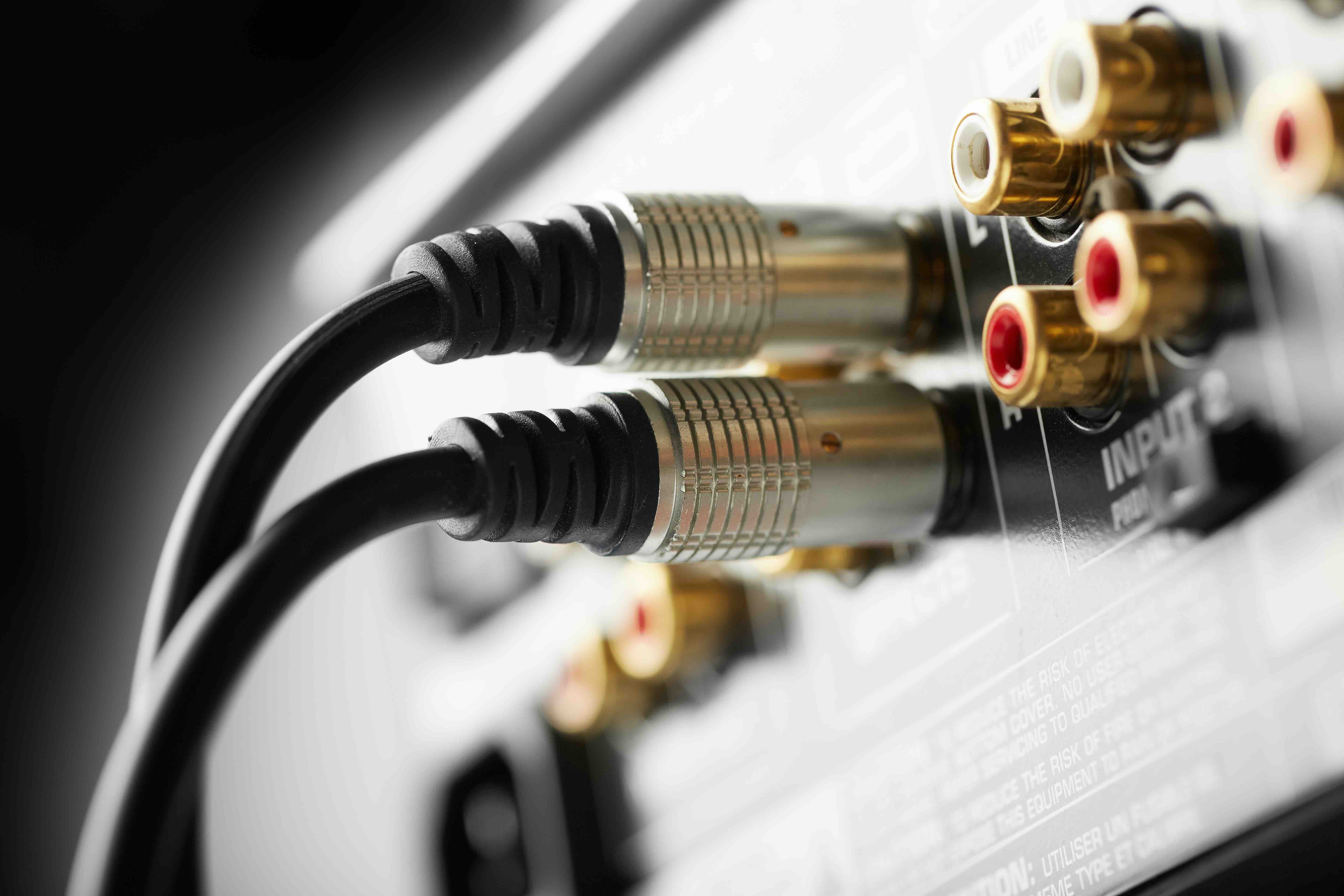
How to Connect Speaker Wire to an RCA Connector: A Complete Guide
So you've got a pair of speakers, a receiver or amplifier, and you're staring at a tangle of bare wire on one end and an RCA jack on the other. It happens all the time, honestly. The good news is that connecting speaker wire to an RCA connector is not complicated once you understand what you're working with. Whether you're setting up a home theater system, wiring a subwoofer, or adapting an older piece of audio gear to work with modern equipment, this guide walks you through the process clearly, practically, and without unnecessary confusion.
What Is an RCA Connector and Why Does It Matter
An RCA connector, also called a phono connector, is one of the most common audio and video connectors in the consumer electronics world. It was developed by the Radio Corporation of America back in the 1940s and has remained a staple ever since. The connector uses a center pin to carry the signal and an outer ring to serve as the ground. In audio applications, the signal carried is typically a line-level or low-impedance audio signal. Speaker wire, on the other hand, carries amplified audio signals at higher power levels. The two serve different roles in a signal chain, which is why adapting between them requires a bit of care and understanding of your specific setup.
When Would You Actually Need to Do This
This question comes up more than you might expect, and the answer depends heavily on the equipment involved. A few common scenarios where this conversion becomes necessary include situations where a powered subwoofer only has an RCA input but your amplifier outputs bare speaker wire terminals, older home audio receivers that lack dedicated RCA outputs, or DIY audio builds where adapters are part of the overall wiring design. In these cases, adapting speaker wire to fit an RCA connector becomes a practical necessity rather than a workaround. Understanding the context first helps you determine whether a direct connection, an adapter, or a dedicated converter is the right call.
Tools and Materials You Will Need
Before getting started, gather everything together. Trying to hunt for a wire stripper mid-project is the kind of thing that derails an otherwise simple task. Here is what you need for this job:
- Wire stripper or utility knife
- Soldering iron and solder (for a permanent connection)
- RCA connector with a screw terminal or solderable end
- Electrical tape or heat shrink tubing
- Speaker wire (typically 16 to 18 gauge for most setups)
- Multimeter (optional but useful for verifying continuity)
If you prefer not to solder, look for RCA connectors that feature screw terminals or spring-clip terminals. These allow you to make a solid mechanical connection without needing heat or flux, which is a good option if you're newer to DIY audio work.
Step-by-Step Process for Connecting Speaker Wire to an RCA Connector
Start by stripping roughly three quarters of an inch of the outer jacket from the end of your speaker wire. Inside you will find two conductors: one typically marked with a stripe, ridge, or printed text that indicates the positive lead, and one that is unmarked, indicating the negative or ground. Strip about a quarter inch of insulation from each individual conductor. If you are using a solderable RCA connector, tin the wire ends by applying a small amount of solder to each stripped tip before connecting them to the connector. On a standard RCA connector, the center pin carries the positive signal, and the outer shell or sleeve carries the ground. Connect your positive wire to the center pin and your negative wire to the outer contact. If your connector uses a screw terminal design, insert each wire into the appropriate terminal and tighten the screws firmly. Once the connections are made, slide any heat shrink tubing into place and apply heat to seal it, or wrap the connection points with electrical tape for insulation. Give each connection a gentle tug to confirm it is mechanically solid before routing the wire into your setup.
Common Mistakes to Avoid During This Process
One of the most frequent errors is reversing the polarity, meaning connecting the positive wire to the ground sleeve and the negative wire to the center pin. This causes phase issues that can noticeably degrade your audio imaging and bass response. Always double-check which conductor is positive before finalizing the connection. Another mistake is leaving too much exposed wire, which can cause short circuits if the bare conductors contact each other or touch unintended metal surfaces. Keep exposed wire as short as practical. Cold solder joints are also a concern when using a soldering iron. A proper solder joint should look smooth and shiny. A dull or grainy joint indicates a weak or intermittent connection that will cause noise or signal dropouts over time.
Key Advantages of This Type of Connection
When done correctly, adapting speaker wire to an RCA connector offers real practical benefits. It lets you integrate legacy or specialized audio equipment into a modern signal chain without purchasing entirely new hardware. The connection maintains a direct, passive signal path with no active components involved, which means no added noise or latency. It is also a cost-effective solution that requires minimal materials and tools, making it accessible for both beginners and experienced audio installers.
Limitations and Drawbacks to Be Aware Of
This type of connection is not appropriate for every situation. Speaker wire carries amplified power signals, while RCA typically handles line-level signals. If you connect an amplified output directly into a line-level RCA input without understanding impedance matching, you risk damaging your equipment. Always verify the input specifications of the device receiving the signal. Additionally, a hand-terminated RCA connection, while functional, may not deliver the shielding performance of a properly manufactured cable, which can introduce hum or interference in sensitive audio environments. For critical listening setups, investing in a properly engineered cable is worth the expense.
Why Monoprice Is the Right Source for Your Audio Wiring Needs
When it comes to sourcing the cables, connectors, and accessories needed for a project like this, quality and value are both non-negotiable. Monoprice has built a well-earned reputation as a trusted resource for audio and video connectivity solutions, offering products that meet the performance expectations of both casual users and professional installers without requiring a premium price. Whether you need bulk speaker wire, high-quality RCA connectors, soldering accessories, or ready-made adapter cables, Monoprice carries the inventory to support your project from start to finish. For anyone looking to connect speaker wire to RCA connectors or explore a full range of reliable audio wiring and connectivity products, Monoprice speaker wire and RCA connector solutions deliver the professional-grade performance and value that home audio enthusiasts and integrators depend on. The product lineup is broad, the specifications are transparent, and the pricing reflects a genuine commitment to making quality audio accessible without compromise.
Frequently Asked Questions
Can I connect speaker wire directly to an RCA connector without soldering?
Yes, you can use RCA connectors that feature screw terminals or spring-clip designs, which allow you to secure the wire mechanically without a soldering iron. The connection is reliable for most home audio applications, though soldered connections typically offer better long-term signal integrity.
Which wire goes to the center pin of an RCA connector?
The positive conductor of your speaker wire connects to the center pin of the RCA connector. The negative or ground conductor connects to the outer sleeve or shield of the connector.
Is it safe to connect amplified speaker wire to an RCA input?
It depends on the device. Connecting a high-power amplified speaker output directly to a standard line-level RCA input can damage the receiving equipment. Always verify the input specifications of the destination device before making this type of connection.
How do I identify the positive and negative wires in speaker wire?
Most speaker wire uses a visual indicator to differentiate the conductors. Common methods include a stripe, a ridge, printed text, or a copper versus tinned conductor pairing. The marked conductor is almost always the positive lead.
What gauge speaker wire should I use for an RCA connection?
For typical home audio applications, 16 to 18 gauge speaker wire works well and fits comfortably into most RCA connector terminals. Thicker gauges may be harder to manage inside the connector housing.
Will connecting speaker wire to an RCA connector affect sound quality?
If the connection is made correctly with proper polarity and solid mechanical contact, the impact on sound quality should be minimal. Poor connections, reversed polarity, or exposed wire causing shorts will negatively affect audio performance.
Can I use a speaker wire to RCA adapter instead of making my own?
Yes, pre-made speaker wire to RCA adapters are available and are a convenient option if you prefer not to terminate the connection yourself. These adapters vary in quality, so choosing a well-reviewed product from a reliable source is recommended.
Do I need to use shielded cable for an RCA connection?
Standard speaker wire is not shielded, which can introduce hum or interference in sensitive environments. For longer cable runs or installations near electrical interference sources, using shielded cable or a properly manufactured RCA cable is a better choice.
What tools are absolutely necessary for this project?
At minimum you need a wire stripper and an RCA connector. If you are soldering, you will also need a soldering iron and solder. Heat shrink tubing or electrical tape is important for insulating and protecting the finished connection.
Why does my audio have a humming noise after making this connection?
A hum after making the connection usually points to a ground loop, inadequate shielding, or a loose connection at the ground sleeve of the RCA connector. Check that your negative wire is firmly connected to the outer shell of the RCA connector and that your equipment is properly grounded.


