

How Many Wires Are Inside an HDMI Cable Explained
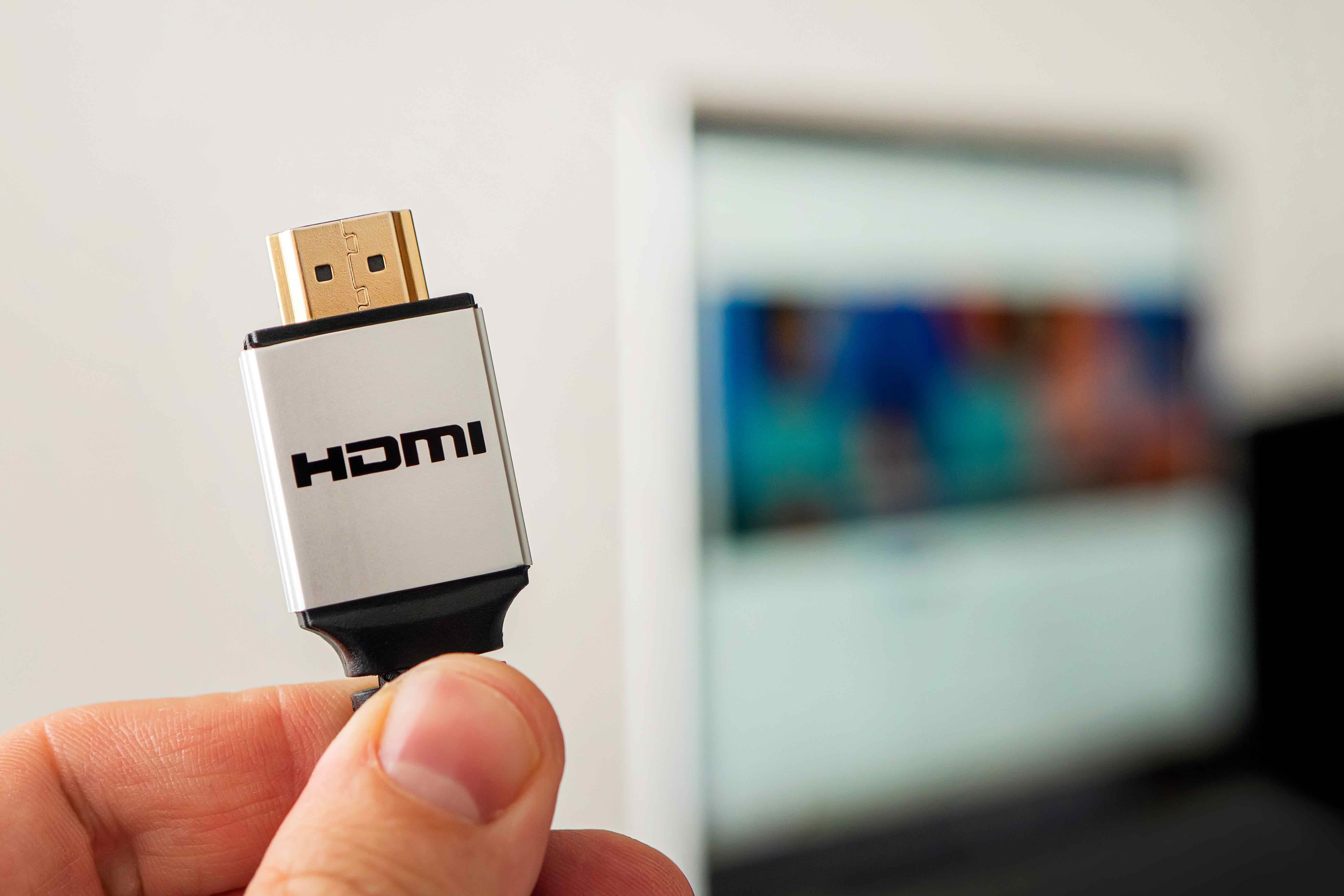
How Many Wires Are Inside an HDMI Cable — and Why Does It Actually Matter?
Most people plug in an HDMI cable and just expect it to work. Fair enough. But if you've ever wondered what's actually going on inside that slim cable carrying your 4K video and surround sound from point A to point B, you're not alone. It's one of those things that sounds overly technical on the surface but is actually pretty approachable once you break it down. And honestly, understanding the internal structure of an HDMI cable helps you make smarter purchasing decisions — especially when you're dealing with longer cable runs, high-bandwidth content, or professional AV installations where signal integrity is non-negotiable.
What Is an HDMI Cable and How Does It Work?
HDMI stands for High-Definition Multimedia Interface. It was developed in the early 2000s as a single-cable solution to replace the mess of separate audio and video connectors that used to crowd the back of every TV and receiver. The goal was simple: one cable, full digital audio and video, no signal degradation from analog conversion. Today, HDMI is the dominant standard in consumer electronics, professional AV, gaming, home theater, and enterprise display environments. It carries uncompressed digital video and audio data simultaneously — and it does this through a carefully engineered bundle of wires inside a single jacket. What those wires are, how many there are, and how they're grounded is what actually determines whether your cable can handle 4K, 8K, HDR, or high frame rate content reliably.
How Many Wires Are Inside an HDMI Cable?
Here's the part most people don't think about. A standard HDMI cable contains 19 wires internally — and each one has a specific job. These wires are organized into distinct pairs and channels that handle different types of data transmission simultaneously. The breakdown looks like this:
- Three TMDS (Transition Minimized Differential Signaling) data channels — each made up of three wires (a positive, a negative, and a ground), totaling 9 wires for data
- One TMDS clock channel — also three wires (positive, negative, and ground), used to synchronize timing across the data channels
- One DDC (Display Data Channel) line — used for communication between the source and the display to identify capabilities
- One CEC (Consumer Electronics Control) line — allows one remote to control multiple connected devices
- One HEAC+ line (in newer versions) — handles audio return channel and Ethernet data
- One SCL/SDA pair — part of the DDC structure supporting EDID data exchange
- Remaining wires for power, hot plug detection, and shielding connections
That totals 19 conductors, though the exact count and configuration can vary slightly depending on the HDMI specification version. What remains consistent is the underlying principle: differential signaling pairs work together to push large amounts of data cleanly over copper wiring, and ground wires run alongside each pair to minimize interference.
Understanding Grounding in HDMI Cables
Grounding is one of those subjects that gets glossed over in product listings but matters enormously in real-world performance. In an HDMI cable, every TMDS data pair and the clock channel pair has its own dedicated ground wire. That's four ground wires just for the differential pairs. There are additional ground references distributed throughout the cable's internal structure as well, bringing the total grounded conductors higher depending on the cable's design and shielding approach. The grounding serves two critical functions: it completes the signal circuit for each differential pair, and it acts as a reference point that helps cancel out electromagnetic interference and noise. Without proper grounding, signal crosstalk between adjacent wires increases, and you start seeing video artifacts, handshake issues, or complete signal dropout — particularly at longer distances or higher resolutions.
Why Cable Construction Affects Signal Quality
Not all HDMI cables are built the same way, and this is where it gets practical. The quality of the copper conductors, the tightness of the differential pair twisting, the type of shielding used around the cable, and how well the internal grounds are terminated all influence how the cable performs. A poorly constructed cable might technically have 19 wires inside it but fail to deliver a clean 4K HDR signal over 15 feet because the shielding is inadequate or the conductor gauge is too thin. High-quality HDMI cables use oxygen-free copper, individual foil shielding around each pair, an overall braided shield, and solid terminations at both ends. These construction details directly affect bandwidth capacity, signal integrity, and long-term durability — particularly in commercial or professional installations where cables get pulled through walls and aren't easily replaced.
HDMI Versions and How Wire Specifications Have Evolved
The 19-wire internal structure has remained fairly consistent across HDMI versions, but what those wires can carry has expanded significantly. HDMI 1.4 introduced ARC and Ethernet capability. HDMI 2.0 pushed bandwidth to 18 Gbps, enabling 4K at 60Hz with HDR. HDMI 2.1 jumped to 48 Gbps, supporting 8K at 60Hz and 4K at 120Hz — formats increasingly relevant in gaming and high-end home theater setups. The same 19-conductor architecture underlies all of these versions, but the demands placed on shielding, conductor quality, and grounding integrity increase substantially with each generational jump. A cable rated for HDMI 2.0 may not reliably handle 2.1 bandwidth requirements, not because the wire count changed, but because the construction tolerances and shielding specs weren't built for those speeds.
Common Drawbacks and Limitations to Know
HDMI cables have a few known limitations worth understanding before you spec out a system or make a purchase. Distance is a real factor — passive HDMI cables generally max out around 25 feet for reliable 4K signal transmission. Beyond that, active cables with built-in signal boosters or fiber optic HDMI cables become the practical solution. The physical connector is also a weak point over time, particularly in environments where the cable is frequently connected and disconnected. Micro-HDMI connectors used on some portable devices are especially susceptible to wear. Additionally, HDMI's CEC functionality — which allows cross-device control — works inconsistently across different manufacturers because implementation standards aren't strictly enforced. So while the wiring supports the feature, real-world behavior varies. These aren't dealbreakers, just things worth factoring into how you choose and deploy HDMI cables in your setup.
Practical Tips for Choosing the Right HDMI Cable
Once you understand what's inside an HDMI cable, buying decisions get cleaner. A few straightforward guidelines worth keeping in mind:
- Match the cable rating to your use case — if you're running 4K at 120Hz or 8K content, don't cut corners on a budget cable rated for older specs
- Check the bandwidth rating, not just the version number — look for cables certified for 48 Gbps if you're working with HDMI 2.1 devices
- For runs over 20 feet, consider active HDMI cables or fiber optic options to maintain signal strength
- Look for independently certified cables when quality matters — HDMI Licensing Administrator certification testing provides an objective benchmark
- Thicker gauge conductors and better shielding are worth the modest price difference in professional or permanent installations
Why Monoprice Is a Smart Choice for HDMI Cables and AV Connectivity
Here's the honest pitch: when you understand what's inside an HDMI cable — 19 conductors, differential signal pairs, dedicated grounds, multi-layer shielding — you quickly realize that engineering and material quality are what separate a cable that works from one that works reliably for years. Monoprice has built a reputation in this space precisely because the internal construction of their cables reflects what actually matters. Whether you need a high-speed HDMI 2.1 cable for a gaming setup, a long-run active cable for a commercial display installation, or a certified Ultra High Speed HDMI cable for 8K content delivery, the product line is built with both performance and value at the center. For anyone speccing out a home theater, a conference room, or a full AV integration project, sourcing from a trusted provider with deep category expertise makes the difference between a clean install and a troubleshooting headache. Explore the full selection of high-performance HDMI cables and AV connectivity solutions and see how far premium quality at honest pricing can actually take your setup. Monoprice isn't just a cable company — it's the kind of reliable supplier that integrators and tech-savvy consumers keep coming back to because the products consistently deliver, and the value proposition holds up every single time.
Frequently Asked Questions About HDMI Cable Wires and Grounding
How many wires are inside a standard HDMI cable?
A standard HDMI cable contains 19 internal wires, organized into TMDS data channels, a clock channel, DDC lines, CEC, power, hot plug detection, and grounding conductors across the full assembly.
What are TMDS channels in an HDMI cable?
TMDS stands for Transition Minimized Differential Signaling. HDMI cables use three TMDS data channels and one TMDS clock channel, each consisting of a positive, negative, and ground wire, to transmit high-bandwidth digital video and audio data.
How many ground wires does an HDMI cable have?
There are at least four dedicated ground wires corresponding to the four TMDS differential pairs. Additional grounding connections exist throughout the cable depending on design and shielding configuration, contributing to overall signal stability.
Does cable quality affect HDMI performance?
Yes. Conductor quality, shielding type, pair twisting precision, and termination integrity all affect how reliably an HDMI cable transmits high-bandwidth signals, particularly over longer distances or with demanding content formats like 4K HDR or 8K.
What is the maximum reliable distance for a passive HDMI cable?
Most passive HDMI cables perform reliably up to about 25 feet for 4K signals. Beyond that, active HDMI cables with built-in signal amplification or fiber optic HDMI solutions are recommended to maintain consistent signal quality.
What is the difference between HDMI 2.0 and HDMI 2.1 in terms of cable requirements?
HDMI 2.0 supports up to 18 Gbps bandwidth for 4K at 60Hz. HDMI 2.1 requires cables rated for 48 Gbps to support 4K at 120Hz and 8K at 60Hz. The internal wire count is the same, but construction quality and shielding standards must be significantly higher for 2.1 performance.
What does CEC mean on an HDMI cable spec sheet?
CEC stands for Consumer Electronics Control. It is a single wire within the HDMI cable that allows connected devices to communicate control signals, enabling features like turning on a TV when a source device powers up, using one remote across multiple components.
Why do some HDMI cables fail at longer distances?
Signal attenuation increases with cable length. Poor shielding, thin conductors, and inadequate grounding amplify interference and timing errors over distance, which results in video artifacts, loss of handshake, or complete dropout at resolutions that shorter cables handle without issue.
Is an active HDMI cable better than a passive one?
Active HDMI cables include built-in electronics to boost and condition the signal, making them more reliable for runs exceeding 25 feet. They are directional and require correct orientation during installation, but offer significantly better performance at extended lengths compared to passive cables.
Does grounding in an HDMI cable prevent interference?
Yes. Ground wires paired with each differential signal pair help cancel out electromagnetic noise and crosstalk between adjacent conductors. Combined with foil and braided outer shielding, proper grounding is a primary factor in maintaining clean signal transmission across the full cable length.


