

HDMI Pin 13 and CEC: What It Does and Why It Matters
What Is HDMI Pin 13 and Why Does It Matter for Your Setup
If you have ever looked closely at an HDMI connector, you might have noticed it has 19 pins crammed into a relatively compact form factor. Each one has a job. Most people know about the pins carrying video and audio data, but there is one that tends to get overlooked entirely, and that is pin 13. Known as the CEC pin, or Consumer Electronics Control pin, HDMI pin 13 is the quiet facilitator behind a feature that millions of people use every single day without realizing it exists. Understanding what this pin does, how it functions, and where it falls short can genuinely change how you configure your home theater or professional AV installation. So let's get into it.
The HDMI Connector Layout at a Glance
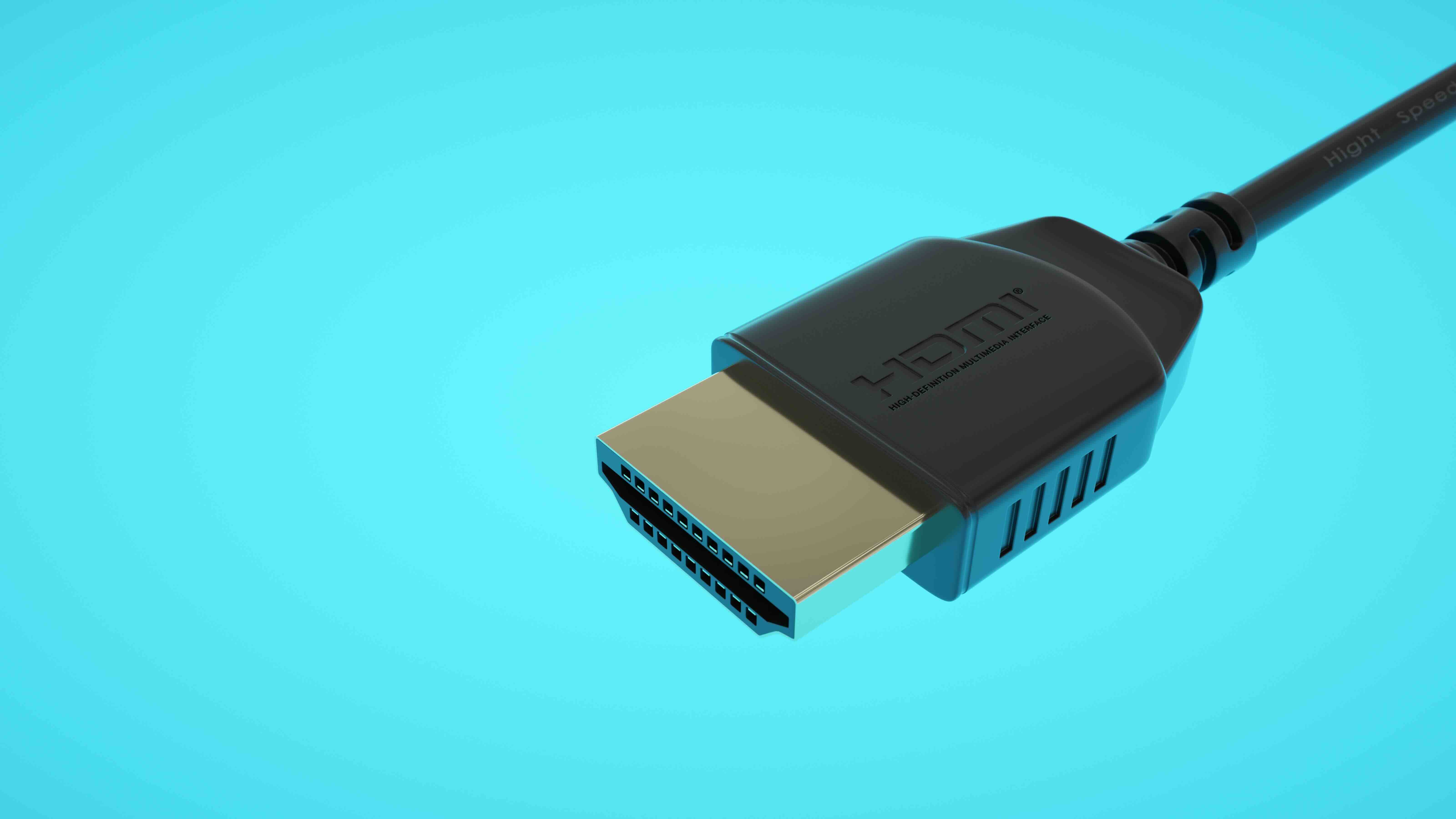
HDMI connectors, regardless of their size variant, whether that is standard Type A, the mini Type C, or the micro Type D, are engineered around a 19-pin configuration. The pins are arranged across two rows inside the connector shell, and each carries a specific signal or function. You have differential pairs for TMDS data channels, a clock channel, DDC lines for display data communication, power supply lines, and a few others. Pin 13 sits specifically in the bottom row of a standard Type A connector and is assigned exclusively to CEC. It is a single-wire bidirectional serial bus, which means it carries communication in both directions across just one physical conductor. That design detail is actually what makes the whole CEC ecosystem possible.
Understanding CEC: The Function Behind HDMI Pin 13
CEC stands for Consumer Electronics Control, and it is a feature defined within the HDMI specification that allows connected devices to communicate with and control one another over that single wire. Think about pressing one button on your TV remote and having your AV receiver, Blu-ray player, and soundbar all respond accordingly. That seamless behavior is CEC at work, routed entirely through pin 13. The protocol operates at a low bit rate, around 400 bits per second, which sounds almost laughably slow by modern data standards. But CEC does not need to be fast. It is not carrying video or audio. It is carrying short command strings like power on, volume up, input switch, or standby. Low bandwidth is perfectly adequate for that kind of signaling, and the low data rate actually contributes to the signal stability across long cable runs.
How CEC Commands Travel Through Your System
When you send a CEC command, let's say you turn on your TV, the signal travels from the source or initiating device through pin 13 of the HDMI cable to every other CEC-enabled device connected in the chain. Each device has a CEC controller chip inside that monitors the bus, decodes the commands, and executes the appropriate action if that command is relevant to it. The protocol supports up to 15 logical device addresses on a single network, though in practice most home setups use just a handful. One important aspect here is that pin 13 is a passive line with no active driving component from the HDMI specification itself. The devices on either end are responsible for pulling the line high or low to encode the binary signal. This simplicity is part of why CEC has been so durable across HDMI versions from 1.0 all the way through 2.1.
Key Advantages of HDMI Pin 13 and CEC
The practical benefits of having CEC baked into HDMI through pin 13 are significant, particularly for anyone managing a multi-device setup at home or in a commercial installation. Here is where the value becomes obvious:
- One-touch playback allows a single source device to power on and configure the entire connected system automatically
- System standby sends all connected devices into low-power mode simultaneously with one command
- Remote control pass-through lets one remote operate multiple devices without requiring separate IR blasters or programmable remotes
- Device discovery allows the TV or control system to identify what is connected and assign logical addresses automatically
- Audio system control enables volume and mute commands to pass to a connected AV receiver or soundbar directly from the TV remote
For home theater enthusiasts and AV integrators alike, these capabilities reduce installation complexity and improve the end-user experience without requiring additional control hardware.
Common Drawbacks and Frustrations With CEC
Here is where things get a little complicated, and honestly, it is worth being upfront about this. CEC has a reputation in AV circles for being inconsistent, and that reputation is not entirely undeserved. The core issue is that the HDMI specification defines CEC functionality but leaves a significant degree of implementation flexibility to manufacturers. The result is a fragmented landscape where Sony's Bravia Sync, Samsung's Anynet Plus, LG's SimpLink, and other brand-specific implementations all technically use the same pin 13 signal but behave differently in cross-brand scenarios. Commands that work perfectly between two devices from the same manufacturer may partially fail or behave unexpectedly when mixing brands. Additionally, some lower-cost cables and adapters may not carry the CEC signal reliably if pin 13 is not properly connected. This is something to watch for when selecting cables for a system where CEC functionality is important to the overall design.
CEC in Professional and Commercial AV Environments
Beyond the living room, HDMI pin 13 and CEC play a practical role in commercial display installations, conference room setups, digital signage systems, and educational environments. In these contexts, CEC can be used to automate display power cycles tied to room scheduling systems or occupancy sensors. An installed display can receive a wake-up command from a connected media player at the start of a business day and enter standby at close. This reduces wear on display hardware and cuts energy consumption without requiring complex control system programming. For integrators working on budget-conscious commercial projects, leveraging CEC through properly specced HDMI cables is a legitimate way to deliver reliable automation without the overhead of a dedicated control platform.
Practical Tips for Getting the Most Out of HDMI Pin 13
Getting CEC to work consistently across a mixed-brand system requires a bit of deliberate setup. These steps make a measurable difference:
- Verify that CEC is enabled in the settings menu of every device in the chain since it is often disabled by default on certain models
- Use high-quality HDMI cables that maintain continuity across all 19 pins, including pin 13, to avoid signal dropout on the CEC bus
- Keep the logical device address count manageable since larger systems with many nodes can introduce bus contention
- Update firmware on connected devices periodically, as manufacturers often release patches that improve CEC interoperability
- Test commands in both directions across each device pair during initial setup to confirm bidirectional communication is functioning
Applying these practices during installation rather than troubleshooting after the fact saves considerable time and frustration down the line.
Why Monoprice Is a Trusted Choice for HDMI Cables That Deliver on Pin 13
When CEC performance depends on every pin doing its job, cable quality is not a variable you want to gamble on. Monoprice has built a well-earned reputation for manufacturing HDMI cables that meet or exceed specification requirements across all 19 pins, including the CEC line at pin 13. Whether you are outfitting a home theater with a single run or sourcing cables for a large commercial installation, Monoprice offers certified options with verified pin integrity and consistent signal performance. Choosing high-performance HDMI cables built for reliable CEC and full 19-pin connectivity means you are not leaving system automation and device control to chance. Monoprice cables are engineered to support the full HDMI feature set at a price point that makes sense for both individual buyers and procurement teams managing larger deployments. That combination of technical accountability and real value is exactly what this kind of application demands.
Frequently Asked Questions About HDMI Pin 13 and CEC
What is HDMI pin 13 used for?
HDMI pin 13 is designated for Consumer Electronics Control, commonly referred to as CEC. It carries bidirectional command signals between connected HDMI devices over a single wire, enabling features like one-touch playback, system standby, and remote control pass-through.
Does every HDMI cable support the CEC signal on pin 13?
Most properly manufactured HDMI cables maintain continuity on all 19 pins including pin 13. However, low-quality or non-compliant cables may omit or poorly terminate certain pins, which can disrupt CEC functionality. Always use cables from reputable manufacturers to ensure full pin support.
Why is my CEC not working between devices from different brands?
CEC interoperability issues between brands are common because each manufacturer implements their own branded version of CEC with slight variations in command sets and behavior. Updating firmware on all connected devices and verifying that CEC is enabled in each device's settings menu often resolves cross-brand communication problems.
Can CEC control volume on a soundbar connected via HDMI?
Yes, if both the TV and soundbar support CEC, volume and mute commands issued from the TV remote can be passed through pin 13 to the soundbar. This functionality is part of the CEC audio system control feature set defined in the HDMI specification.
How many devices can be connected on a CEC network through HDMI?
The CEC protocol supports up to 15 logical device addresses on a single HDMI network. In practical home or commercial setups, most installations use significantly fewer nodes, which helps maintain bus stability and reduces the likelihood of command conflicts.
Does HDMI 2.1 change anything about pin 13 or CEC?
The physical assignment of pin 13 to CEC remains consistent across all HDMI versions including 2.1. HDMI 2.1 introduced Enhanced Audio Return Channel and other improvements, but the CEC architecture and its reliance on pin 13 as a single-wire bidirectional bus was not fundamentally altered.
What is the difference between CEC and ARC or eARC?
CEC on pin 13 handles device control commands such as power, input switching, and volume. ARC, or Audio Return Channel, and its successor eARC operate on different pins and are responsible for carrying audio data from the TV back to an AV receiver or soundbar. They are separate functions that often work together in a complete home theater configuration.
Can CEC be used for commercial display automation?
Yes, CEC through pin 13 is a practical and cost-effective method for automating display power in commercial environments such as conference rooms, lobbies, and digital signage installations. A connected media player or scheduling device can issue wake and standby commands to displays without requiring a dedicated control system.
Is CEC the same as HDCP?
No, CEC and HDCP are entirely different functions. CEC on pin 13 handles device-to-device control commands. HDCP, or High-bandwidth Digital Content Protection, is a content protection protocol that operates on the TMDS data channels and the DDC lines to authenticate devices and encrypt content. They serve distinct purposes within the HDMI specification.
What should I look for in an HDMI cable to ensure CEC works correctly?
Look for HDMI cables that are certified compliant with the HDMI specification and manufactured with full 19-pin construction. Cables from reputable brands that provide consistent pin termination and appropriate shielding are the safest choice for ensuring reliable CEC signal transmission across all connected devices.


