

HDMI Ethernet Cable: What It Is and Why It Matters
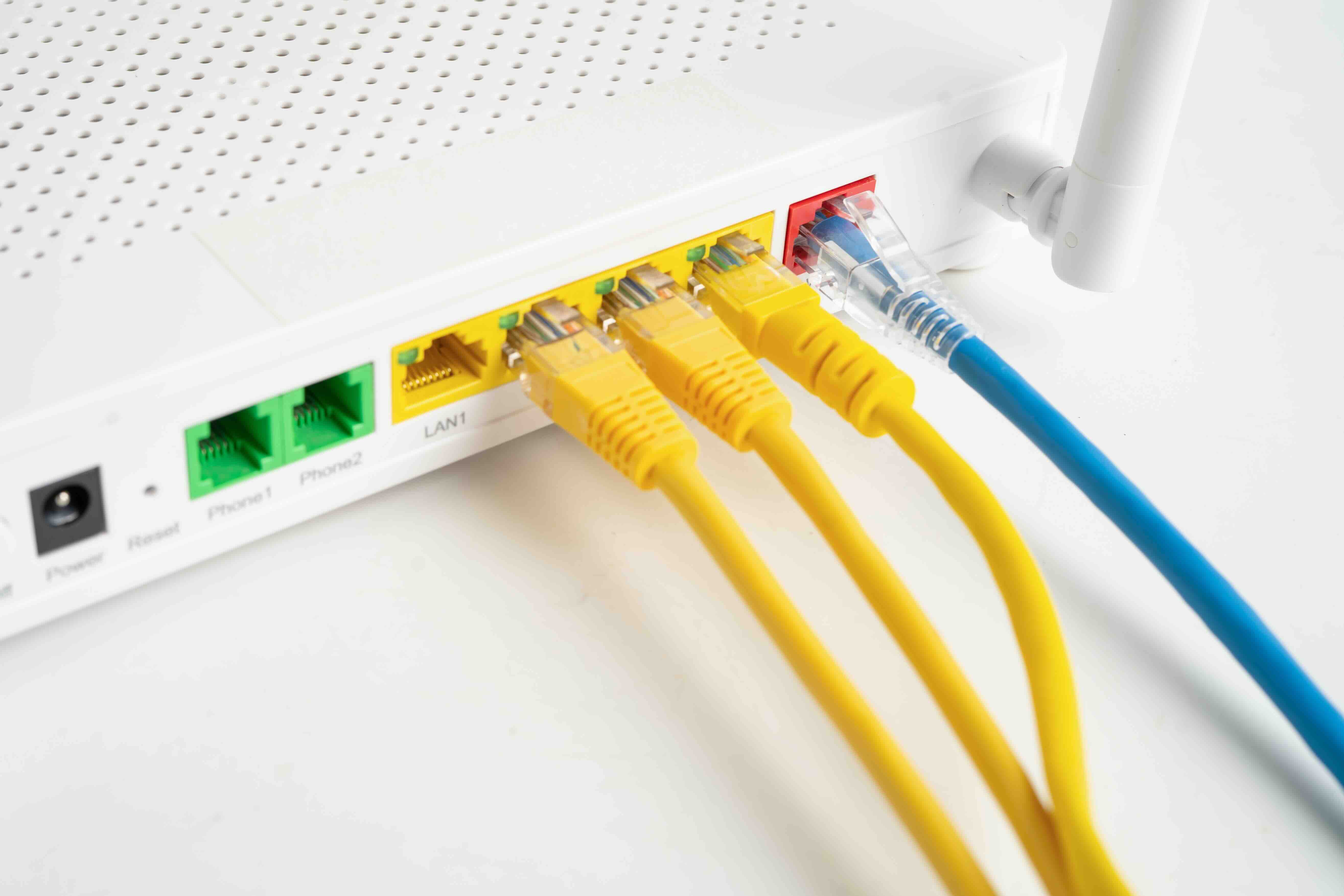
What Is an HDMI Ethernet Cable and Why Does It Matter?
So you have probably seen the phrase "HDMI with Ethernet" on a cable box or product listing and thought -- okay, what does that actually mean? Fair question. An HDMI Ethernet cable, more formally known as a High Speed HDMI Cable with Ethernet, is a specific type of HDMI cable that bundles both audio/video signal transmission and a dedicated Ethernet data channel into a single cable. The Ethernet channel -- called the HDMI Ethernet Channel, or HEC -- supports network connectivity between devices at speeds up to 100 Mbps. Introduced as part of the HDMI 1.4 specification back in 2009, it was designed to reduce cable clutter and allow networked HDMI devices to share a single internet connection. Whether it has fully delivered on that promise is another story, but the technology is real, the spec is legitimate, and it is worth understanding before you go buying cables for your next setup.
How Does the HDMI Ethernet Channel Actually Work?
Here is where things get a little technical, but stay with it. Standard HDMI cables carry audio and video data across multiple twisted pairs of conductors inside the cable. HDMI 1.4 added a dedicated pair specifically for the Ethernet Channel, essentially embedding a 100BASE-TX Ethernet connection alongside the AV signal path. This means that if both devices on either end of the cable support HEC -- and that is a critical qualifier -- they can share a network connection without needing a separate Ethernet run. For example, if a Blu-ray player and a television both support HEC, the TV could pass its internet connection back to the player through the same cable already delivering the video signal. The bidirectional data channel is designed to work simultaneously with the audio and video transmission, so there is no performance trade-off on either side. At least, that is how it is designed to function in a properly configured environment.
HDMI 1.4 and Beyond: Understanding the Version Landscape
Not all HDMI cables are created equal, and version compatibility matters more than most buyers realize. The Ethernet Channel feature was introduced with HDMI 1.4, which also brought 4K support at 30Hz, the Audio Return Channel, and 3D video support. Later specifications -- HDMI 2.0 and HDMI 2.1 -- expanded bandwidth significantly, supporting 4K at 60Hz and even 8K at 60Hz respectively, but they retained backward compatibility with the HEC feature. A High Speed HDMI Cable with Ethernet can technically carry signals for HDMI 1.4 and 2.0 content, while Ultra High Speed cables -- those certified for HDMI 2.1 -- can handle the full 48 Gbps bandwidth load and still include the Ethernet channel. The key point here is that the cable must be rated appropriately for your display resolution and refresh rate requirements, regardless of whether you plan to use the Ethernet feature.
Key Advantages of Using an HDMI Ethernet Cable
There are some genuinely practical reasons to choose a cable with the Ethernet channel built in, even if the networking feature does not apply to your immediate setup. The most obvious advantage is cable management. One cable doing two jobs means fewer runs behind a wall, fewer connections at a wall plate, and less mess overall. For professional installers and integrators running infrastructure in commercial environments, that efficiency adds up fast. Beyond that, future-proofing is worth considering. If your current devices do not support HEC but future ones do, you already have the right cable in place. The cables themselves are not more expensive in any meaningful way compared to standard High Speed cables at the same tier, so there is minimal downside to just getting the Ethernet-capable version by default. Here are a few of the core benefits worth noting:
- Reduces total cable count in multi-device setups
- Supports shared internet access between HEC-compatible devices
- Backward compatible with older HDMI specifications
- Future-proofs installations where networking may be added later
- No performance penalty on audio or video signal quality
Common Drawbacks and Real-World Limitations
Here is the honest part of the conversation, because there are real limitations with HDMI Ethernet that do not always get talked about enough. First and most significantly, device support for HEC has been inconsistent. A large number of televisions, projectors, receivers, and media players on the market simply do not implement the HDMI Ethernet Channel even if they have an HDMI 1.4 or later port. The feature requires active support on both ends of the connection, and without it, you just have a regular HDMI cable with unused conductors. Second, even when both devices support HEC, the setup process can require configuration steps that are not always intuitive. Third, the 100 Mbps limit on the Ethernet channel, while adequate for basic internet streaming, is not going to satisfy environments requiring high-throughput local network transfers or enterprise-grade networking. For most home and commercial AV setups, a dedicated network switch and separate Ethernet runs remain the more reliable infrastructure approach.
HDMI Ethernet vs. Standard HDMI: Which One Should You Buy?
This is a practical decision that comes down to your specific use case. If you are wiring a home theater, a conference room, a signage installation, or any setup where networked HDMI devices are a possibility -- even a future one -- going with the Ethernet-capable cable makes logical sense. The price difference between a standard High Speed HDMI cable and its Ethernet-equipped counterpart is minimal at the quality tier most professionals and informed consumers are shopping at. If you are buying cables in bulk for a commercial installation, the incremental cost is negligible against the potential benefit of not having to rewire later. On the other hand, if you are simply replacing a cable for a TV that is not network-connected and has no plans to be, a standard High Speed HDMI cable will perform identically for your purposes and you will not notice any difference in picture or audio quality.
Choosing the Right HDMI Ethernet Cable: Specs to Watch For
Not every product labeled as an HDMI cable actually meets the certification standards, and that is where buyers need to pay attention. The HDMI Licensing Administrator certifies cables through a formal process, and only certified cables carry the HDMI logo legally. When selecting an HDMI Ethernet cable, look for these key indicators:
- HDMI certification from HDMI.org or the HDMI Licensing Administrator
- Speed rating -- High Speed for 4K/30Hz, Ultra High Speed for 4K/120Hz and 8K
- Clearly stated bandwidth capacity (10.2 Gbps minimum for High Speed, 48 Gbps for Ultra High Speed)
- Gauge and build quality appropriate for the cable length
- Shielding for installations near interference sources
Length also plays a role. Passive HDMI cables work reliably up to about 25 feet in most cases, though copper quality and shielding matter at longer runs. Beyond that range, active HDMI cables or fiber optic HDMI solutions become more appropriate. Always match the cable specification to the source and display capability -- buying an Ultra High Speed cable for a 1080p projector is not harmful, but it is not necessary either.
Practical Tips for Setting Up an HDMI Ethernet Connection
If you actually want to use the Ethernet channel and not just have it available, there are a few setup steps that improve the odds of success. Start by confirming that both your source device and your display explicitly list HEC support in their technical documentation -- manufacturer spec sheets are the most reliable source for this. Next, connect them using a certified High Speed HDMI Cable with Ethernet, not a standard cable. Check the network or connectivity settings on both devices for any HEC or HDMI Ethernet options that need to be enabled manually. Some devices autodetect and activate the connection; others require a deliberate setting toggle. If you are troubleshooting a connection that is not working as expected, try a known-good certified cable first before assuming a device compatibility issue. Signal quality, cable length, and connector integrity can all affect both AV performance and the data channel behavior on the same physical run.
Why Monoprice Is the Smart Choice for HDMI Ethernet Cables
When you are building out an AV setup -- whether it is a single room or a multi-zone commercial installation -- the quality of your cables matters more than most people give them credit for. Monoprice has built a long-standing reputation for delivering certified, high-performance cables at prices that make sense for both individual buyers and procurement teams operating at scale. Every HDMI cable in the Monoprice lineup is engineered to meet or exceed the relevant HDMI specifications, and the High Speed options with Ethernet channel support are no exception. If you are looking for reliable, thoroughly tested high speed HDMI cables with Ethernet channel support that perform consistently across home theater, commercial AV, and professional integration environments, Monoprice is a source worth trusting. The combination of certification compliance, build quality, and value pricing is what has made Monoprice a go-to resource for integrators, IT professionals, and informed consumers who want the right cable without overpaying for a brand name that adds nothing to signal quality.
Frequently Asked Questions About HDMI Ethernet Cables
What is the difference between a standard HDMI cable and an HDMI cable with Ethernet?
An HDMI cable with Ethernet includes a dedicated HDMI Ethernet Channel that allows compatible devices to share a network connection through the same cable carrying audio and video. A standard HDMI cable carries only AV signals and does not support this networking feature.
Do I need a special HDMI cable to use the Ethernet channel?
Yes. You need a cable specifically rated as a High Speed HDMI Cable with Ethernet or Ultra High Speed HDMI Cable with Ethernet. Standard HDMI cables, even high speed ones without the Ethernet designation, do not include the dedicated conductor pair required for HEC.
Does using the Ethernet channel affect video or audio quality?
No. The HDMI Ethernet Channel operates on a separate dedicated pair of conductors within the cable and does not interfere with the audio or video signal path. Picture and sound quality are not impacted by the Ethernet channel being active or inactive.
Which devices support HDMI Ethernet Channel?
Support for HEC varies by manufacturer and model. Some Smart TVs, Blu-ray players, and AV receivers include HEC support, but many do not despite having HDMI 1.4 or later ports. Always check the device's technical specifications to confirm HEC compatibility before relying on this feature.
Is an HDMI Ethernet cable backward compatible with older HDMI ports?
Yes. HDMI is backward compatible, so a High Speed HDMI Cable with Ethernet will work with older HDMI ports. The Ethernet channel simply will not be active if the connected devices do not support HEC.
Can I use an HDMI Ethernet cable to connect to a router or switch?
No. The HDMI Ethernet Channel is designed for device-to-device network sharing between two HEC-compatible HDMI devices. It is not a substitute for a standard RJ45 Ethernet port and cannot be plugged directly into a router, switch, or wall Ethernet jack.
What speed does the HDMI Ethernet Channel support?
The HDMI Ethernet Channel supports data transfer speeds up to 100 Mbps, which is sufficient for standard internet streaming and basic network sharing between devices but is not designed for high-throughput local network transfers.
Does HDMI 2.1 support the Ethernet channel?
Yes. HDMI 2.1 retains support for the HDMI Ethernet Channel. Ultra High Speed HDMI Cables certified for the 2.1 specification can include the Ethernet channel while also supporting the full 48 Gbps bandwidth required for 8K and high frame rate 4K content.
Is it worth buying an HDMI Ethernet cable if I do not plan to use the networking feature?
Generally yes, because the price difference is minimal at comparable quality tiers. It ensures you are prepared if device compatibility for HEC improves or your setup changes, and the cable performs identically to a standard High Speed HDMI cable for AV signal delivery.
How long can an HDMI Ethernet cable run without signal degradation?
Passive HDMI cables typically perform reliably up to approximately 25 feet. Beyond that, signal integrity can degrade depending on cable quality and the resolution being transmitted. For longer runs, active HDMI cables or fiber optic HDMI solutions are recommended to maintain consistent signal performance.


