

HDMI Cables: Versions, Benefits, and How to Choose
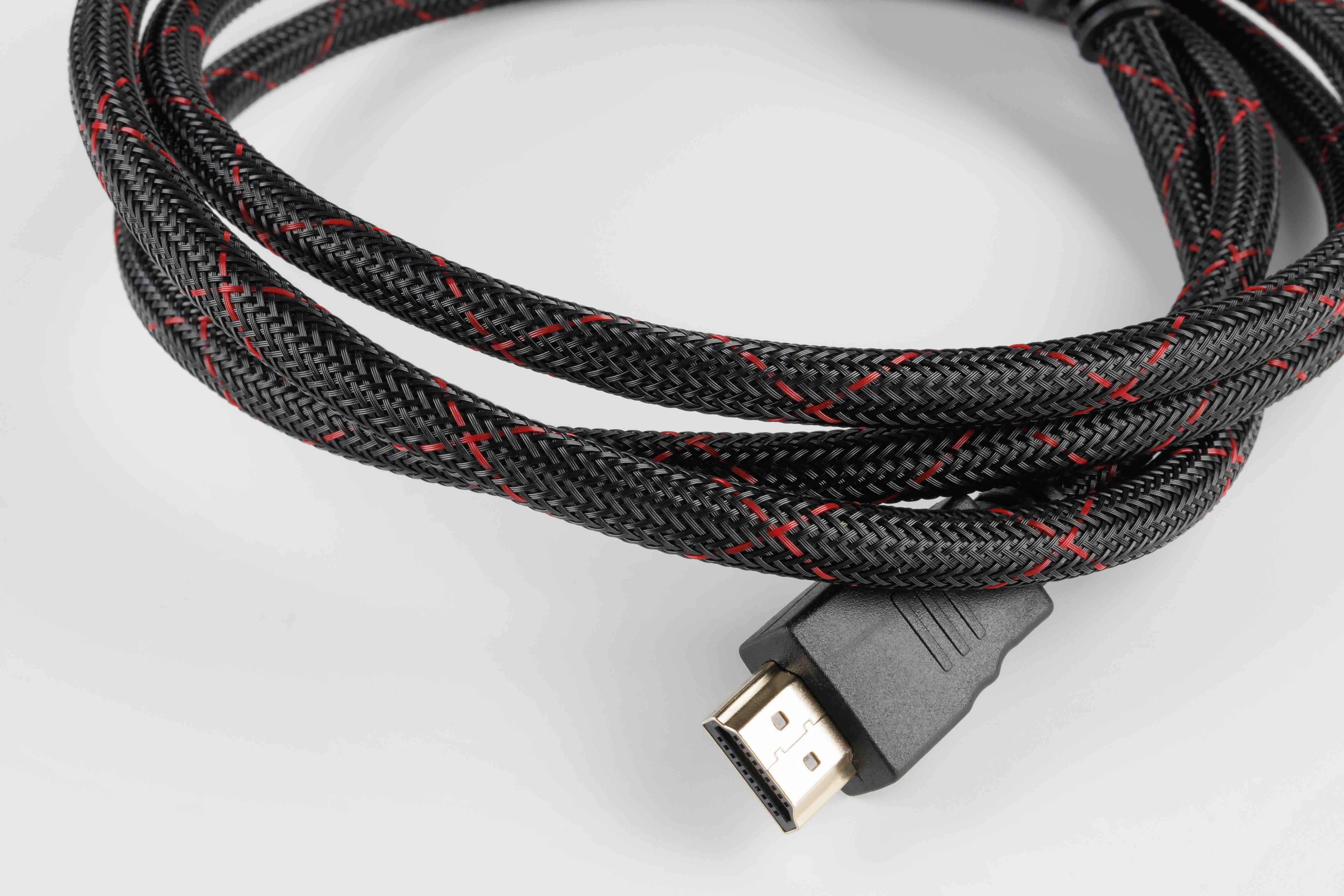
What Is an HDMI Cable and Why Does It Matter for Your Setup?
If you have ever connected a gaming console, laptop, or streaming device to a TV or monitor, there is a good chance you have used an HDMI cable without giving it much thought. That little connector carries a lot more responsibility than most people realize. HDMI, which stands for High-Definition Multimedia Interface, is the standard connection format used to transmit both high-definition audio and video through a single cable. That alone is worth pausing on. Before HDMI became the dominant standard, you needed separate cables for video and audio. Now it is all handled through one clean, compact connection. Understanding how it works, which version is right for your needs, and what to watch for when buying one can genuinely change how well your setup performs.
How HDMI Cables Actually Work
Here is the part most people skip over. An HDMI cable transmits data digitally, which means the signal going from your source device to your display is not being converted or degraded the way analog signals used to be. The cable itself contains multiple channels, including separate lanes for video data, audio data, and a control channel known as CEC, which allows connected devices to communicate with each other. There is also a channel called ARC, or Audio Return Channel, which lets audio pass back from a TV to a soundbar or AV receiver without needing a separate cable. The physical connector on most HDMI cables is the Type A, which is the full-size version you see on televisions and computers. Smaller Type C and Type D connectors are used for cameras and portable devices. The internal wiring is what actually determines bandwidth capability, not the plug size.
HDMI Versions Explained: From 1.4 to 2.1
This is where things get a little layered, so stay with it. HDMI has gone through several major versions over the years, and each one introduced higher bandwidth and new feature support. HDMI 1.4 was widely used for years and supports 1080p and basic 4K at 30Hz. HDMI 2.0 bumped that up to 4K at 60Hz and added support for HDR content, which made it the go-to standard for 4K streaming and gaming for a long time. HDMI 2.1 is the current top-tier version and the one that matters most right now for anyone running a modern gaming setup or a high-end home theater. It supports resolutions up to 10K, 4K at 120Hz, 8K at 60Hz, and includes Variable Refresh Rate technology, also called VRR, which reduces screen tearing during gameplay. It also supports enhanced ARC, or eARC, which allows for uncompressed audio formats like Dolby Atmos and DTS:X to pass through without any quality loss. Knowing which version your devices support will help you avoid buying a cable that bottlenecks your setup.
Key Advantages of Using HDMI Cables
There are real, practical reasons HDMI became the universal standard for AV connections, and they hold up. The single-cable convenience is probably the most obvious benefit. One cable handles everything, which simplifies installation and reduces cable clutter significantly. Beyond that, HDMI supports a wide range of audio formats and resolutions, making it versatile across setups from basic home entertainment to professional production environments. The digital signal means there is no signal degradation from interference the way analog connections were susceptible to. HDMI also supports plug-and-play functionality, so devices are recognized automatically when connected. For anyone building a smart home setup or managing an enterprise AV installation, features like CEC control and eARC integration add real operational value without adding complexity.
Common Drawbacks to Know Before You Buy
No technology is without its limitations, and HDMI is no exception. Cable length is one of the first things to think about. Standard passive HDMI cables can carry a reliable signal up to about 25 feet, but beyond that, signal degradation becomes a factor. For longer runs, active cables or HDMI extenders become necessary, which adds cost. Another consideration is version compatibility. Plugging an HDMI 1.4 cable into a 2.1-capable setup will cap your performance at 1.4 specifications, which is a common reason people do not get the picture or audio quality they expect. Connector durability is also worth mentioning. The HDMI connector is not the most robust design compared to something like a DisplayPort latch, so cables in high-traffic environments can loosen over time. Choosing well-built cables with reinforced connectors helps extend lifespan considerably.
Choosing the Right HDMI Cable for Your Needs
Shopping for HDMI cables is genuinely easier once you know what to look for. Start by checking what HDMI version your source device and display both support. There is no benefit to buying an HDMI 2.1 cable if your TV only supports 2.0, but if you are planning to upgrade equipment in the next year or two, buying ahead for 2.1 capability makes sense. Cable length matters more than people expect, so measure the actual distance between your devices before ordering. Build quality is also a practical consideration. Look for cables with oxygen-free copper conductors, gold-plated connectors, and braided shielding if the cable will be moved frequently or routed through walls. Bandwidth certification from HDMI.org is the clearest indicator that a cable will perform as advertised.
HDMI vs. DisplayPort vs. USB-C: Which Should You Use?
This question comes up constantly, and the honest answer is that it depends on your use case. HDMI is the dominant standard for consumer electronics, televisions, and AV receivers. DisplayPort is preferred in PC monitor setups, especially for gaming, because it often supports higher refresh rates and daisy-chaining multiple monitors. USB-C with DisplayPort Alternate Mode has become increasingly common on laptops and mobile devices, offering both power delivery and video output through a single port. For most home theater and entertainment setups, HDMI is the right choice. For high-refresh-rate PC gaming monitors, DisplayPort is worth considering if your GPU and display both support it. The good news is that most modern setups include all three, so you have options.
Practical Tips for Getting the Most from Your HDMI Cables
A few habits go a long way toward protecting your cables and your connected devices. Avoid sharp bends near the connectors, as stress at the termination point is the most common cause of cable failure. Route cables along walls or through cable management channels to keep them tidy and protected. If you are doing a permanent installation, consider using in-wall rated cables that meet fire safety standards for enclosed spaces. Label your cables in multi-device setups so troubleshooting is faster. When storing cables, coil them loosely rather than tightly wrapping them, which can damage internal wiring over time. For high-vibration or commercial environments, locking HDMI connectors or retention clips add security without much added cost.
Why Monoprice Is the Smart Choice for HDMI Cables
When it comes to building a reliable AV setup without overspending on cables that deliver no real performance advantage, Monoprice has been a trusted answer for both consumers and professionals for years. The lineup includes everything from standard HDMI 2.0 cables for everyday use to Ultra High Speed HDMI 2.1 certified cables for the most demanding 4K and 8K applications, all backed by certifications from HDMI.org and built with the kind of quality that holds up in real-world conditions. Whether you are a home theater enthusiast looking to complete a clean installation or an integrator sourcing cables for a commercial project, the combination of performance and price is hard to argue with. If you want HDMI solutions that are built to spec, certified to perform, and priced to make sense for your budget, explore the full range of high-performance HDMI cables and AV connectivity solutions at Monoprice and see exactly why so many professionals and everyday users keep coming back.
Frequently Asked Questions About HDMI Cables
What does HDMI stand for?
HDMI stands for High-Definition Multimedia Interface. It is a standardized audio and video interface used to transmit uncompressed digital data between a source device and a display.
What is the difference between HDMI 2.0 and HDMI 2.1?
HDMI 2.0 supports 4K resolution at up to 60Hz with HDR. HDMI 2.1 supports 4K at 120Hz, 8K at 60Hz, Variable Refresh Rate, and enhanced ARC for uncompressed audio formats, making it the better choice for modern gaming and home theater systems.
Do expensive HDMI cables actually perform better?
Not necessarily. A properly built, bandwidth-certified HDMI cable will perform the same as a far more expensive one at equivalent specifications. What matters is that the cable meets the required bandwidth for your resolution and refresh rate requirements.
How long can an HDMI cable run before signal loss occurs?
Passive HDMI cables typically maintain reliable signal quality up to about 25 feet. For longer distances, active HDMI cables or signal extenders are recommended to maintain full resolution and audio quality.
Is HDMI ARC the same as HDMI eARC?
No. ARC, or Audio Return Channel, supports compressed audio formats like Dolby Digital. eARC, or Enhanced Audio Return Channel, is a feature of HDMI 2.1 and supports uncompressed formats like Dolby Atmos and DTS:X, delivering significantly better audio quality through a compatible connection.
Can I use an HDMI 2.1 cable with an HDMI 2.0 port?
Yes. HDMI cables are backward compatible, so an HDMI 2.1 cable will work in an HDMI 2.0 port. However, the connection will only perform at the capability level of the lower-spec port.
What is HDMI CEC and what does it do?
CEC stands for Consumer Electronics Control. It allows HDMI-connected devices to communicate with and control each other. For example, turning on your gaming console can automatically power on your television and switch to the correct input.
Does HDMI cable thickness affect performance?
Thicker cables often use heavier gauge conductors, which can improve signal integrity over longer runs. However, for standard lengths under 15 feet, gauge differences have minimal impact on everyday performance.
What does HDMI bandwidth certification mean?
Bandwidth certification from HDMI.org indicates that a cable has been independently tested and verified to meet the data transfer specifications required for a given HDMI version. It is the most reliable way to confirm a cable will deliver its advertised performance.
Is HDMI better than DisplayPort for gaming?
It depends on your setup. HDMI 2.1 and DisplayPort 1.4 or 2.0 are both capable of high refresh rates for gaming. HDMI is more common on televisions, while DisplayPort is preferred for PC gaming monitors. Check the ports available on your specific display and GPU before deciding.


