

HDMI Cables Explained: Types, Versions, and What to Buy
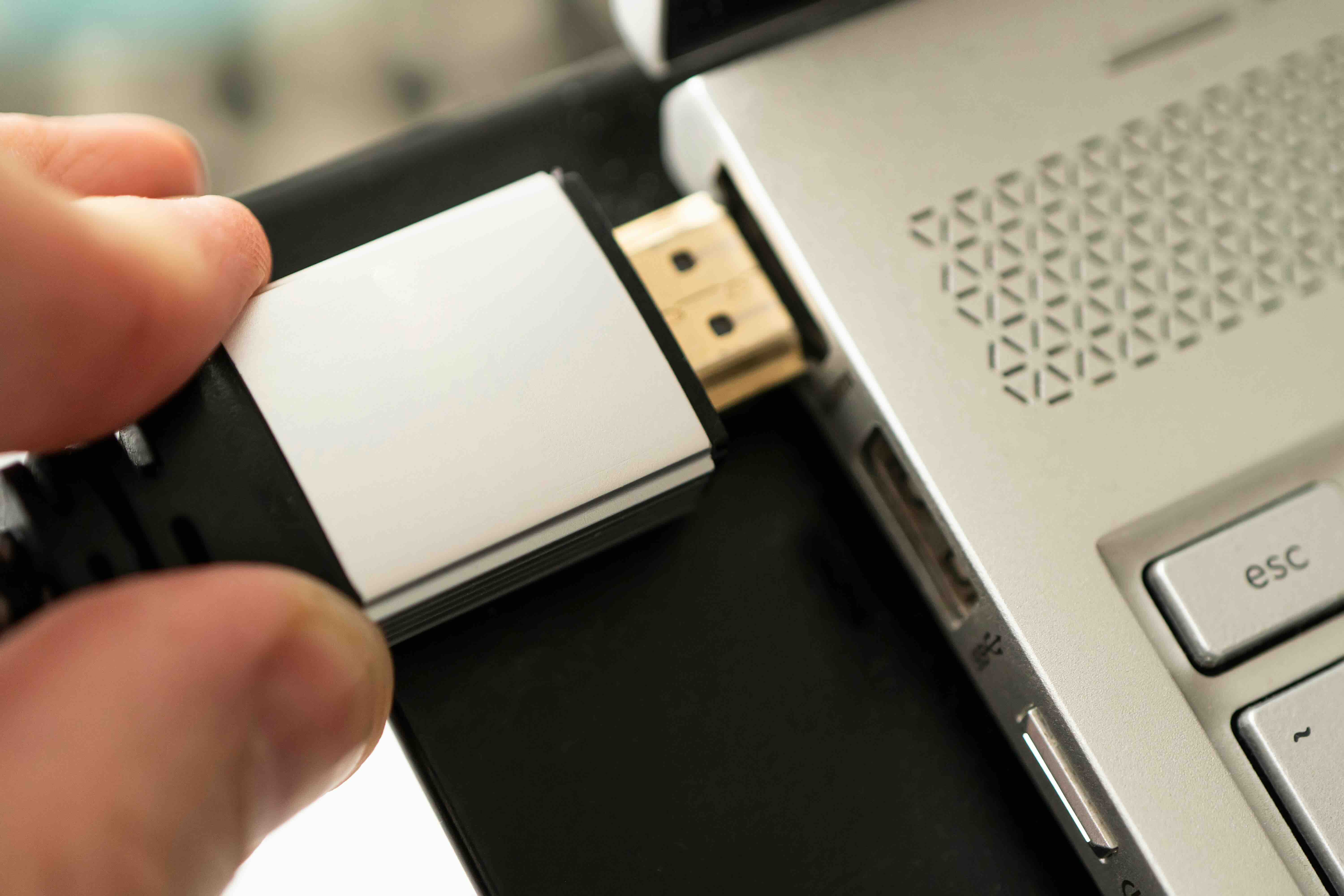
What Is an HDMI Cable and Why Does It Matter?
If you have a television, a gaming console, a laptop, or pretty much any display device made in the last fifteen years, you have almost certainly used an HDMI cable. High-Definition Multimedia Interface -- that is what HDMI stands for -- is the standard connection format for transmitting high-quality audio and video signals between devices over a single cable. It replaced a fragmented mess of older connectors like composite, component, and DVI, and it did so cleanly and completely. One cable, one connection, full audio and video. That was the promise, and by most measures, it delivered. What makes HDMI particularly significant in the technology industry is not just what it does, but how universally it has been adopted. Televisions, monitors, projectors, soundbars, streaming sticks, Blu-ray players, AV receivers -- practically every consumer and professional display device in production today ships with at least one HDMI port. That kind of ubiquity is rare, and it matters when you are trying to build a reliable setup without wrestling with adapters or compatibility headaches.
How HDMI Cables Actually Work
At a technical level, HDMI transmits data using Transition Minimized Differential Signaling, or TMDS. This is a method for sending high-speed digital signals across copper wiring with minimal interference and signal degradation. Inside the cable itself, there are multiple channels dedicated to carrying different parts of the signal -- video data, audio data, clock synchronization, and control information. There is also a small data channel called the Consumer Electronics Control line, commonly known as CEC, which allows connected devices to communicate with each other. That is why your TV remote can sometimes control your soundbar or why your console can trigger your display to wake up. HDMI also includes a channel called the Display Data Channel, or DDC, which enables the source device and the display to exchange capability information -- so your computer knows what resolutions and refresh rates your monitor supports. It is a surprisingly intelligent system underneath a very simple exterior, and that balance of depth and ease of use is a big reason HDMI has remained the dominant standard for so long.
HDMI Versions Explained: From 1.4 to 2.1
Not all HDMI cables and ports are created equal, and this is where a lot of confusion enters the picture. HDMI has gone through several major specification revisions over the years, each increasing bandwidth capacity and adding new feature support. Here is a practical breakdown of the versions you are most likely to encounter today:
- HDMI 1.4 -- Supports 1080p at 120Hz and 4K at 30Hz, includes basic ARC and 3D support
- HDMI 2.0 -- Raises bandwidth to 18 Gbps, supports 4K at 60Hz and HDR, enhanced ARC
- HDMI 2.1 -- Major jump to 48 Gbps bandwidth, supports 4K at 120Hz, 8K at 60Hz, Dynamic HDR, eARC, and Variable Refresh Rate
For most people watching streaming content on a 4K television, HDMI 2.0 is still sufficient. But if you are gaming at high frame rates, using a next-generation console, or building a serious home theater setup, HDMI 2.1 is worth the upgrade. The cable version matters, but so does the port version on your devices -- they both need to support the same specification to unlock the full feature set.
Key Advantages of HDMI Technology
The core strength of HDMI is simplicity without compromise. One cable handles everything -- 4K or 8K video, multichannel audio, HDR metadata, device control signals, and even Ethernet data in some configurations. That consolidation alone simplifies installation significantly, especially in home theater or commercial AV environments where cable management matters. Beyond convenience, HDMI supports genuinely high-performance output. Modern HDMI 2.1 cables support Variable Refresh Rate technology, which reduces screen tearing in gaming scenarios, and Enhanced Audio Return Channel, which allows lossless audio formats like Dolby TrueHD and DTS:X to pass from a television back to a connected AV receiver. HDMI is also a digital signal, which means it does not degrade the way analog signals do -- as long as the cable meets spec and is within a reasonable length, you get the full signal without noise or loss. For professionals building out AV infrastructure or integrators configuring commercial display systems, that reliability and standardization is exactly what the job demands.
Common Drawbacks and Limitations to Know
HDMI is not without its frustrations. Cable length is one of the most practical limitations -- passive copper HDMI cables begin to experience signal degradation beyond roughly 25 feet, depending on the version and construction quality. For longer runs, you need active cables, fiber optic HDMI solutions, or signal extenders. Version confusion is another genuine issue. Cables are not always clearly labeled with their supported specifications, and some products sold as high-speed cables do not meet the bandwidth requirements for HDMI 2.1 applications. This leads to situations where users buy a cable expecting 4K 120Hz performance and end up with a degraded or dropped signal. The connector itself -- the standard Type A plug -- is also not the most robust physical design. The port can loosen over time with repeated connection and disconnection, particularly on portable devices. These are manageable issues with the right products and a bit of knowledge, but they are worth knowing before you make a purchase.
HDMI Cable Types and Form Factors
HDMI comes in several connector configurations designed for different device categories. Standard Type A is the full-size connector most people recognize, used on televisions, receivers, and gaming consoles. Type C, or Mini HDMI, is a smaller version found on some cameras and older tablets. Type D, or Micro HDMI, is even smaller and shows up on certain portable cameras and smartphones. For installations that require tight clearance or frequent angled connections, right-angle HDMI connectors are available and particularly useful in wall-mount setups. There are also flat HDMI cables designed for routing along walls or under carpets without the bulk of round cables. Knowing which form factor you need before purchasing saves a lot of unnecessary returns and adapter purchases.
Grounding in HDMI: Why It Matters More Than You Think
Grounding inside an HDMI cable refers to the shielding and reference ground conductors built into the cable construction. These are not just passive elements -- they actively work to reduce electromagnetic interference, eliminate ground loops, and maintain signal integrity across the full bandwidth the cable is rated to carry. A poorly grounded or inadequately shielded HDMI cable can introduce noise, flickering, or complete signal dropouts even at short distances. In professional AV environments, grounding becomes especially critical when multiple cables and devices are sharing the same infrastructure. A well-built HDMI cable with proper foil and braid shielding, combined with solid ground conductors, is one of the most effective ways to ensure stable, consistent signal delivery. This is why cable construction quality matters beyond just the version number printed on the packaging -- the physical engineering inside the jacket directly affects real-world performance.
Practical Tips for Choosing the Right HDMI Cable
Buying the right HDMI cable does not have to be complicated, but a few guidelines will help you avoid common mistakes and make sure your setup performs the way it should. Consider these practical points before purchasing:
- Match the cable spec to your devices -- if your TV and console support HDMI 2.1, buy an Ultra High Speed certified cable rated for 48 Gbps
- Do not overpay for extreme lengths you do not need -- longer cables cost more and introduce risk; buy the length that fits your actual run
- Look for cables certified by HDMI.org -- this certification confirms independent testing and spec compliance
- Check for proper shielding in the product specs -- foil and braid shielding together provide the best protection against interference
- For runs over 25 feet, consider active HDMI cables or fiber HDMI solutions to maintain signal integrity
A cable is not just a cable when it comes to high-bandwidth digital signals. The materials, construction, and certification all translate directly into how your display performs.
Why Monoprice Is the Smarter Choice for HDMI Cables and AV Connectivity
When it comes to building out a reliable AV setup -- whether at home or in a commercial environment -- the cable infrastructure is not a place to cut corners or overpay. Monoprice has spent years building a reputation as one of the most trusted sources for high-performance connectivity products at prices that actually make sense. From standard high-speed HDMI cables to certified Ultra High Speed HDMI 2.1 solutions rated for 48 Gbps, the lineup covers every application without the inflated margins that come with brand-name retail alternatives. For integrators, IT professionals, and serious home theater builders, the value proposition is clear: certified performance, honest specs, and pricing that works across both single-unit and volume purchases. If you are ready to build or upgrade your display infrastructure with cables that are built to spec and backed by real warranty coverage, explore the full range of certified HDMI cables and AV connectivity solutions from Monoprice and see exactly what you have been overpaying for elsewhere. The performance is there. The price is right. And the specs do not lie.
Frequently Asked Questions About HDMI Cables
What does HDMI stand for?
HDMI stands for High-Definition Multimedia Interface. It is a standardized audio and video interface used to transmit uncompressed digital signals between a source device and a display or audio output device.
What is the difference between HDMI 2.0 and HDMI 2.1?
HDMI 2.0 supports up to 18 Gbps of bandwidth and handles 4K video at 60Hz with HDR. HDMI 2.1 increases bandwidth to 48 Gbps, adding support for 4K at 120Hz, 8K at 60Hz, Dynamic HDR, Variable Refresh Rate, and Enhanced Audio Return Channel.
Does the quality of an HDMI cable actually matter?
Yes, cable construction quality matters, particularly for longer runs and higher bandwidth applications. Poor shielding, inadequate grounding conductors, or substandard materials can result in signal dropouts, flickering, or reduced resolution output even if the cable is labeled as high-speed.
How long can an HDMI cable be before signal loss occurs?
Passive copper HDMI cables typically perform reliably up to about 25 feet. Beyond that distance, signal degradation becomes a risk, and active cables, fiber optic HDMI cables, or signal extenders are recommended to maintain full performance.
What is HDMI ARC and eARC?
ARC stands for Audio Return Channel and allows audio to be sent from a TV back to a connected AV receiver or soundbar through the same HDMI cable. eARC, or Enhanced Audio Return Channel, is available in HDMI 2.1 and supports higher-bandwidth audio formats including Dolby TrueHD and DTS:X.
What does HDMI CEC do?
CEC, or Consumer Electronics Control, is a feature built into HDMI that allows connected devices to communicate control signals with each other. It enables functions like controlling a soundbar volume with a TV remote or having a gaming console automatically wake a connected display.
Are all HDMI cables backward compatible?
Yes, HDMI connectors are physically backward compatible, meaning you can plug an HDMI 2.1 cable into an HDMI 1.4 port. However, the connection will only operate at the capability of the lowest-spec component in the chain -- cable, source device, or display.
What is Ultra High Speed HDMI certification?
Ultra High Speed HDMI is a certification issued by HDMI.org that confirms a cable has been independently tested and verified to meet the 48 Gbps bandwidth requirement for HDMI 2.1 applications. It is the most reliable way to confirm a cable will support 4K 120Hz and 8K 60Hz performance.
Can HDMI cables carry Ethernet data?
Yes, certain HDMI cables include an Ethernet channel called HDMI with Ethernet, which supports a 100 Mbps network connection between devices. However, this feature requires both the cable and the connected devices to support it, and it is not widely used in most consumer setups.
What is the best HDMI cable for gaming?
For next-generation gaming at 4K 120Hz or higher with Variable Refresh Rate and Dynamic HDR support, you need a certified Ultra High Speed HDMI 2.1 cable. Both your console and television also need to have HDMI 2.1 ports to take full advantage of these features.


