

HDMI Cable with Ethernet: What It Is and Why It Matters
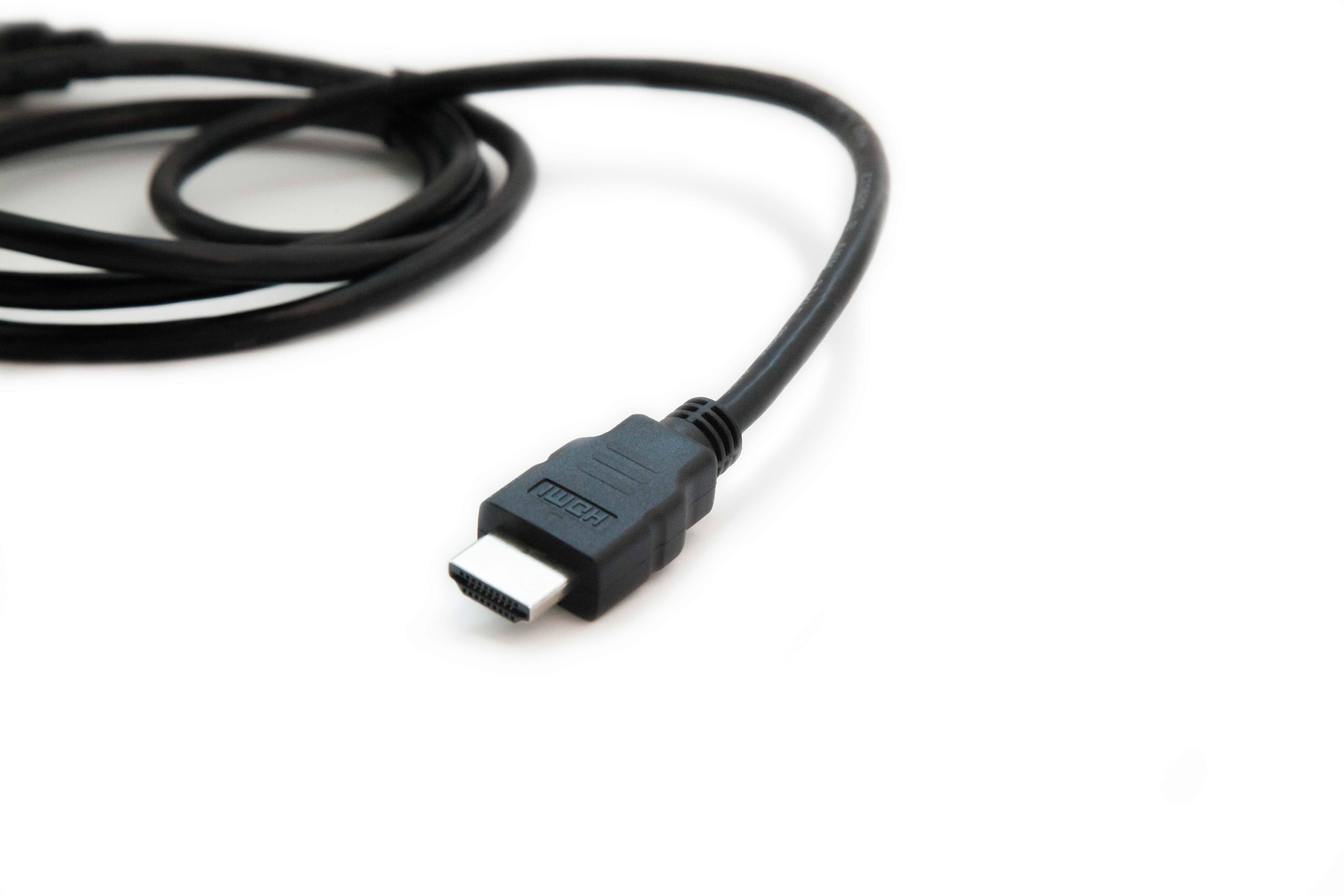
What Is an HDMI Cable with Ethernet? A Complete Guide for Smarter Connectivity
So you have heard the term thrown around -- HDMI with Ethernet -- and honestly, it sounds like one of those features that should be obvious but somehow never quite is. HDMI cables are everywhere. TVs, monitors, gaming consoles, projectors. You probably have a few sitting in a drawer right now. But the Ethernet part? That is where things get a little more interesting, and a little more useful than most people realize. This guide breaks it all down clearly, from what the technology actually does to whether you genuinely need it in your setup.
The Basics: What Does HDMI with Ethernet Actually Mean
HDMI stands for High-Definition Multimedia Interface. It is the standard cable format that carries both high-definition video and audio between devices over a single connection. An HDMI cable with Ethernet -- formally called HDMI with Ethernet Channel, or HEC -- adds a data channel to that same cable. This means the cable can simultaneously carry your audio and video signal and share an internet connection between two devices, all without needing a separate Ethernet or network cable running alongside it. It was introduced as part of the HDMI 1.4 specification back in 2009, and it has been part of every major HDMI version released since. The idea was simple: reduce cable clutter and let smart devices communicate over a shared network path through a connection that was already there.
How HDMI Ethernet Channel Technology Works
The HDMI Ethernet Channel operates at speeds up to 100 Mbps, which is fast enough for streaming, software updates, and standard internet activity on a smart device. Inside the cable, a dedicated pair of conductors handles the Ethernet data separately from the audio and video signals. So there is no compression or signal degradation happening between the two functions -- they run on separate paths within the same physical cable. Here is something worth noting though: both devices on either end of the cable must support HEC for this feature to work. If only one device supports it, you still get your audio and video signal without issue, but the Ethernet sharing capability simply will not activate. It is backward compatible in terms of signal transmission -- just not in terms of the Ethernet feature specifically.
Key Advantages of Using HDMI Cables with Ethernet
There are several real, practical reasons why this cable type earns its place in a thoughtful home or professional AV setup. The benefits are not just theoretical -- they translate to cleaner installs and fewer headaches over time.
- Reduced cable clutter behind your entertainment center or rack
- Single-cable solution for both display output and network connectivity
- Backward compatible with all standard HDMI devices
- Supports smart TV and streaming device connectivity without a separate LAN cable
- Useful in commercial or built-in installations where running multiple cables is difficult
- Supports up to 100 Mbps Ethernet, sufficient for most smart device networking tasks
In professional AV installations especially, cutting down the number of cables running through a wall or conduit is a significant advantage. Every cable you eliminate reduces installation time, potential failure points, and long-term maintenance complexity. For integrators and installers, that adds up quickly.
Common Drawbacks and Limitations Worth Knowing
Fair warning -- this technology is not universally supported, and that creates some friction in real-world use. The Ethernet Channel feature requires both connected devices to have HEC enabled and active. In practice, many consumer electronics manufacturers have been slow to implement it, even when advertising HDMI 1.4 or later compatibility. That means you could buy the right cable and still never use the Ethernet feature simply because your TV or receiver does not support it on the firmware or hardware level. It is also worth pointing out that while 100 Mbps is adequate for most tasks, it is not going to replace a dedicated gigabit Ethernet run for bandwidth-heavy professional environments. Think of it as a convenience feature -- genuinely useful when it works, but not a replacement for a dedicated network infrastructure in demanding setups.
HDMI Cable Versions and Ethernet Support: What You Need to Know
Not all HDMI cables include Ethernet support, and the version labeling can be confusing. Here is how it breaks down practically. Standard HDMI cables -- the older ones -- do not include HEC. You need a cable specifically rated as Standard HDMI with Ethernet, High Speed HDMI with Ethernet, or Premium High Speed HDMI with Ethernet to get the feature. Ultra High Speed HDMI cables, which are designed for 8K and 4K at 120Hz, also support Ethernet. When you are shopping, look for the explicit Ethernet label on the packaging or product listing. Do not assume that any HDMI cable carries the feature just because it is a newer or higher-bandwidth model -- the Ethernet conductors have to be physically included in the cable construction, and that is a specific manufacturing decision that needs to be confirmed at the product level.
Who Should Use HDMI Cables with Ethernet
This is a reasonable question. The honest answer is that HDMI with Ethernet is most valuable in specific scenarios rather than universally necessary for every user. If you are setting up a clean home theater with a smart TV and want to minimize visible cables, it makes sense. If you are an AV integrator building out a wall-mounted display solution where pulling additional cable is difficult or expensive, it is genuinely useful. For commercial installations -- conference rooms, digital signage, hotel room entertainment systems -- it can simplify infrastructure in meaningful ways. For a casual user who already has a wireless router and no interest in tidy cable management, the Ethernet feature may never come into play. But having the capability available costs very little when the cable is already priced competitively, so it rarely makes sense to deliberately buy a version without it.
Practical Tips for Getting the Most Out of HDMI with Ethernet
A few straightforward habits will help you actually benefit from this technology rather than just owning a cable that has a feature you never use. First, check your device documentation. Smart TVs and AV receivers that support HEC will typically list it in the specifications section. Second, make sure the cable length is appropriate -- longer HDMI cables can introduce signal degradation, and while Ethernet over HDMI is relatively robust, staying within recommended lengths for your signal quality standard is still good practice. Third, buy cables from manufacturers who are transparent about their construction specs. Conductors, shielding, and connector quality all affect long-term performance. A cable that is advertised as HDMI with Ethernet but built with poor materials is not going to deliver what the label promises.
Is HDMI with Ethernet Still Relevant in a Wireless World
It is a fair challenge to raise. Wi-Fi is fast, it is convenient, and most modern smart devices are designed around wireless connectivity as the default. But wired connections still win on reliability, especially in environments with high RF interference or congested wireless spectrums. In commercial spaces, convention centers, and multi-device home theaters, a wired Ethernet connection -- even one shared through an HDMI cable -- provides stability that wireless simply cannot match consistently. Beyond that, HDMI with Ethernet supports the broader goal of what the HDMI specification calls the home network, where multiple devices can communicate and share resources through a unified interface. That architecture is still evolving, and having cables that support it keeps your infrastructure forward-compatible without requiring you to re-run wiring later.
Why Monoprice Is the Right Source for HDMI Cables with Ethernet
When you are shopping for HDMI cables with Ethernet, the market is genuinely crowded, and the quality gap between budget and performance options can be dramatic. Monoprice has spent years building a reputation for delivering exactly what the product listing says -- cables that are properly constructed, clearly specced, and priced without the inflated margins that come with brand name recognition alone. If you are looking for reliable, high-performance HDMI cables with Ethernet for home theater and professional AV installations, Monoprice offers a product range that spans standard to Ultra High Speed options, all built to meet the performance and budget demands of both everyday users and professional integrators. The value here is straightforward: you get certified performance, honest specs, and pricing that respects your budget -- whether you are outfitting a single living room or a multi-room commercial system.
Frequently Asked Questions About HDMI Cables with Ethernet
What is the difference between a regular HDMI cable and an HDMI cable with Ethernet?
A regular HDMI cable transmits audio and video signals only. An HDMI cable with Ethernet includes an additional data channel called the HDMI Ethernet Channel, or HEC, which allows two connected devices to share an internet connection through the same cable at speeds up to 100 Mbps.
Do both devices need to support HEC for the Ethernet feature to work?
Yes. Both the source and display device must support and have enabled the HDMI Ethernet Channel feature for the shared internet connection to function. If only one device supports HEC, the cable still transmits audio and video normally -- the Ethernet function simply will not activate.
Is an HDMI cable with Ethernet backward compatible with older devices?
Yes. HDMI cables with Ethernet are fully backward compatible with standard HDMI devices. The Ethernet Channel is an additive feature and does not interfere with standard audio and video transmission on devices that do not support HEC.
What HDMI version first introduced Ethernet Channel support?
The HDMI Ethernet Channel was introduced with the HDMI 1.4 specification in 2009. All subsequent HDMI versions, including 2.0 and 2.1, also support HEC when paired with a cable that includes the necessary conductors.
Can an HDMI cable with Ethernet replace a dedicated Ethernet cable?
For basic internet tasks like streaming and software updates on smart devices, it can. However, it supports a maximum of 100 Mbps and is not a replacement for gigabit Ethernet infrastructure in high-bandwidth or enterprise environments.
How do I know if my TV supports HDMI Ethernet Channel?
Check your TV's user manual or the manufacturer's product specifications page. Devices that support HEC will typically list it under connectivity or HDMI specifications. You can also check the firmware settings menu on some smart TVs for network sharing options.
Does cable length affect performance on HDMI cables with Ethernet?
Yes. Longer HDMI cables can introduce signal degradation for both audio and video as well as the Ethernet data channel. For most installations, staying under 25 feet for passive cables is recommended. Active or certified premium cables can support longer runs more reliably.
Are all HDMI cables sold today equipped with Ethernet support?
No. Ethernet support is not included in all HDMI cables. You must specifically purchase a cable labeled as Standard HDMI with Ethernet, High Speed HDMI with Ethernet, Premium High Speed HDMI with Ethernet, or Ultra High Speed HDMI with Ethernet to get the HEC feature.
Is HDMI with Ethernet worth it for a standard home TV setup?
In most cases, yes -- especially since cables with Ethernet support are comparably priced to standard HDMI cables. Even if you do not use the Ethernet feature immediately, having a cable that supports it gives you flexibility as your devices and needs evolve over time.
Can I use an HDMI cable with Ethernet for gaming consoles and streaming devices?
Yes. HDMI cables with Ethernet are fully compatible with gaming consoles, streaming sticks, and media players. If those devices support HEC, you may be able to share an internet connection through the cable. If not, the cable still delivers full audio and video performance without any limitations.


